Multi-agent design pipeline
Design Agent
The Design Agent is a multi-stage Claude Code pipeline that takes a product spec from a one-paragraph brief through to shipped React + Tailwind UI. It runs as six specialized subagents, each responsible for one stage and constrained to a small toolset.
This page describes the pipeline, walks through what it produced for the example project (Code Walkthroughs — A local tool that guides a reviewer through an unfamiliar codebase along meaningful execution paths, with structured review actions and classification-driven checklists.), and ends with what we'd change next time.
§ The pipeline
What the design agent is and how its six stages fit together.
Six stages, six subagents. The dispatcher (the user's main Claude Code session) only routes to the right subagent for the request — no design work happens at the dispatcher level. Each subagent reads the relevant prior artifacts on every run, keeping its own context window minimal.
- 1. DiscoveryTurns a spec or conversation into a brief, feature list, and user flows. The output is structured artifacts the rest of the pipeline can read.
- 2. Information ArchitecturePer-screen content inventories — what exists, hierarchy, priority. No coordinates, no visuals. Forces decisions about what content is load-bearing before the user has any visual vocabulary.
- 3. StyleGenerates several distinct token sets as design directions — colors, typography, spacing, radii — each with a small preview component. User picks one; the selected set becomes
tailwind.config.js. - 4. LayoutTurns content inventories into element maps with pixel coordinates. Renders "blocked" PNGs (every element shown as a labeled rectangle) so spatial choices can be reviewed before any component code exists.
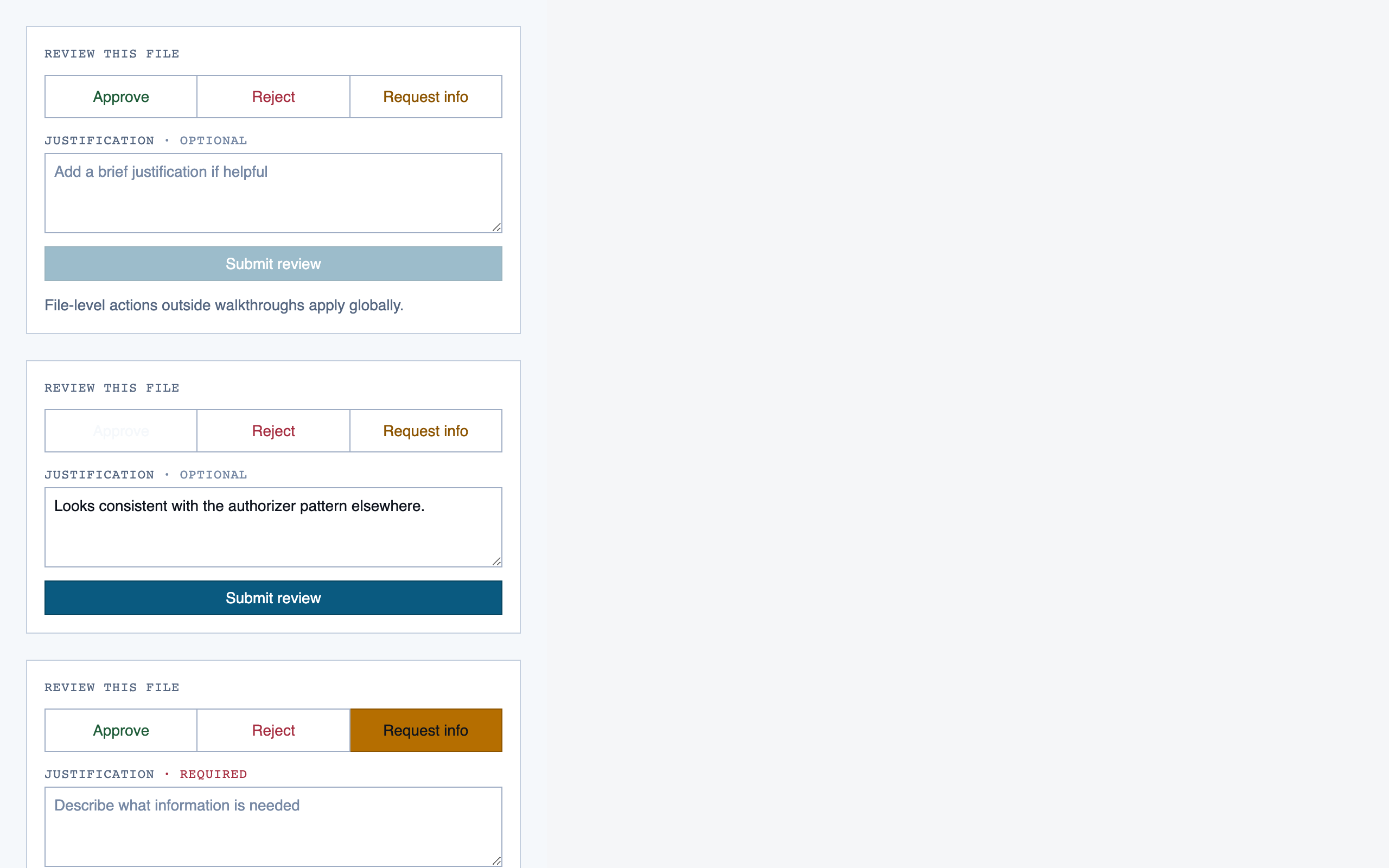
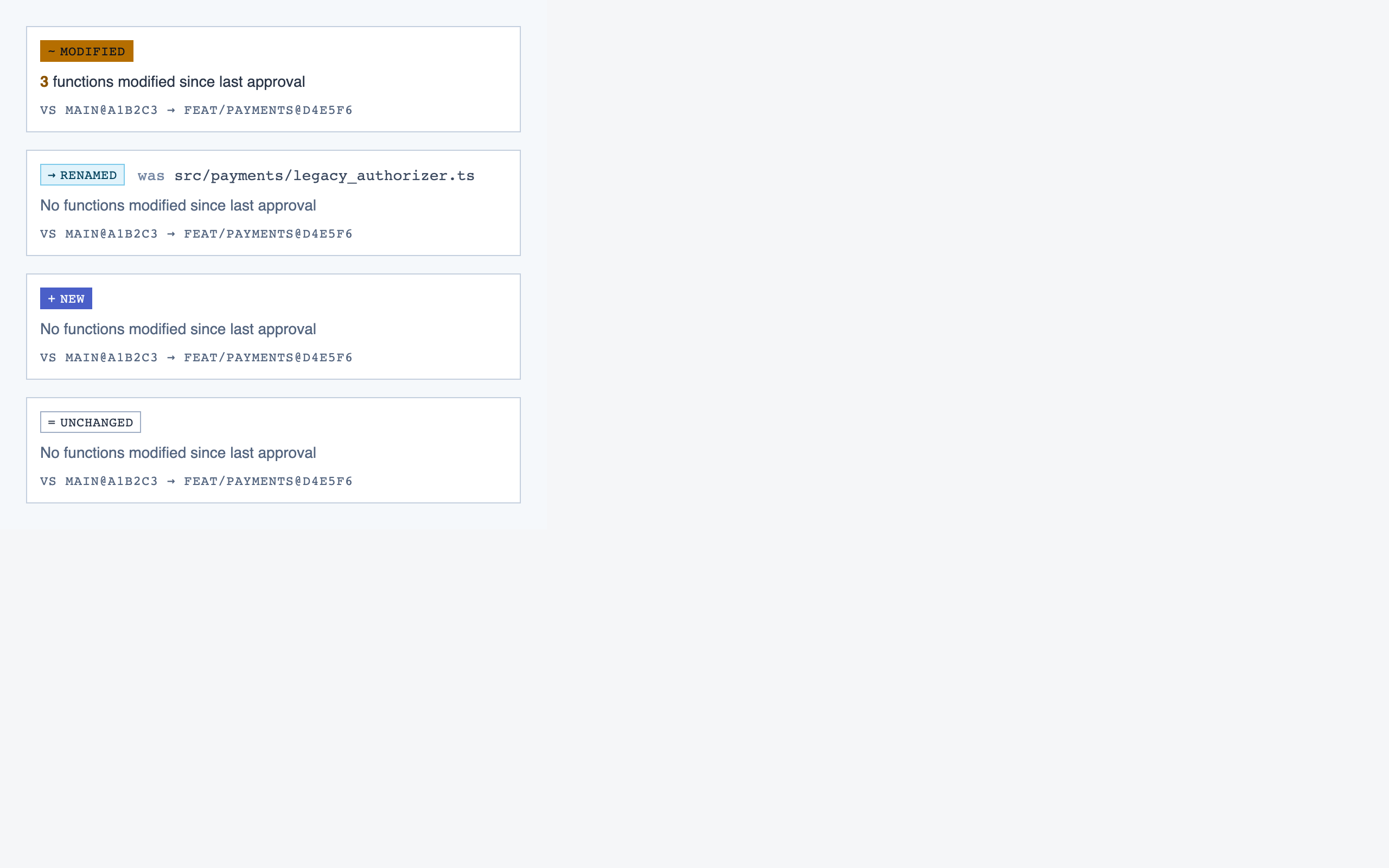
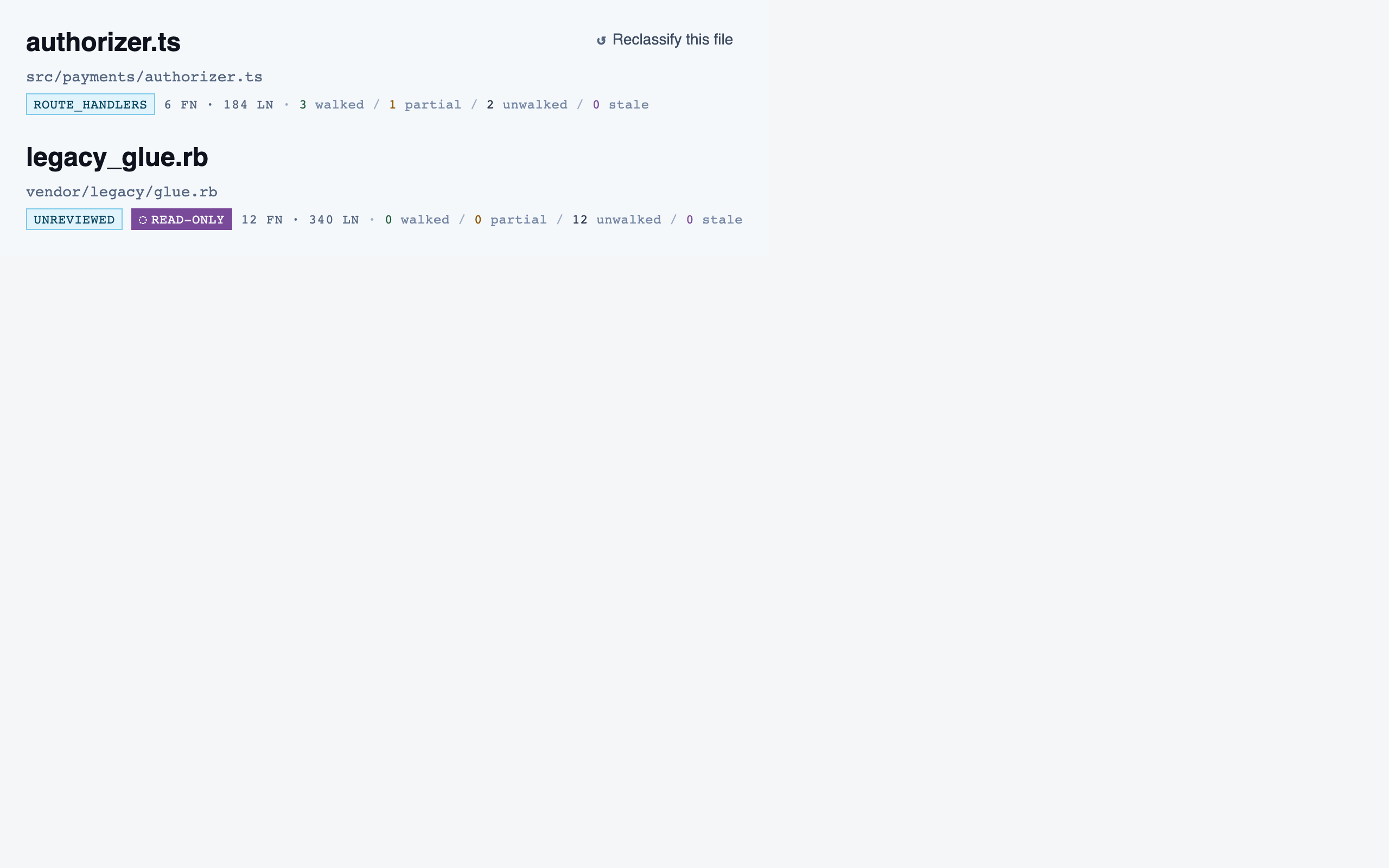
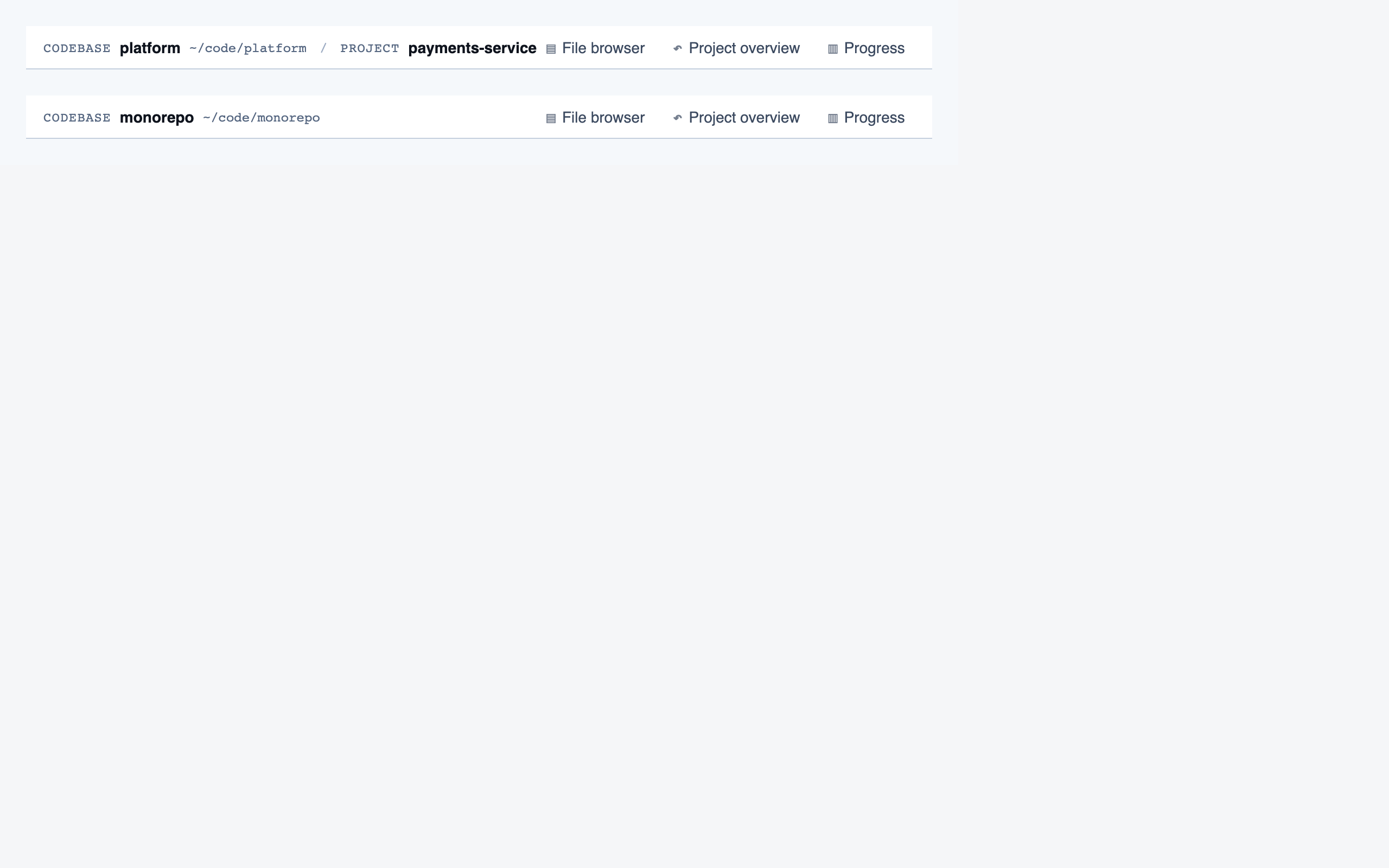
- 5. ComponentsGenerates React + Tailwind components from the element maps, constrained to the project's tokens. Each component renders into its own visual eval; promotion to a shared component requires both shared intent and shared structure.
- 6. AssemblyComposes full pages from the registered components, matching the element maps and the selected tokens. Final stage of the pipeline.
Two splits are deliberate. IA before Style: content structure should be decided before the user has visual vocabulary, otherwise the style choice biases what content gets surfaced. Style before Layout: spatial positioning needs typography and color decided so density and rhythm are reasoned with real materials.
Evals run in two places — inside subagents (each stage runs eval on its own work before presenting to the user) and inside save-wrappers for tokens, components, and pages (eval runs before write; on failure nothing is saved). Evals from stage 4 onward use Claude vision: render to PNG with Playwright, feed the screenshot back, get structured findings.
§ Worked example: Code Walkthroughs
What each stage actually wrote, in pipeline order.
The rest of this page walks the actual artifacts the pipeline produced for Code Walkthroughs, stage by stage. All screenshots open full-size on click; anything that would otherwise dump a wall of images is collapsed by default.
§ Stage 1 — Discovery
A spec becomes a structured brief, feature list, and flows.
Discovery is a conversation, not a form. The subagent asks 6–10 open-ended questions about who the product is for, what problem it solves, what's not in scope, and what the visual register should be. The output is three artifacts: a brief, a features list, and one or more user flows.
Code Walkthroughs — what came out
One-liner
A local tool that guides a reviewer through an unfamiliar codebase along meaningful execution paths, with structured review actions and classification-driven checklists.
Personas (3)
- The New Joiner — Engineer, 2-10 years experience, inheriting an unfamiliar codebase — a new job, a new team, or a project handed off. Comfortable reading code, impatient with tooling that gets in the way.
- The PR Reviewer — Engineer reviewing a medium-to-large pull request — either a human contribution or a batch of AI-generated changes. Knows the codebase well enough to have opinions but not well enough to memorize every call site.
- The AI-Code Auditor — Engineer auditing a batch of AI-generated changes — same person as the PR Reviewer in many orgs, but with a different stance toward the code: higher suspicion, lower assumption of intent.
Non-goals (excerpt)
- Collaboration, shared comments, or multi-reviewer review assignment (v1 is single-user)
- Deep git history analysis — only two user-specified commit refs are ever read
- Languages beyond JavaScript and TypeScript (architecture must not preclude Python, Go, etc. but no implementations)
- Rebase-safe migration of the comparison range itself — rebased branches require new refs
- Remote or hosted mode — everything is local
Features
28 features (19 marked must). The full list
is in projects/code-walkthroughs/brief/features.json.
§ Stage 2 — Information Architecture
Content inventories per screen. Decided before any visual vocabulary.
IA decides what each screen is for and what content it must hold — headings, sections, key interactive bits, alternate states. No coordinates, no token references, no styling. The output is one inventory JSON per screen plus a sitemap describing how they connect.
Splitting IA out from layout means the user has to commit to content hierarchy before they're allowed to move things around. It's where most of the "is this even the right shape of product?" conversations happen.
Code Walkthroughs — sitemap (12 screens)
| Screen | Purpose |
|---|---|
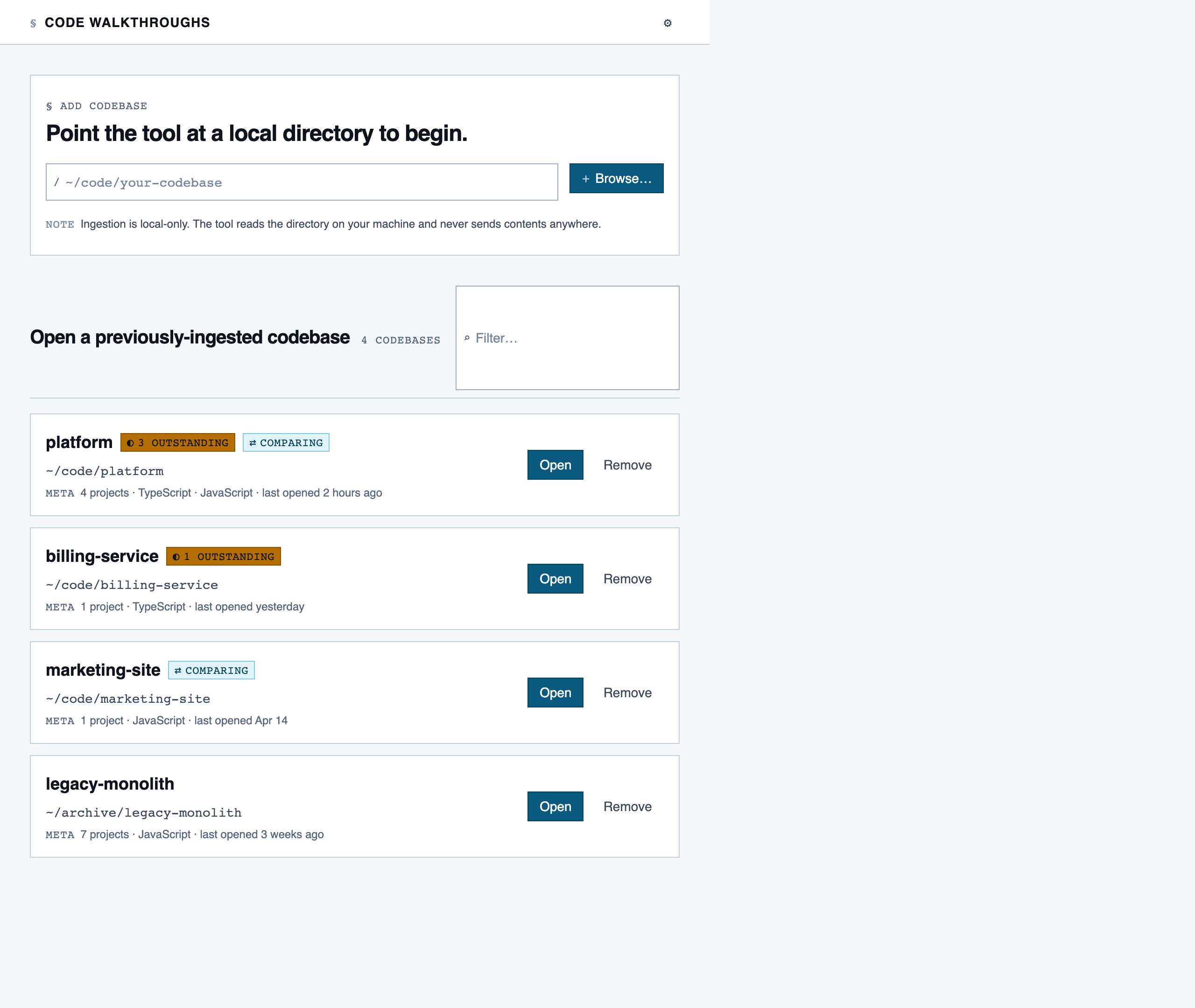
codebase_picker | Select a local directory to ingest, or resume a previously-ingested codebase from a list of known codebases (serves as welcome/empty state on first run). |
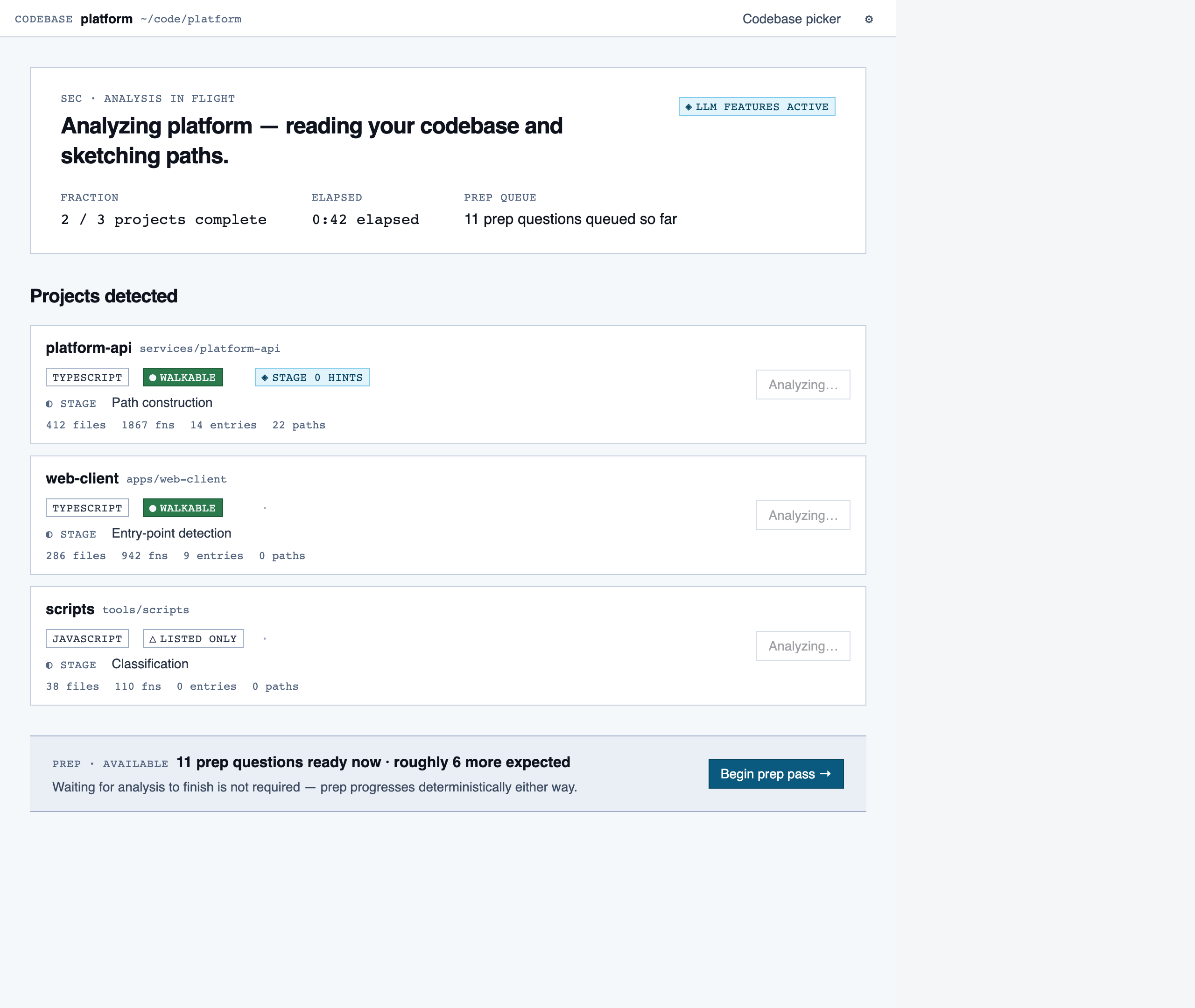
analysis_progress | Show per-project analysis progress (AST parse, classification, entry-point detection, path construction) while the reviewer waits or begins prep in parallel. |
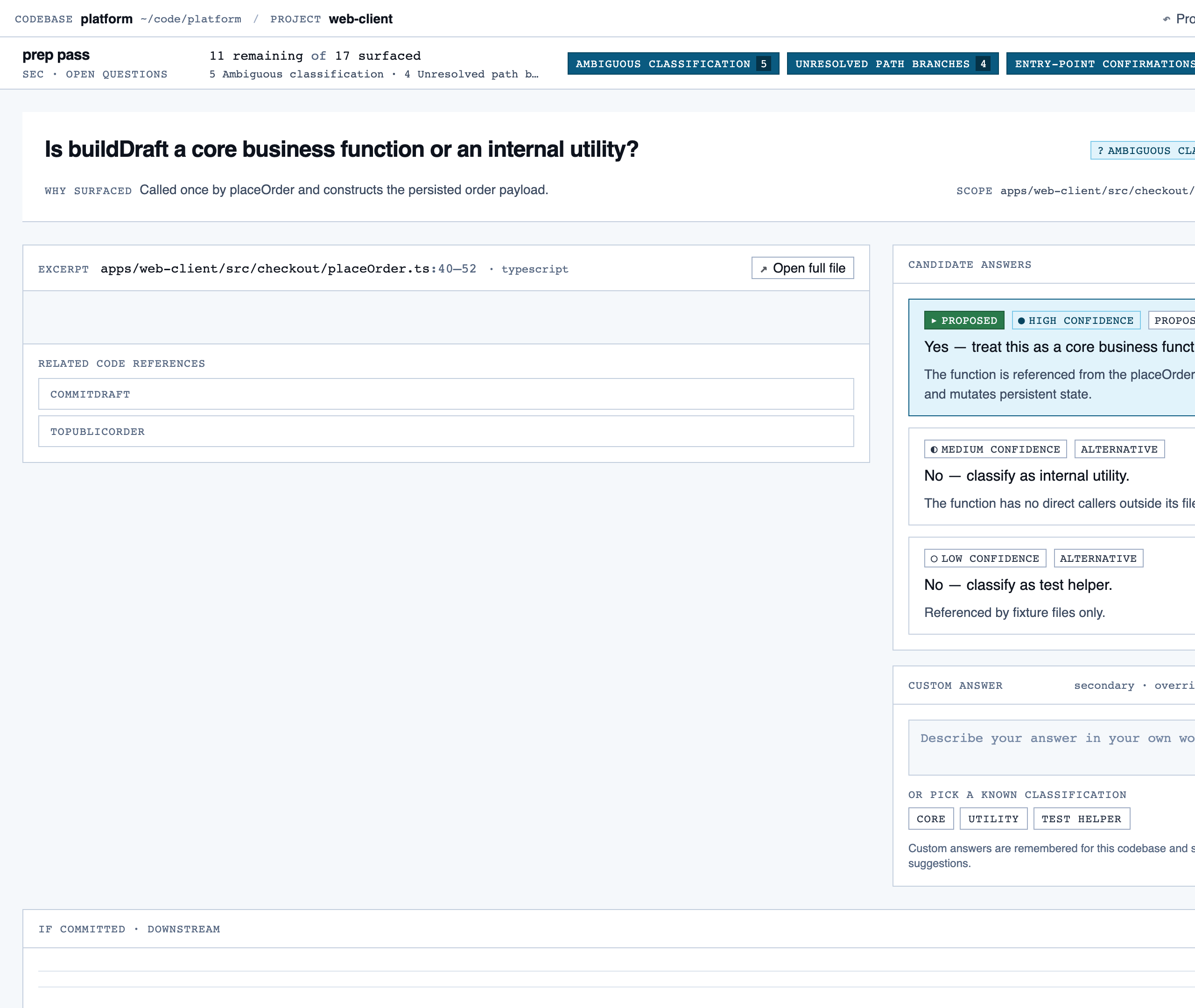
prep_pass | Triage unresolved questions from analysis — ambiguous classifications, unresolved path branches, entry-point confirmations, possible renames — one question at a time with pre-generated answers and alternatives. |
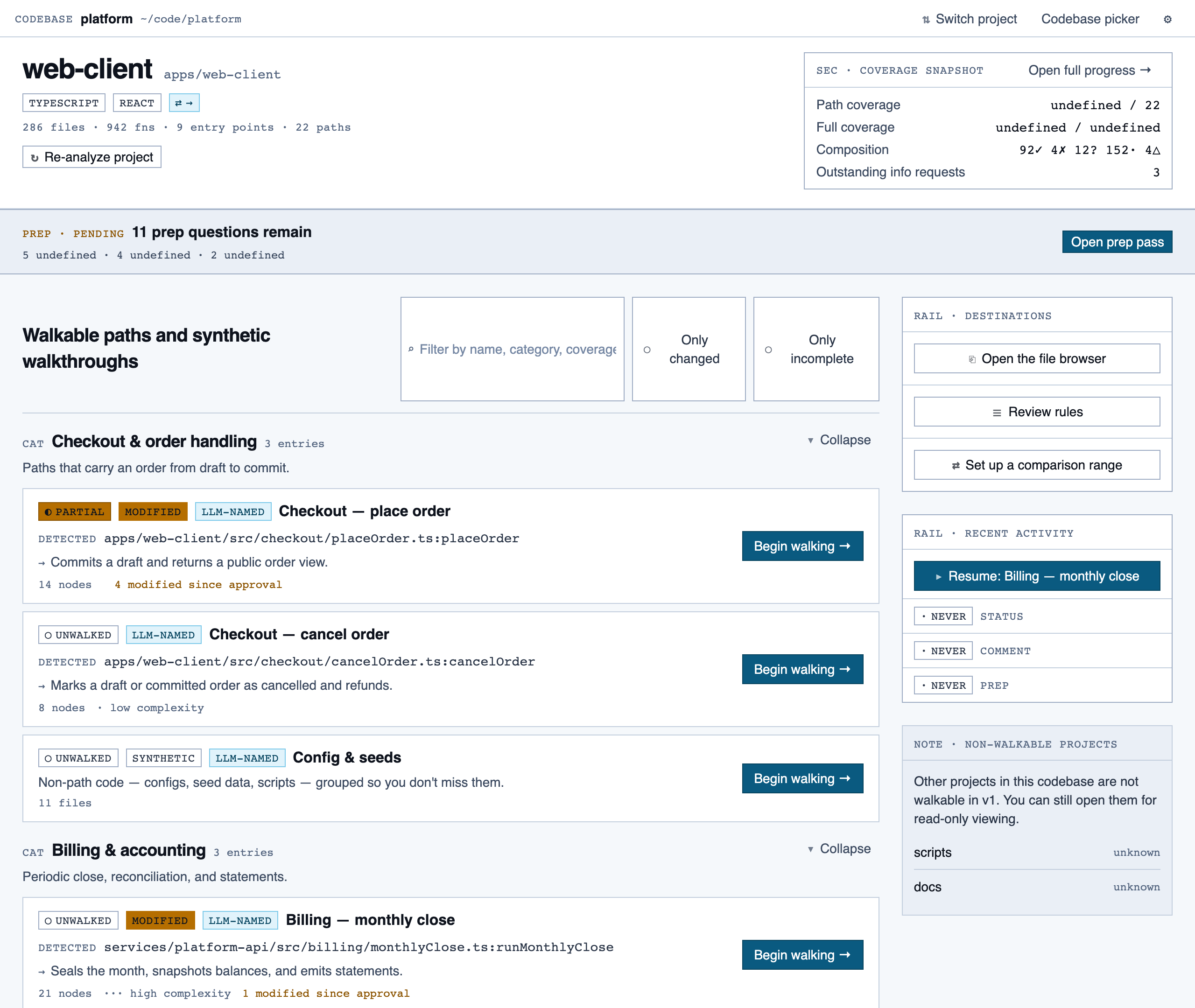
project_overview | The project's home base — detected paths (optionally categorized by theme), synthetic walkthroughs for non-path code, entry to the file browser, progress indicators, and remaining prep questions. Absorbs the role of presenting available paths to pick from. |
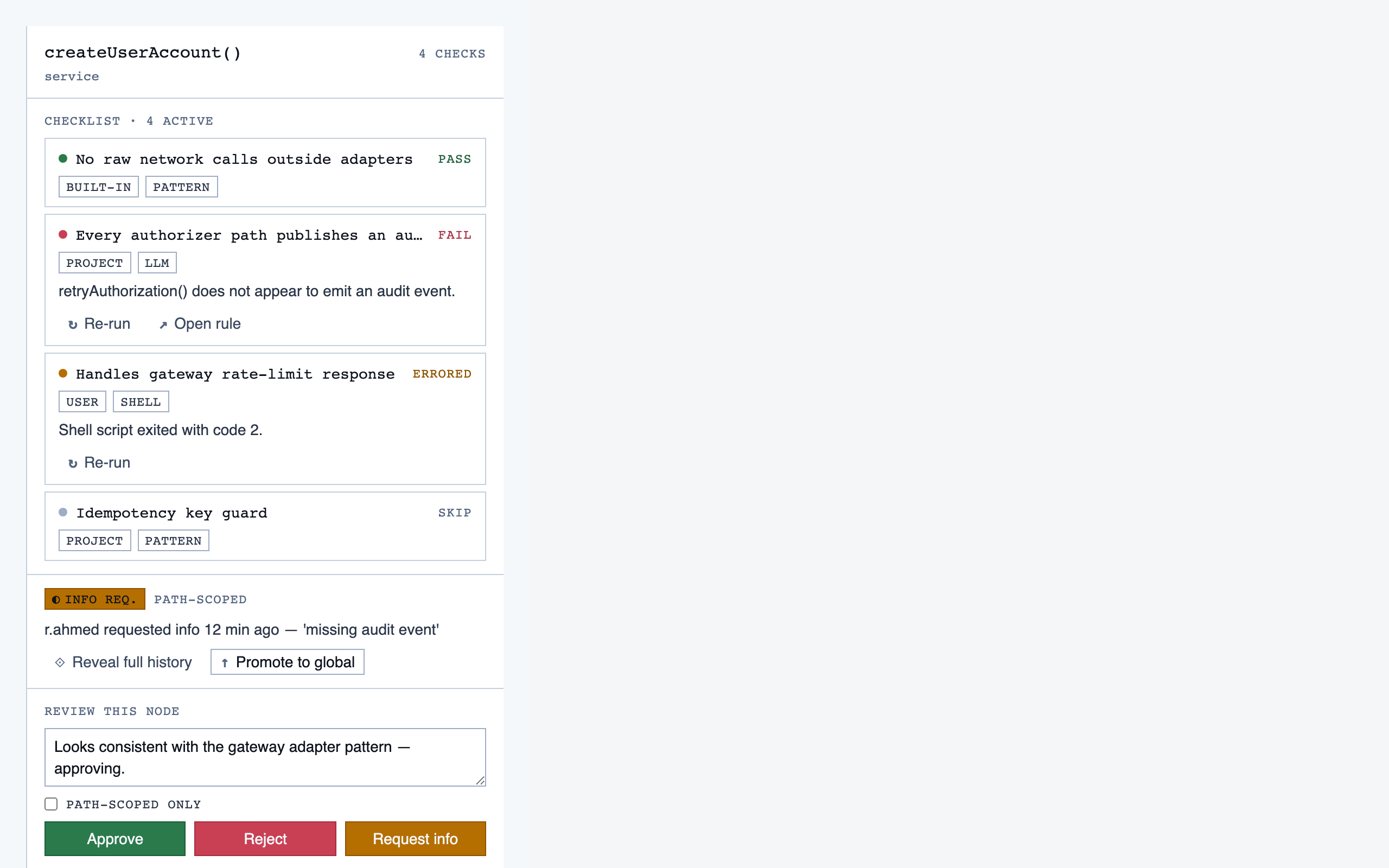
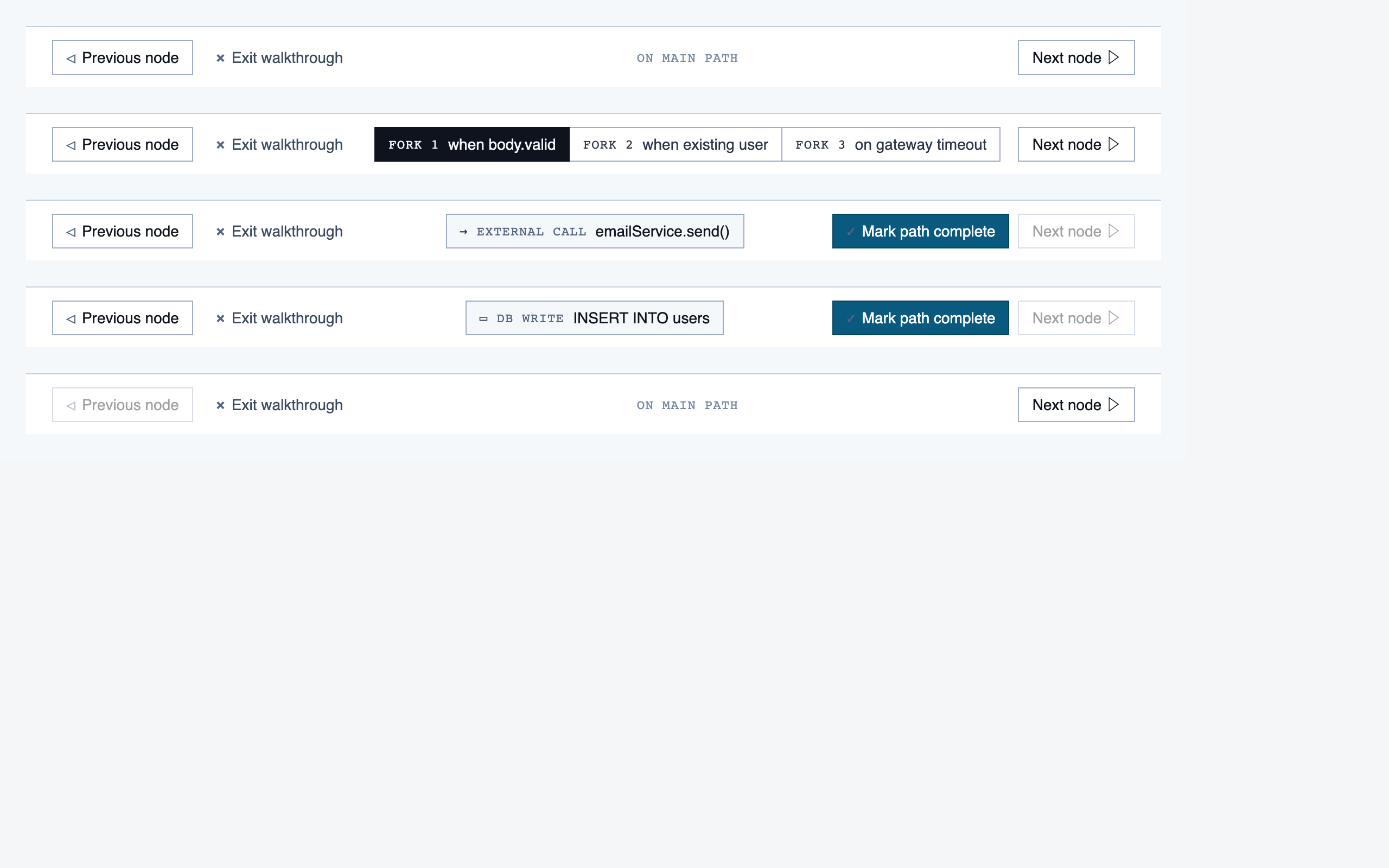
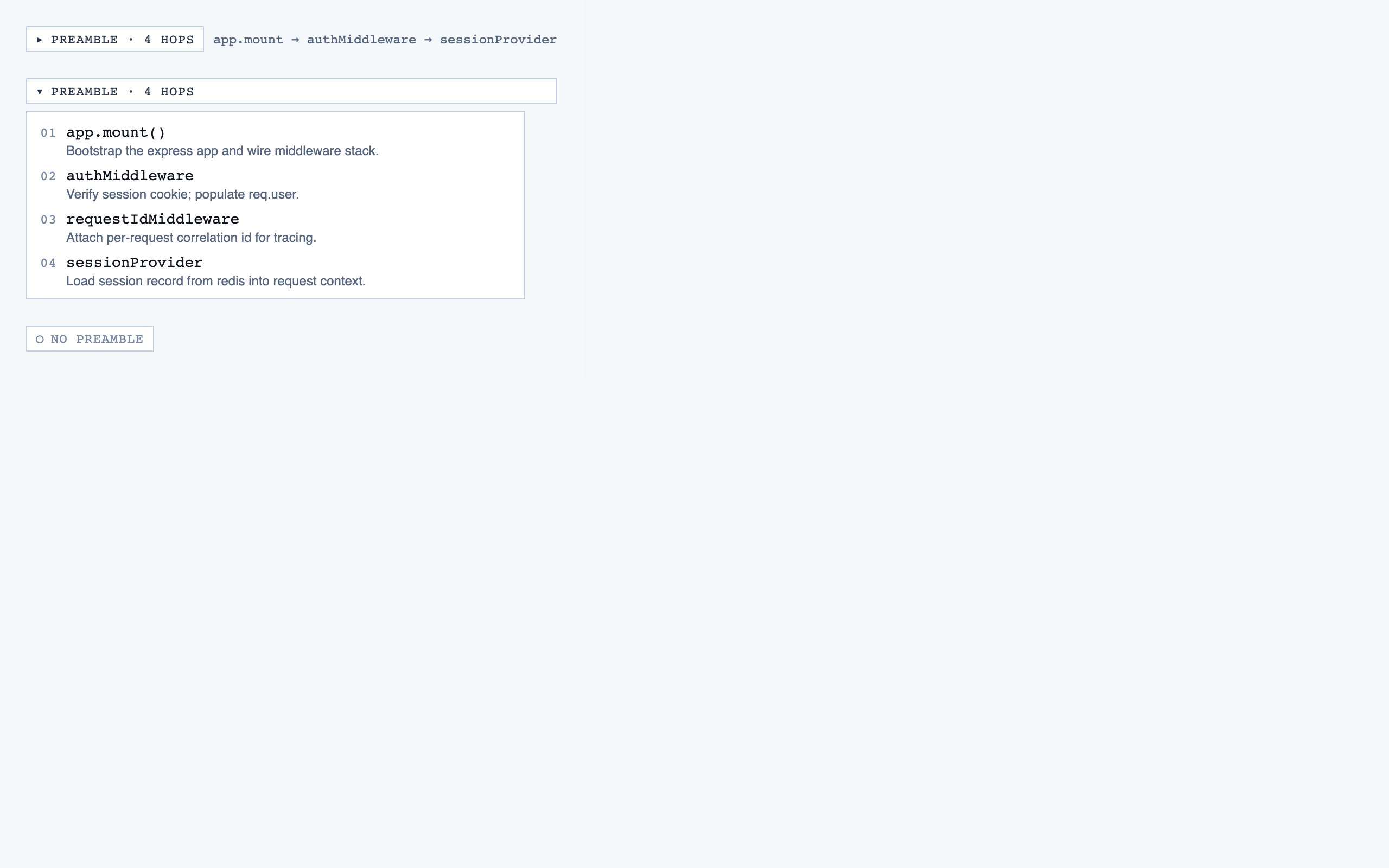
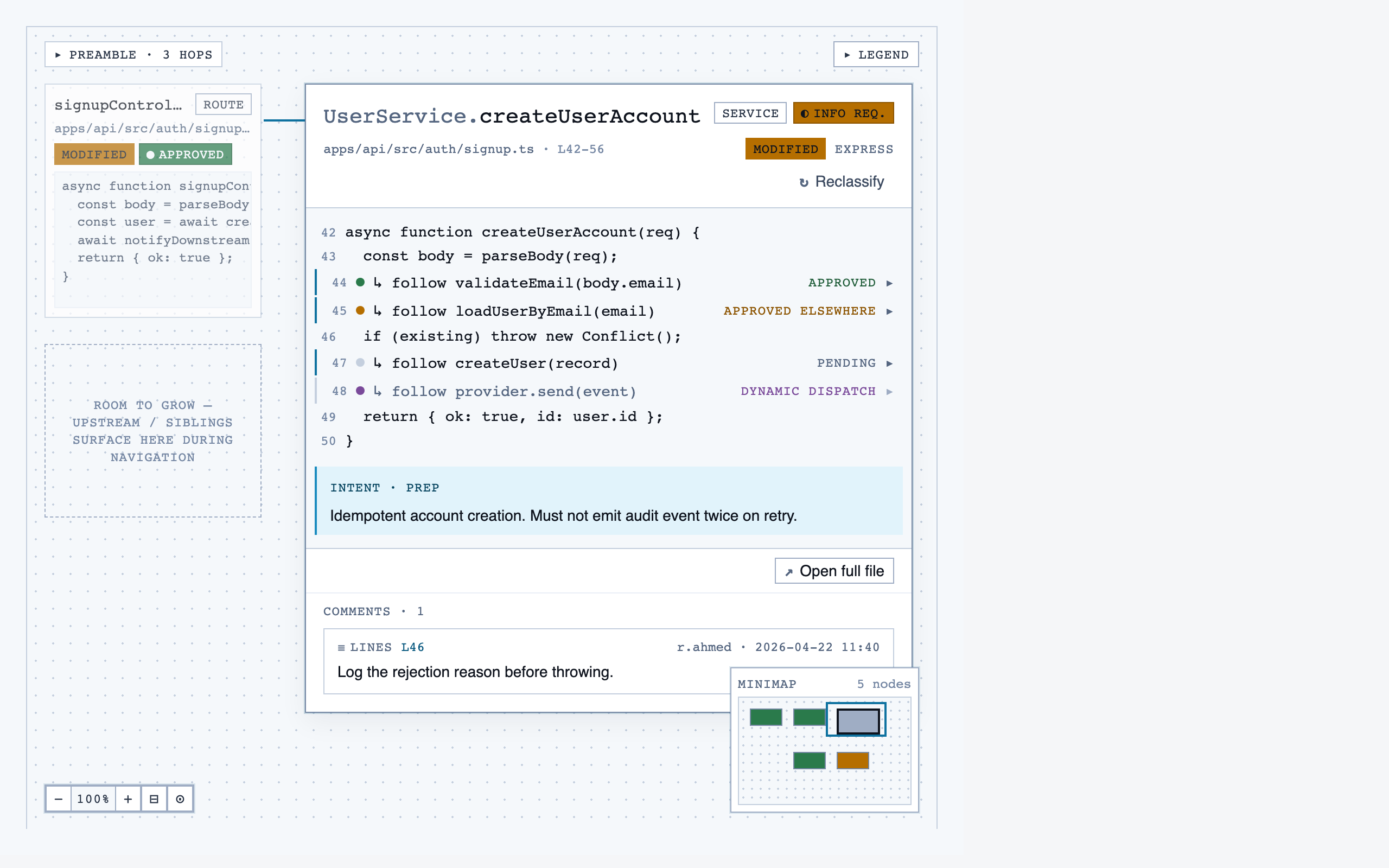
walkthrough_node | The core review surface — one node at a time with syntax-highlighted code, classification, checklist (built-in + user + project rules with origins), rule evaluations, four-state status indicator, review actions (approve / reject / request info), comments, the ability to dig into called functions and return, visibility of preamble context above the entry point, and a way to move to the next / previous node on the current path or take a fork when the path branches. |
file_browser | Navigable view of the project's files with per-file classification and four-state status; fallback for non-path code (configs, scripts, seeds) and free browsing. |
file_view | Holistic file review — full file with syntax highlighting, file-level classification, per-function status indicators, file-level and function-level status actions with cascade resolution, and line-range/function/file comments. |
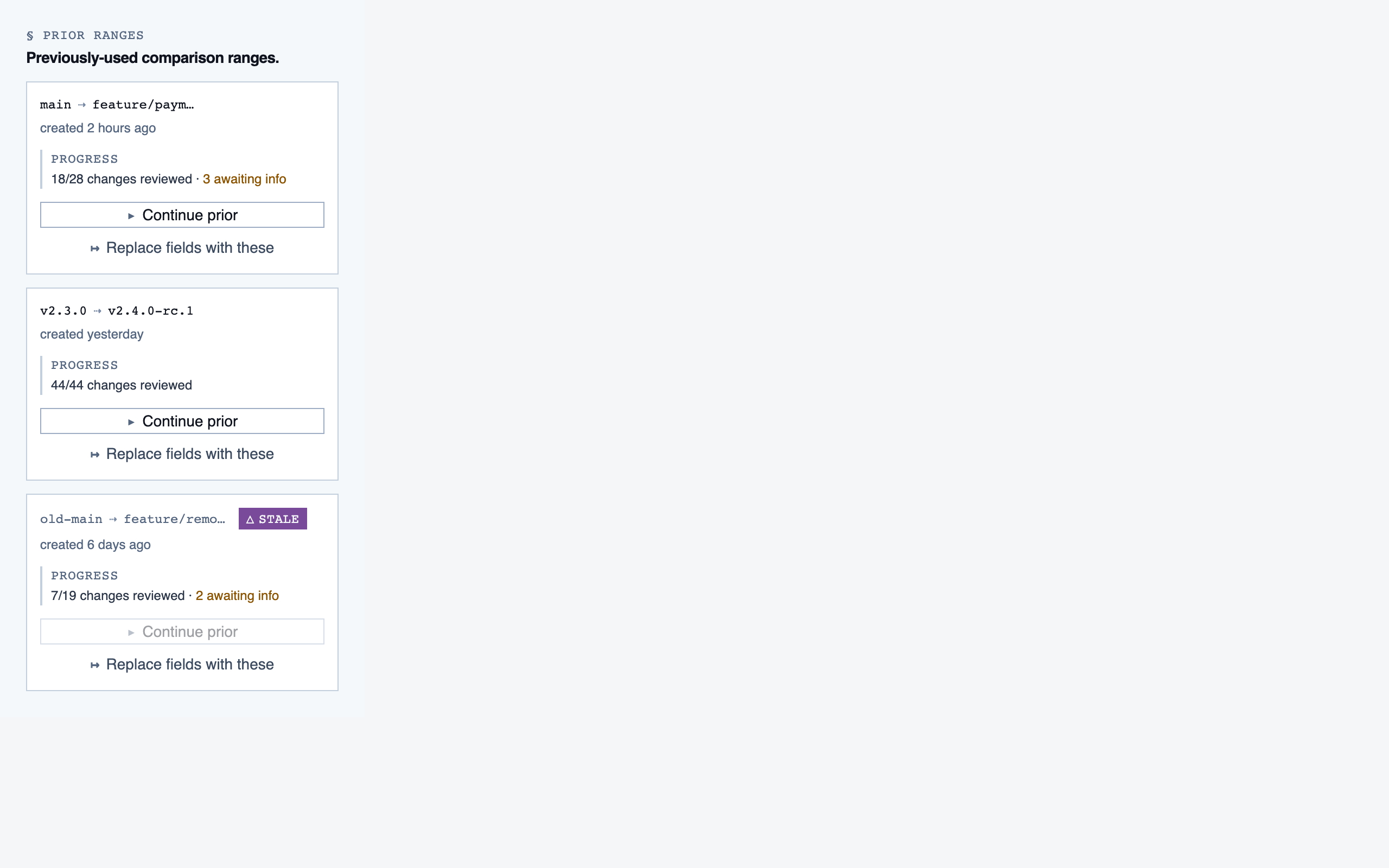
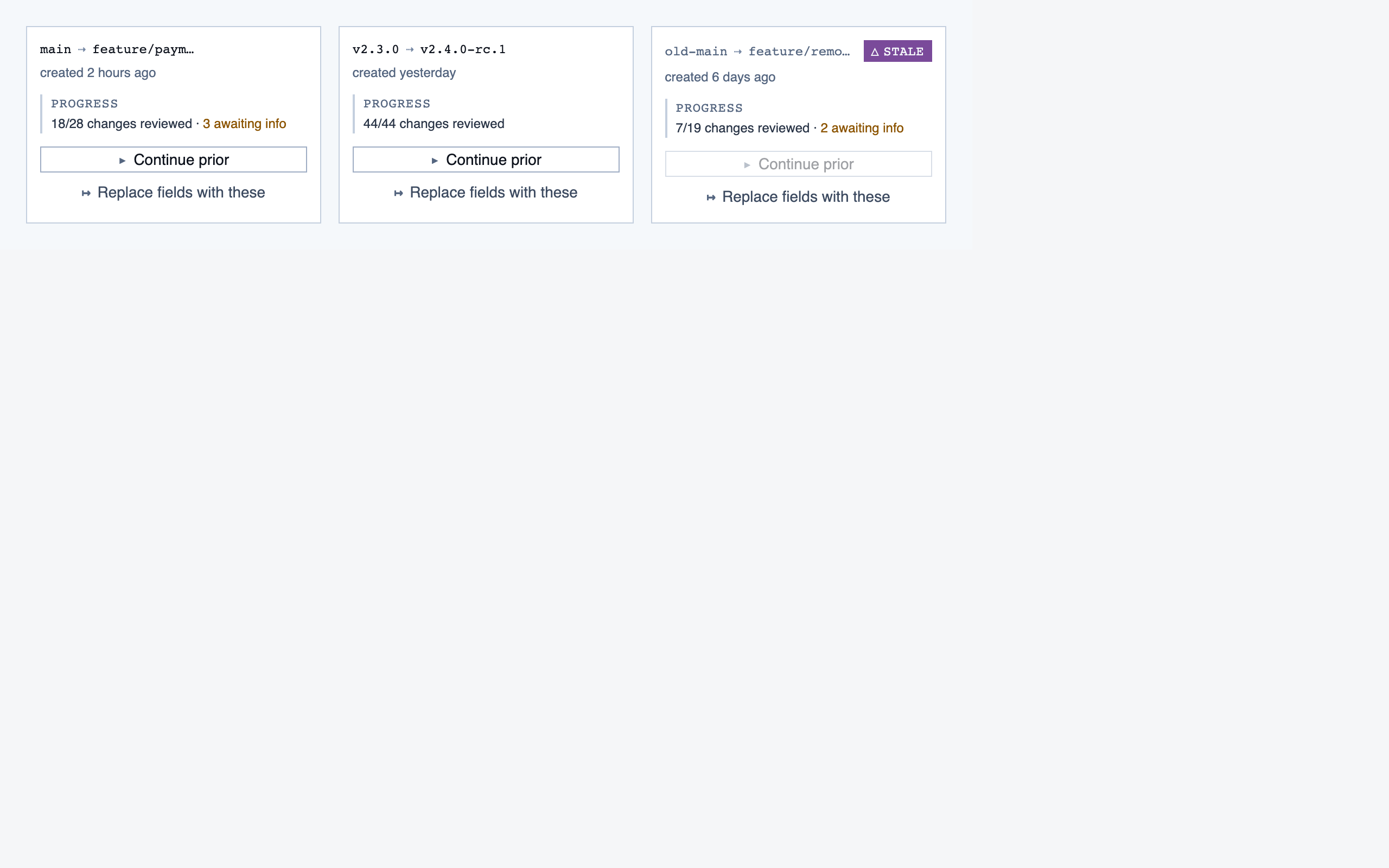
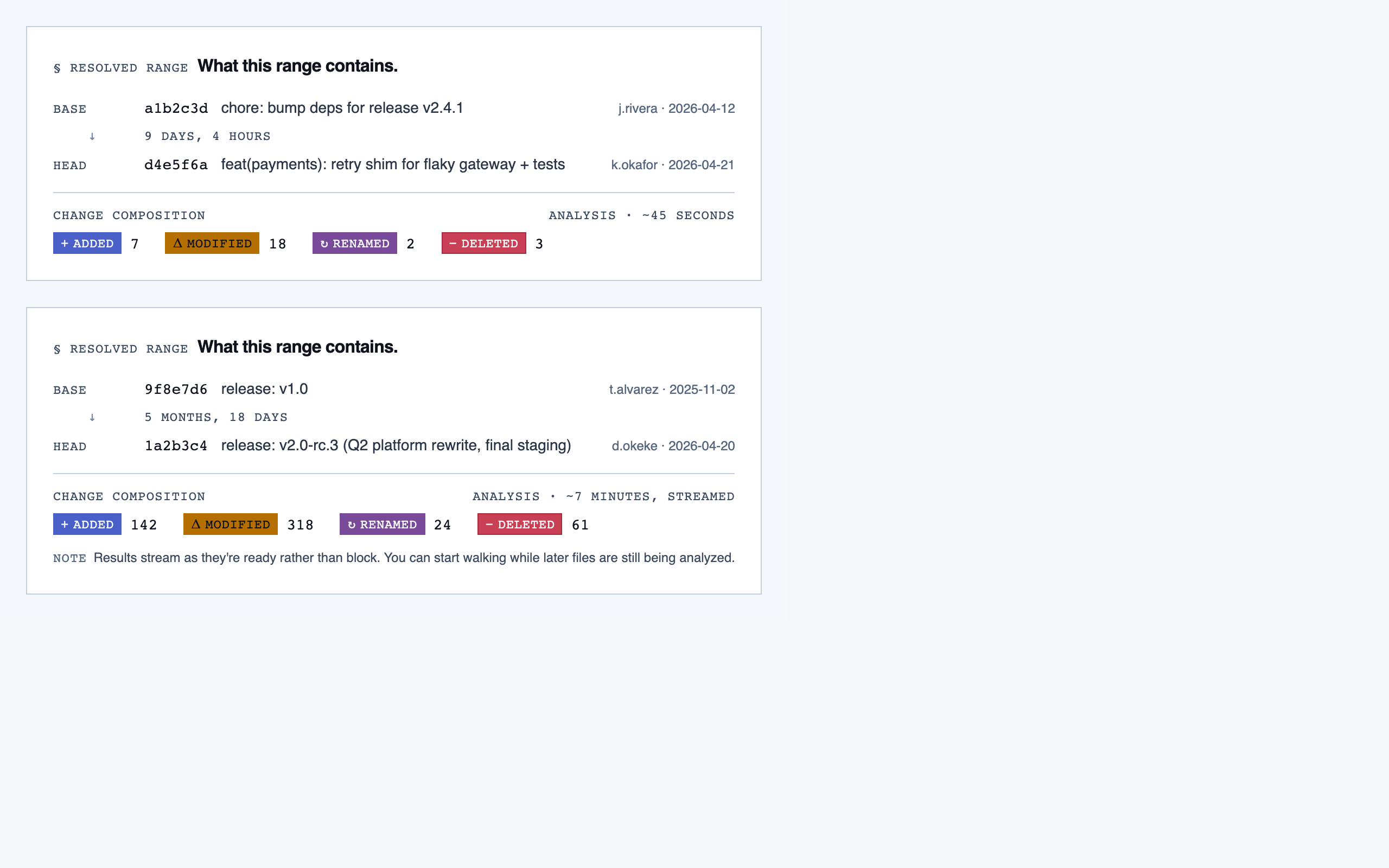
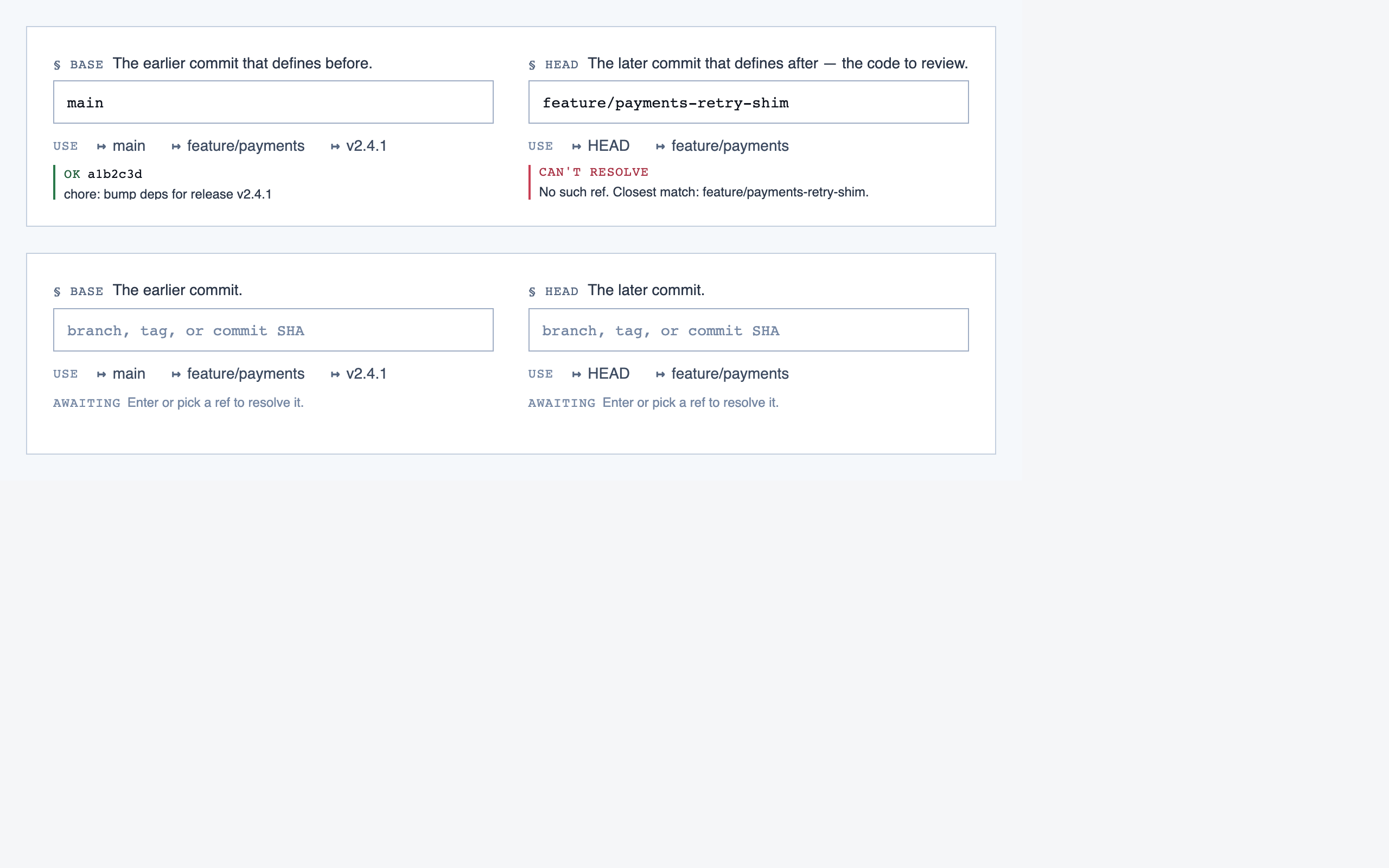
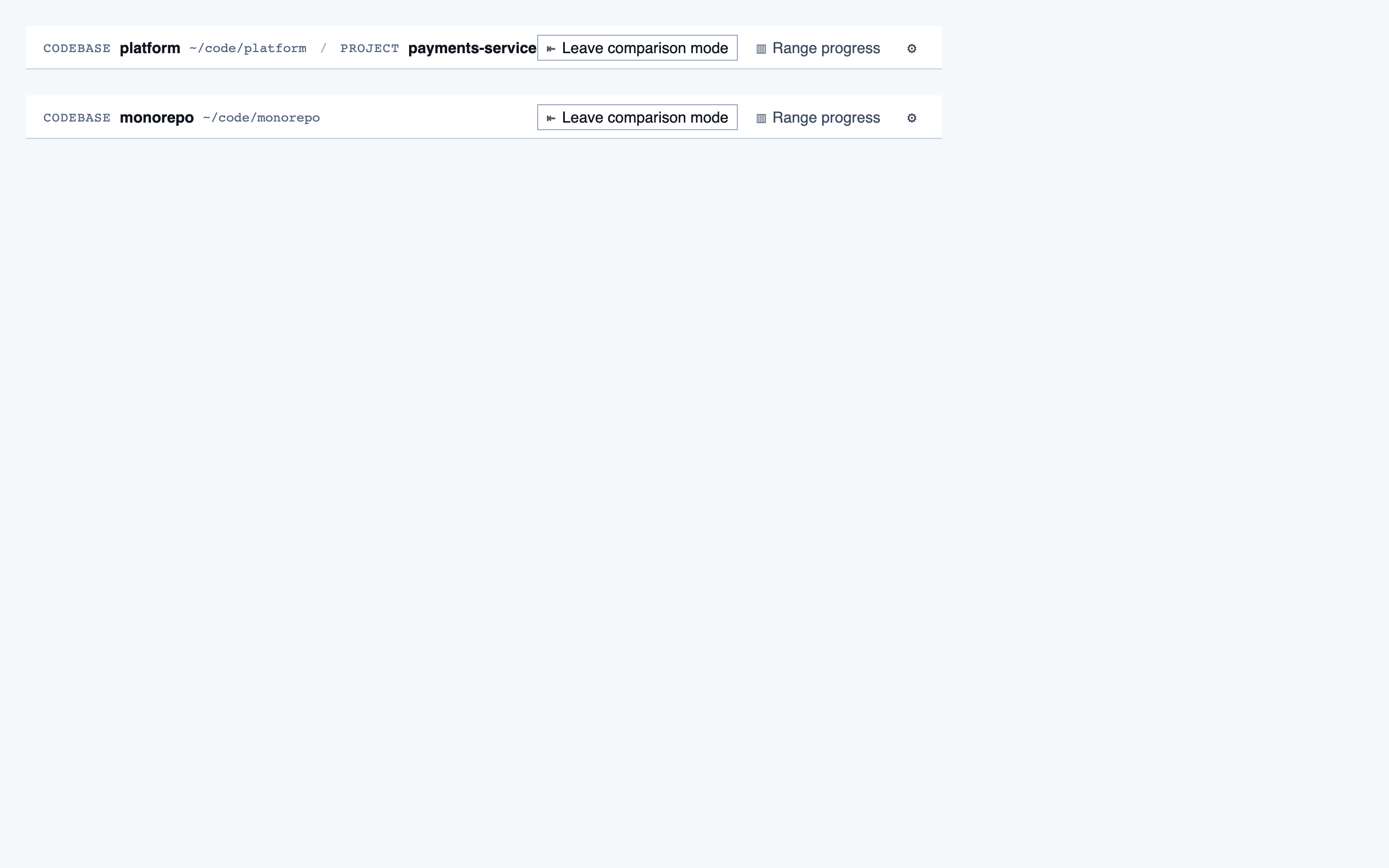
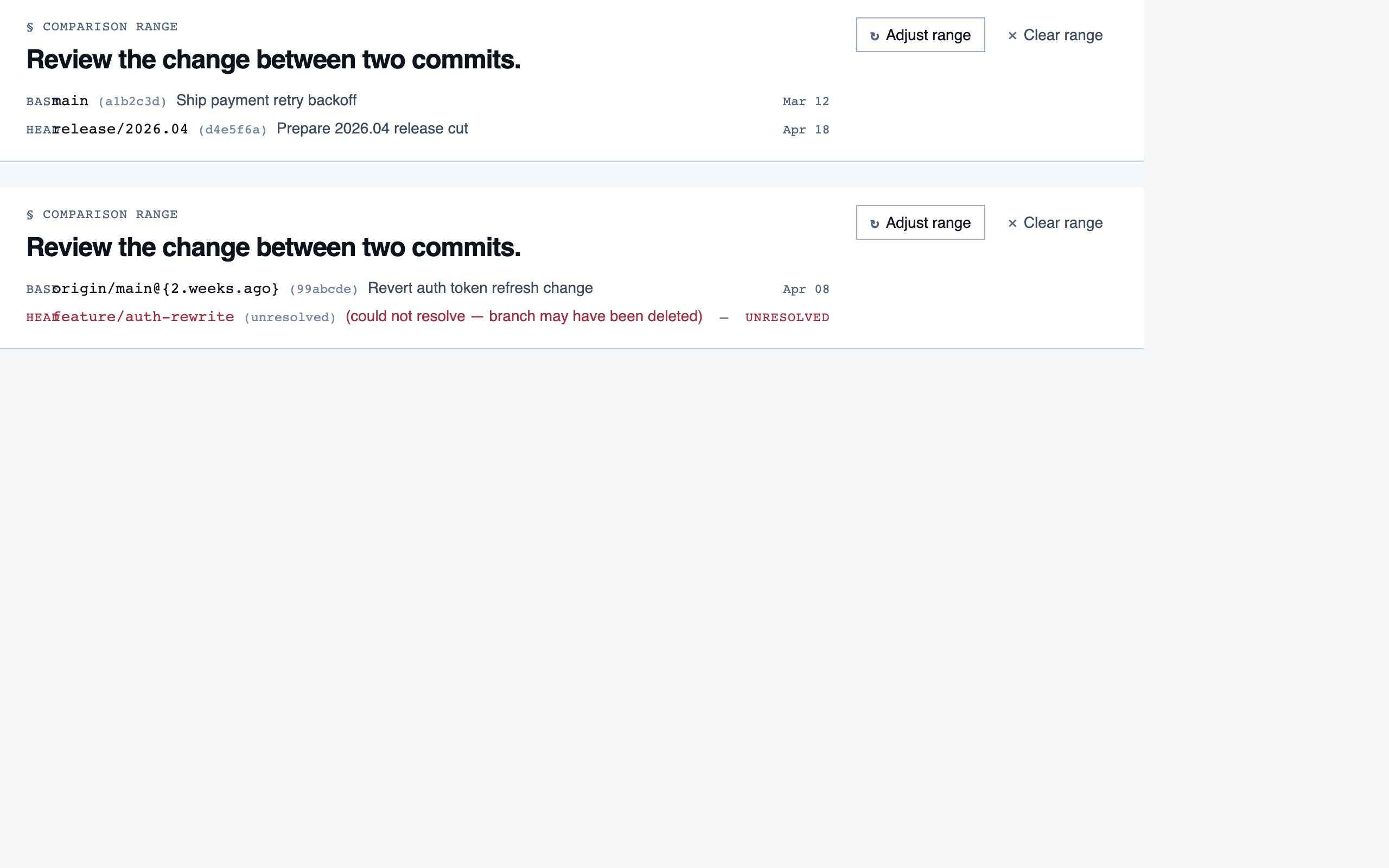
comparison_setup | Supply two commit refs (base and head), confirm the comparison range, and kick off a comparison-mode analysis for PR review or AI-code audit. |
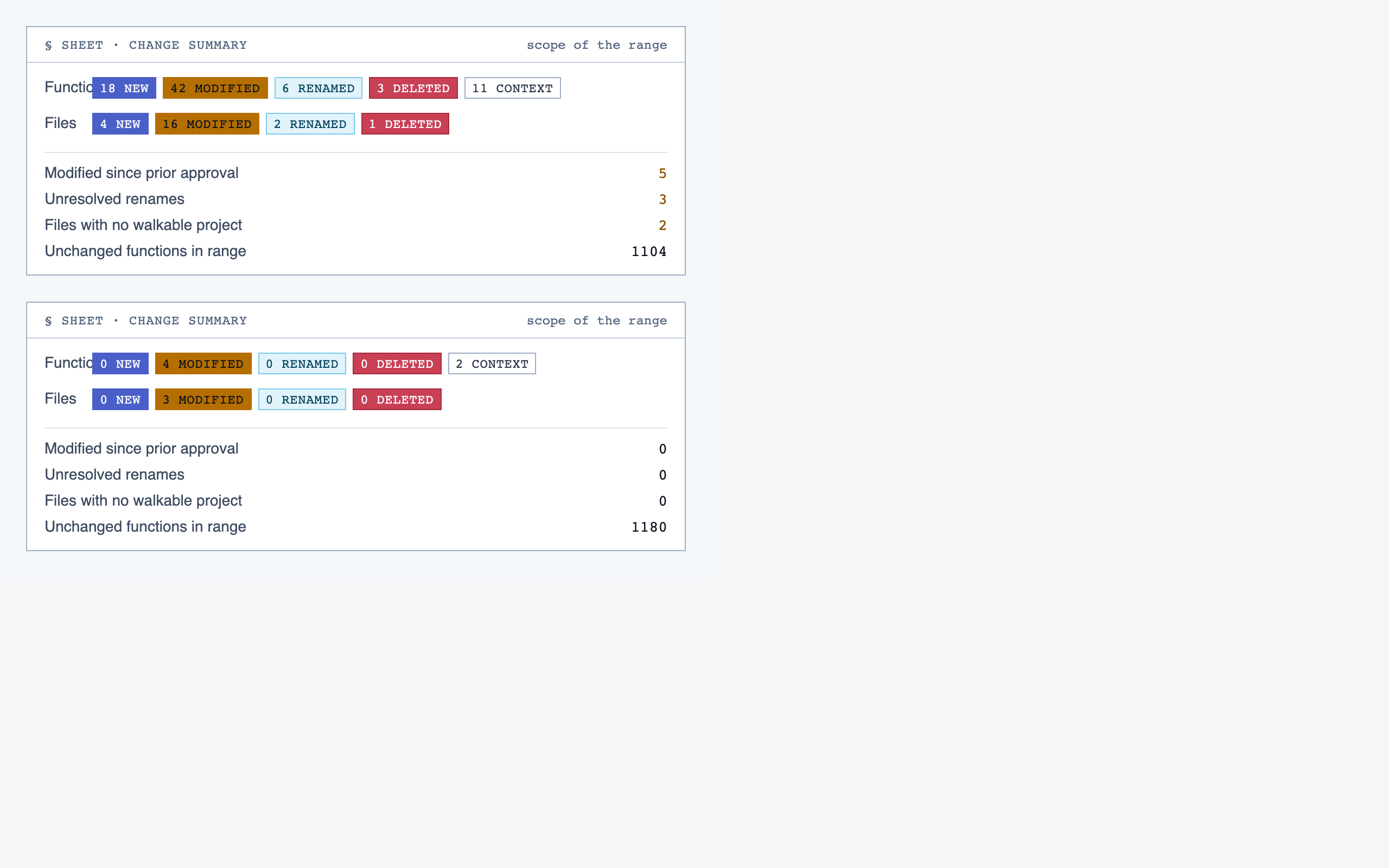
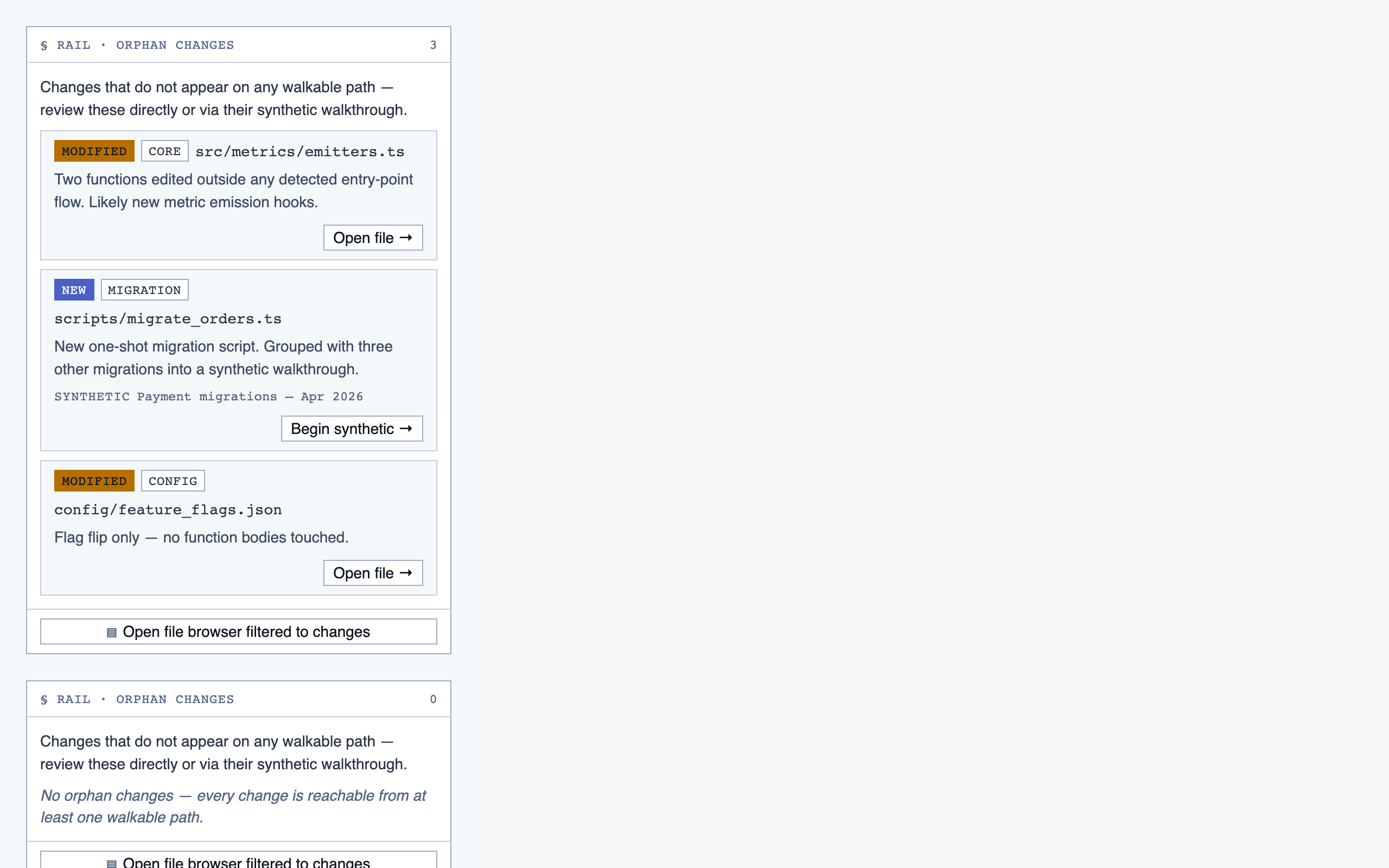
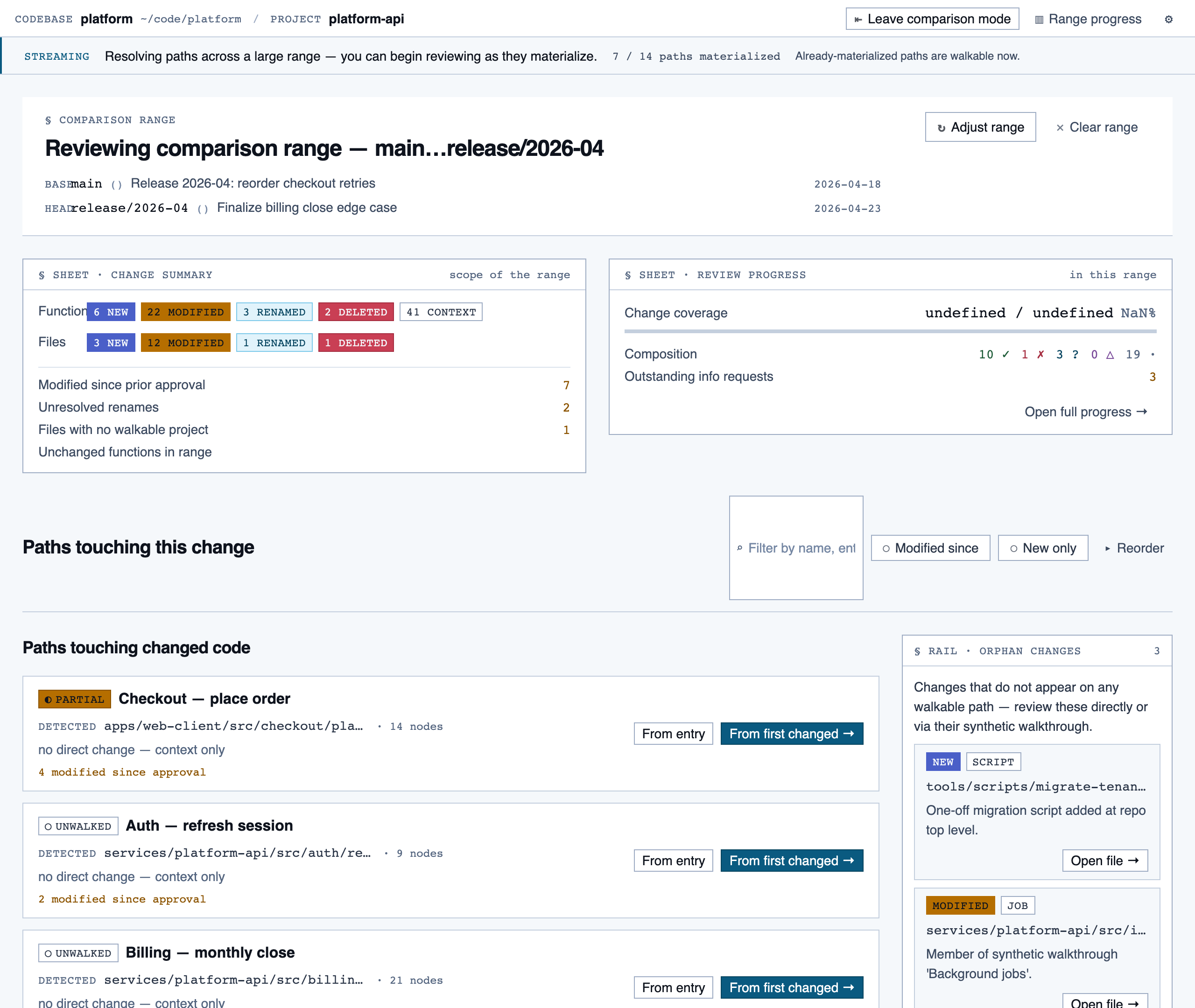
comparison_overview | Change summary for PR / AI-code audit — counts of new/modified/renamed/deleted functions and files, detected paths with change-touch markers, modified-since-approval counts per path, and comparison-aware entry into walkthroughs. |
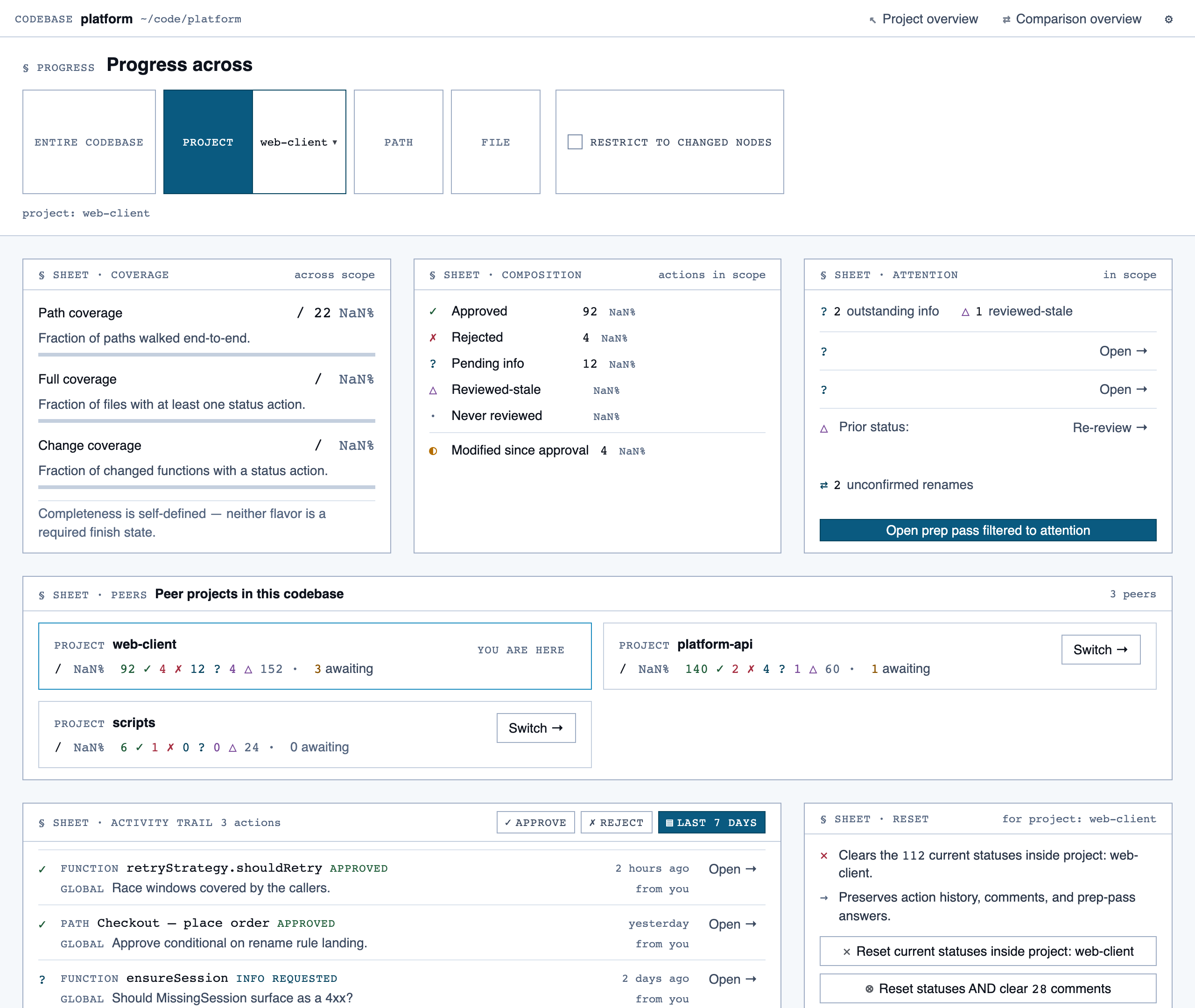
progress_dashboard | Coverage and composition view — path coverage vs full coverage, approve/reject/info breakdown, per-project / per-path / per-file scoping, outstanding info requests, and progress reset controls. |
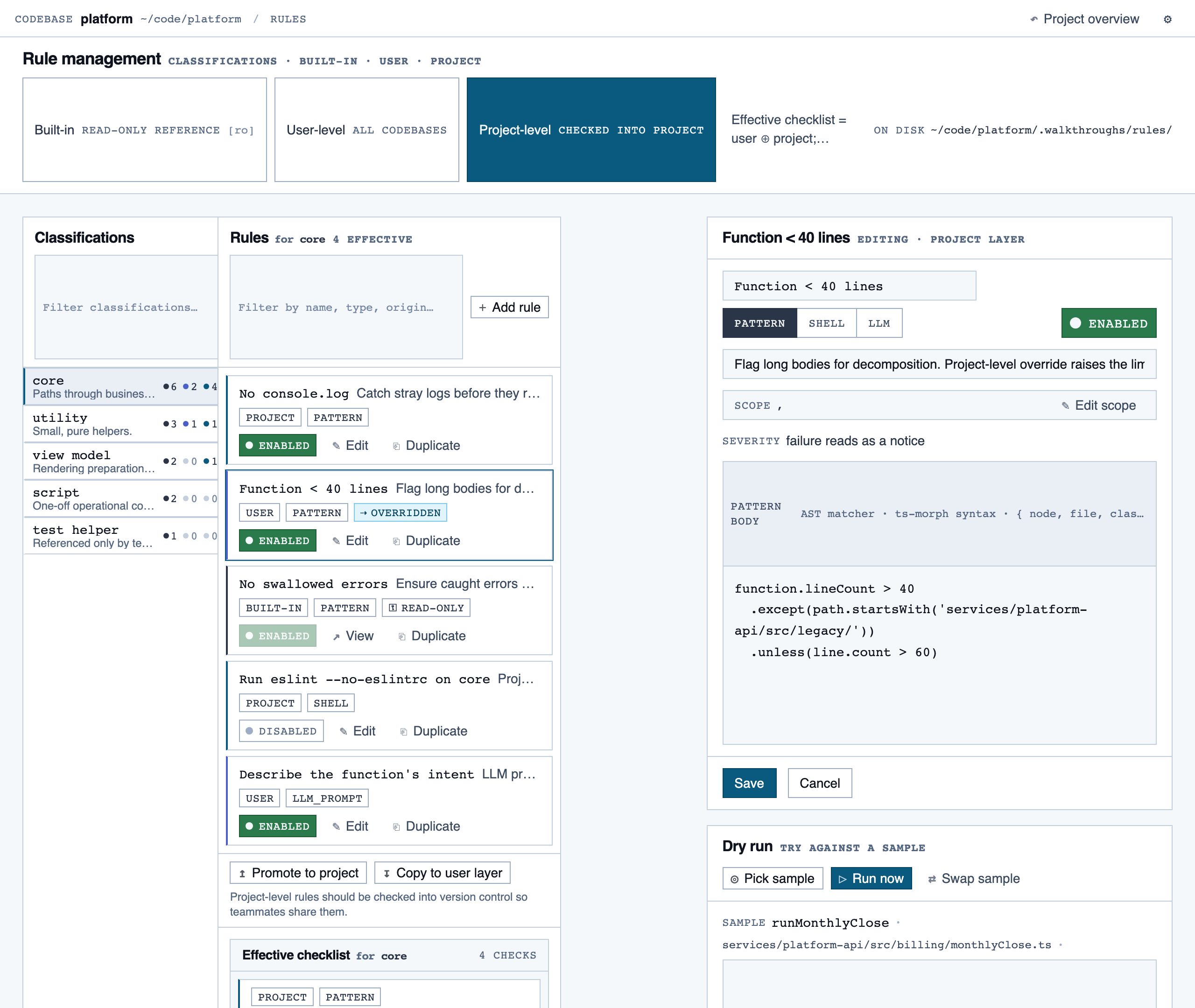
rule_management | Author, edit, enable/disable, and scope rules (built-in / user / project) — pattern rules, shell-command rules, and LLM prompt rules — with origin visibility per rule and per-classification checklist previews. |
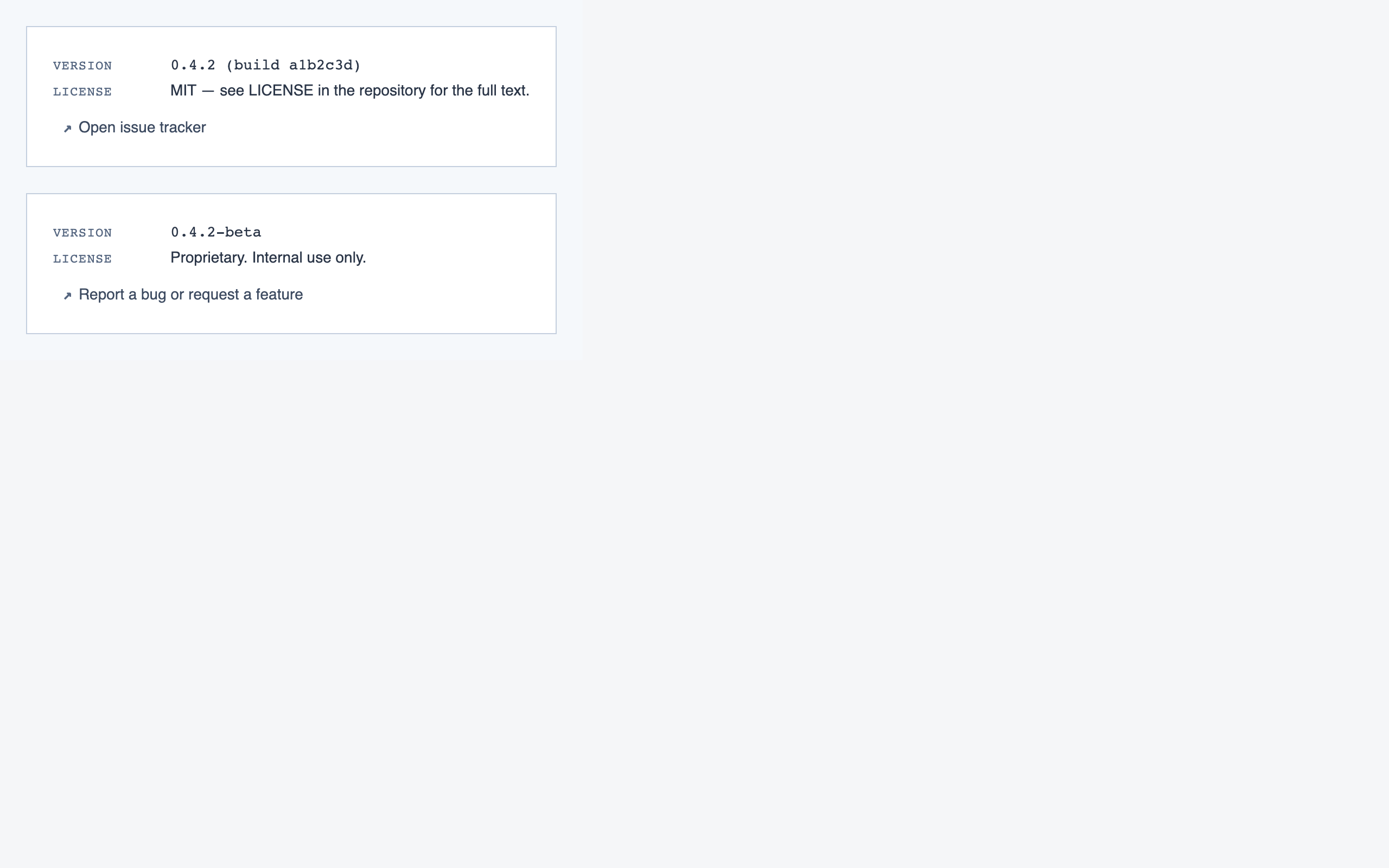
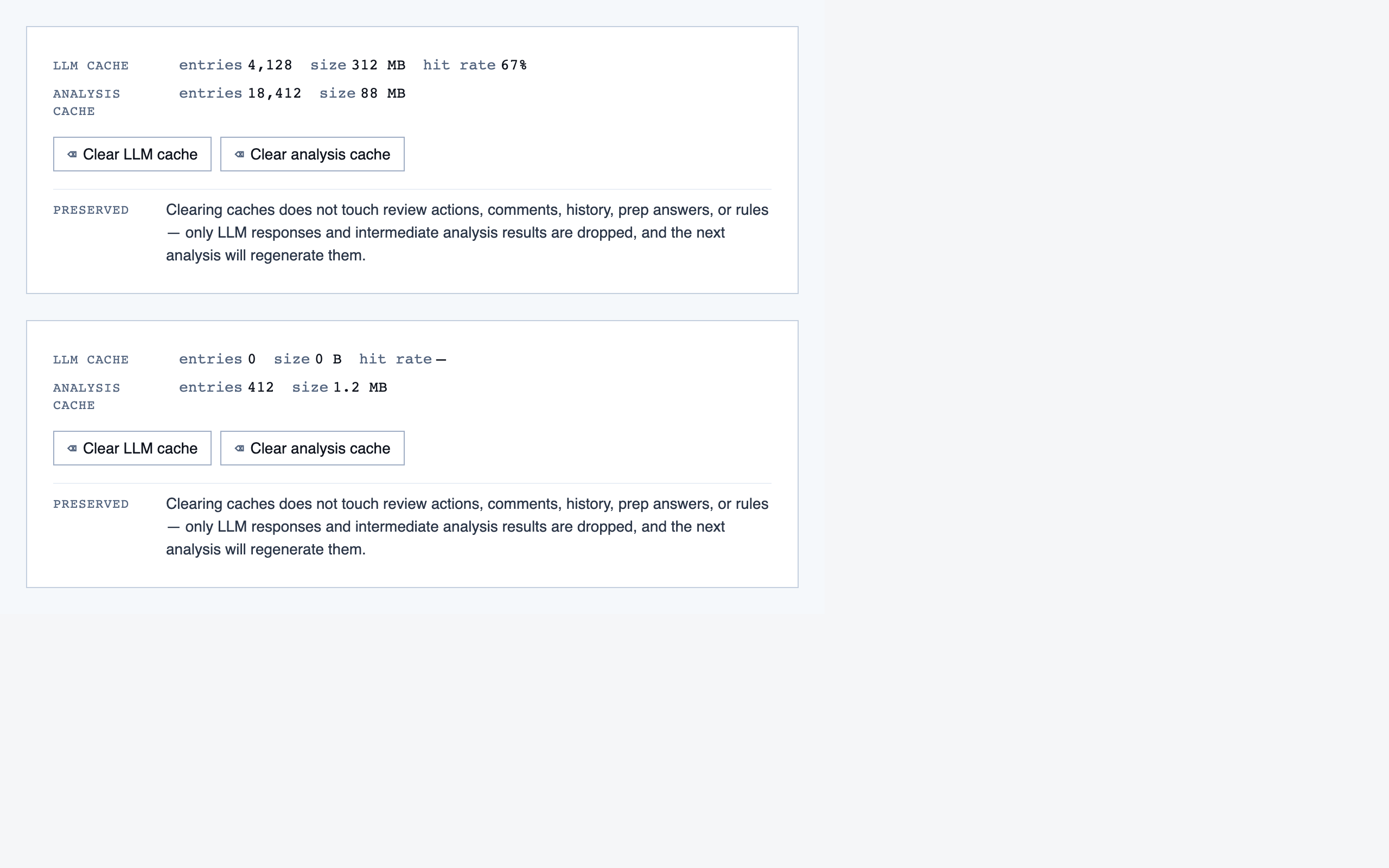
settings | Global preferences — LLM feature opt-in/out, LLM provider configuration, syntax-highlight theme (single default for v1), data location, and cache controls. |
§ Stage 3 — Style
Several token sets as distinct visual directions, each with a live preview.
Style produces three to four token sets per round, each with a small preview component that exercises typography, color, spacing, and a few affordances side-by-side. The user picks one — or rejects the whole set and asks for more boundary-pushing alternatives.
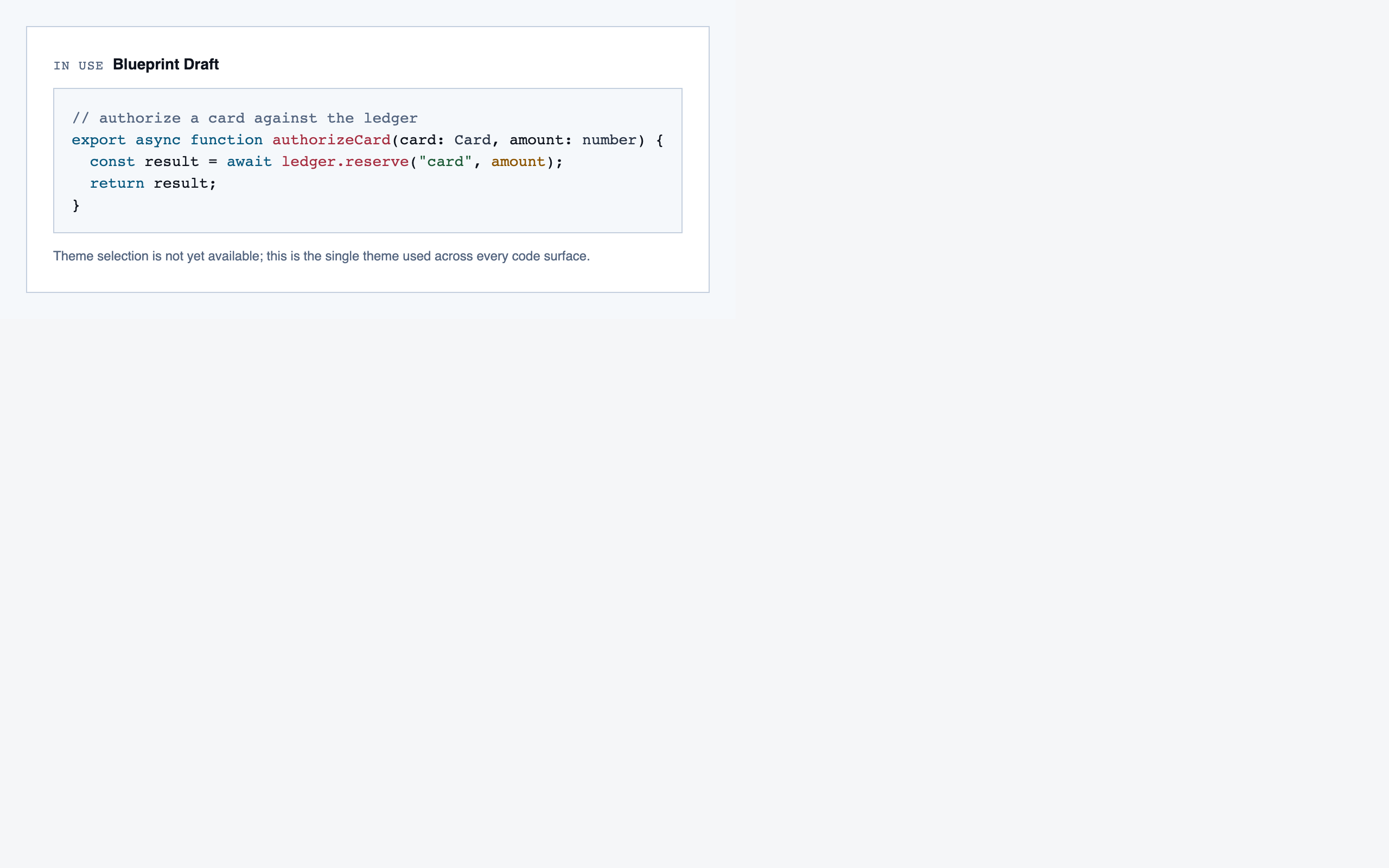
For Code Walkthroughs the user took three rounds before settling. Early candidates read as too similar; later rounds added specific thematic prompts (cyber-tactical honeycomb, gamified farm-tending, stylized two-tone clouds). The final pick — Blueprint Draft — leans into a drafting-table aesthetic that fits a document-first dev tool.
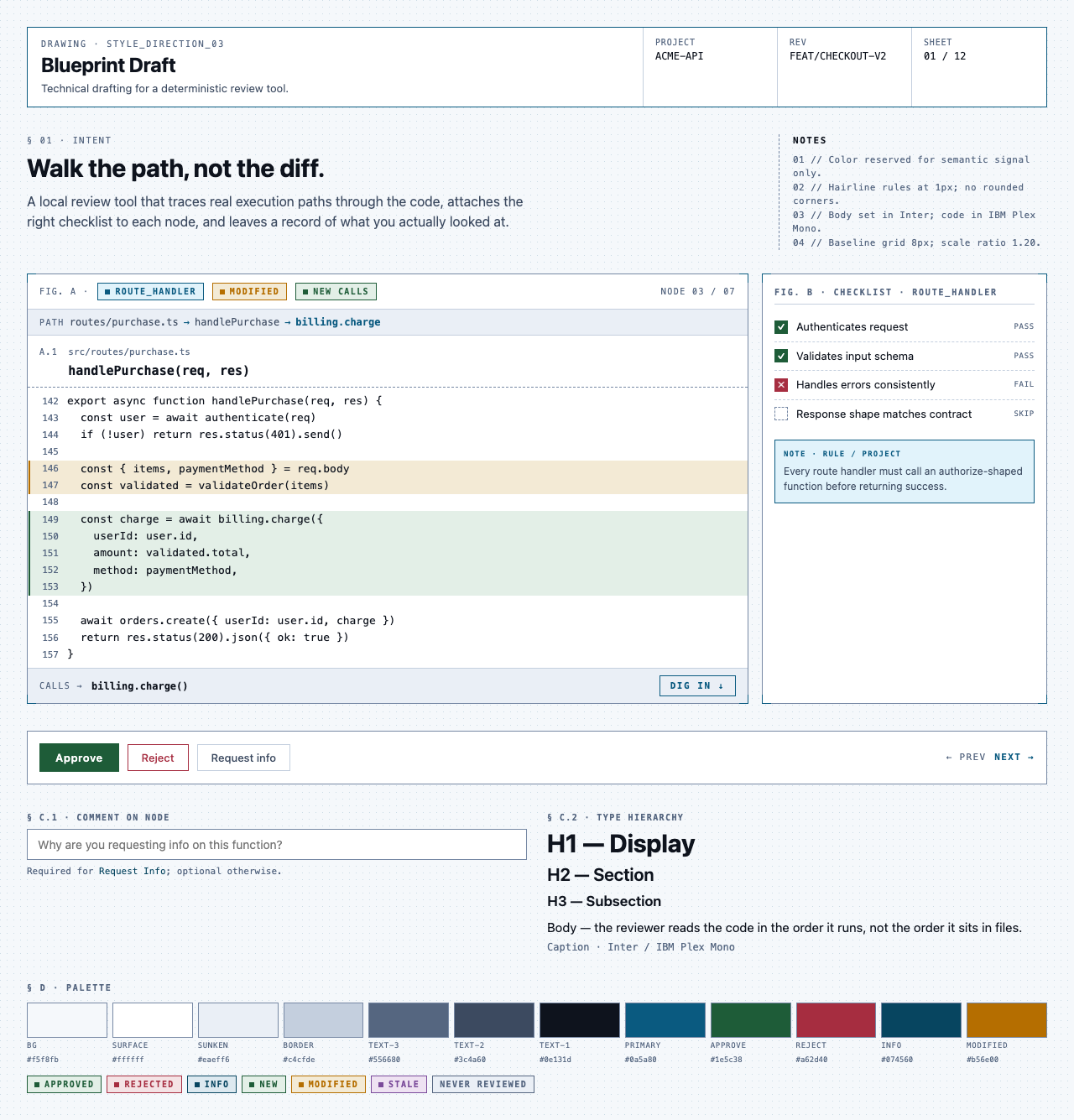
Other candidates (9)
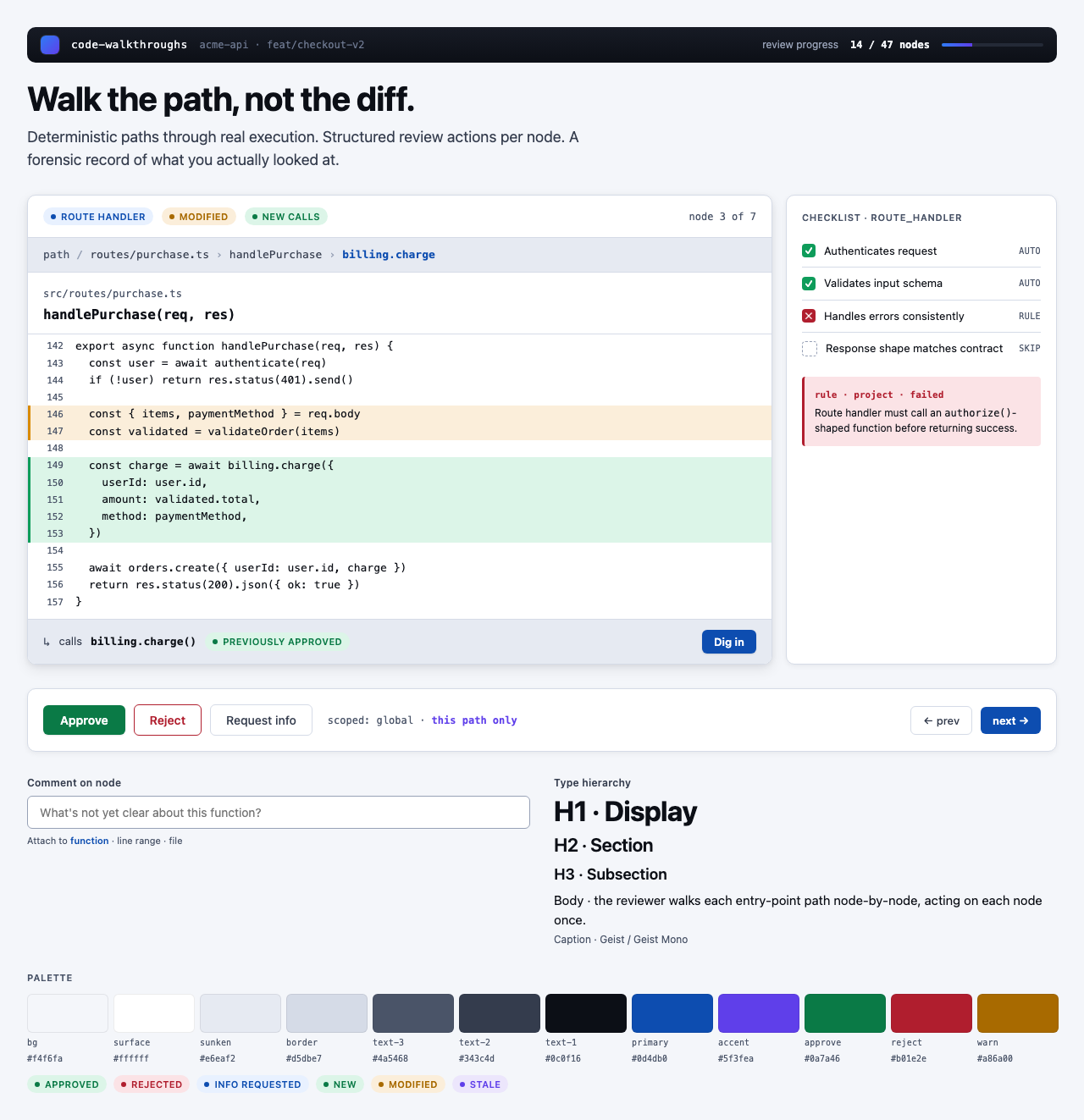
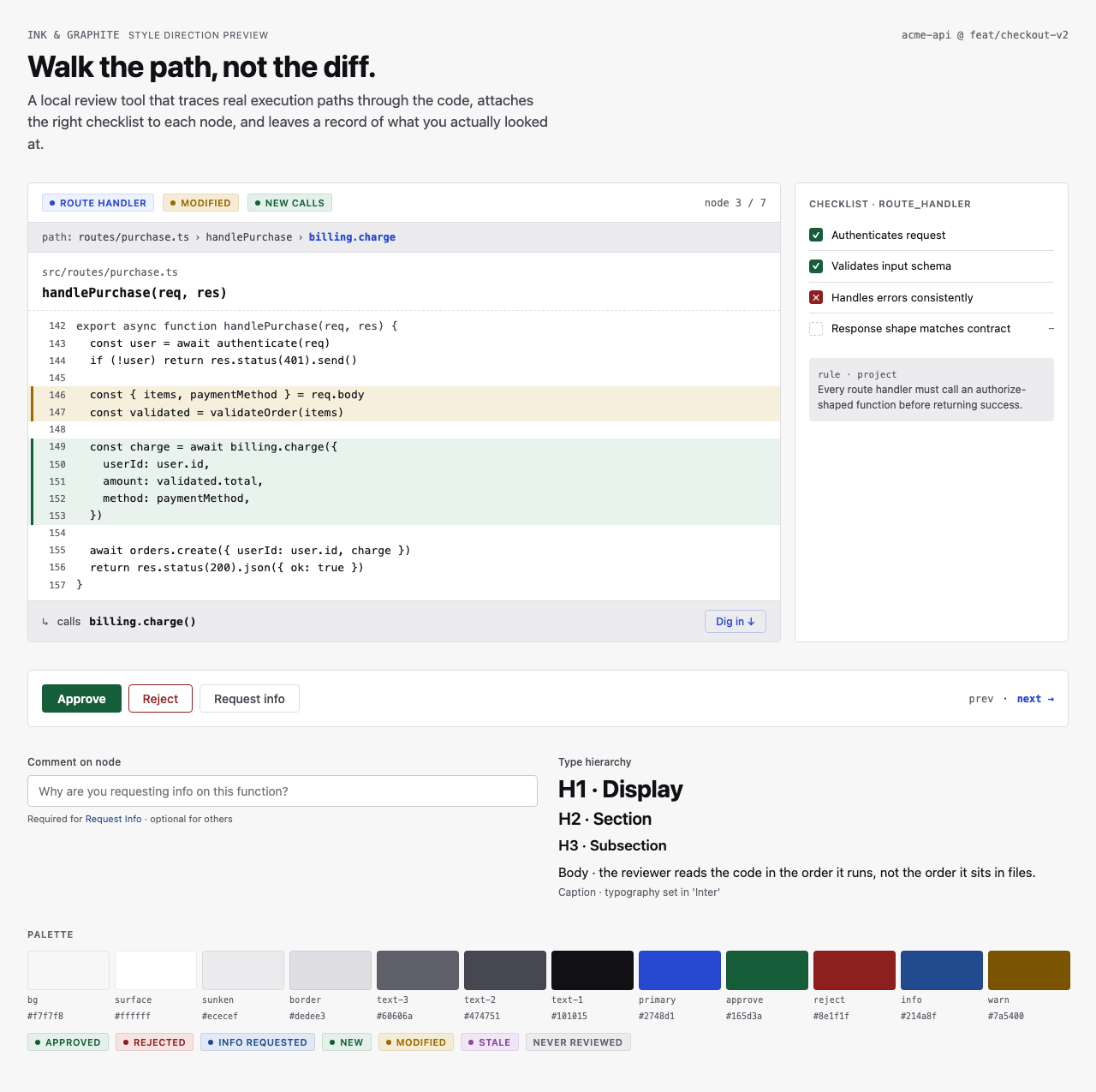
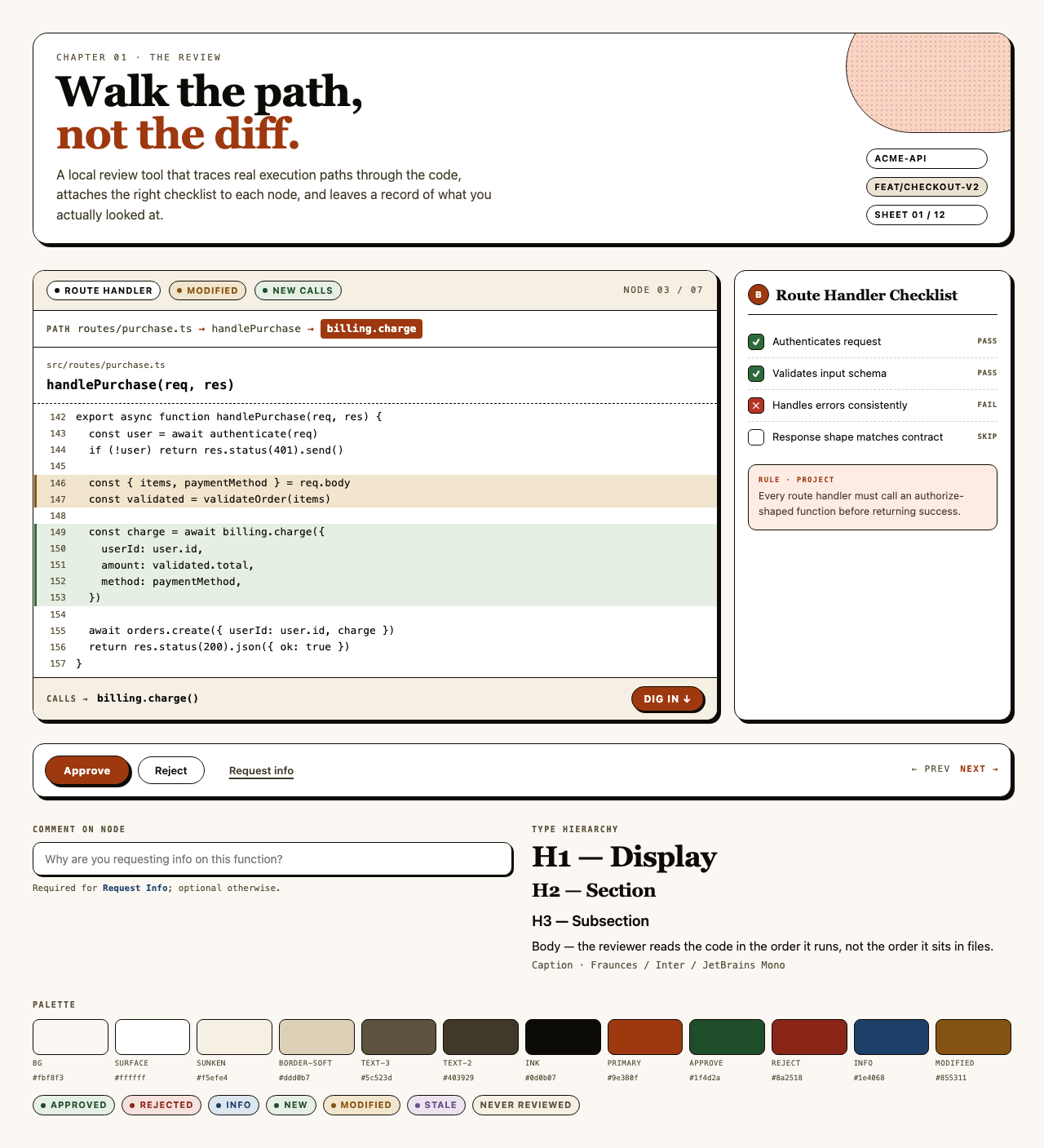
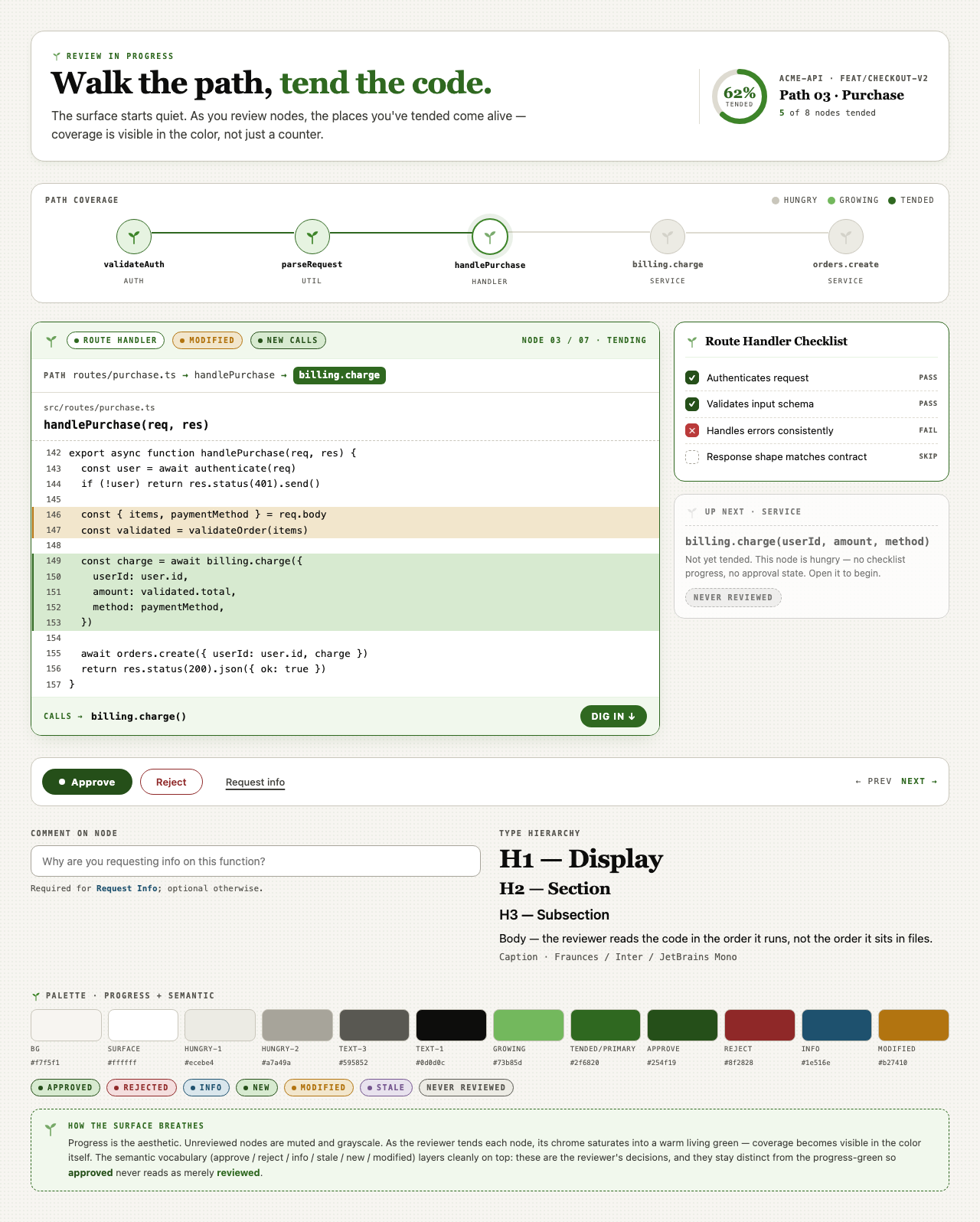
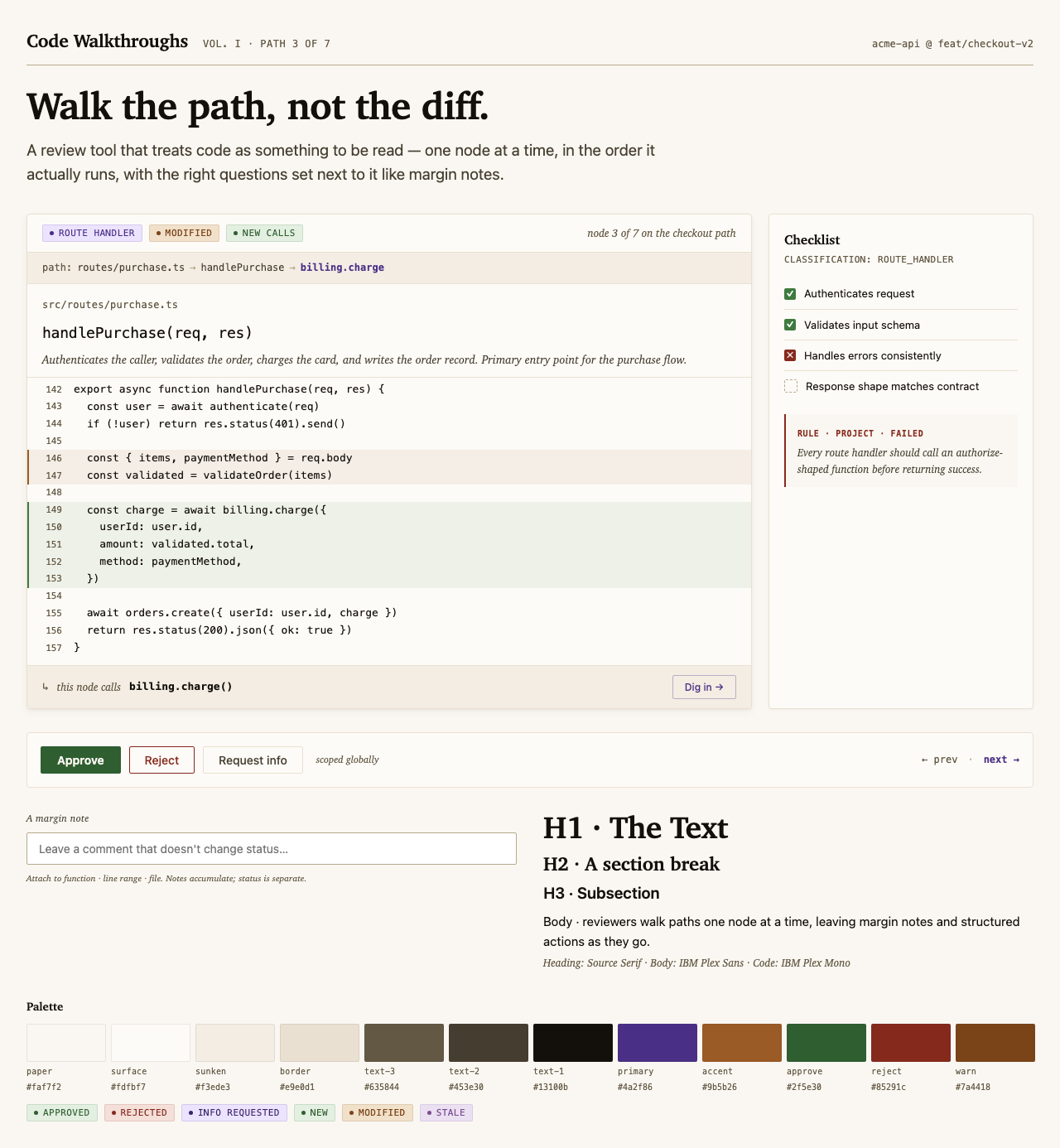
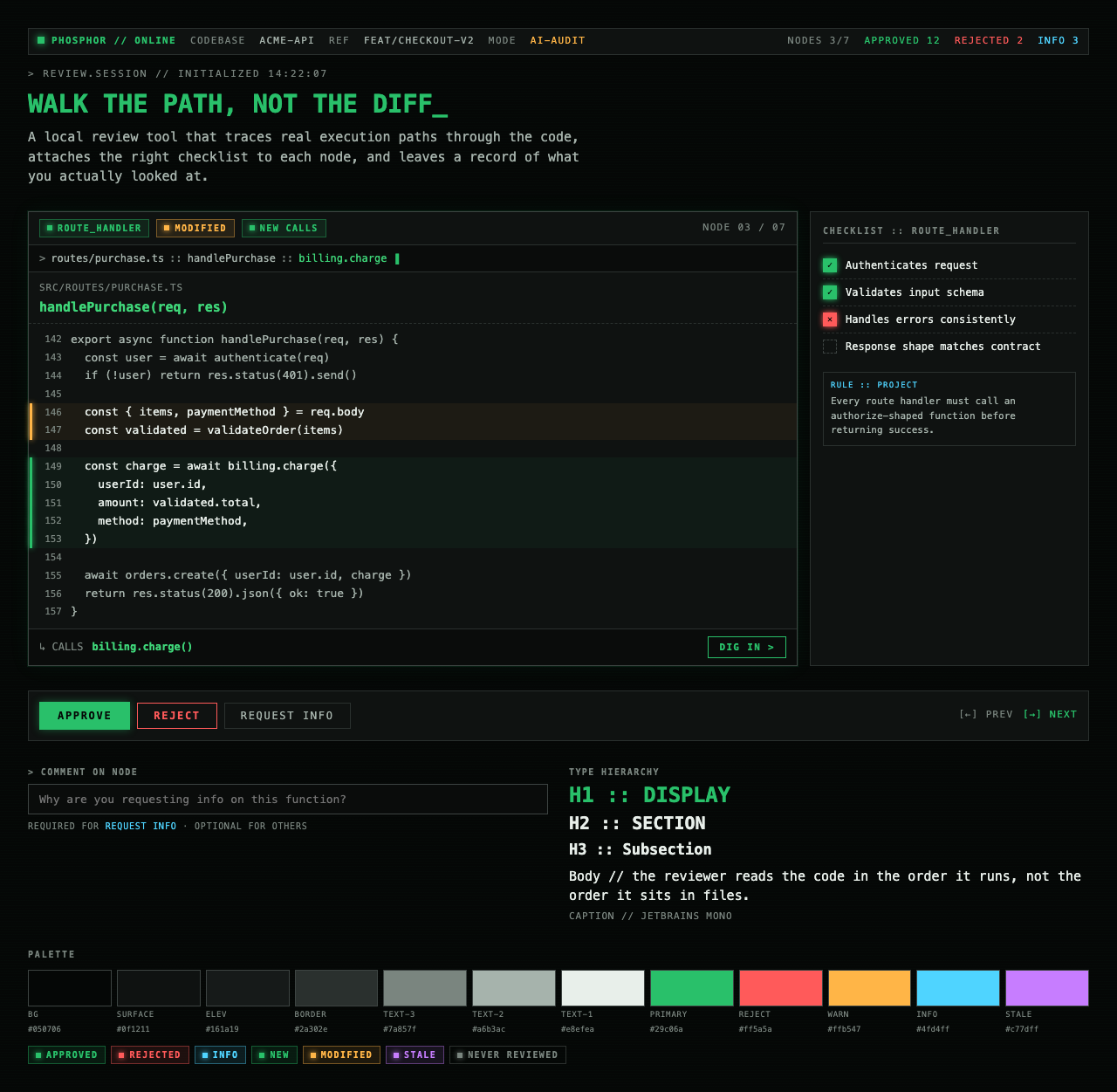
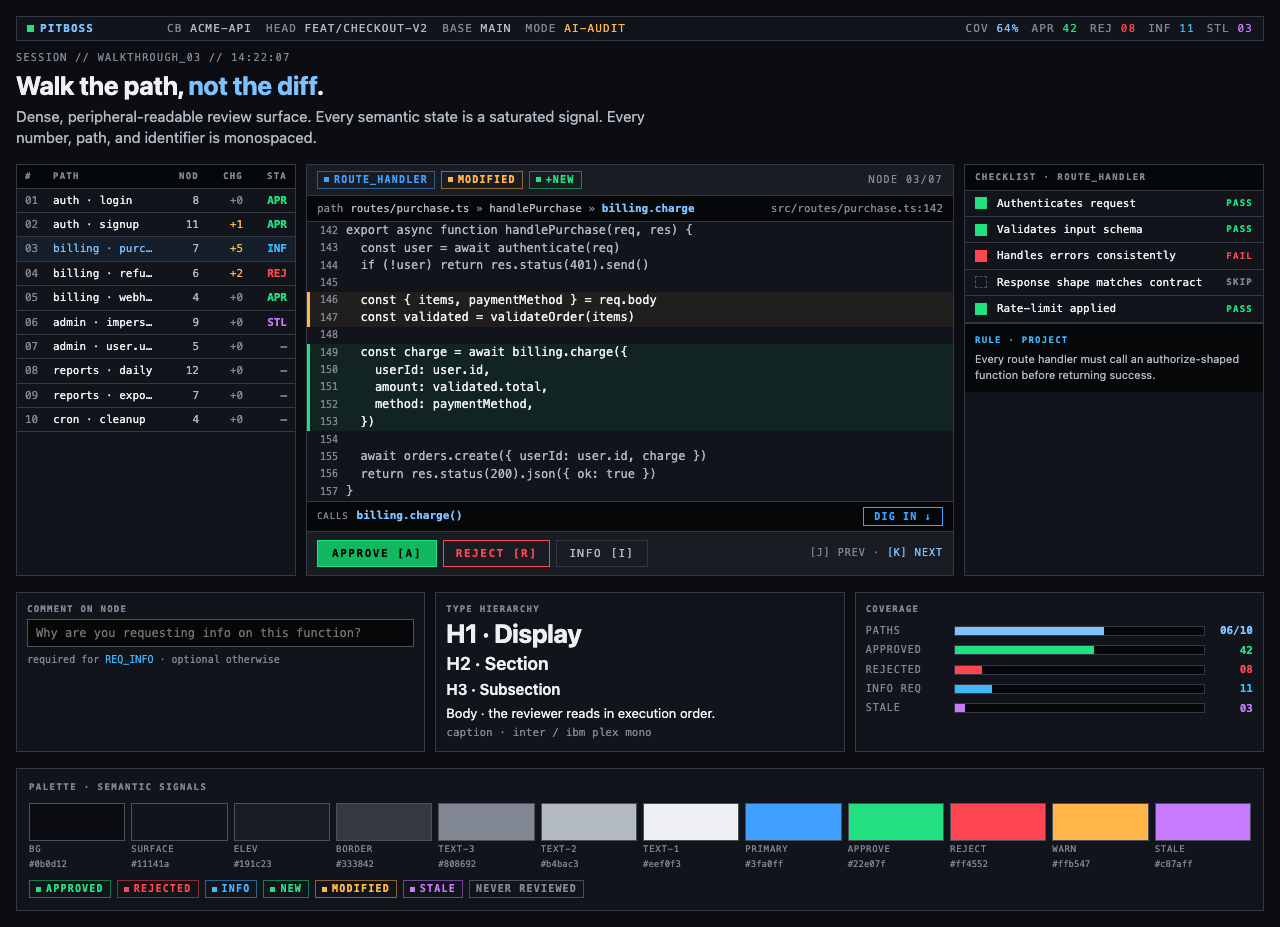
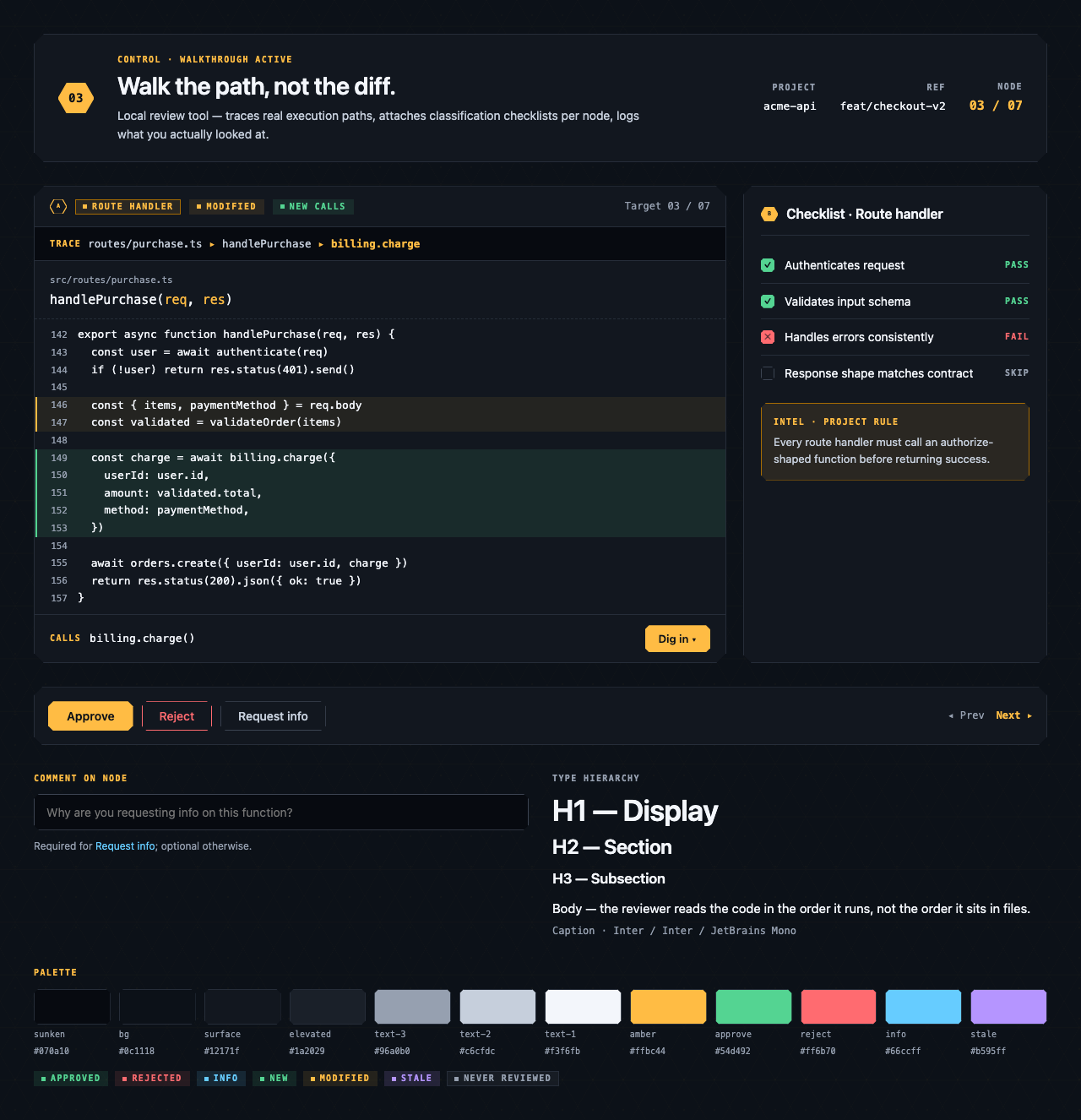
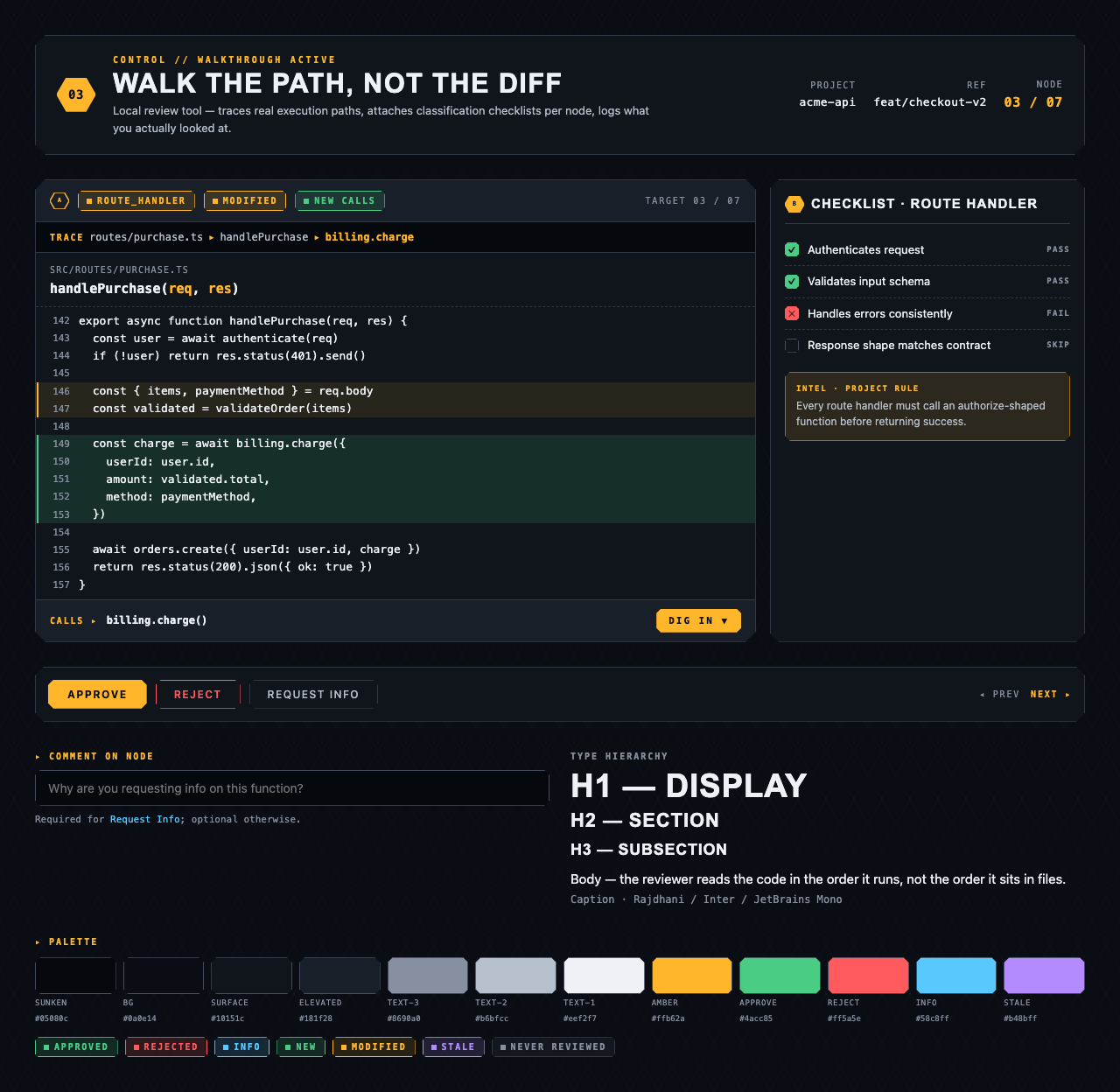
Each preview is a single live JSX file rendered through the same Playwright + Tailwind Play CDN sandbox the rest of the pipeline uses.
§ Stage 4 — Layout
Element maps with pixel coordinates, rendered as labeled boxes for spatial review before any UI code exists.
The layout subagent reads each screen's content inventory and produces an
element map — every element placed at {x, y, width, height} —
plus two rendered PNGs. The blocked view stacks every element
as a labeled rectangle. The spaced view adds red gap-measurement
labels so the reviewer can confirm rhythm without code.
These diagrams are useful for spatial review but, frankly, not friendly on the eyes. Two are featured below; the rest are tucked into a collapsible per screen.
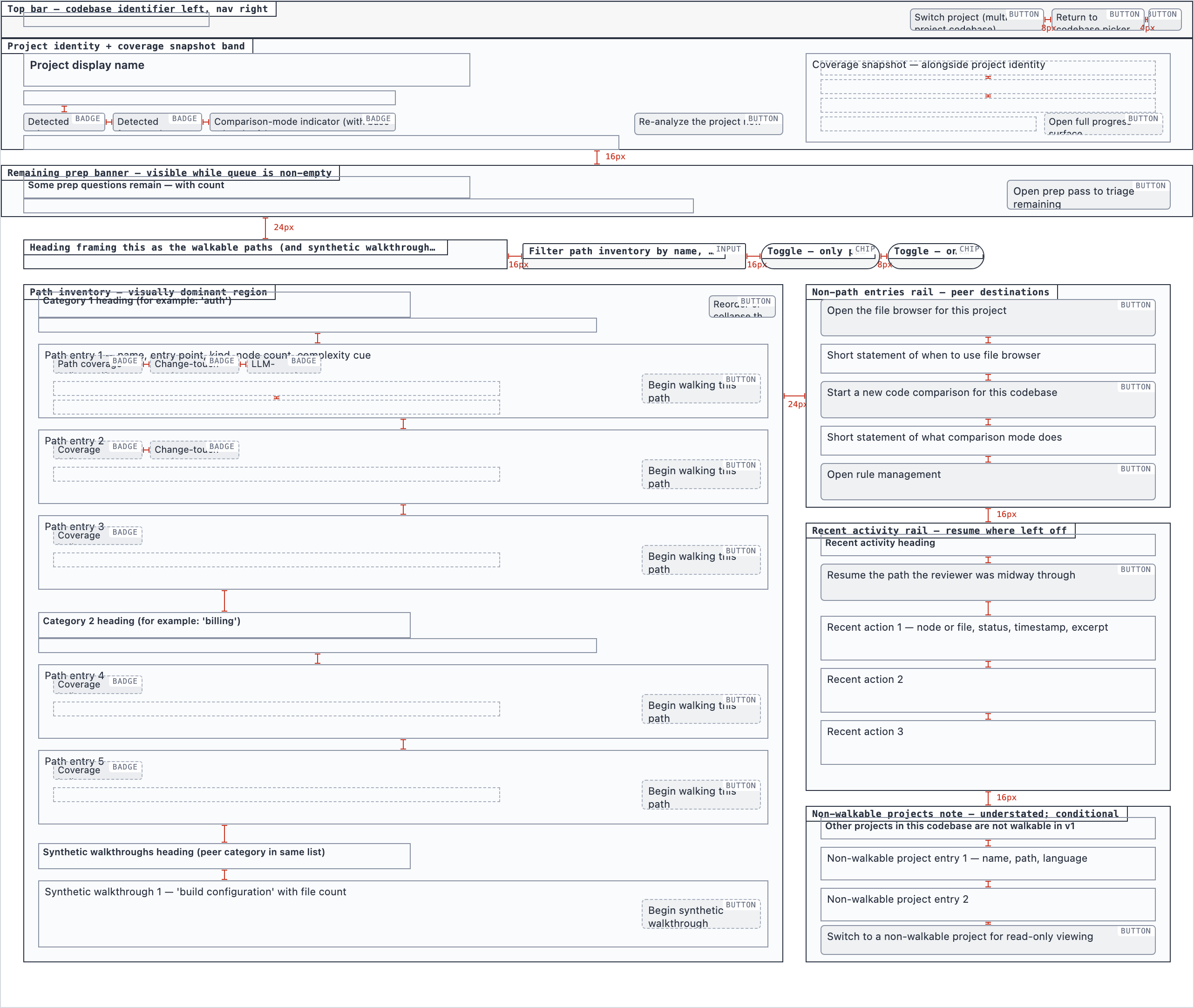
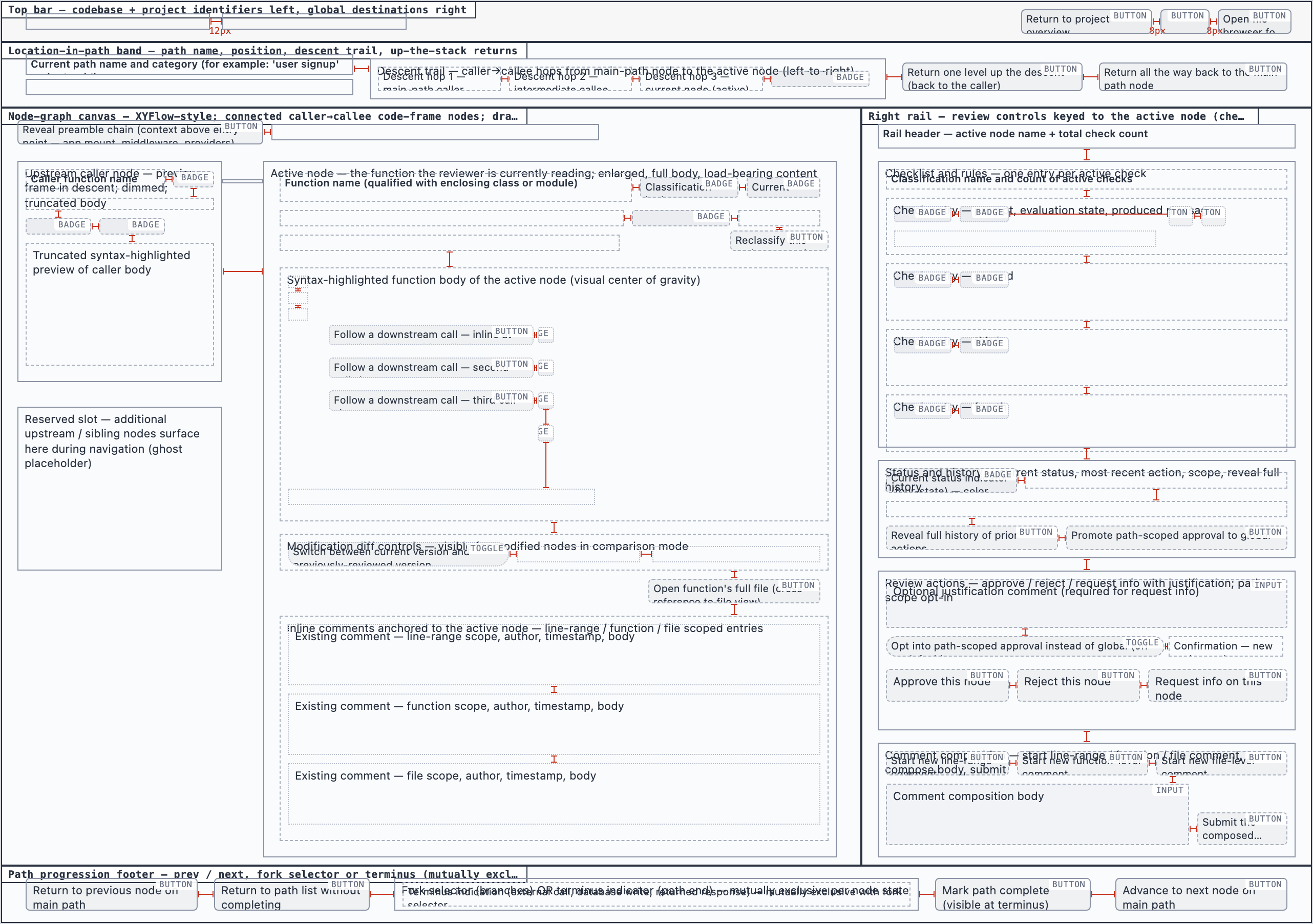
All layouts
Codebase Picker — 2 layout artifacts
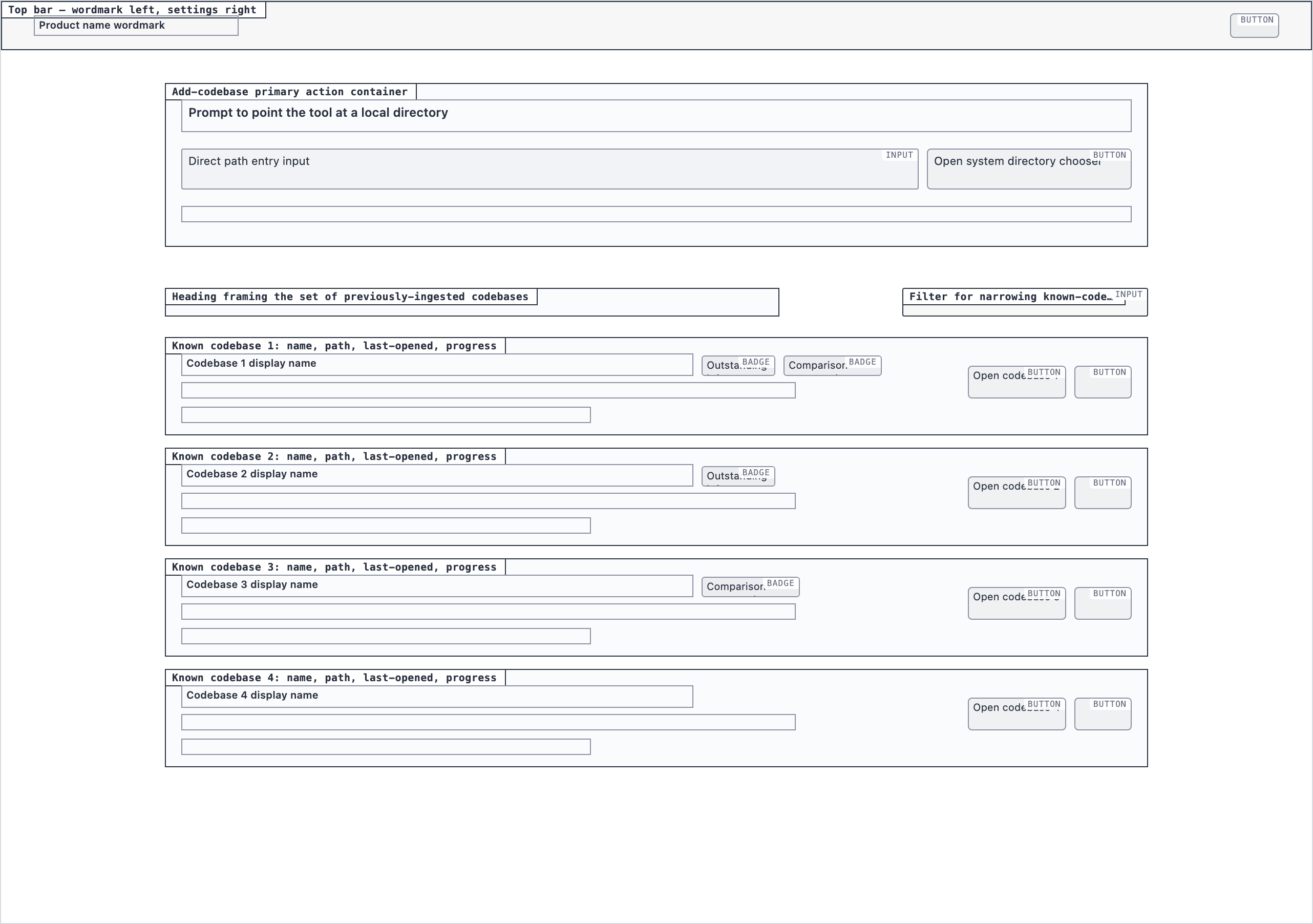 desktop_blocked
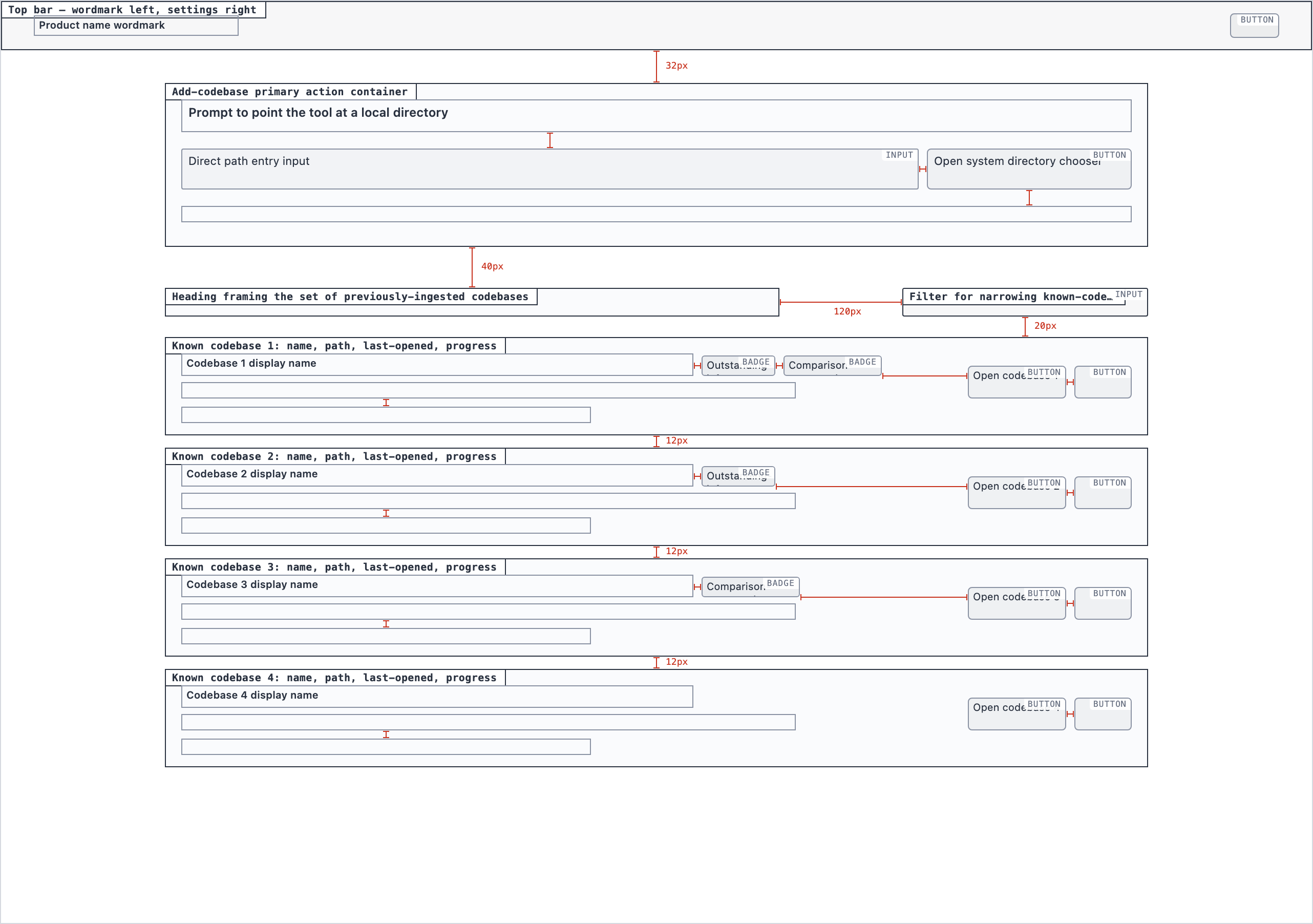 desktop_spaced
Analysis Progress — 4 layout artifacts
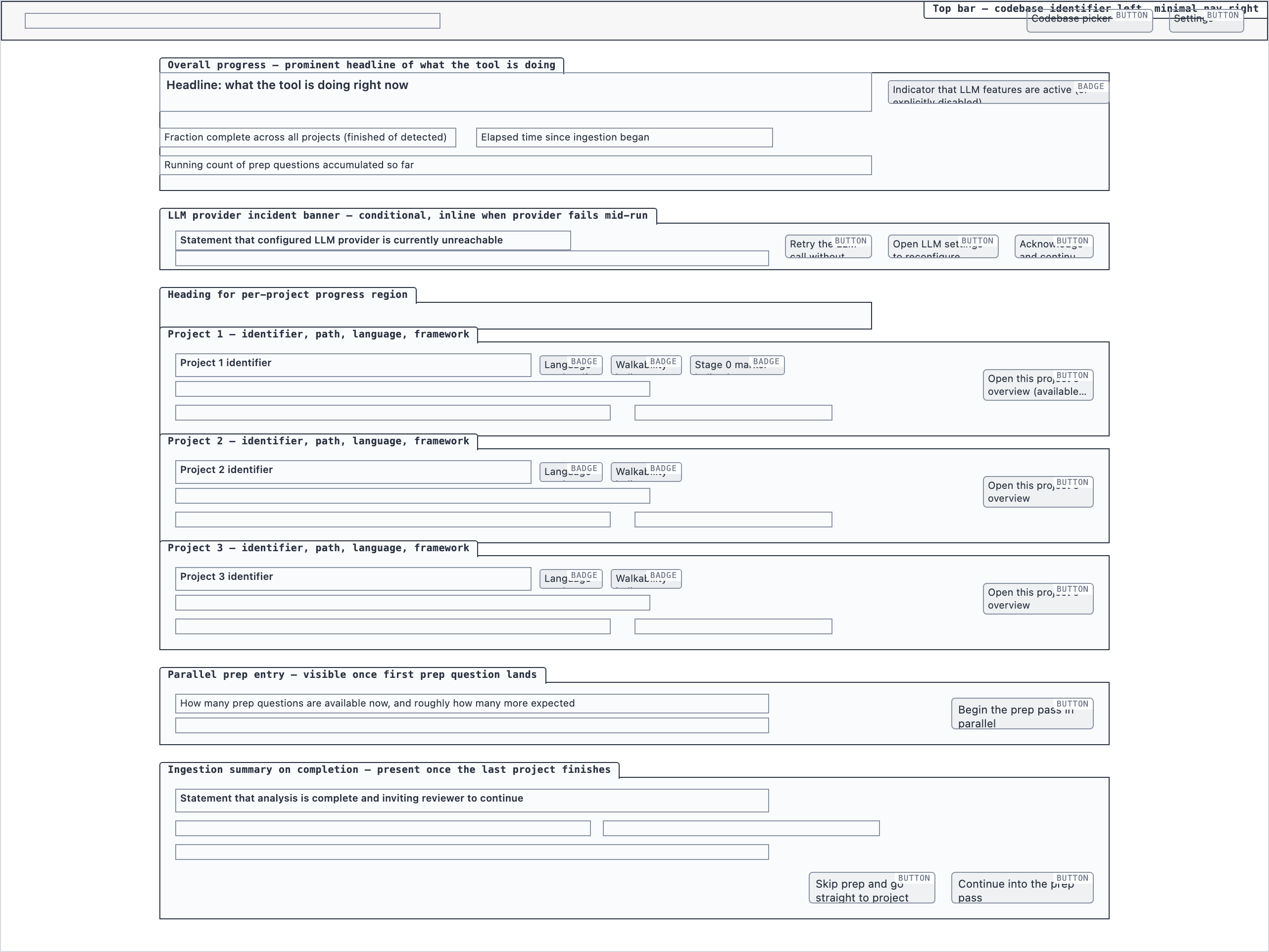 desktop_blocked
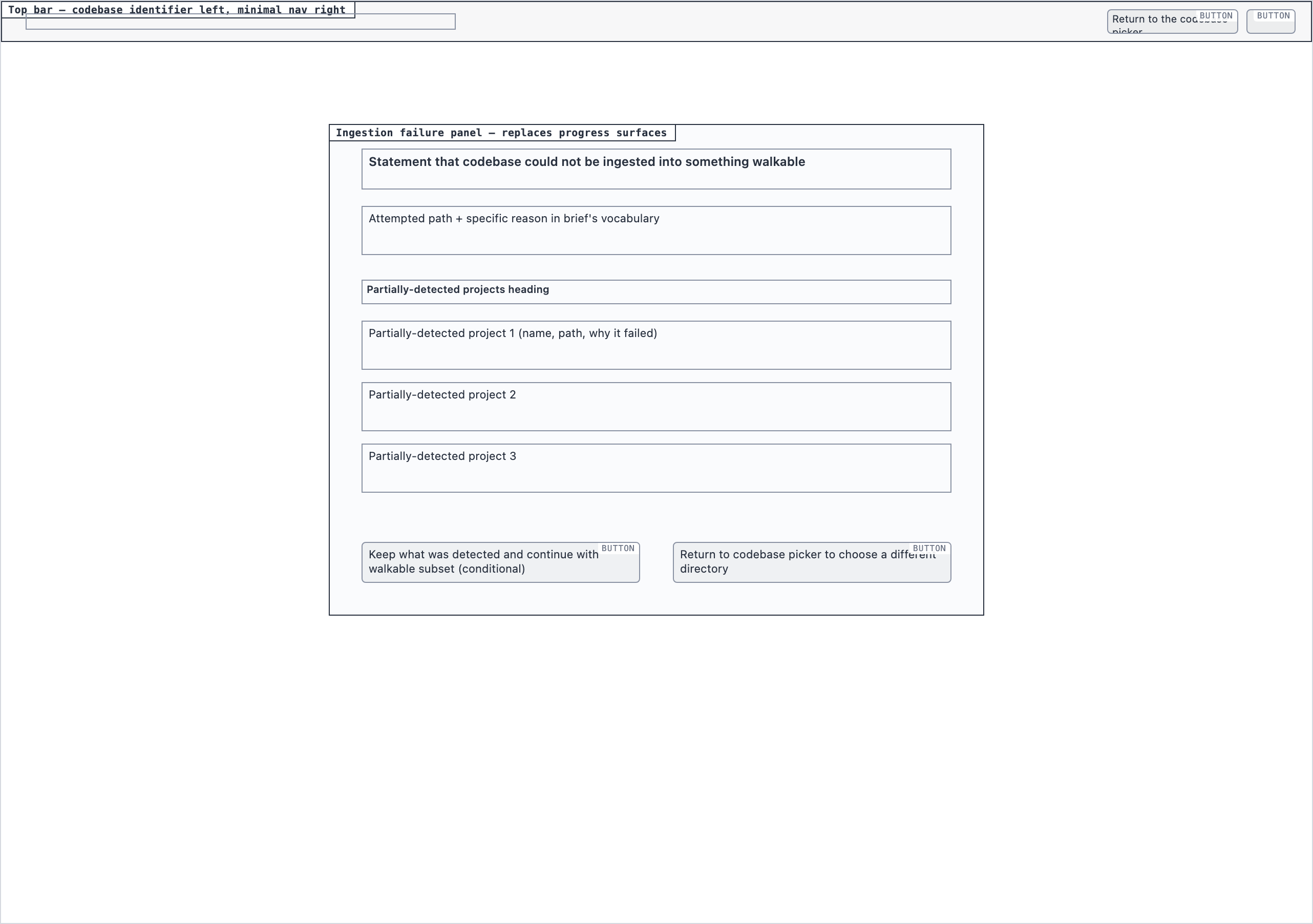 desktop_ingestion_failure_blocked
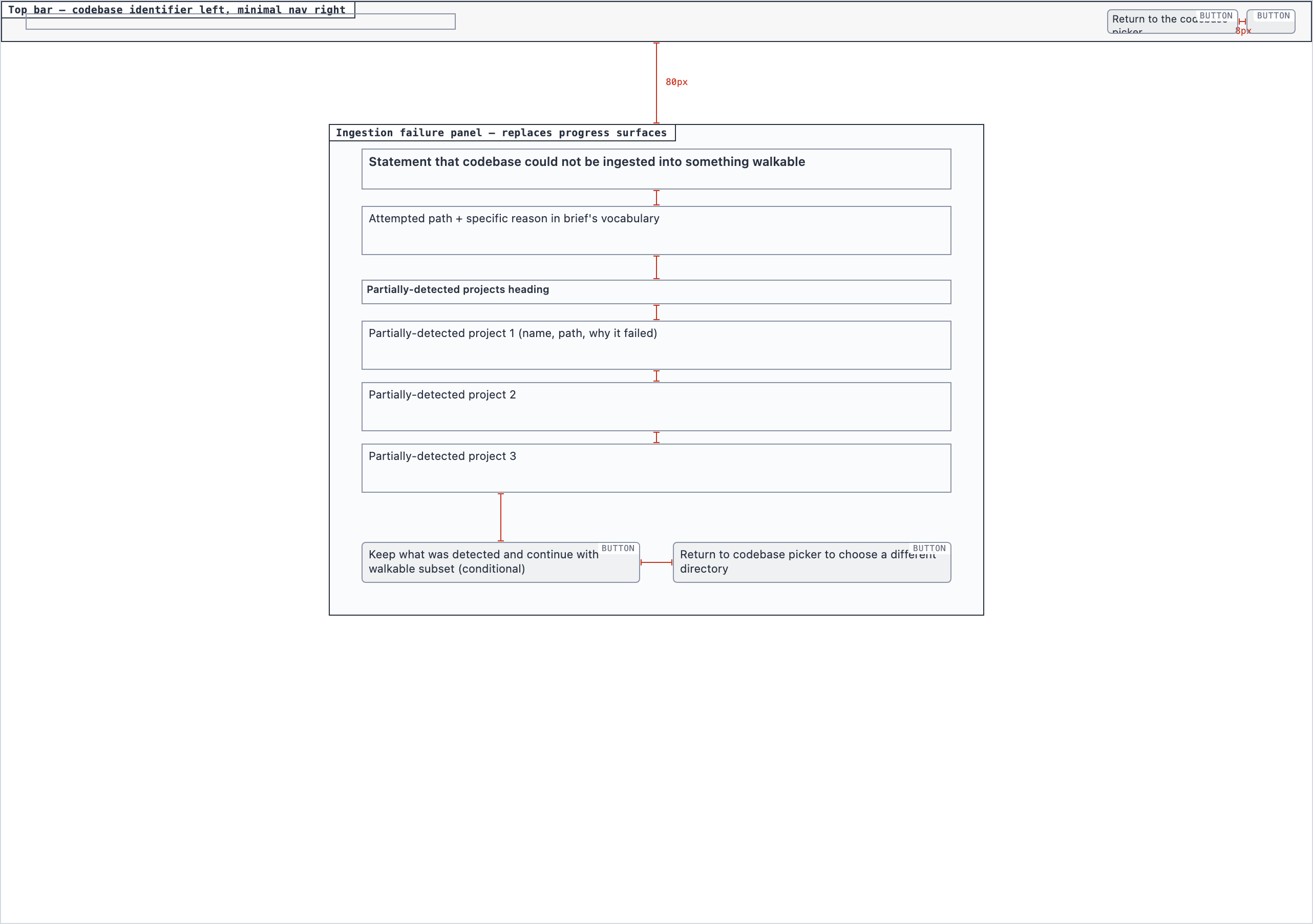 desktop_ingestion_failure_spaced
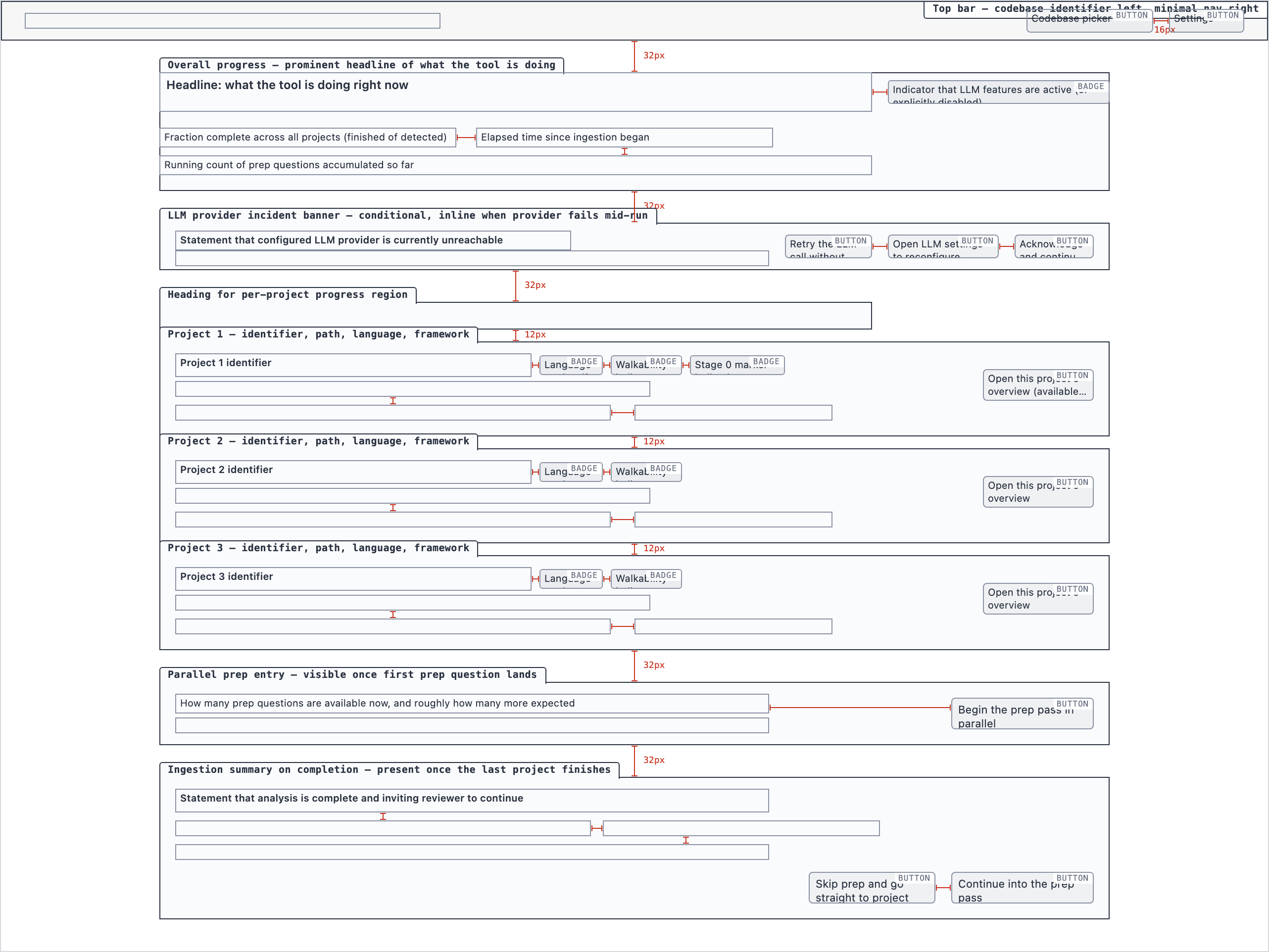 desktop_spaced
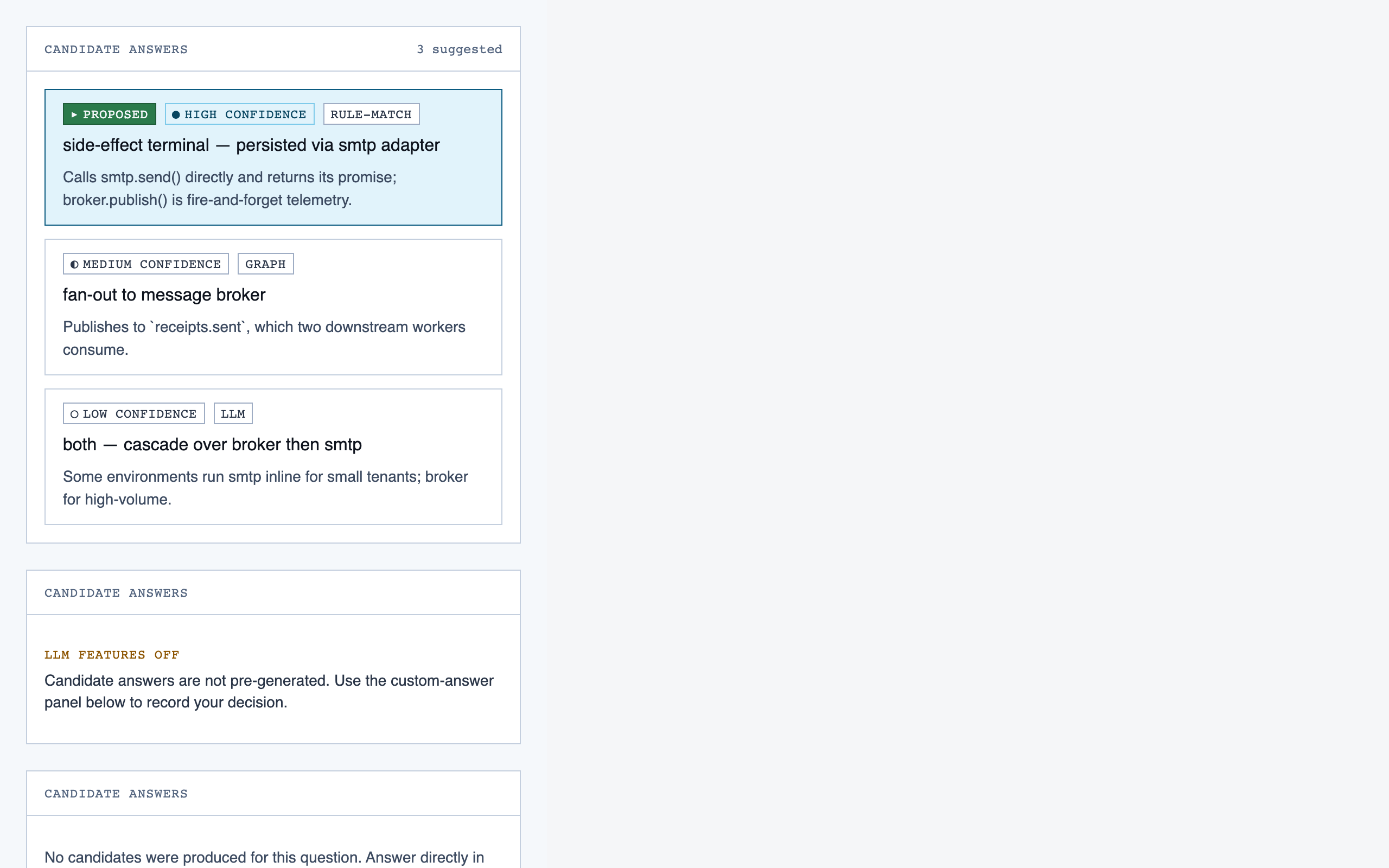
Prep Pass — 4 layout artifacts
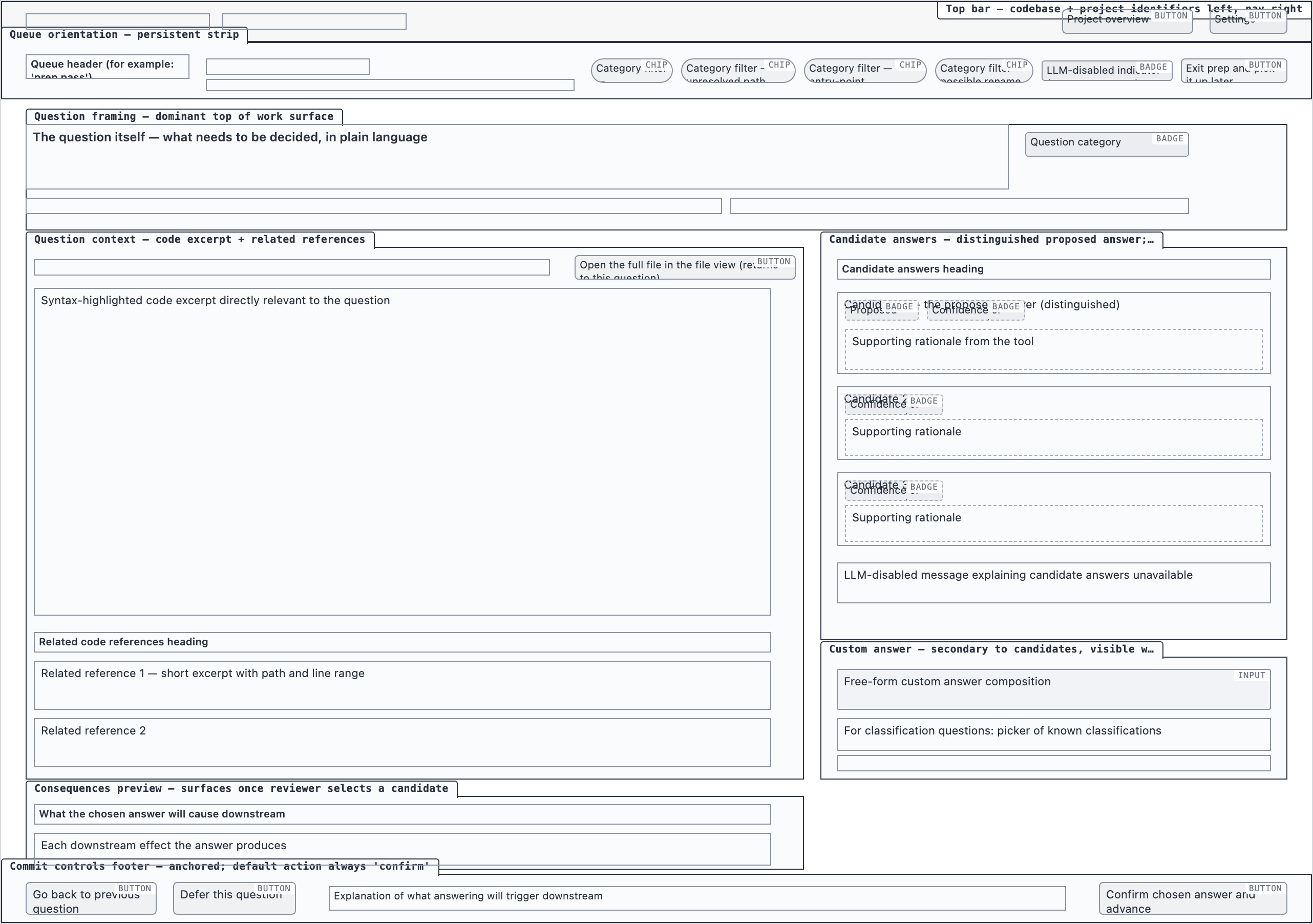 desktop_blocked
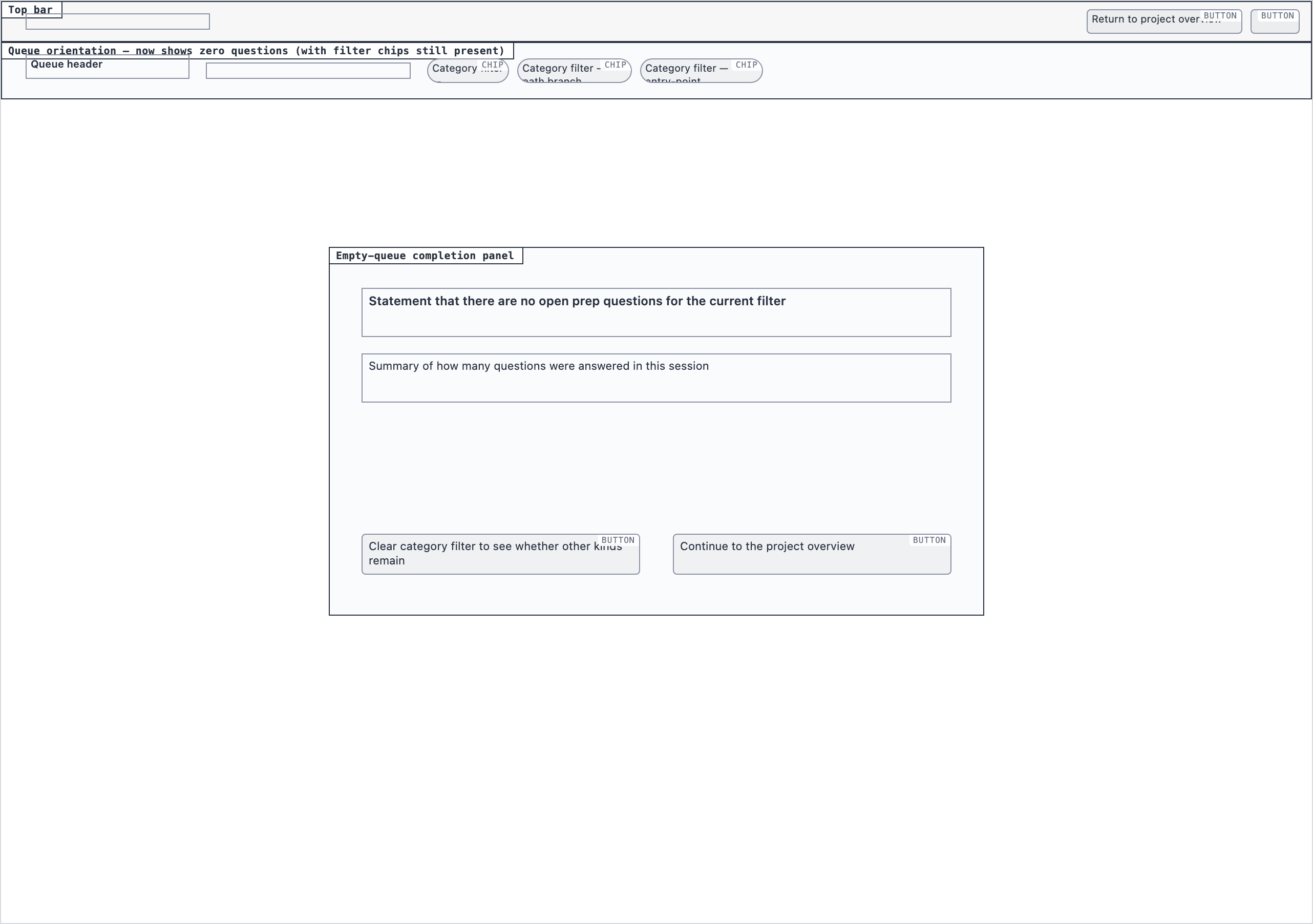 desktop_empty_queue_blocked
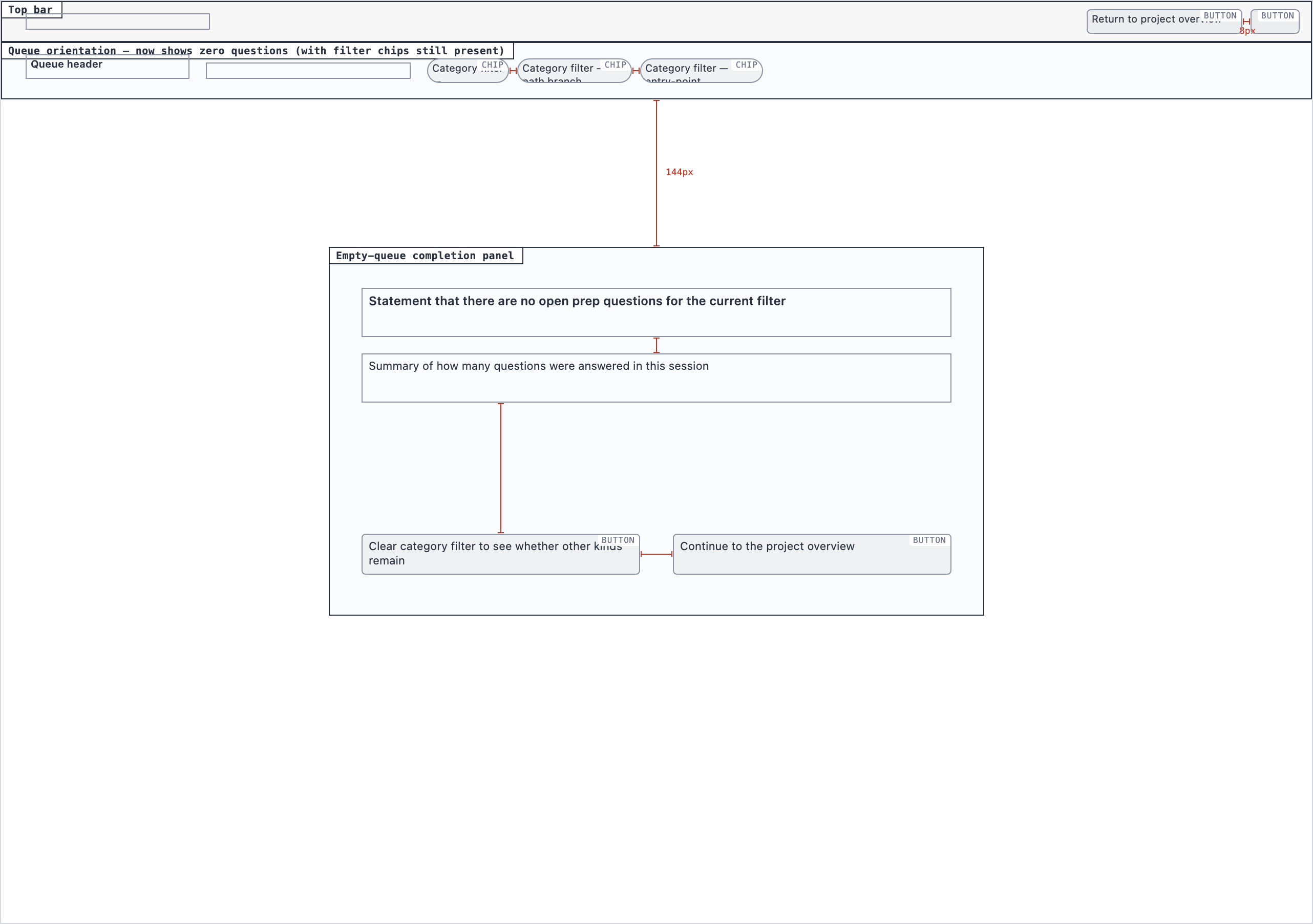 desktop_empty_queue_spaced
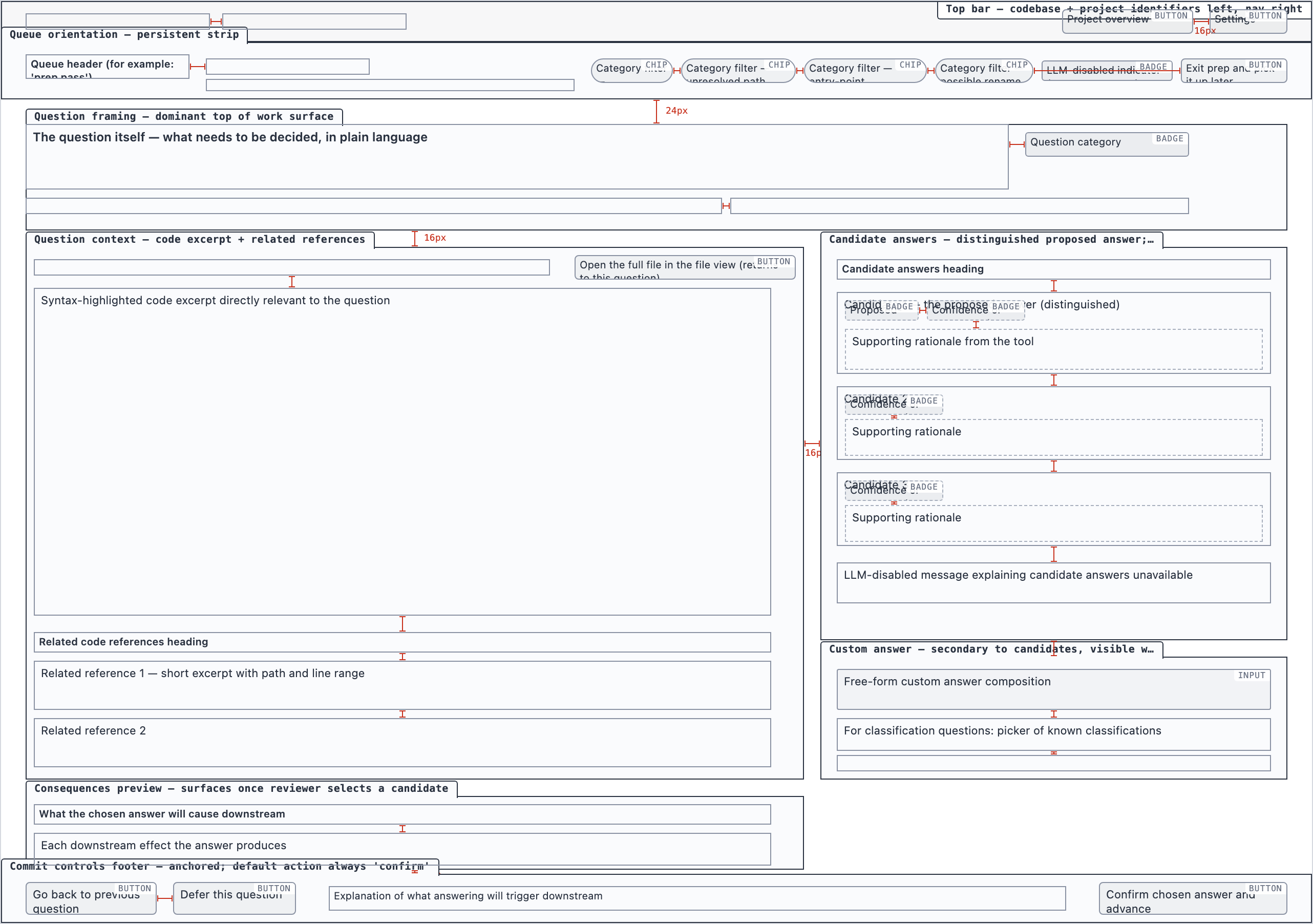 desktop_spaced
Project Overview — 4 layout artifacts
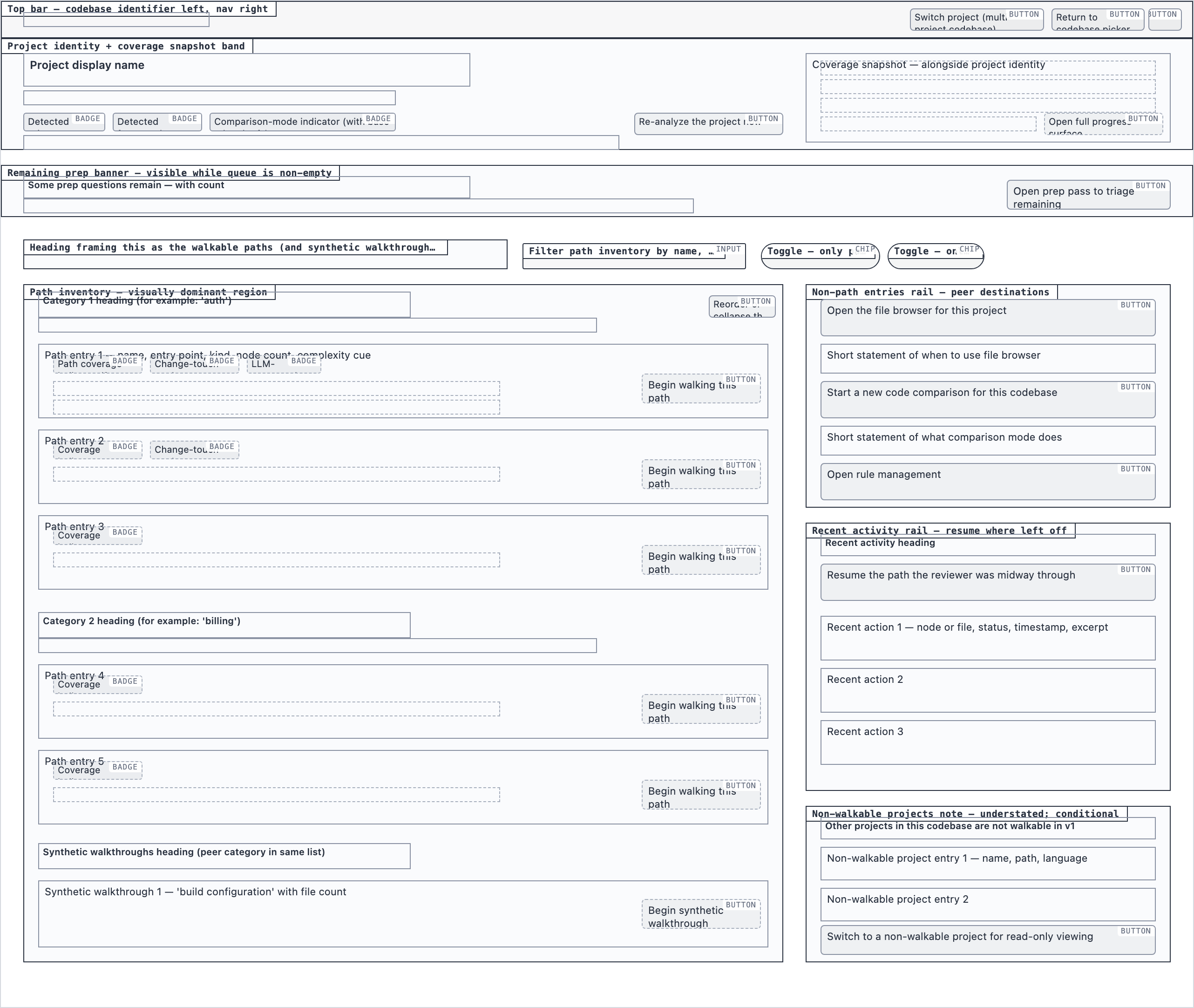 desktop_blocked
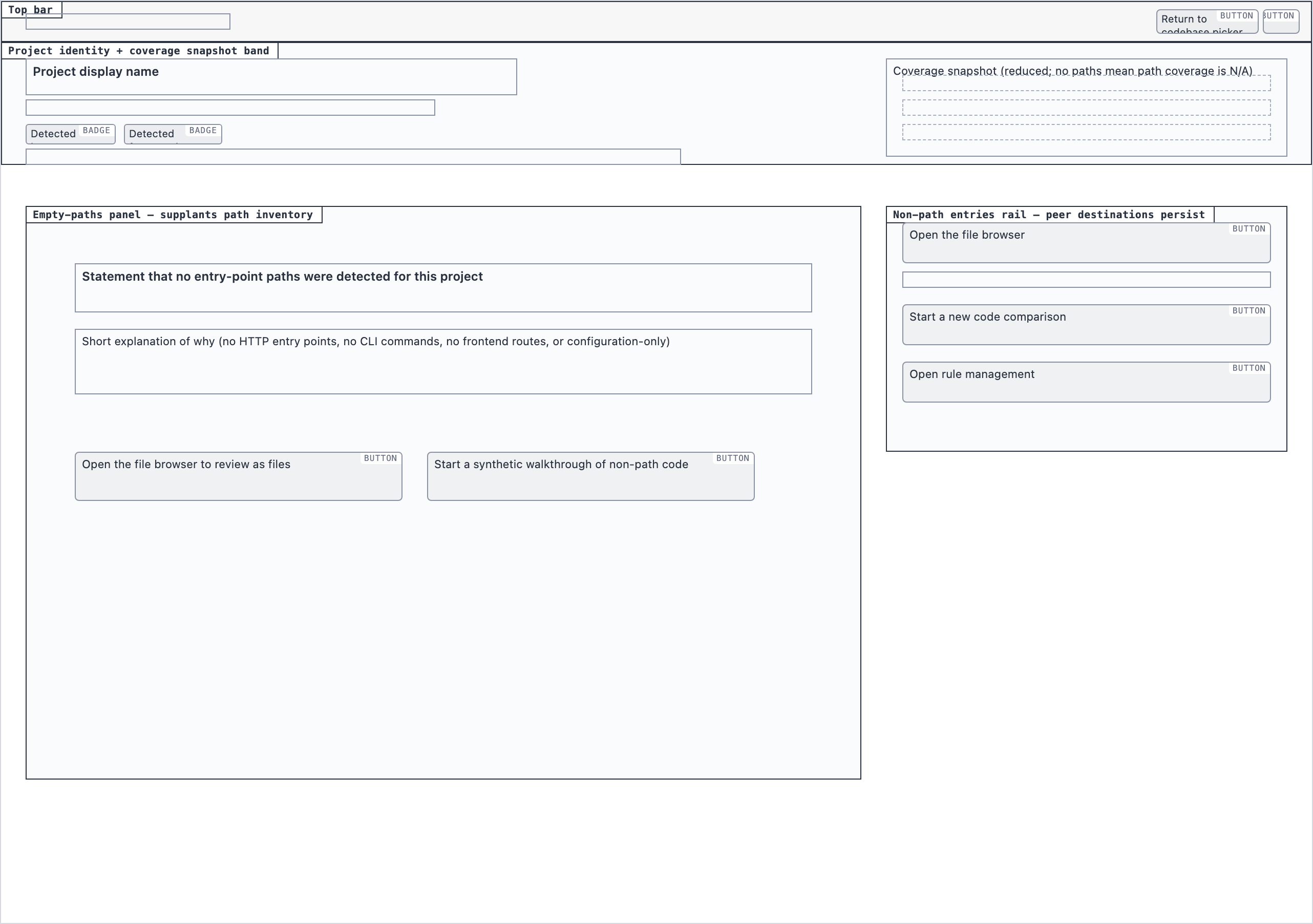 desktop_empty_paths_blocked
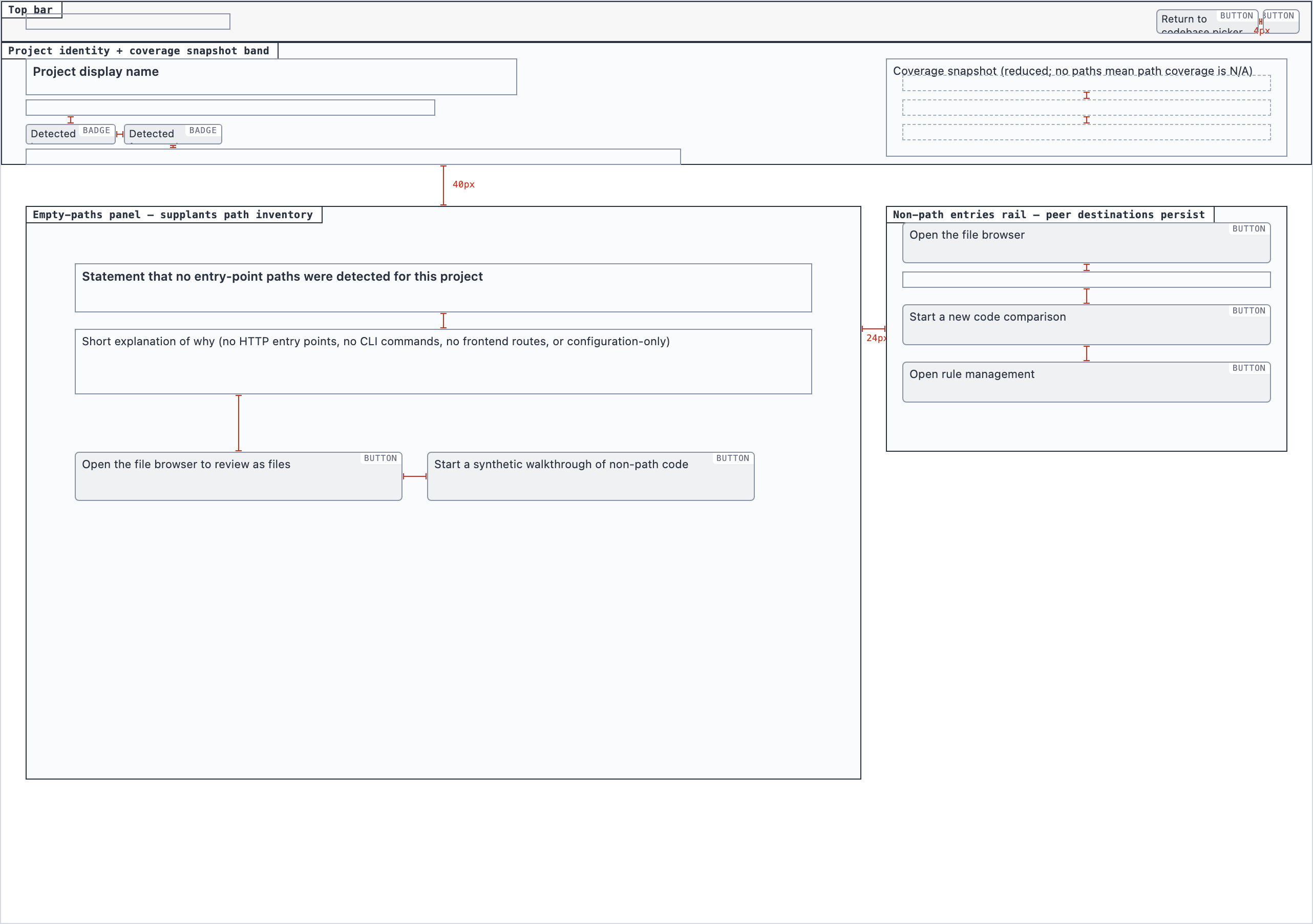 desktop_empty_paths_spaceddesktop_spaced
Walkthrough Node — 2 layout artifacts
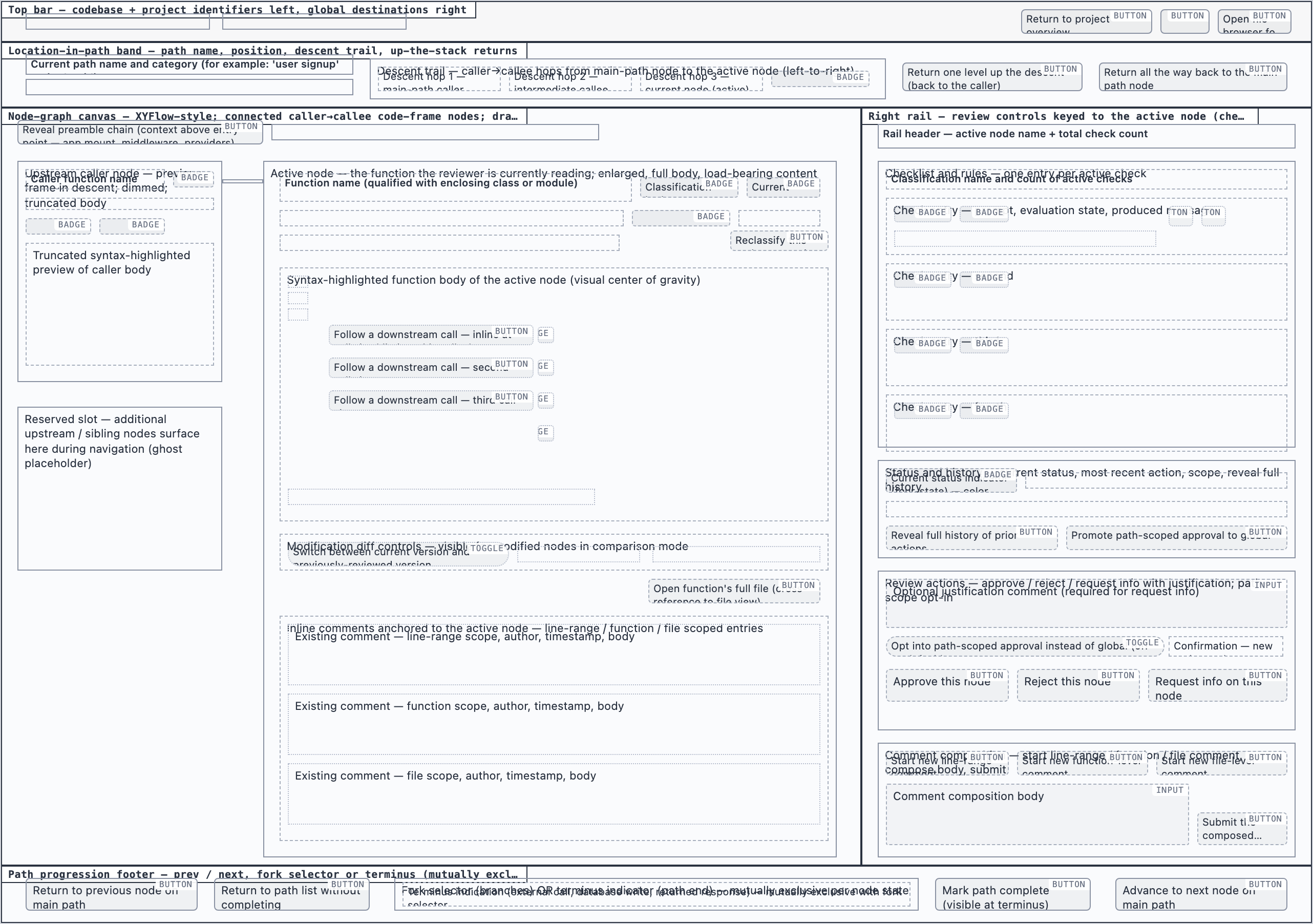 desktop_blockeddesktop_spaced
File Browser — 2 layout artifacts
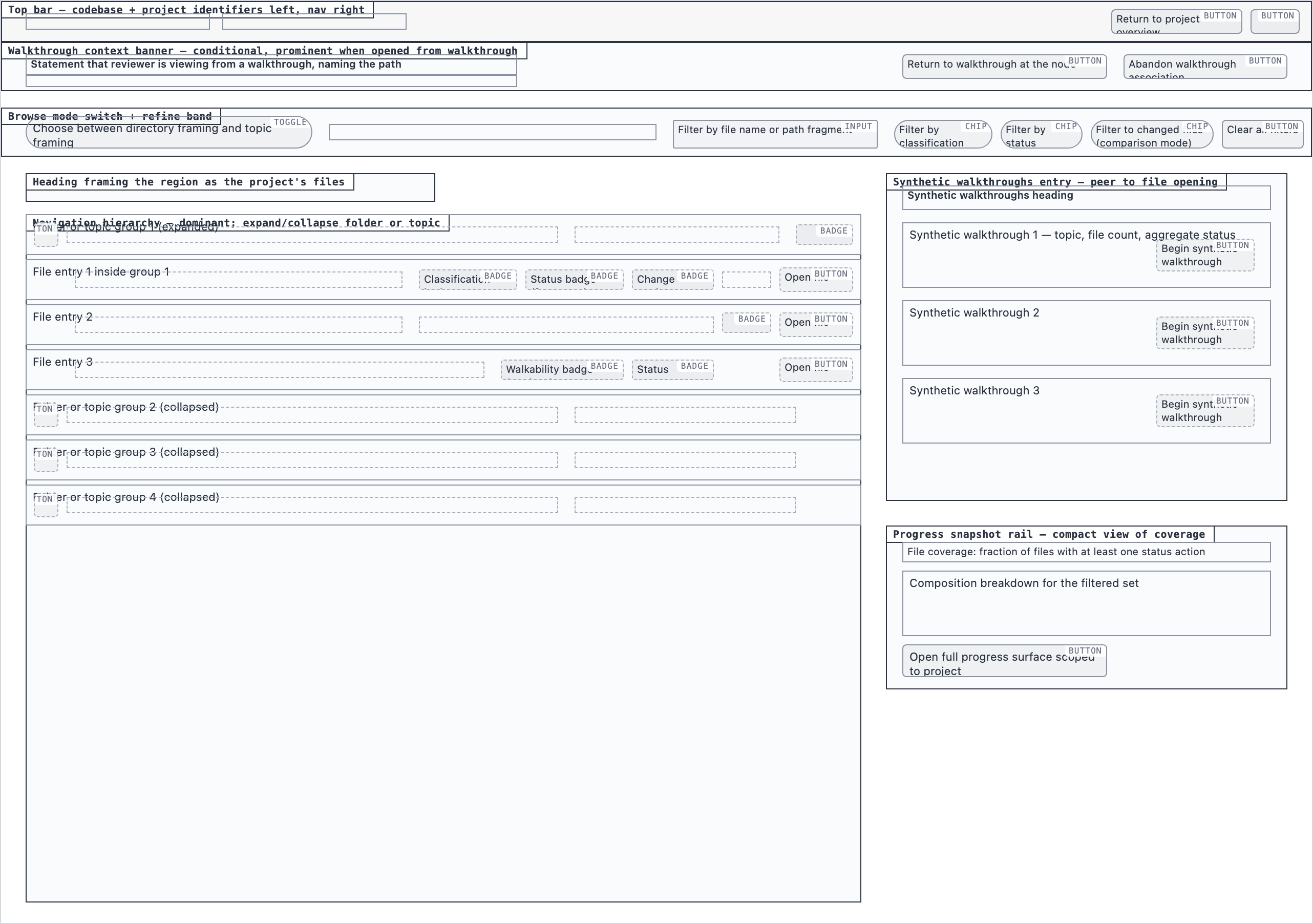 desktop_blocked
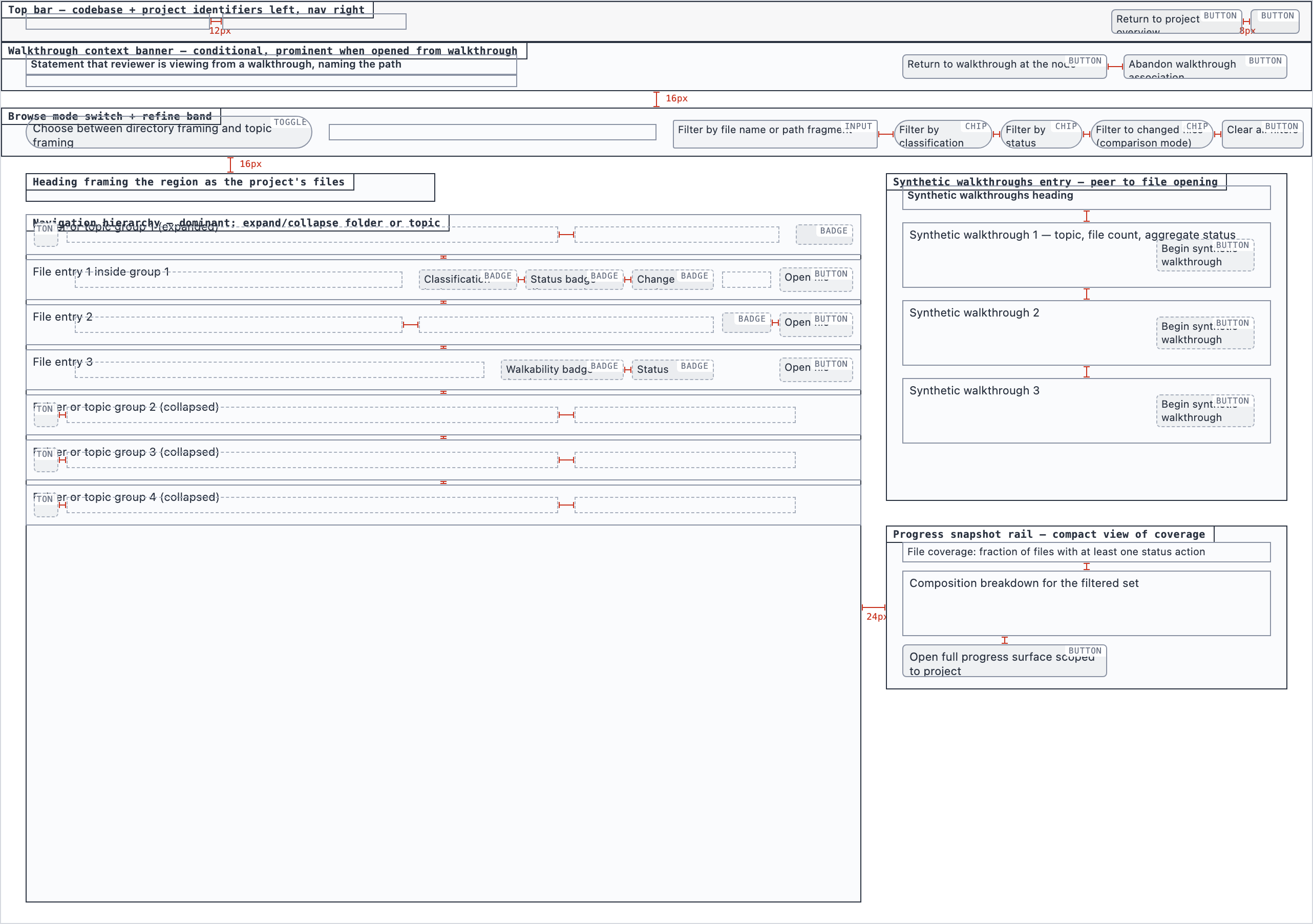 desktop_spaced
File View — 4 layout artifacts
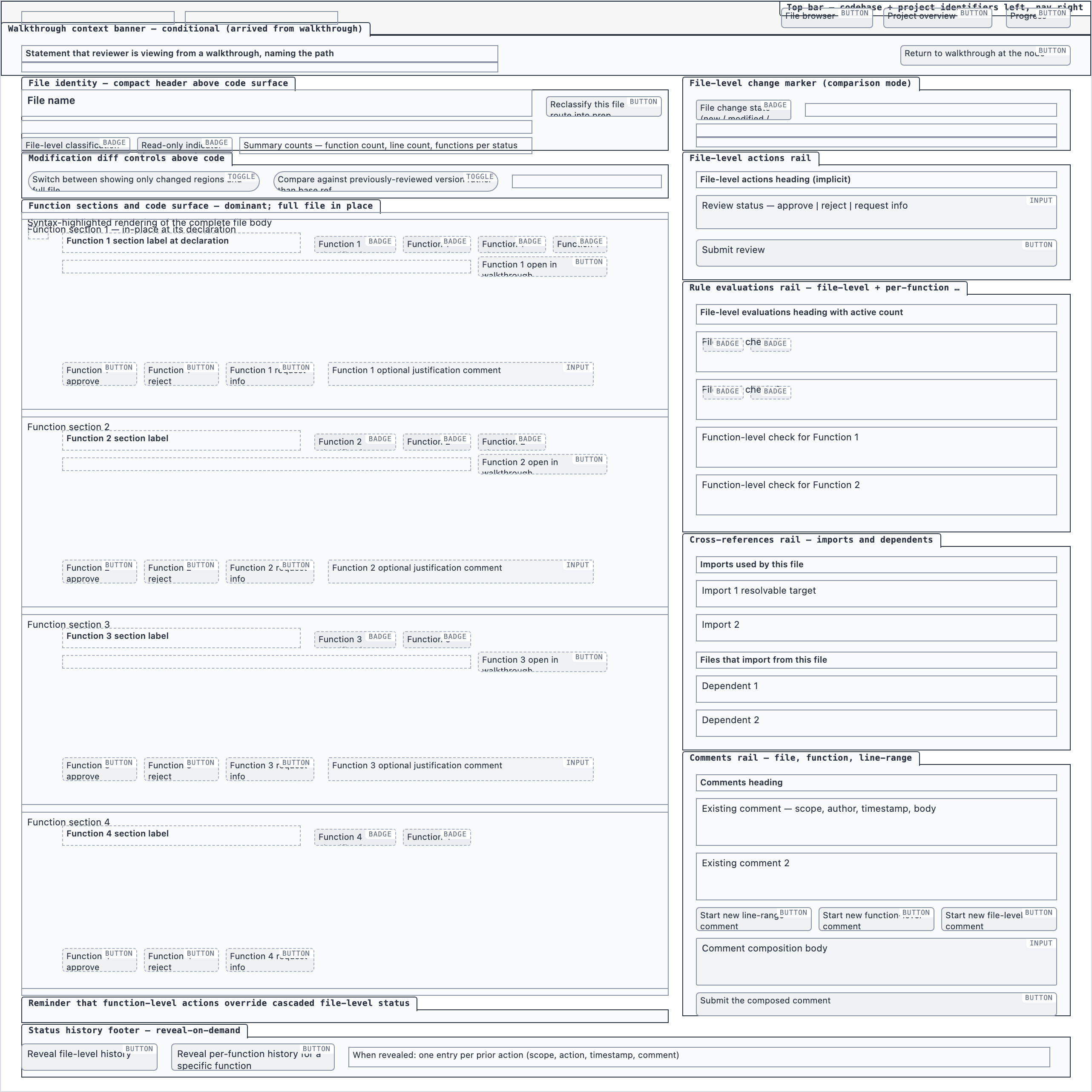 desktop_blocked
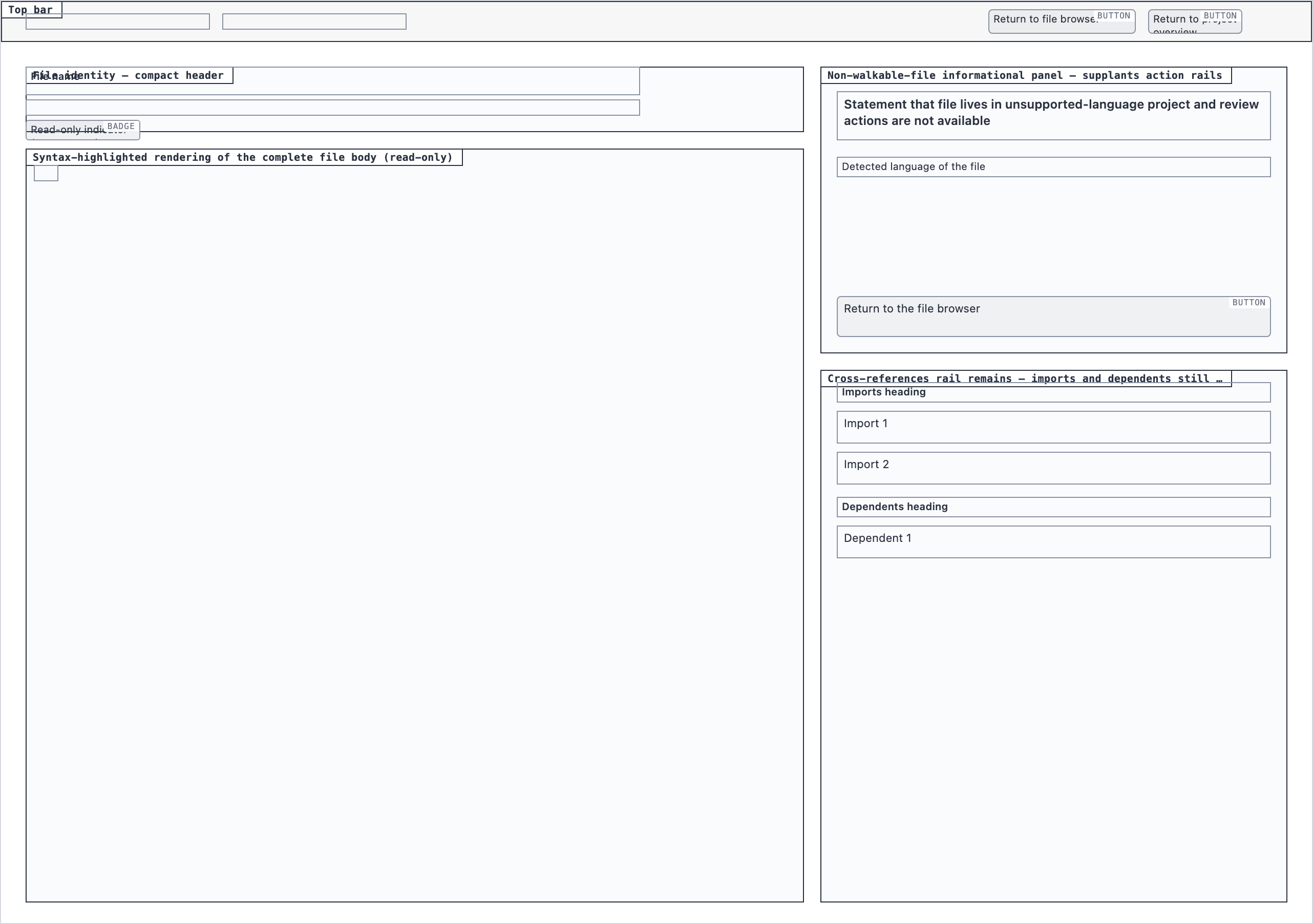 desktop_non_walkable_blocked
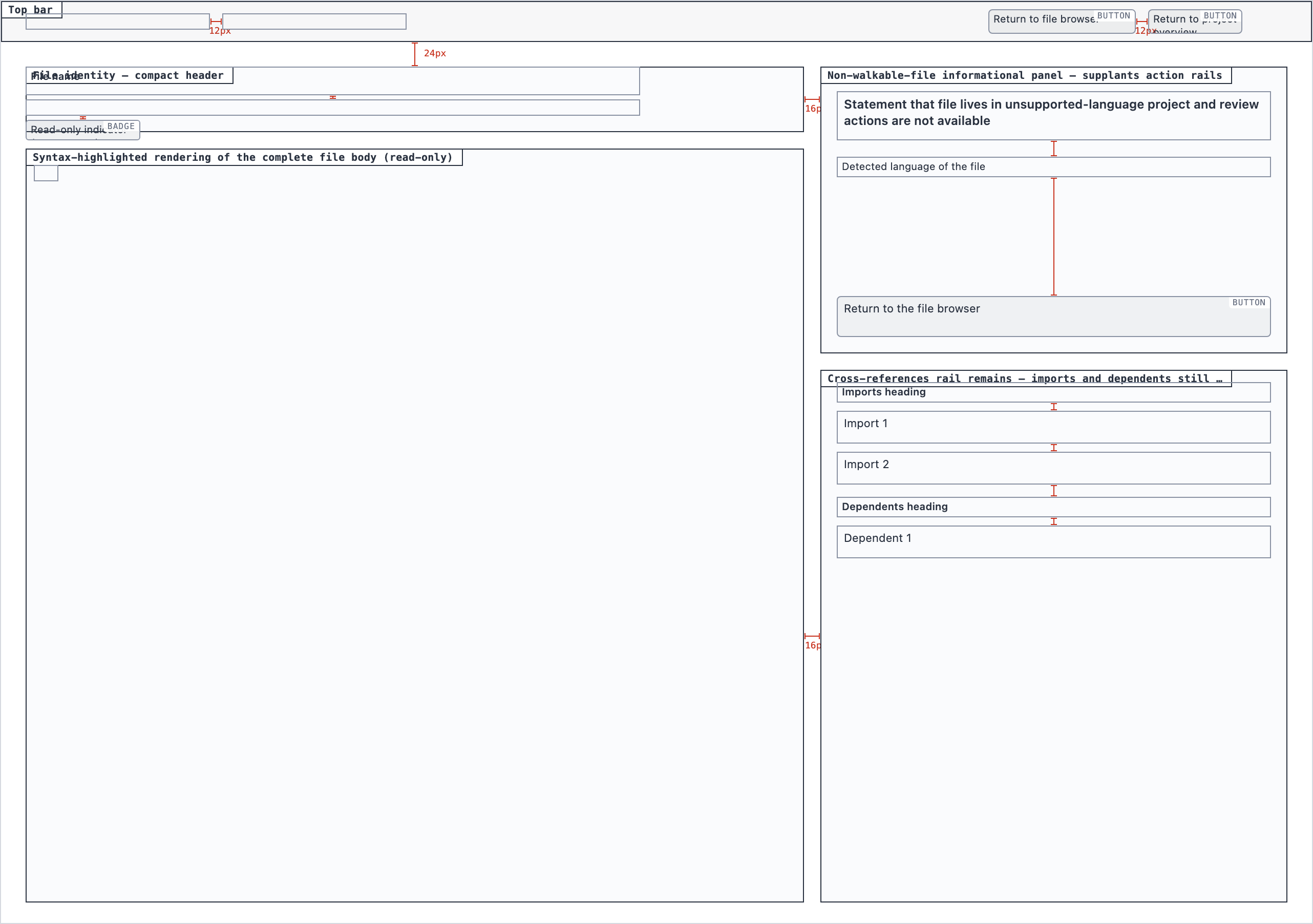 desktop_non_walkable_spaced
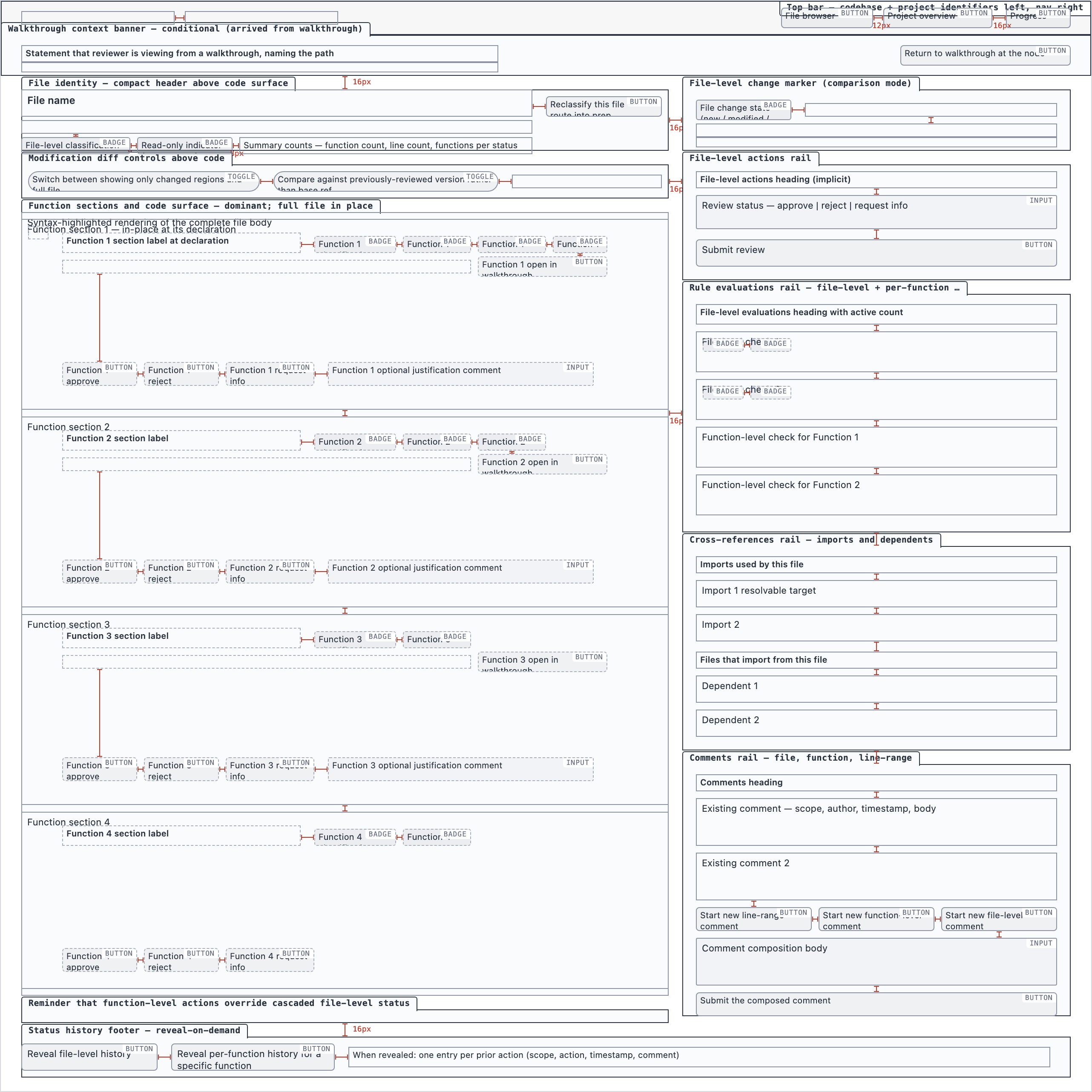 desktop_spaced
Comparison Setup — 2 layout artifacts
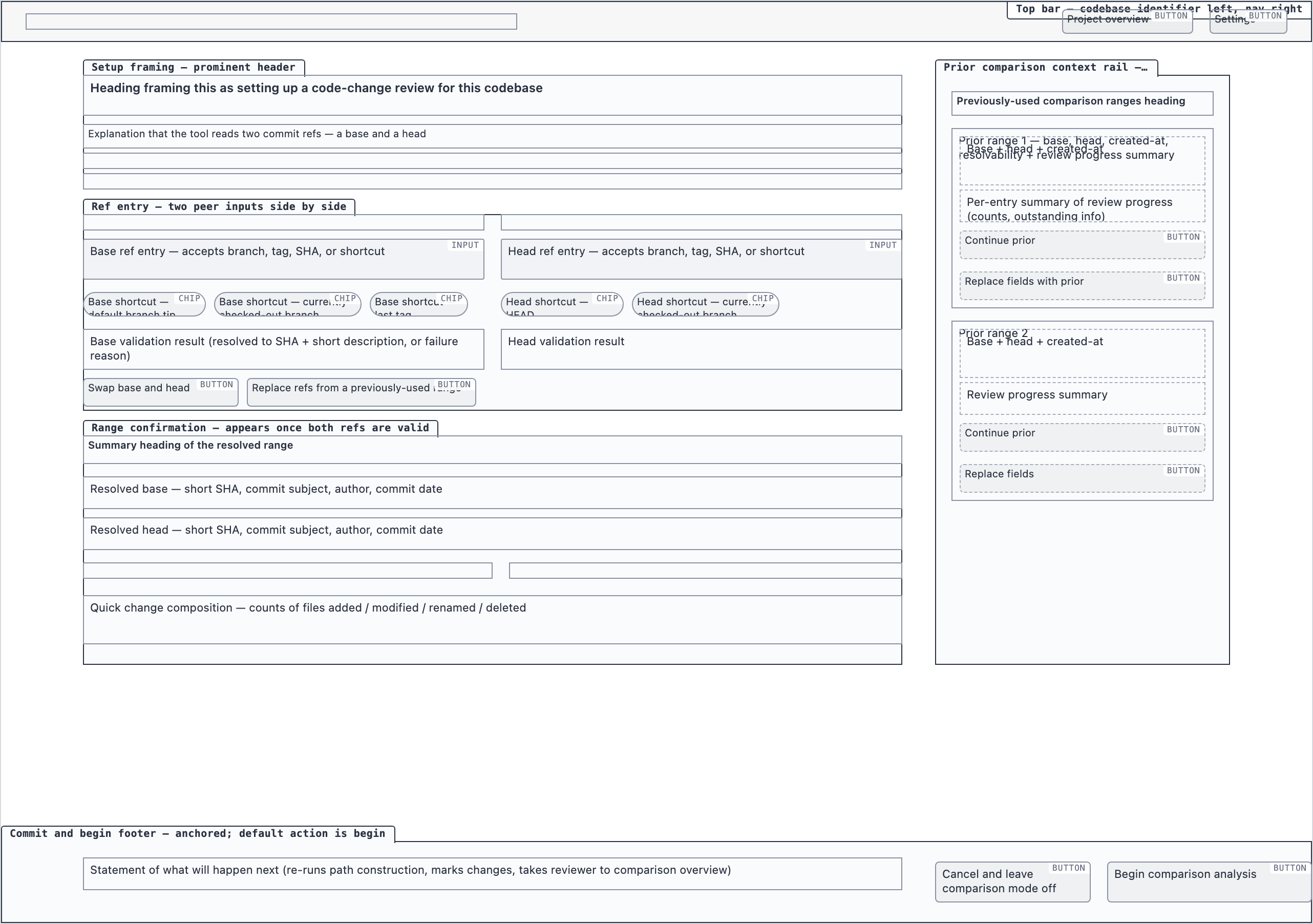 desktop_blocked
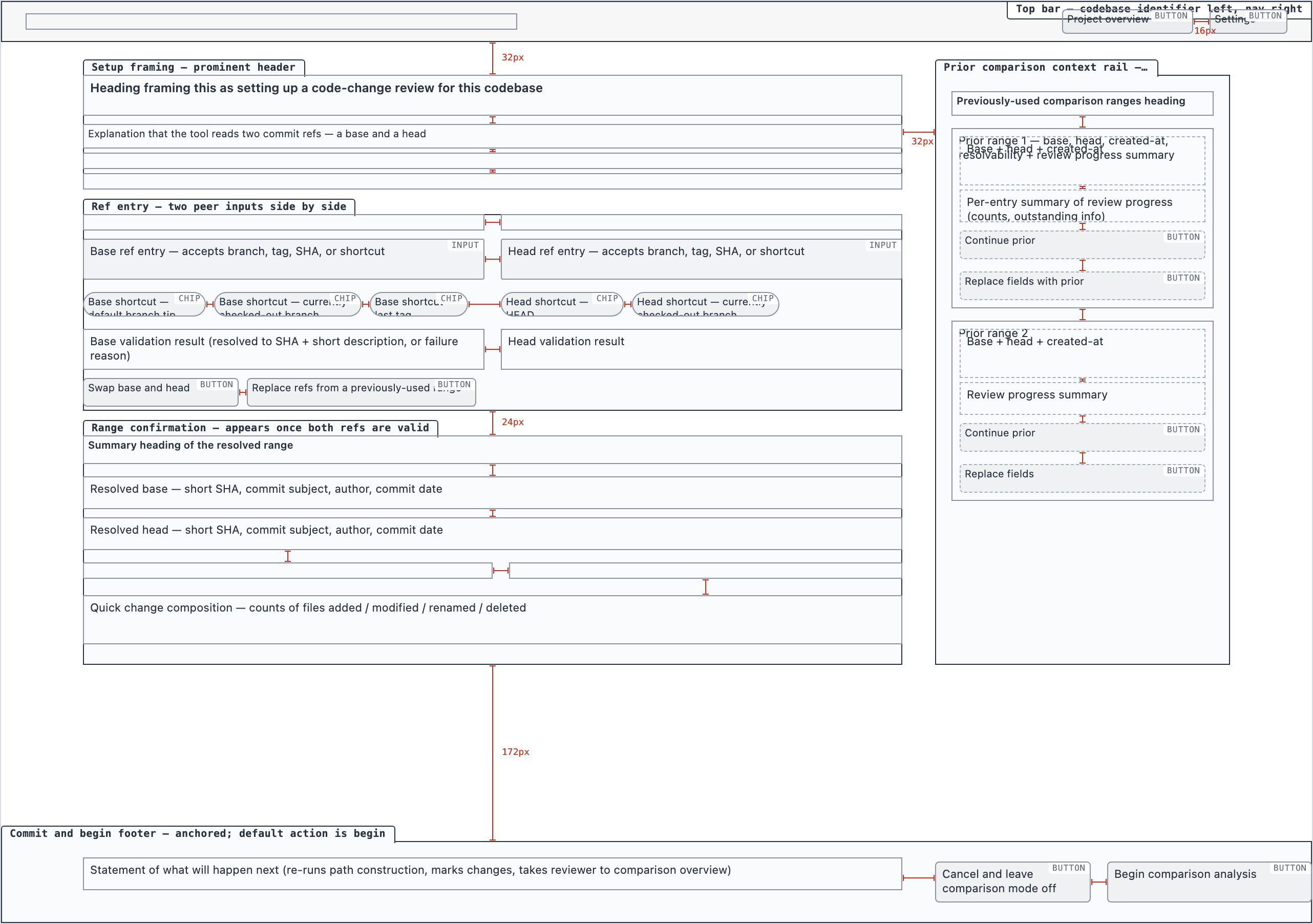 desktop_spaced
Comparison Overview — 4 layout artifacts
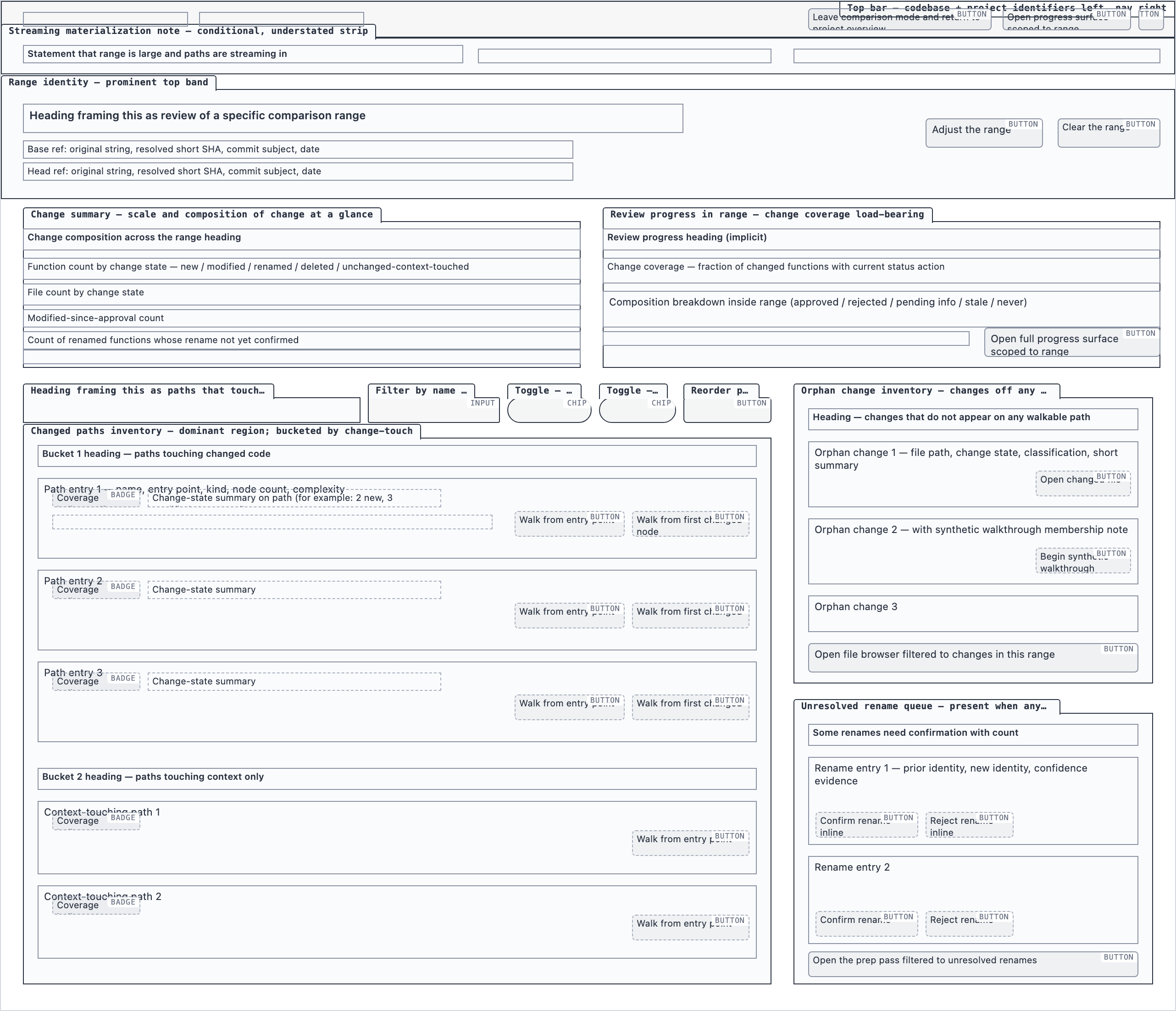 desktop_blocked
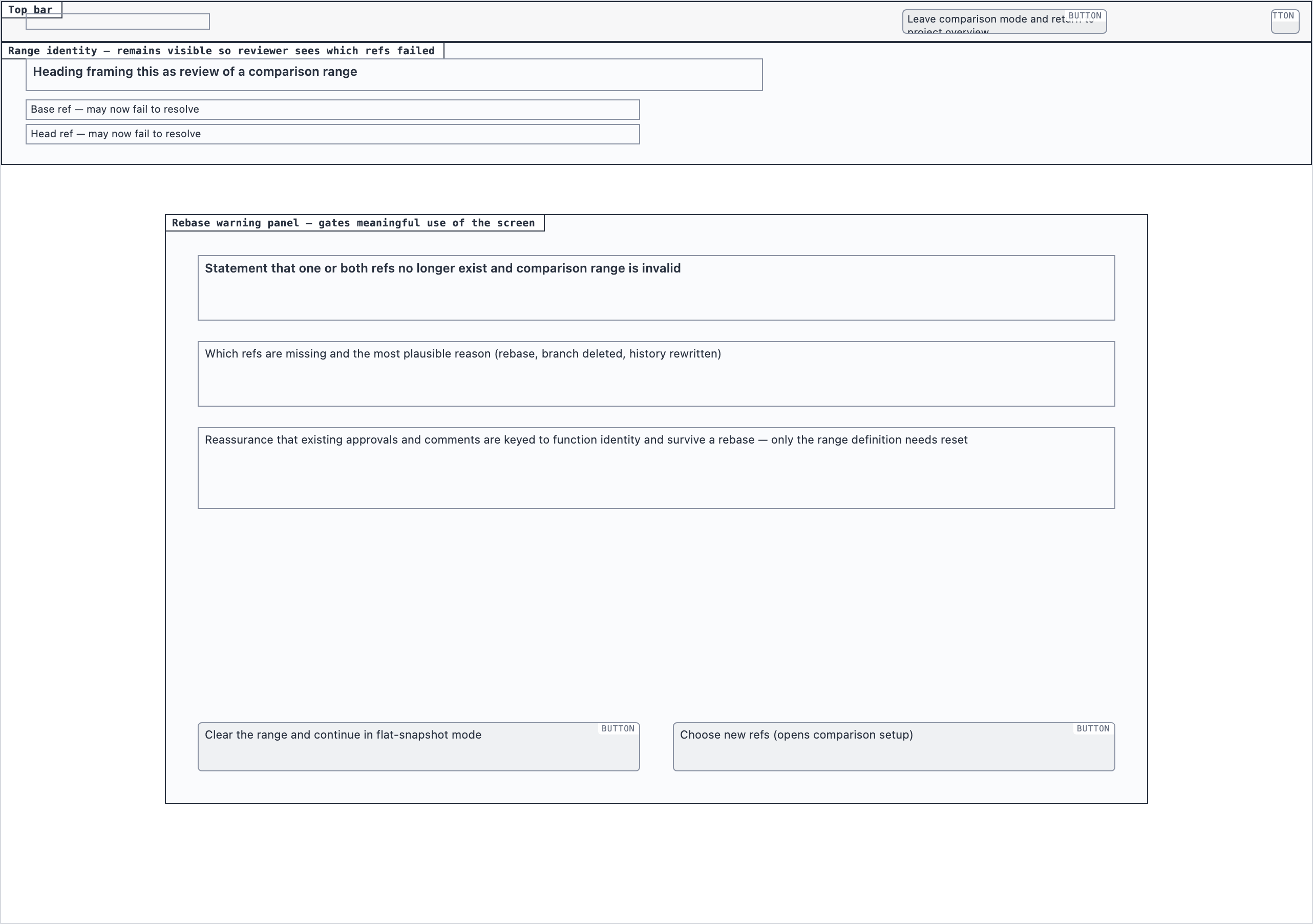 desktop_rebase_warning_blocked
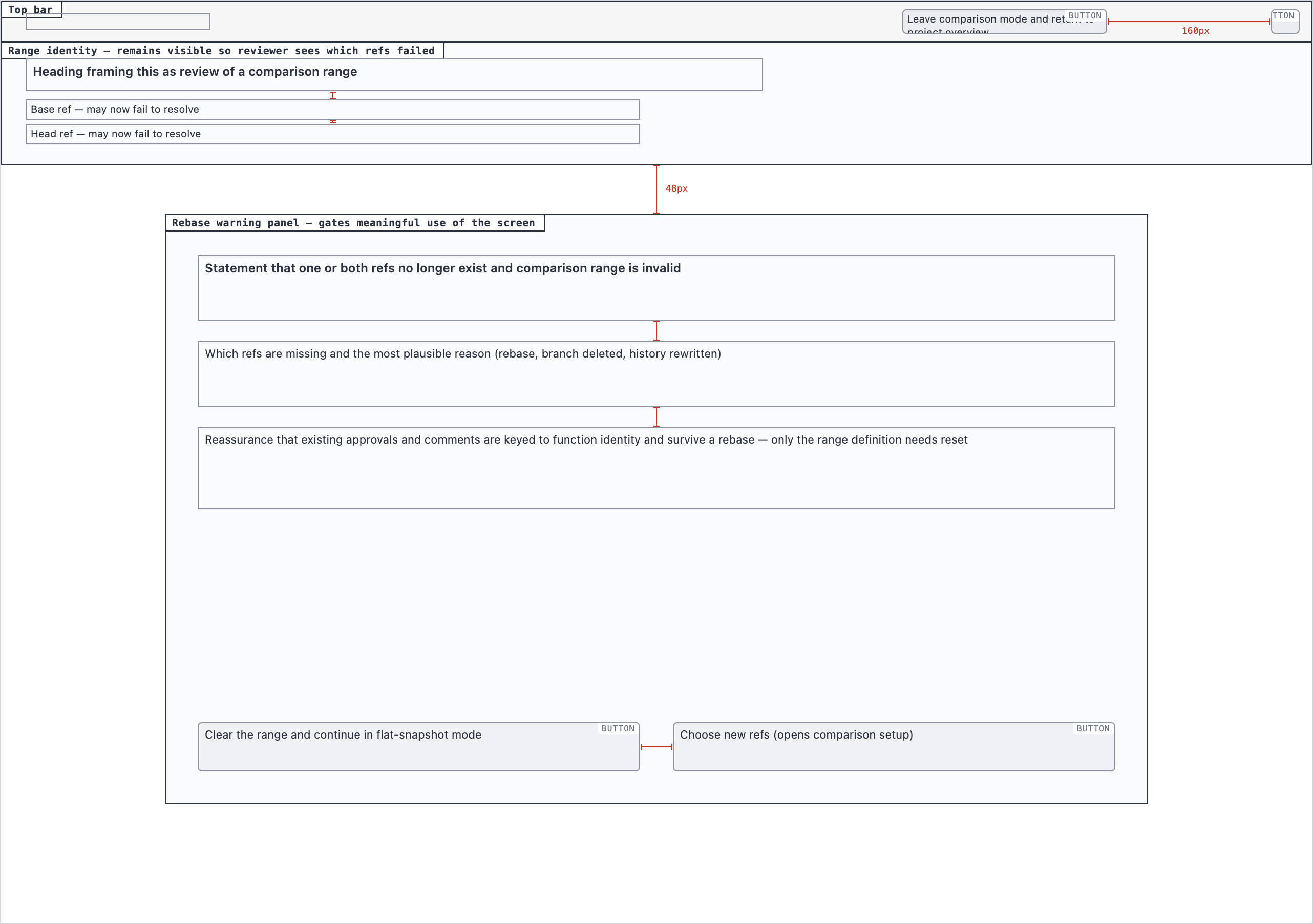 desktop_rebase_warning_spaced
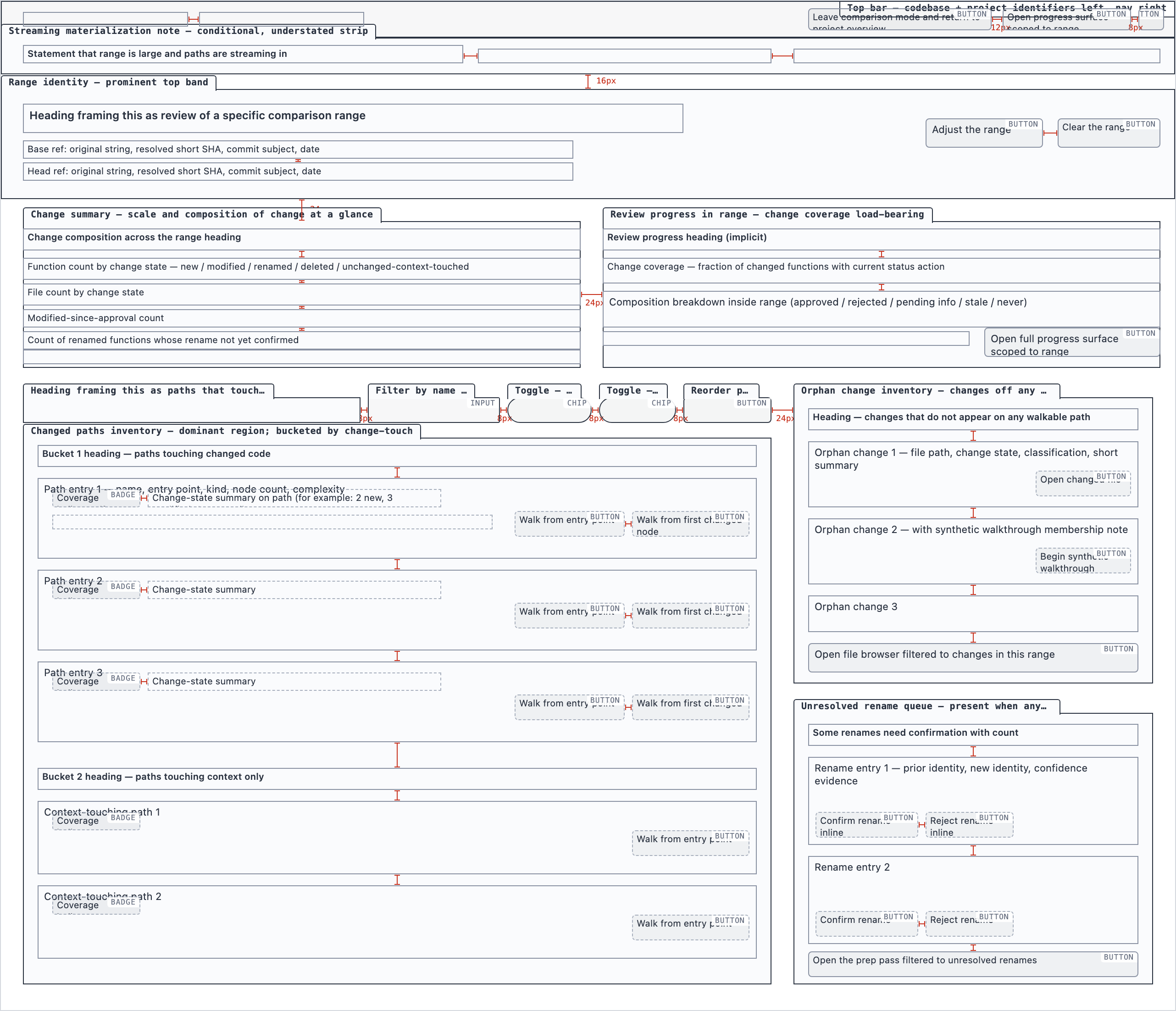 desktop_spaced
Progress Dashboard — 4 layout artifacts
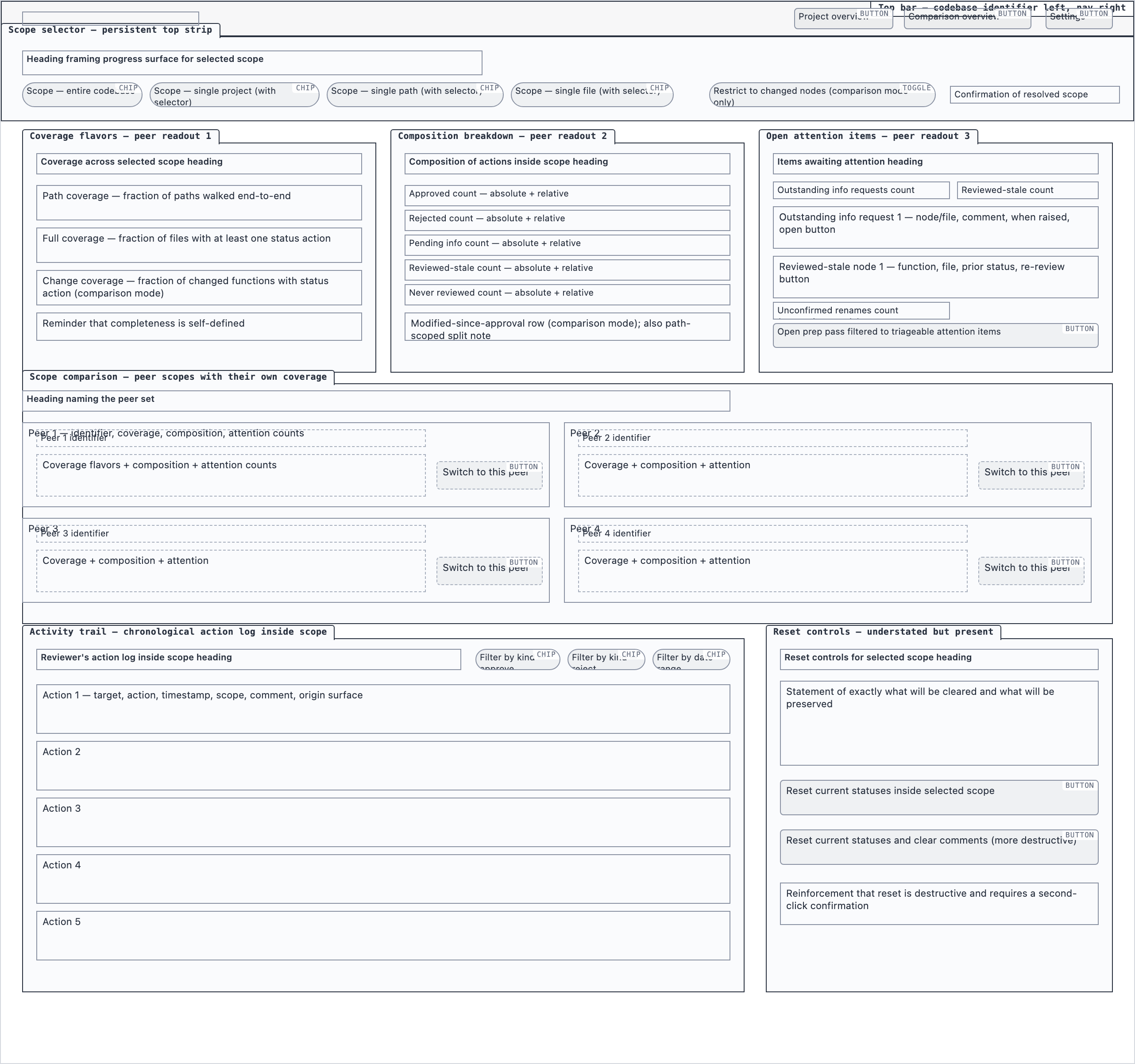 desktop_blocked
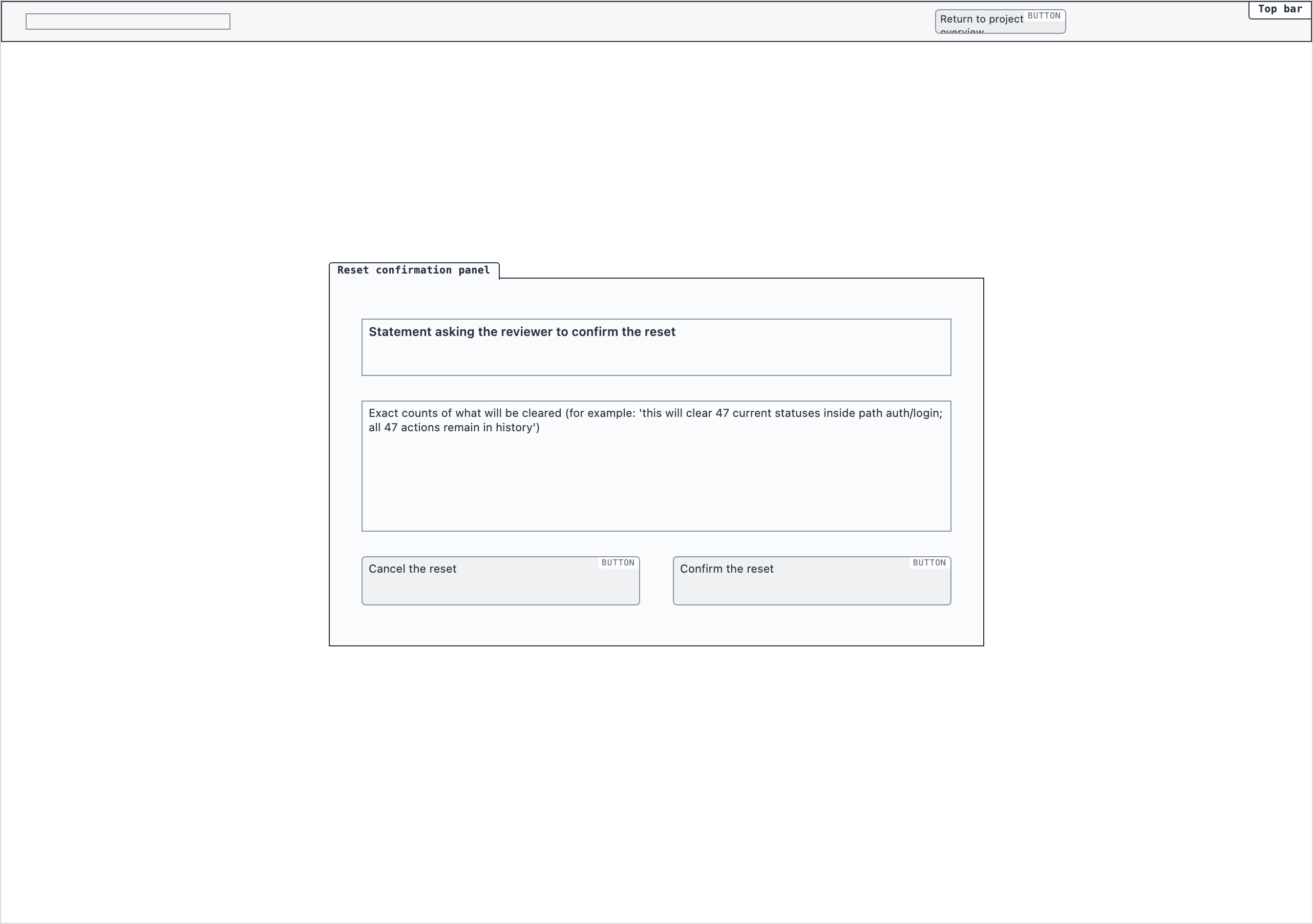 desktop_reset_confirmation_blocked
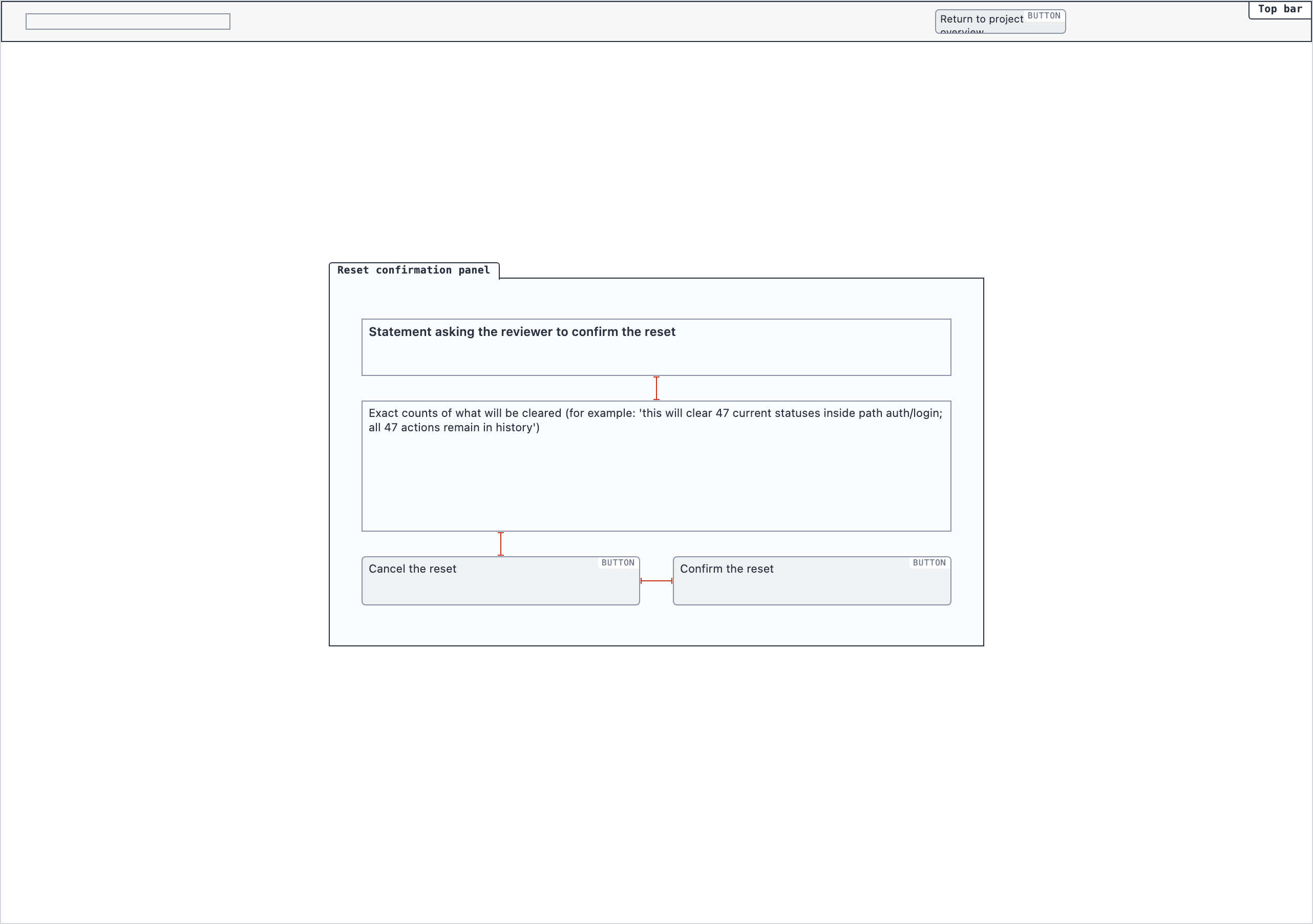 desktop_reset_confirmation_spaced
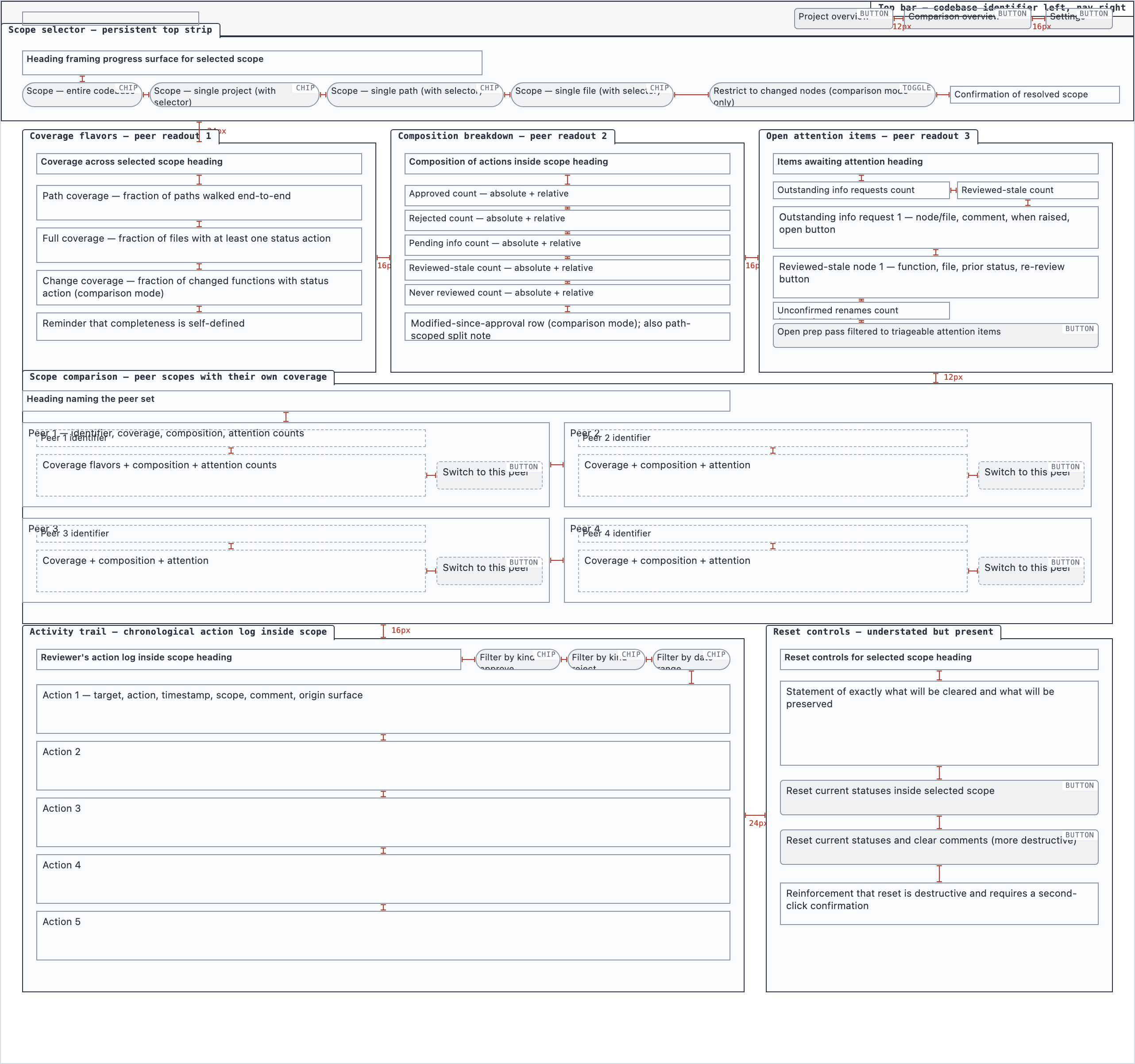 desktop_spaced
Rule Management — 2 layout artifacts
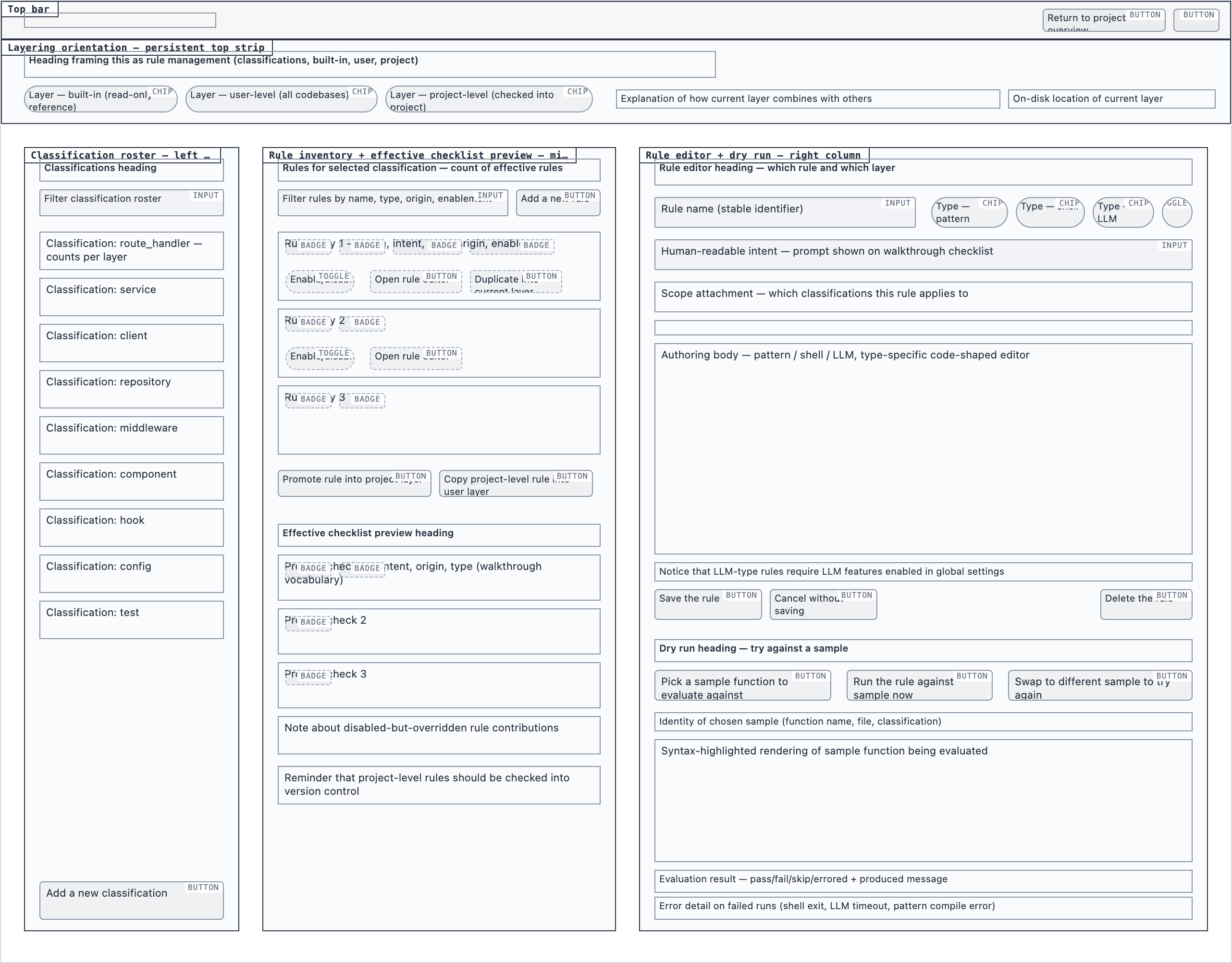 desktop_blocked
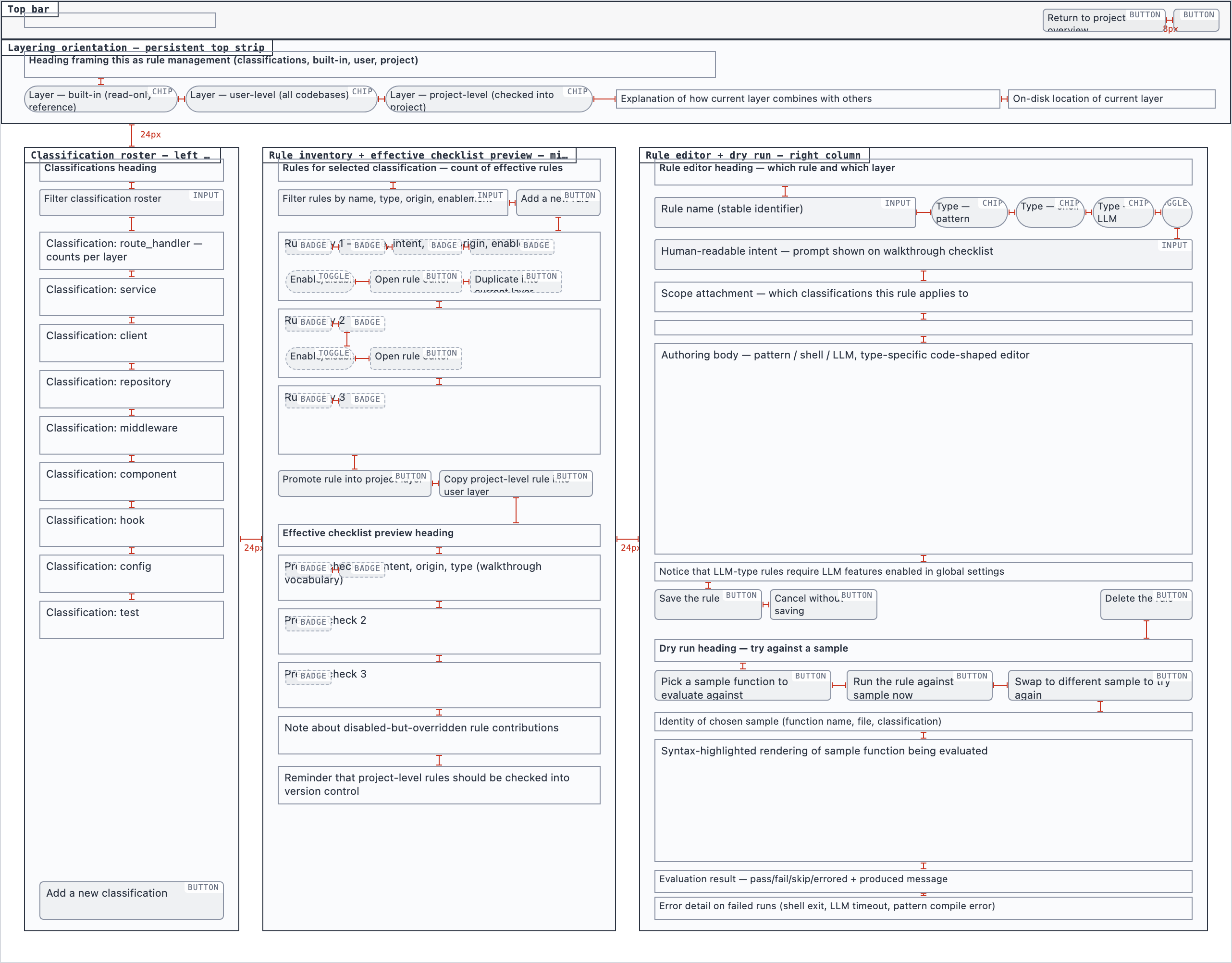 desktop_spaced
Settings — 4 layout artifacts
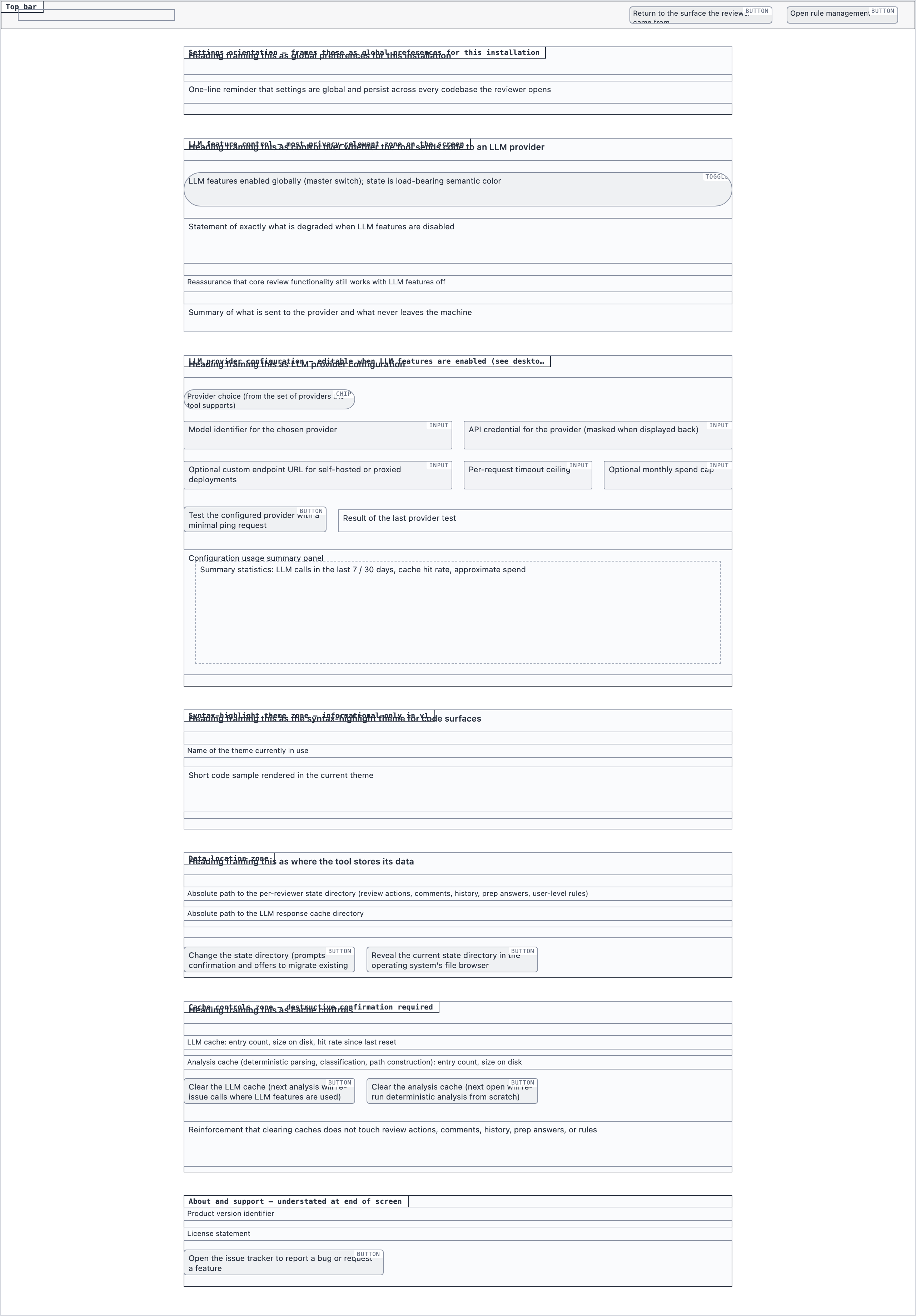 desktop_blocked
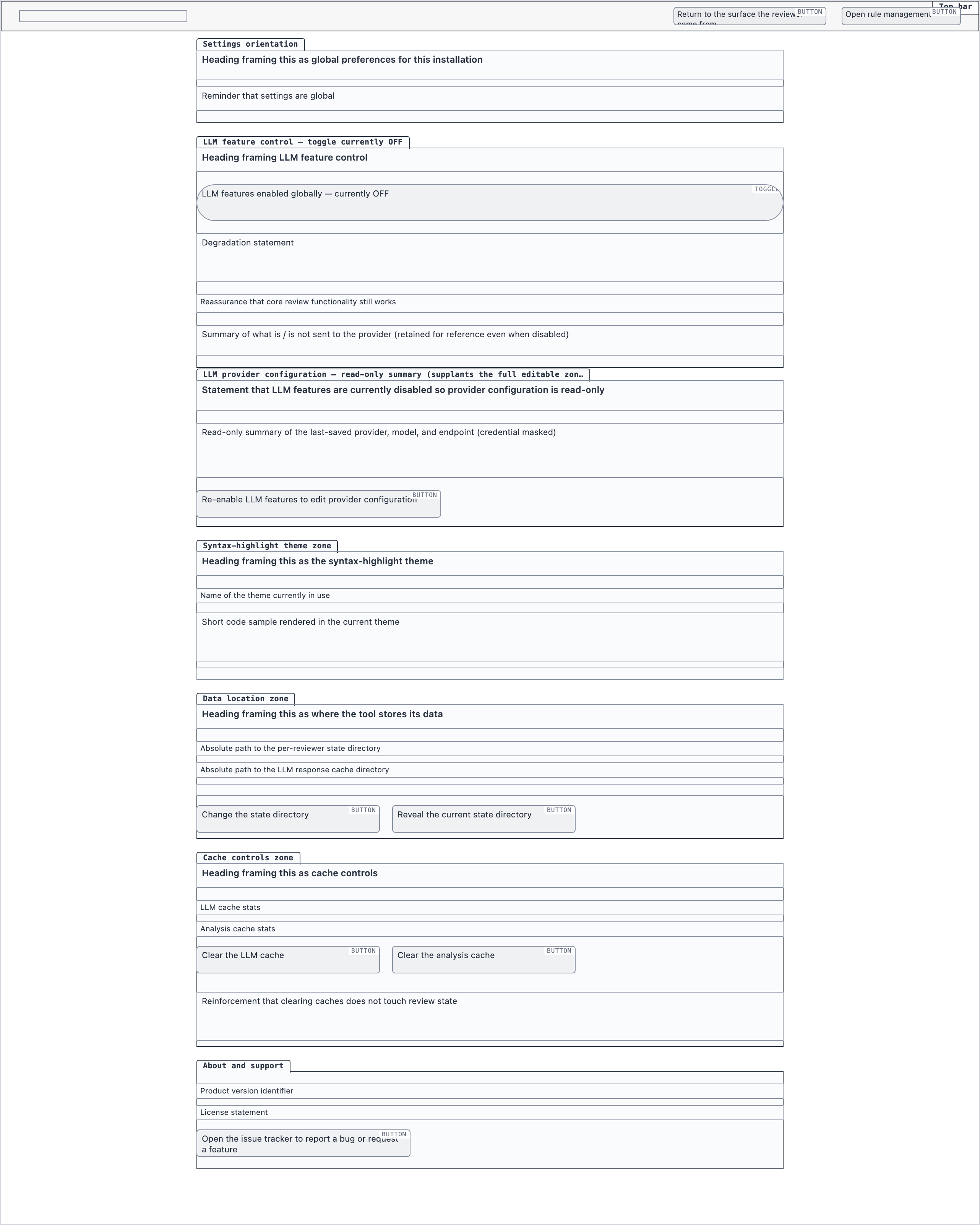 desktop_llm_disabled_blocked
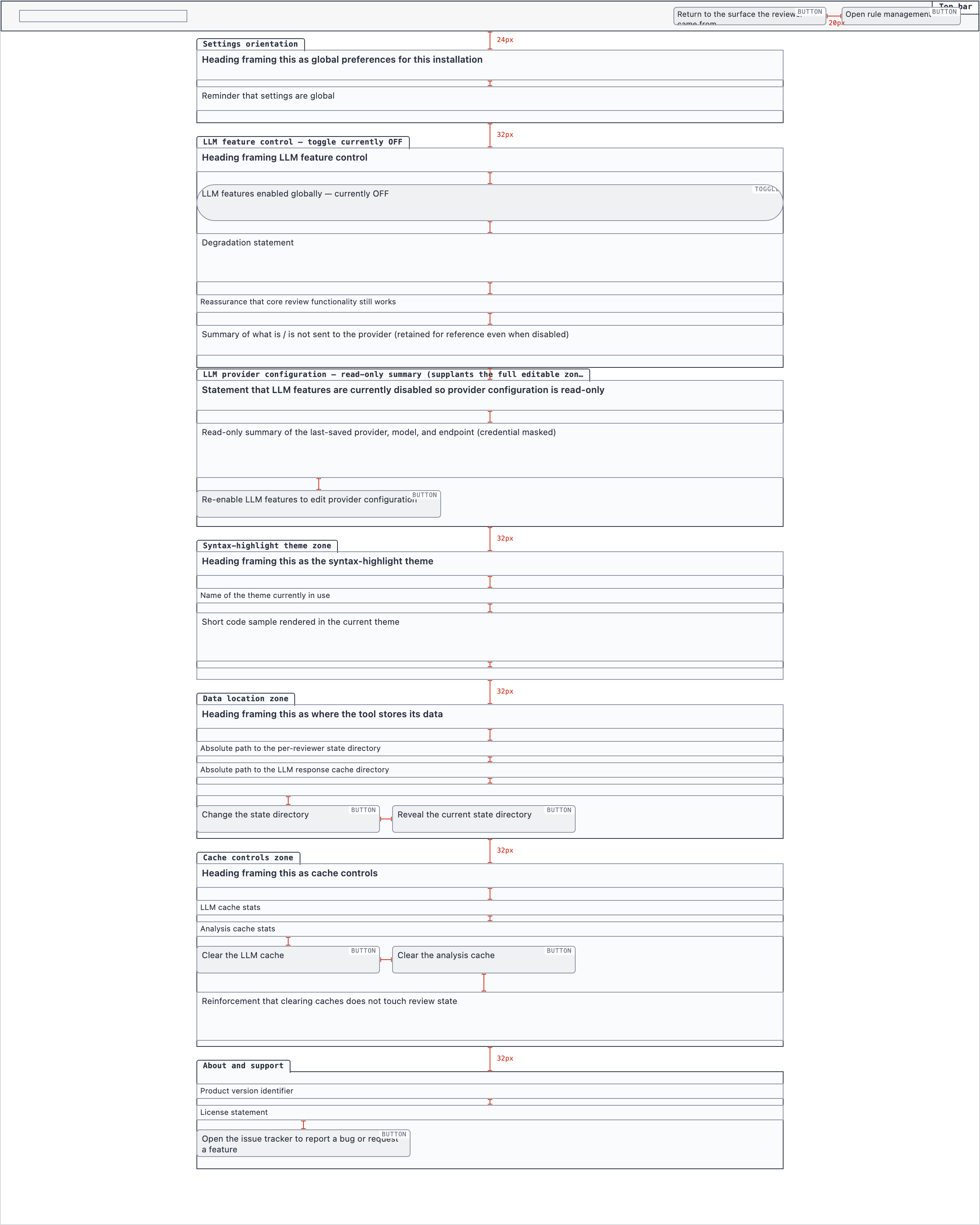 desktop_llm_disabled_spaced
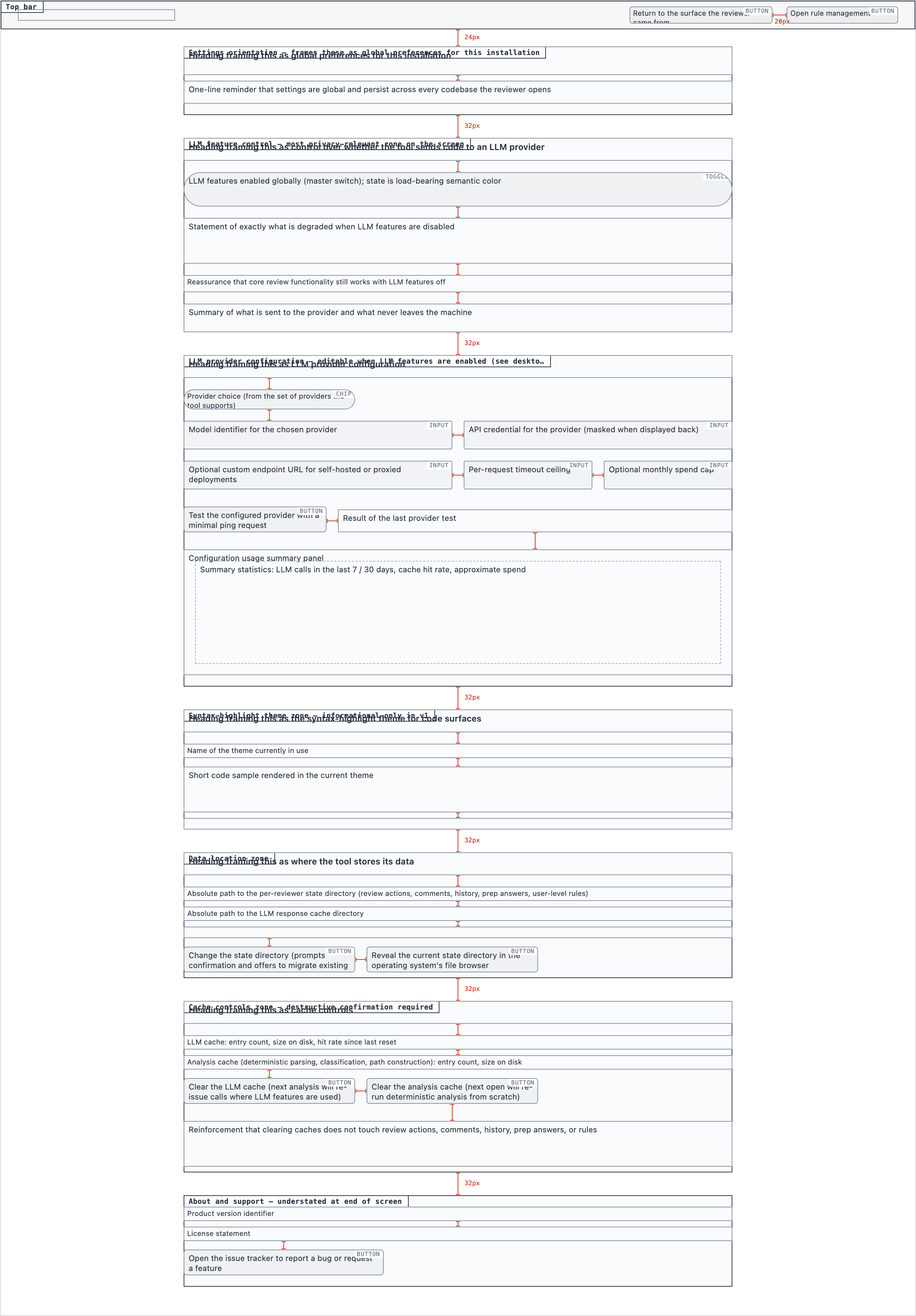 desktop_spaced
§ Stage 5 — Components
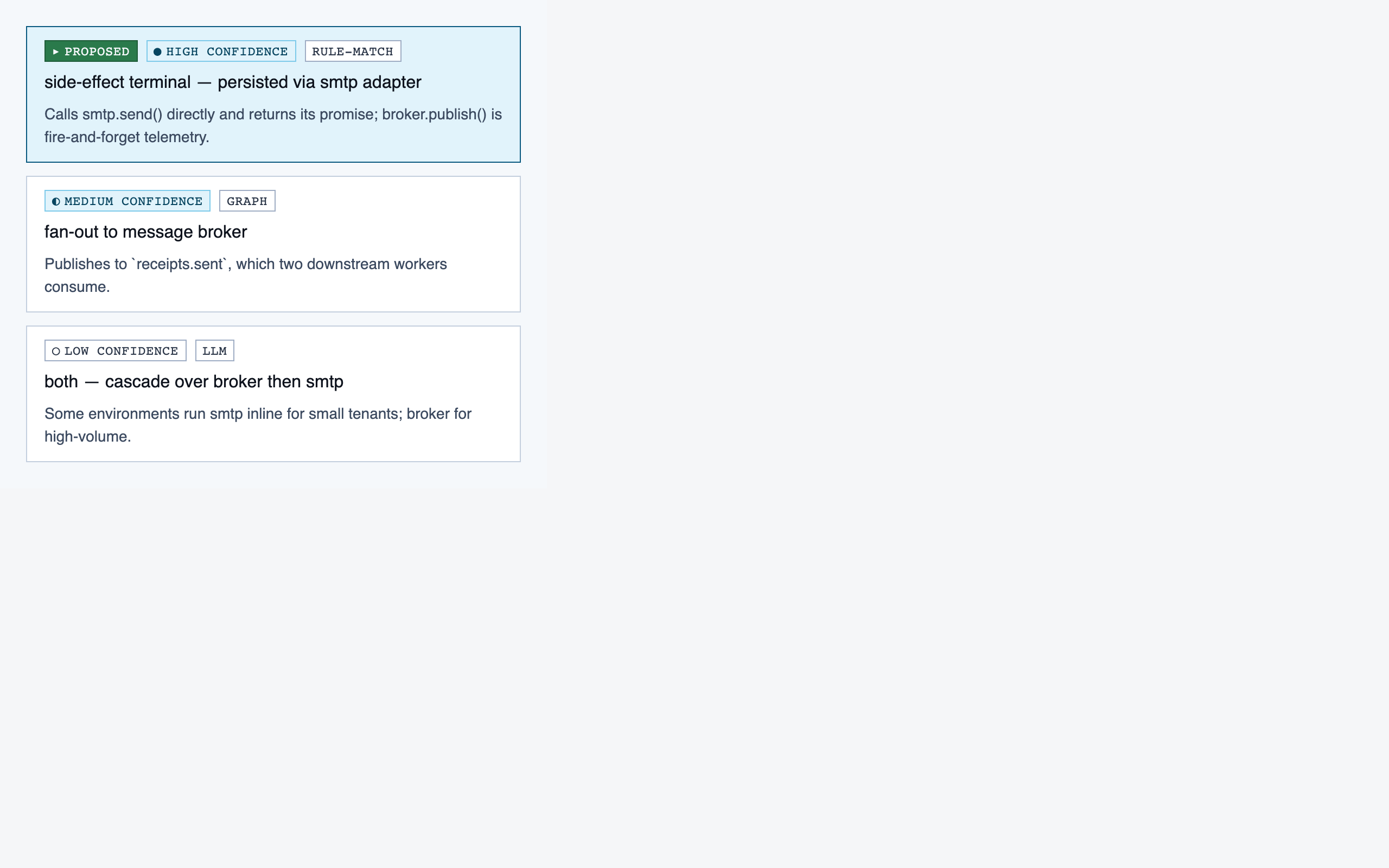
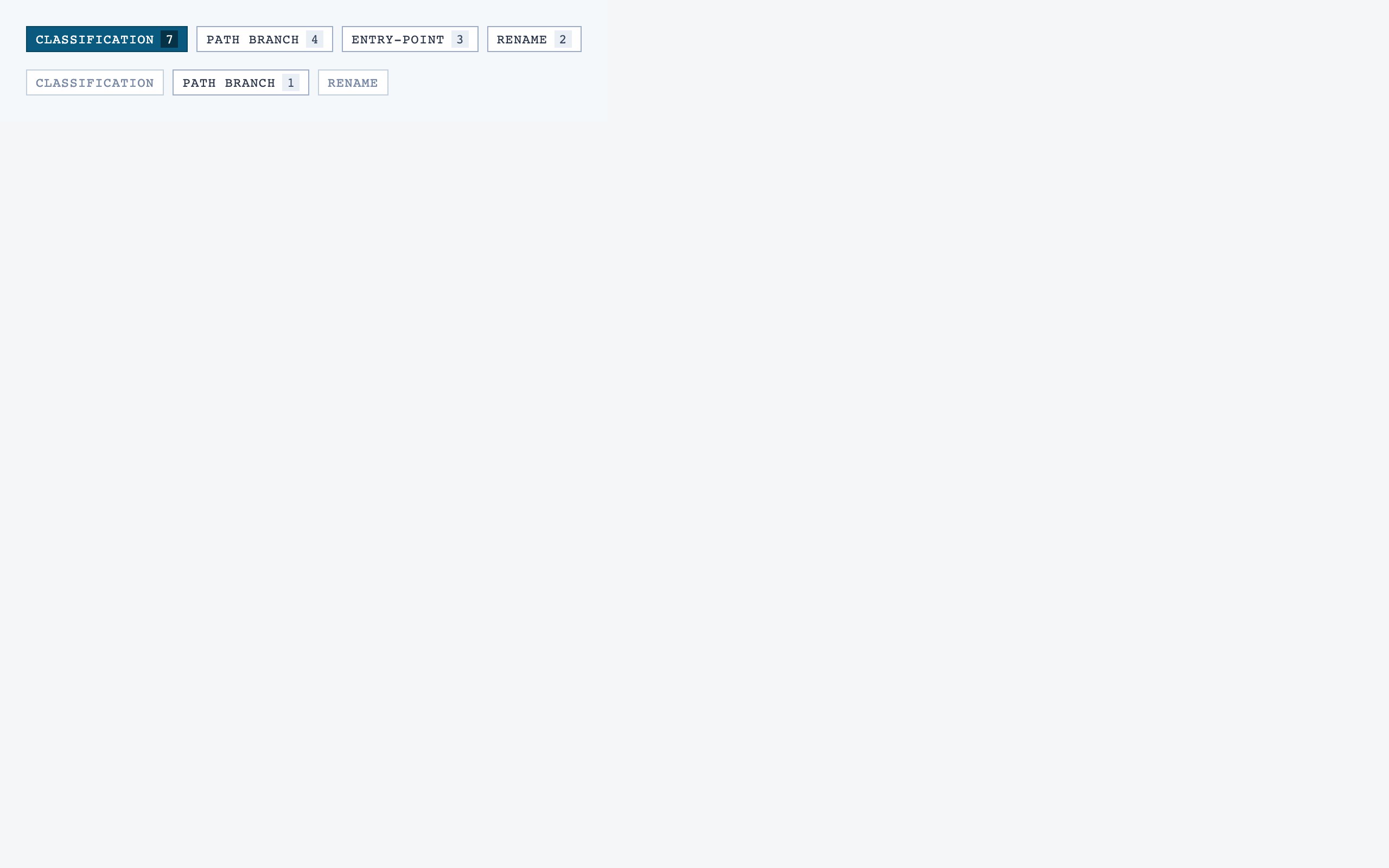
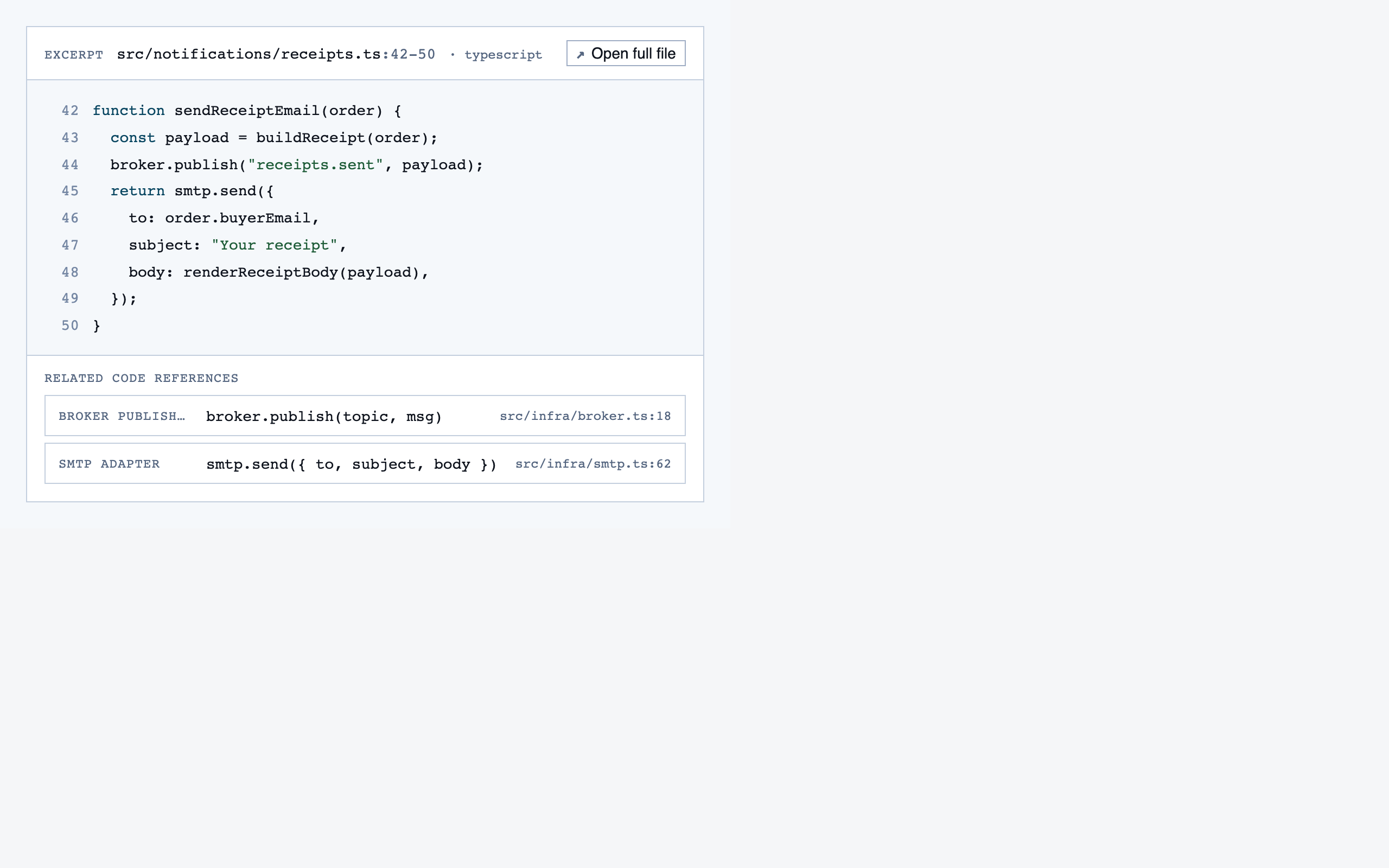
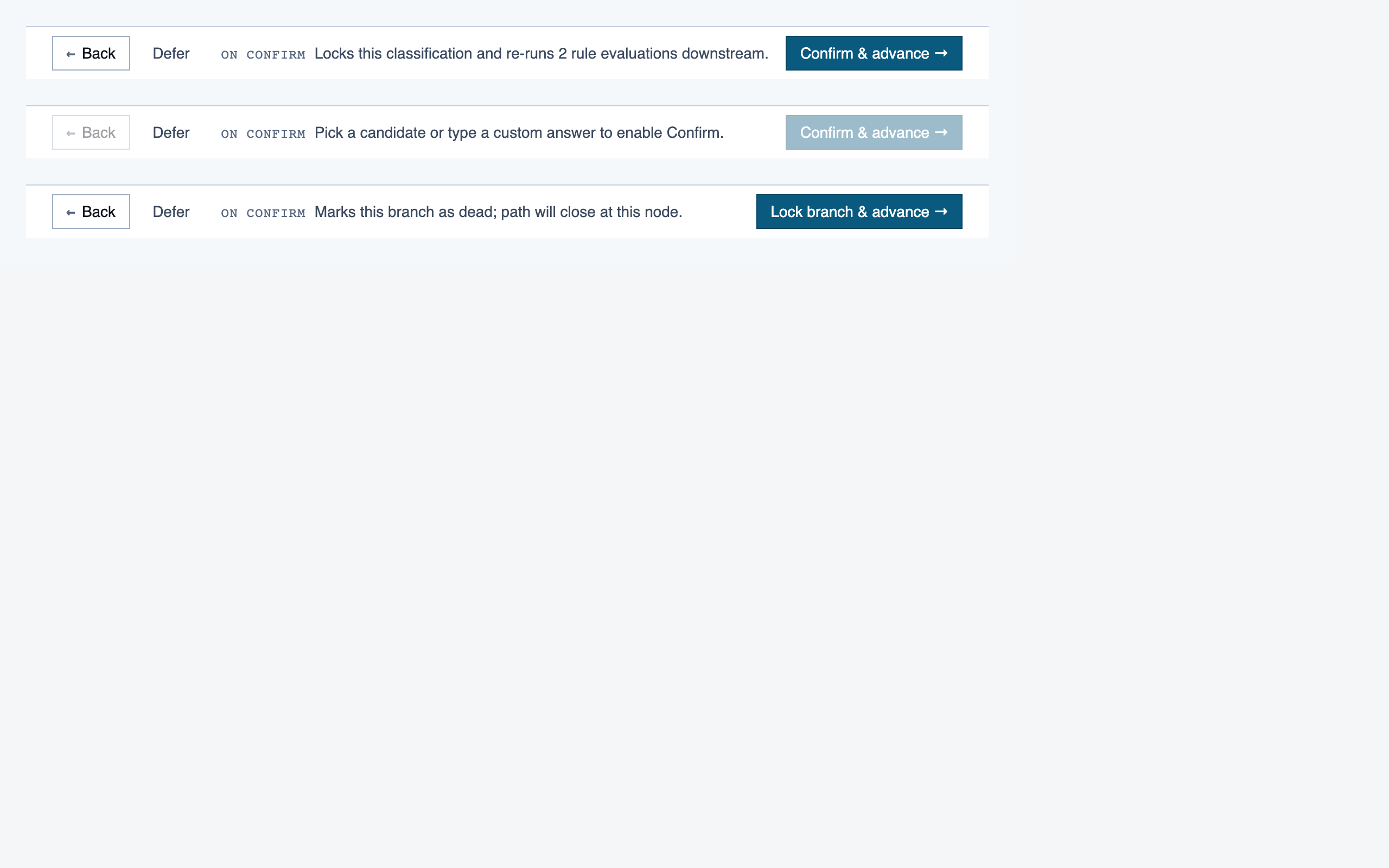
React + Tailwind components, generated and visually evaluated one at a time.
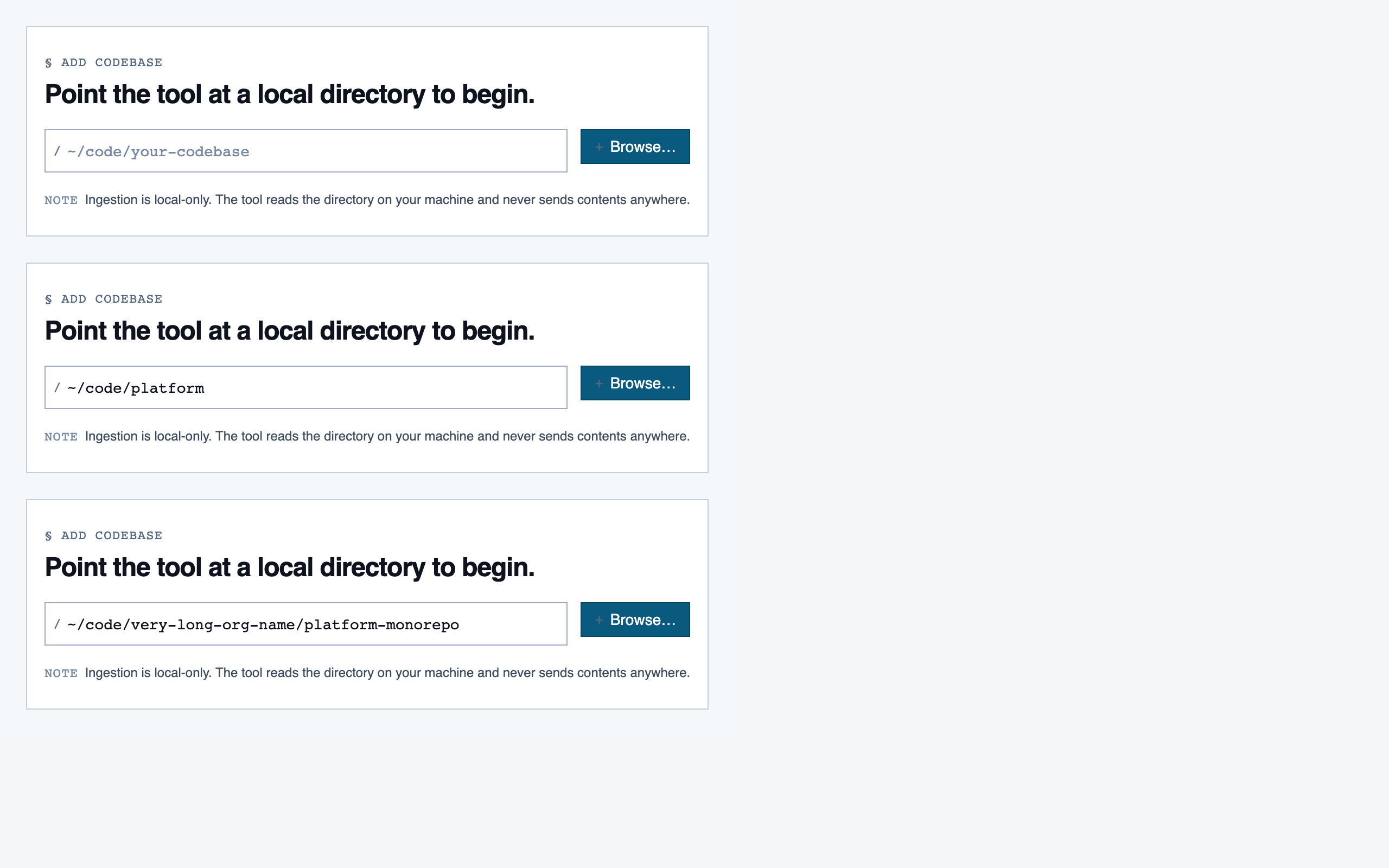
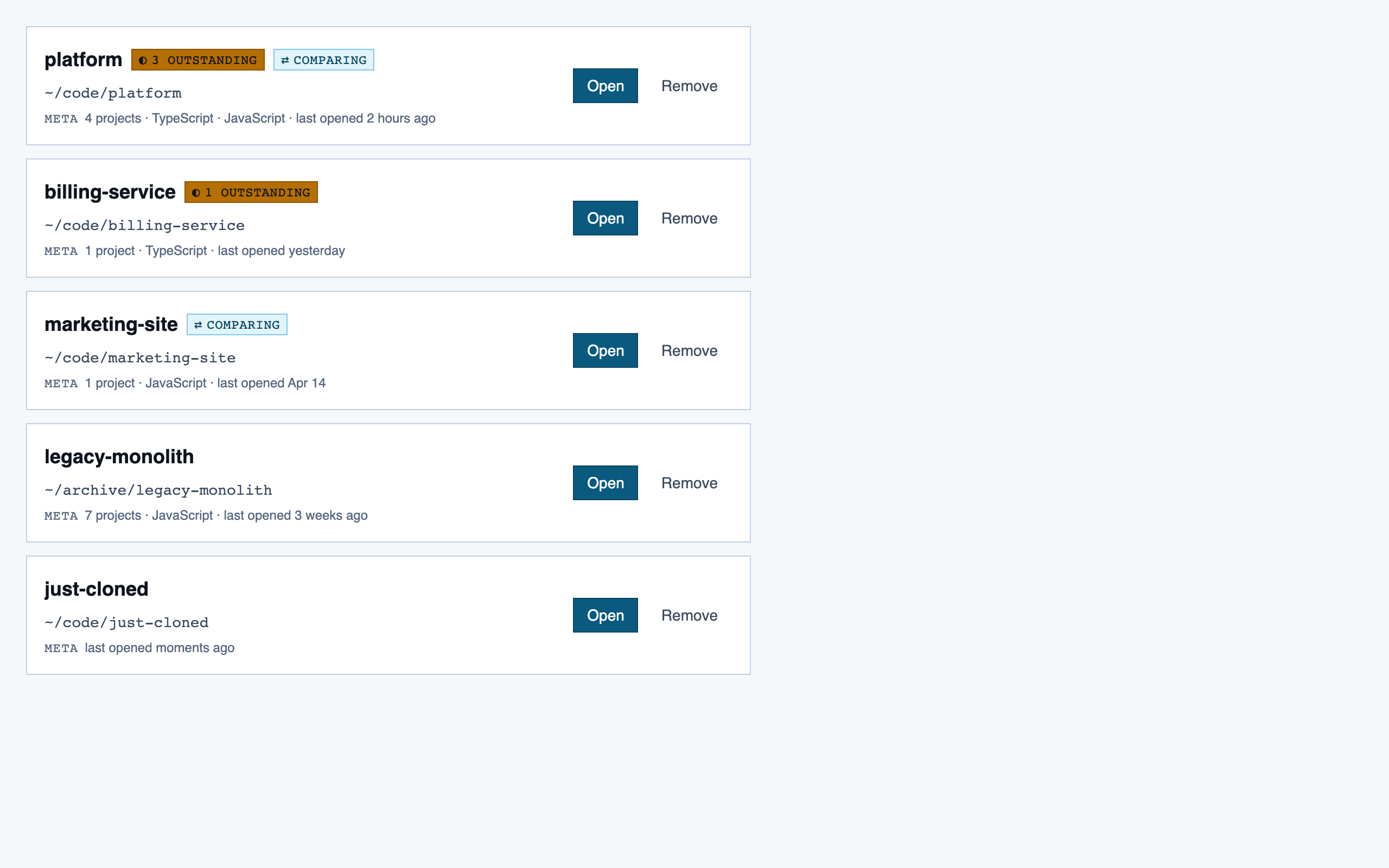
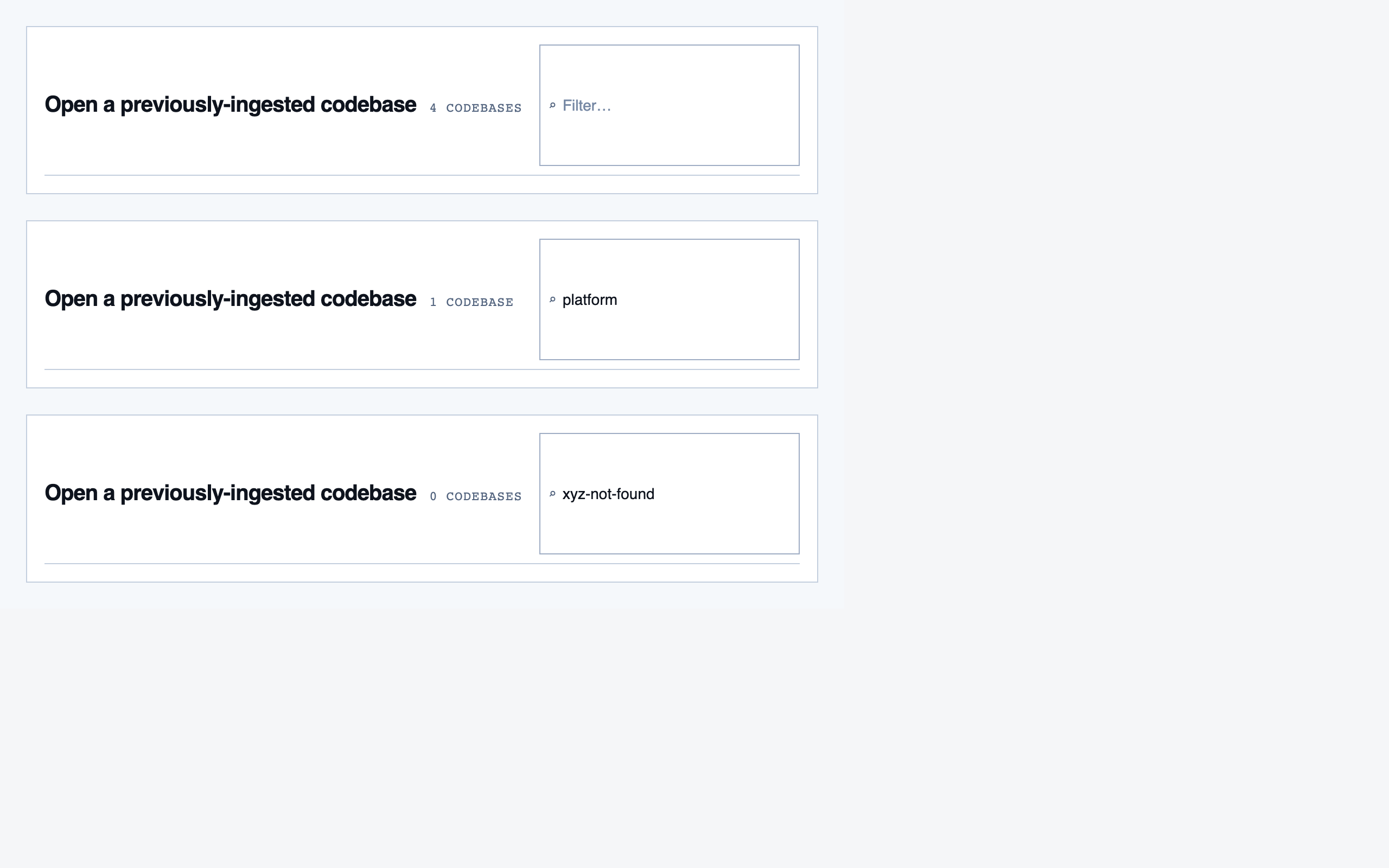
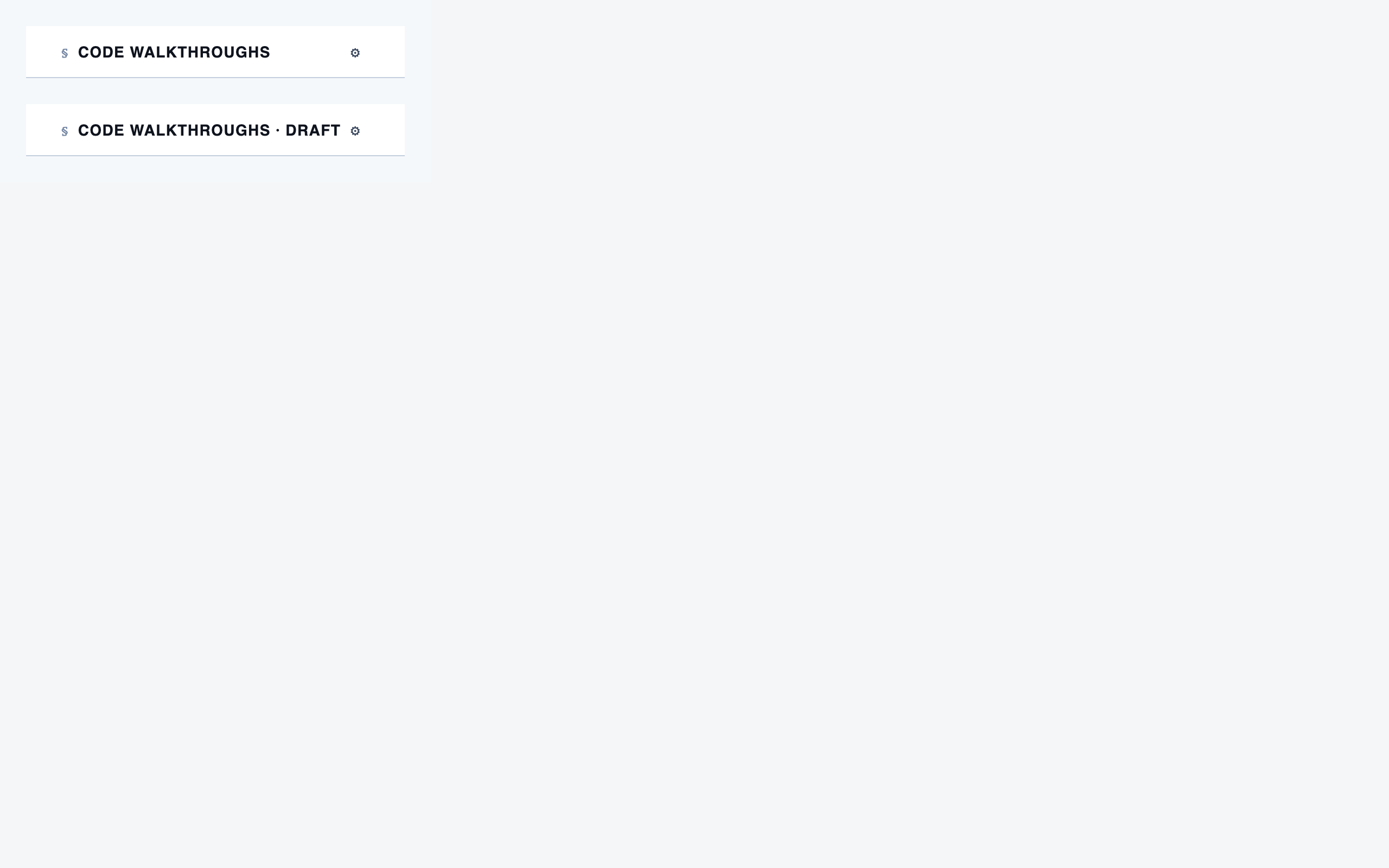
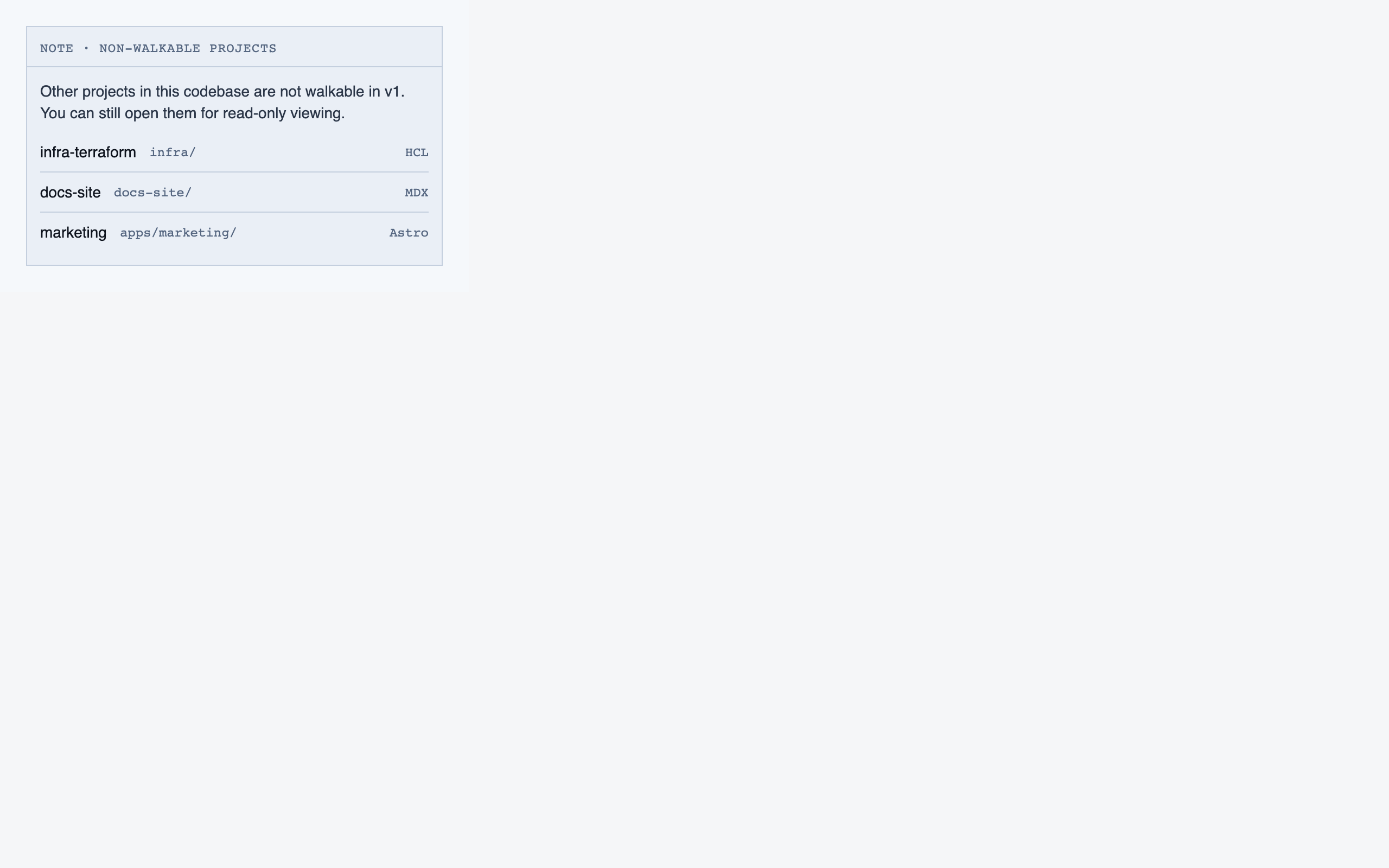
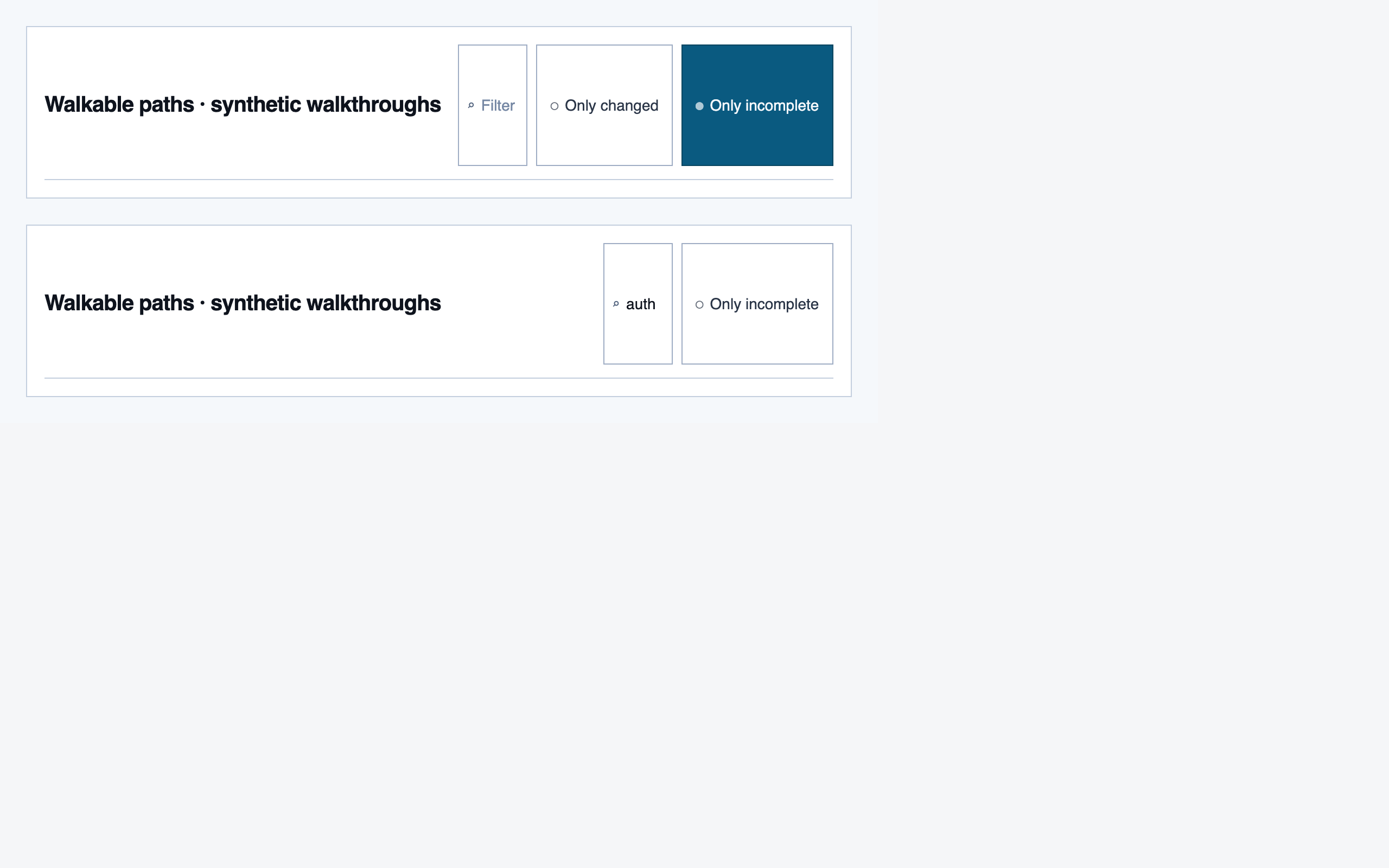
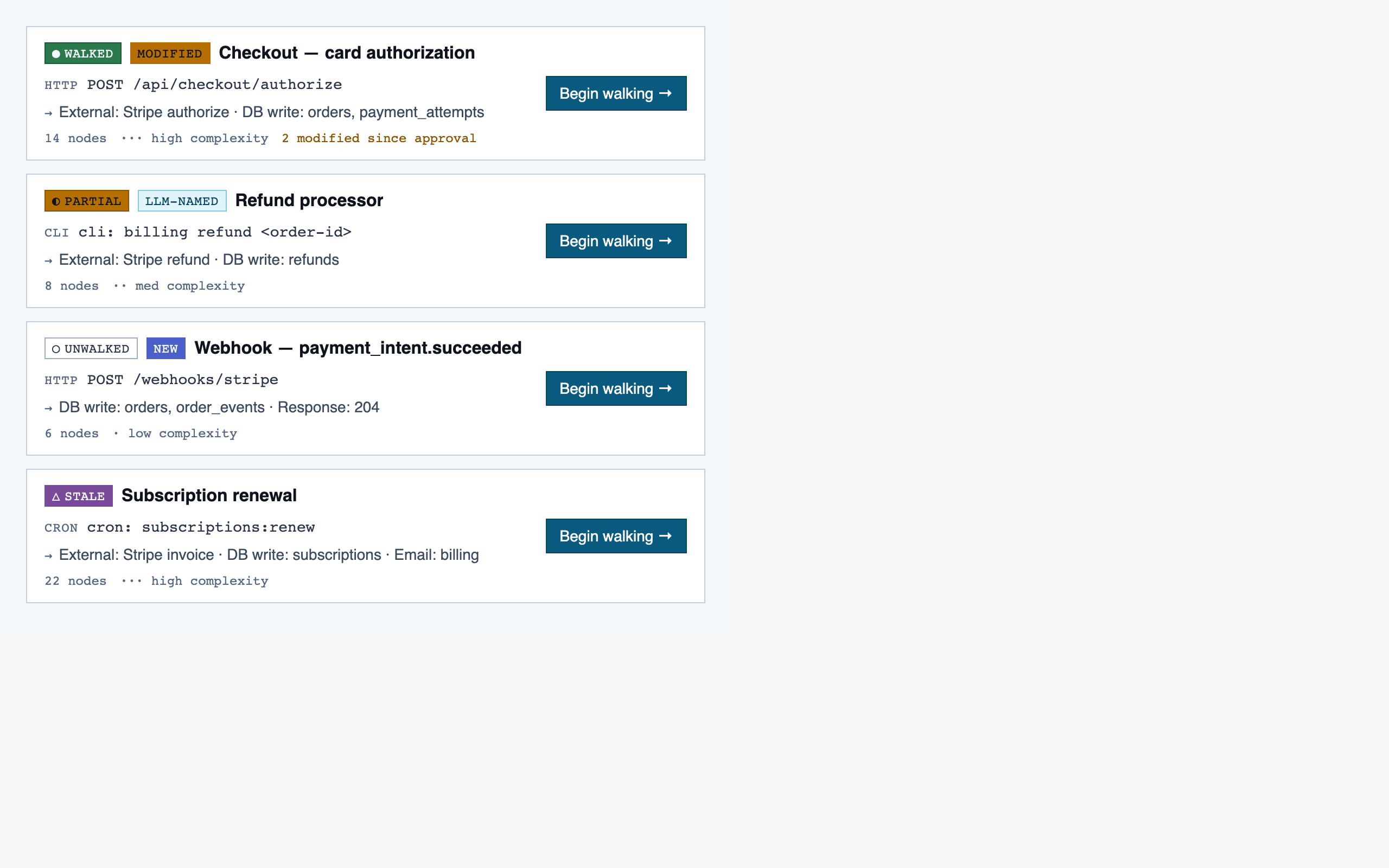
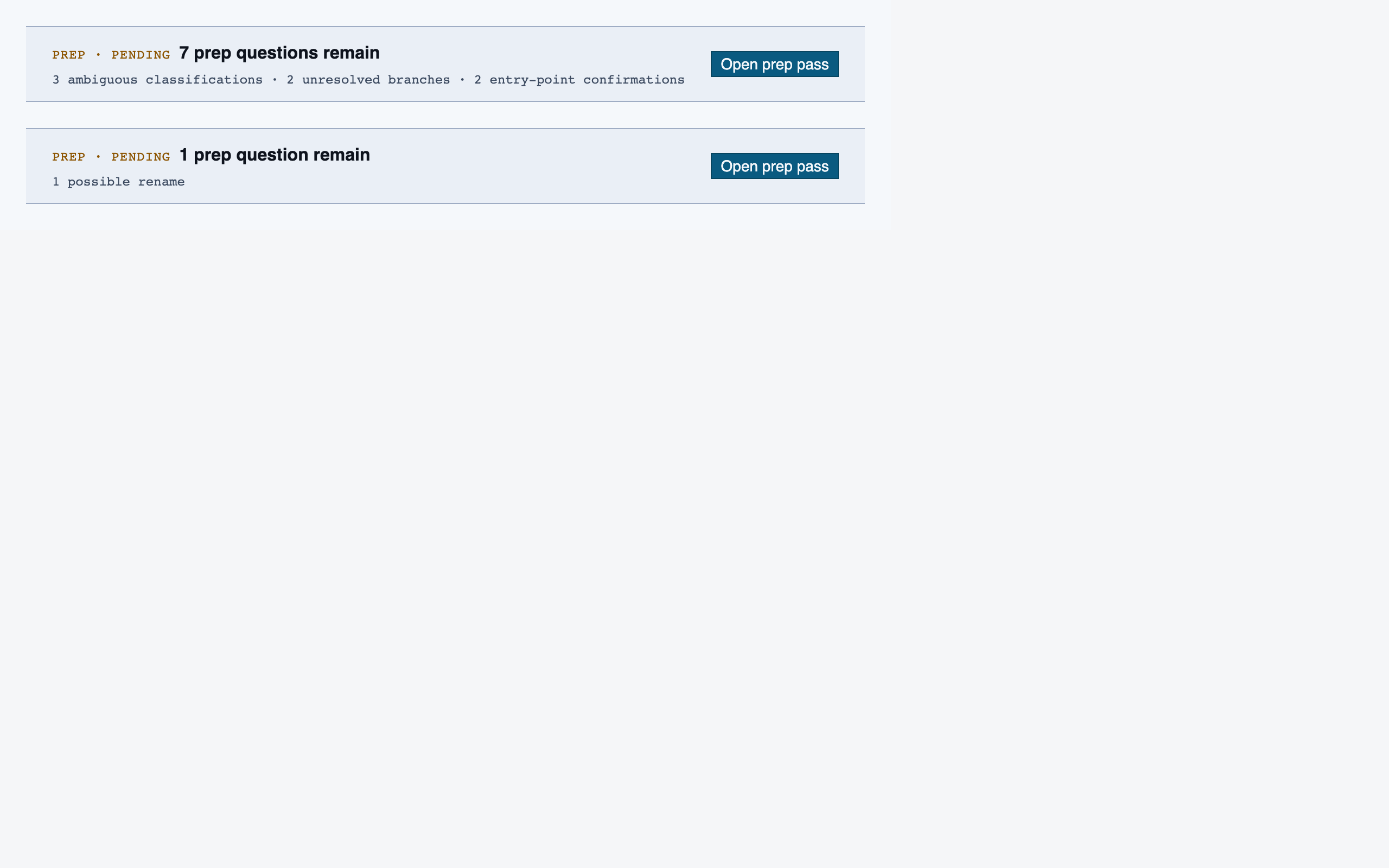
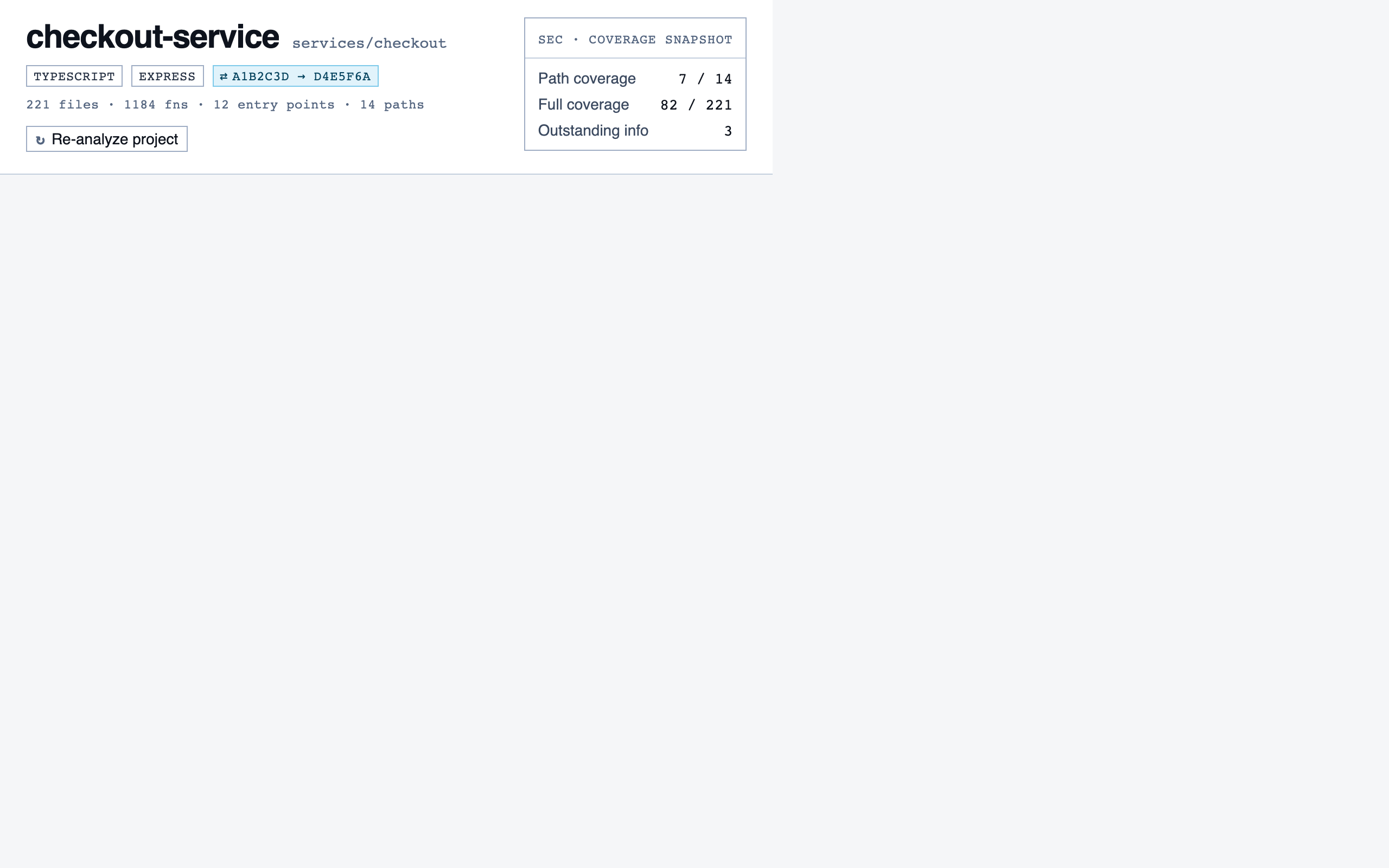
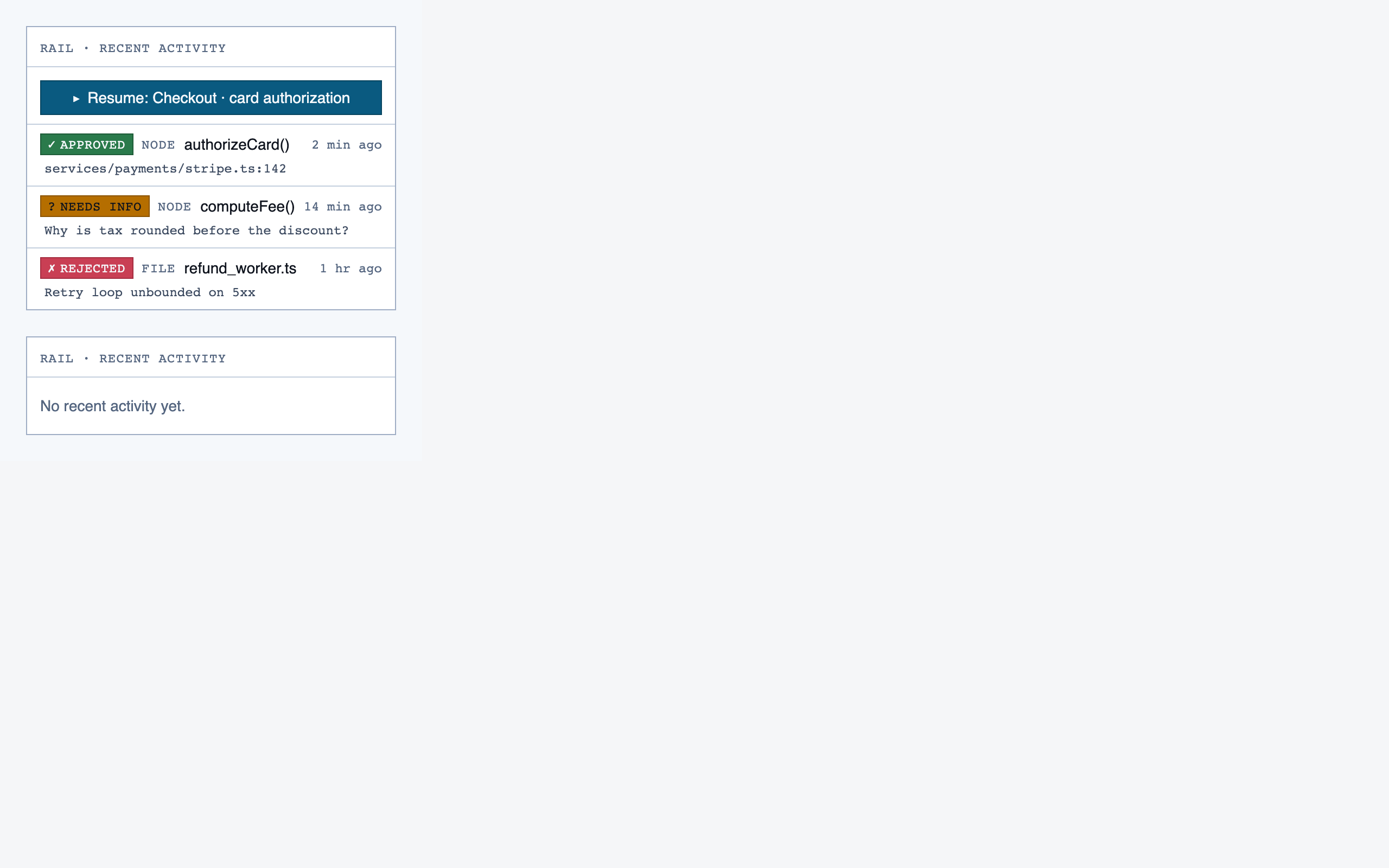
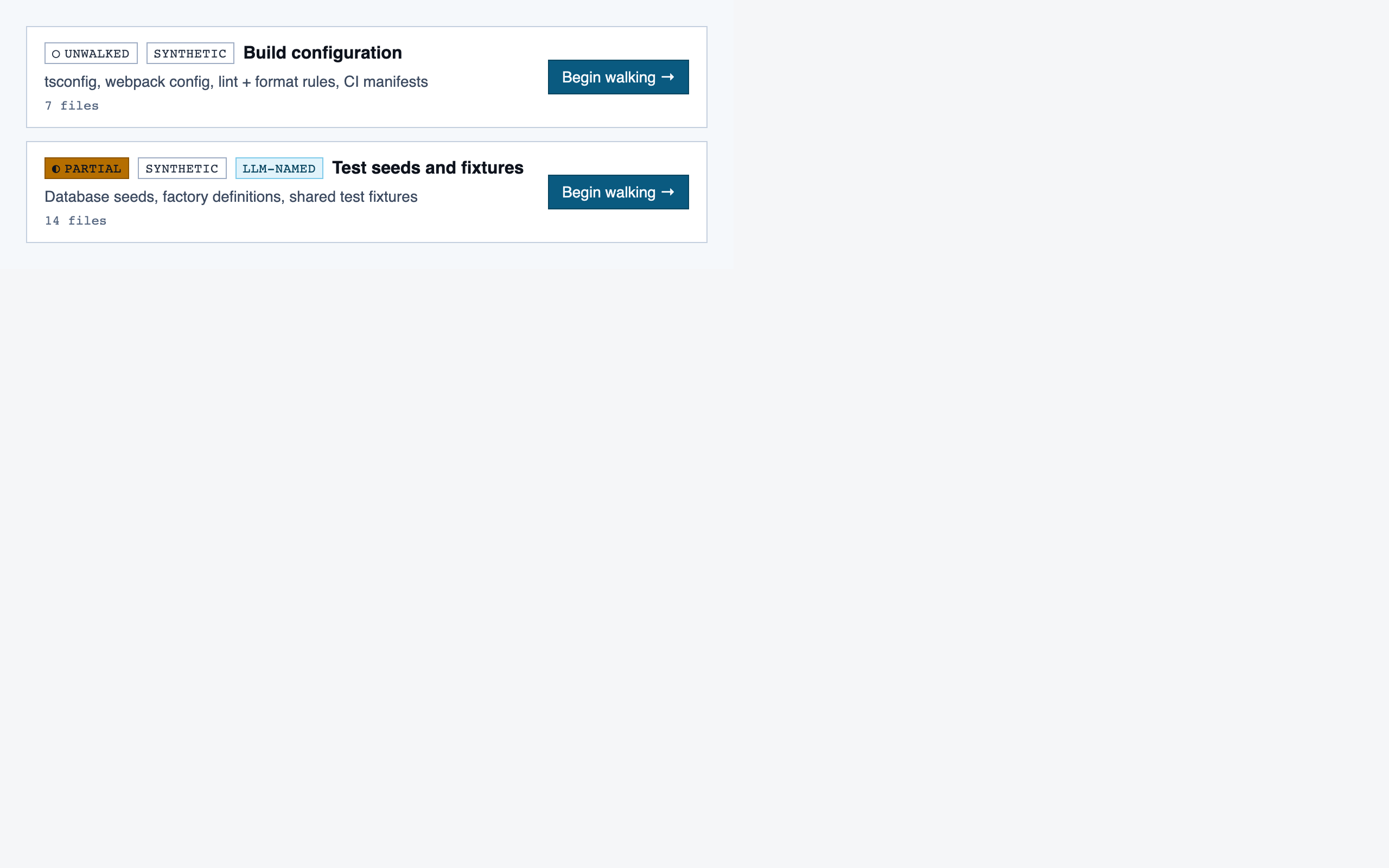
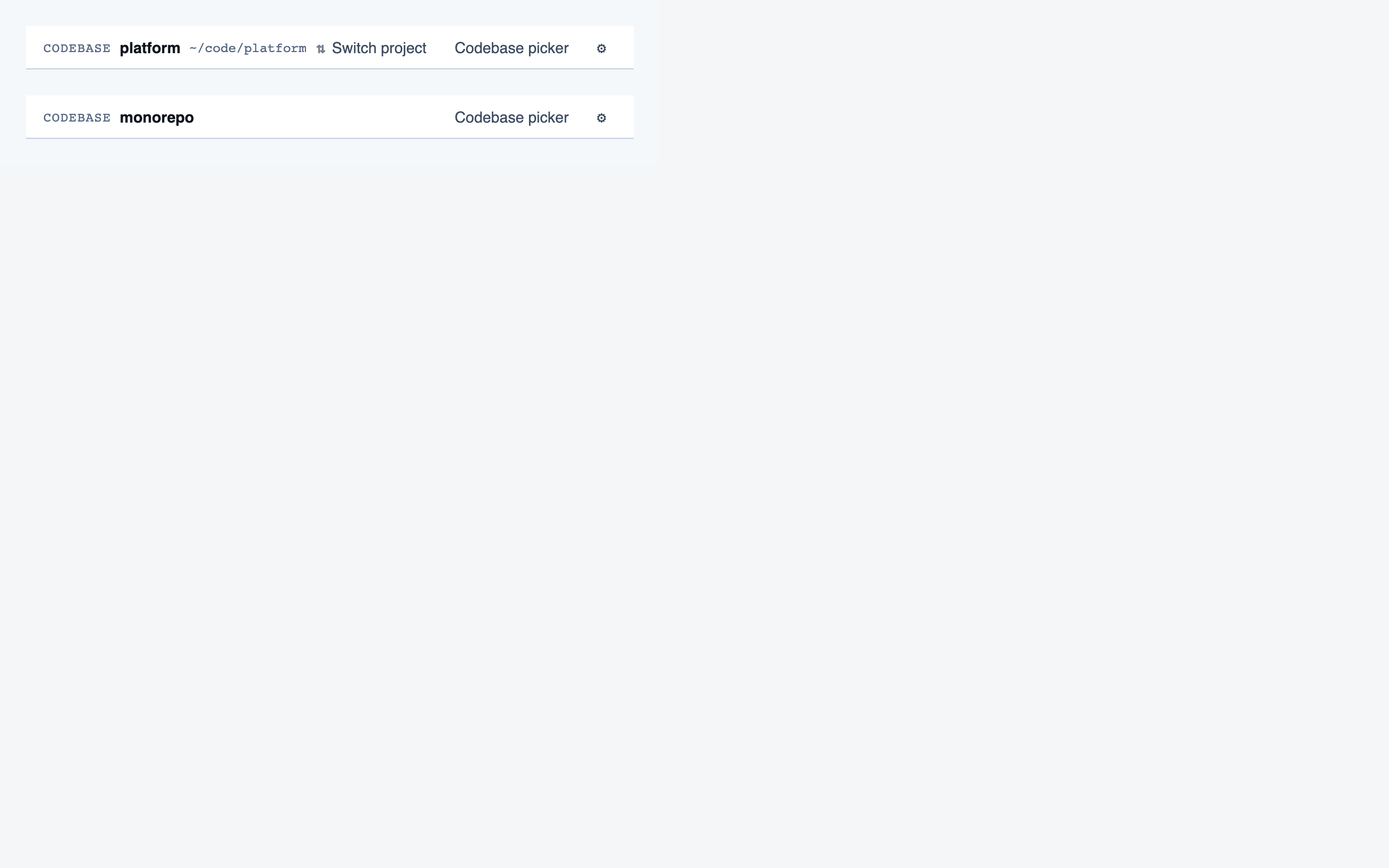
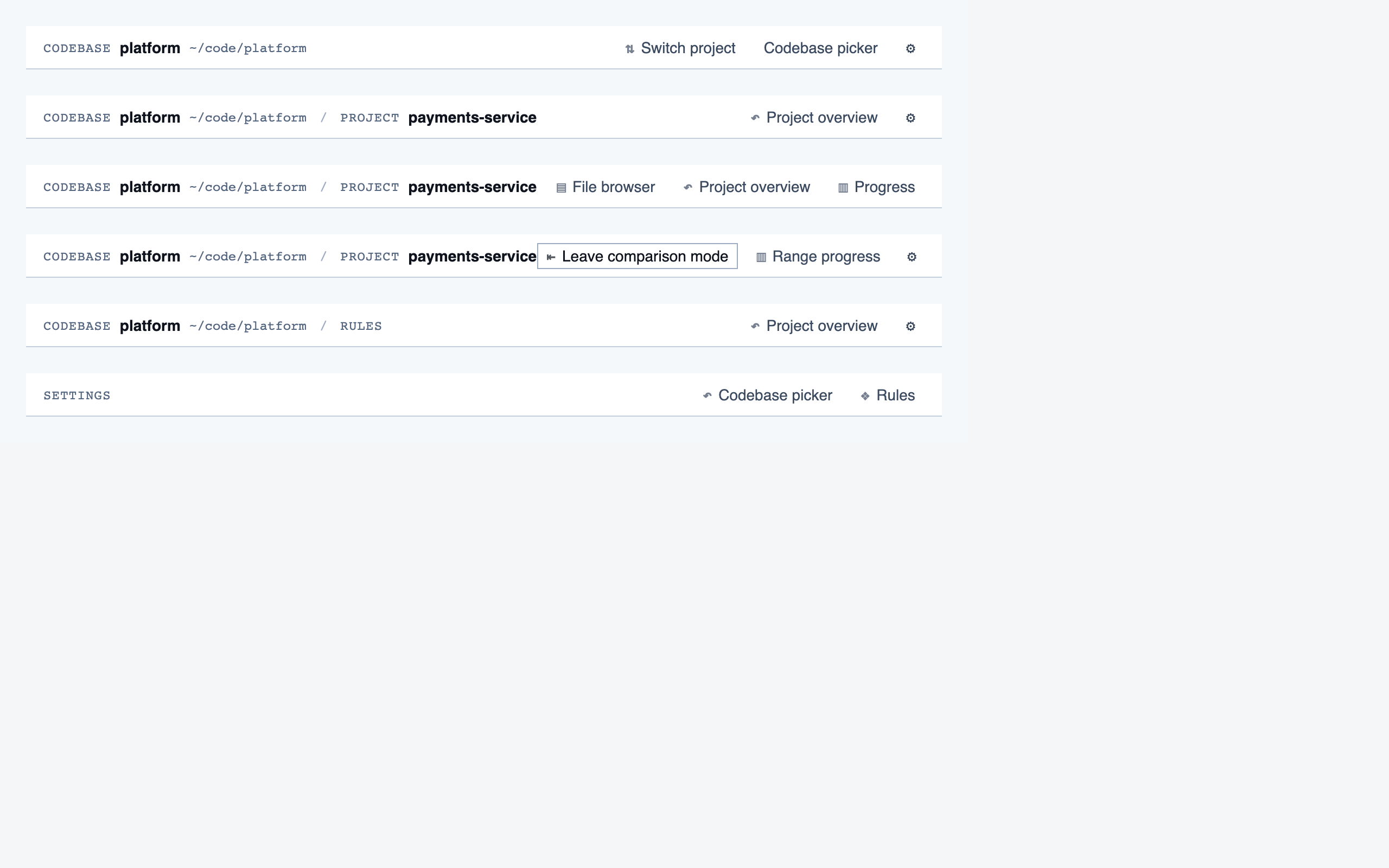
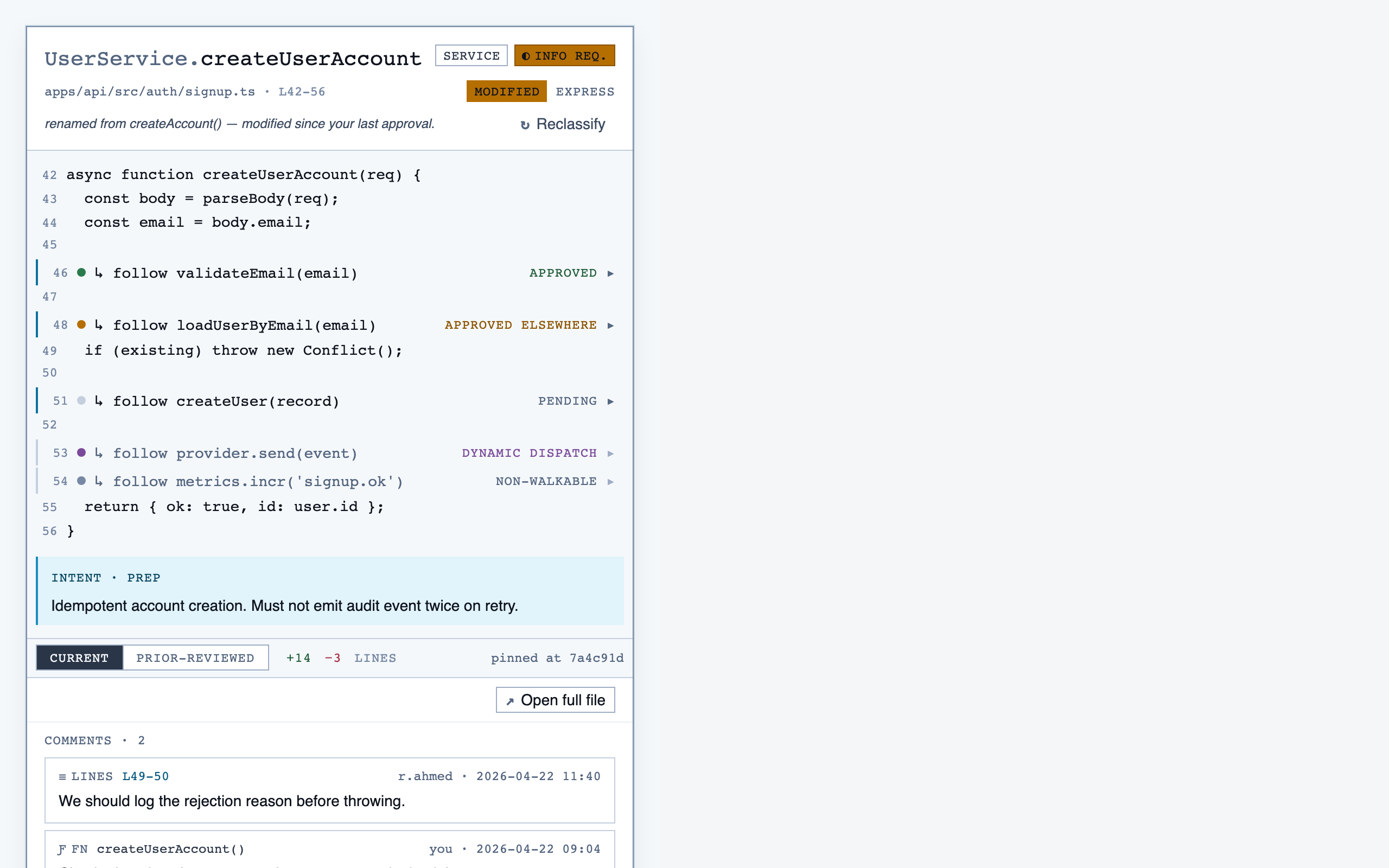
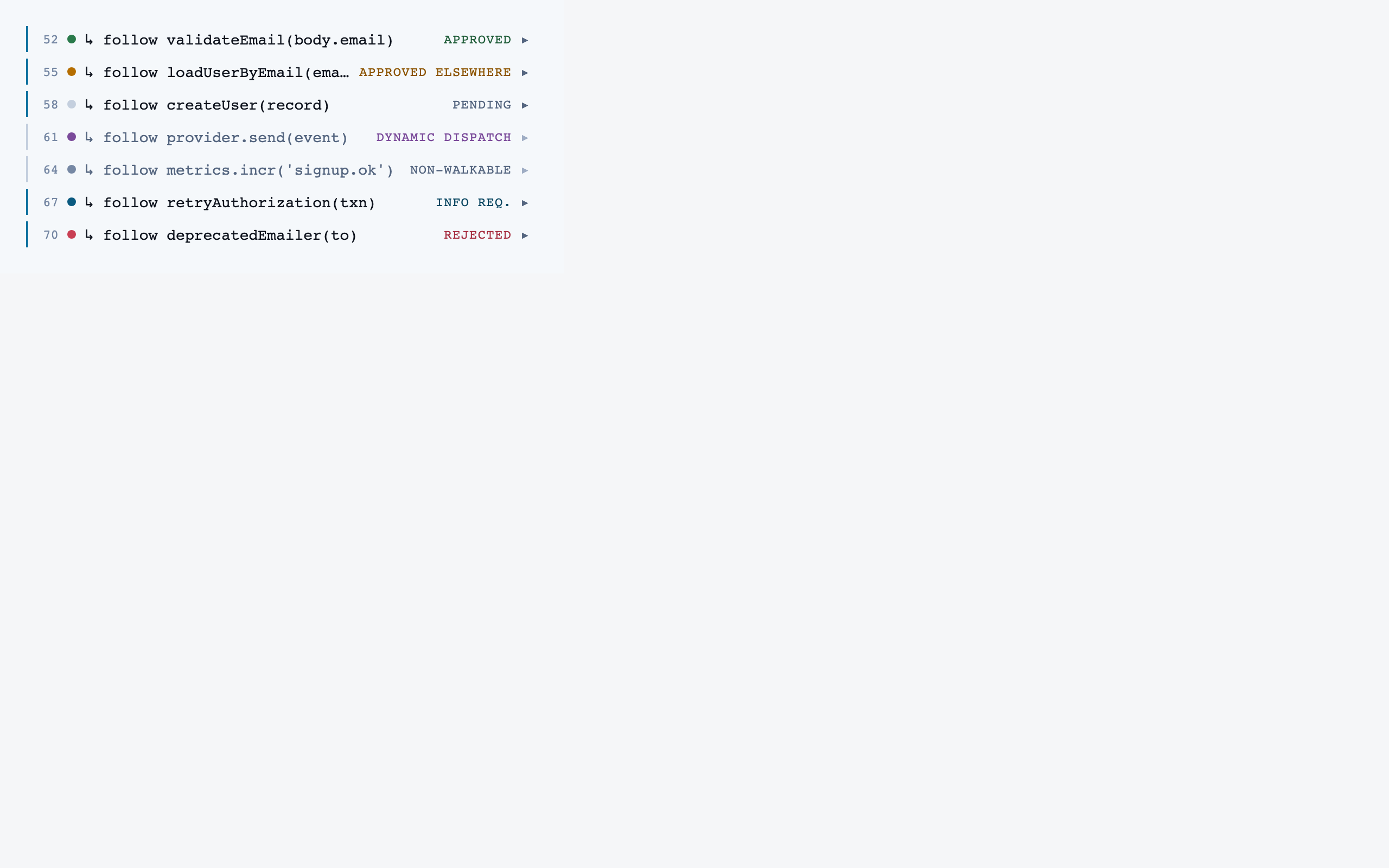
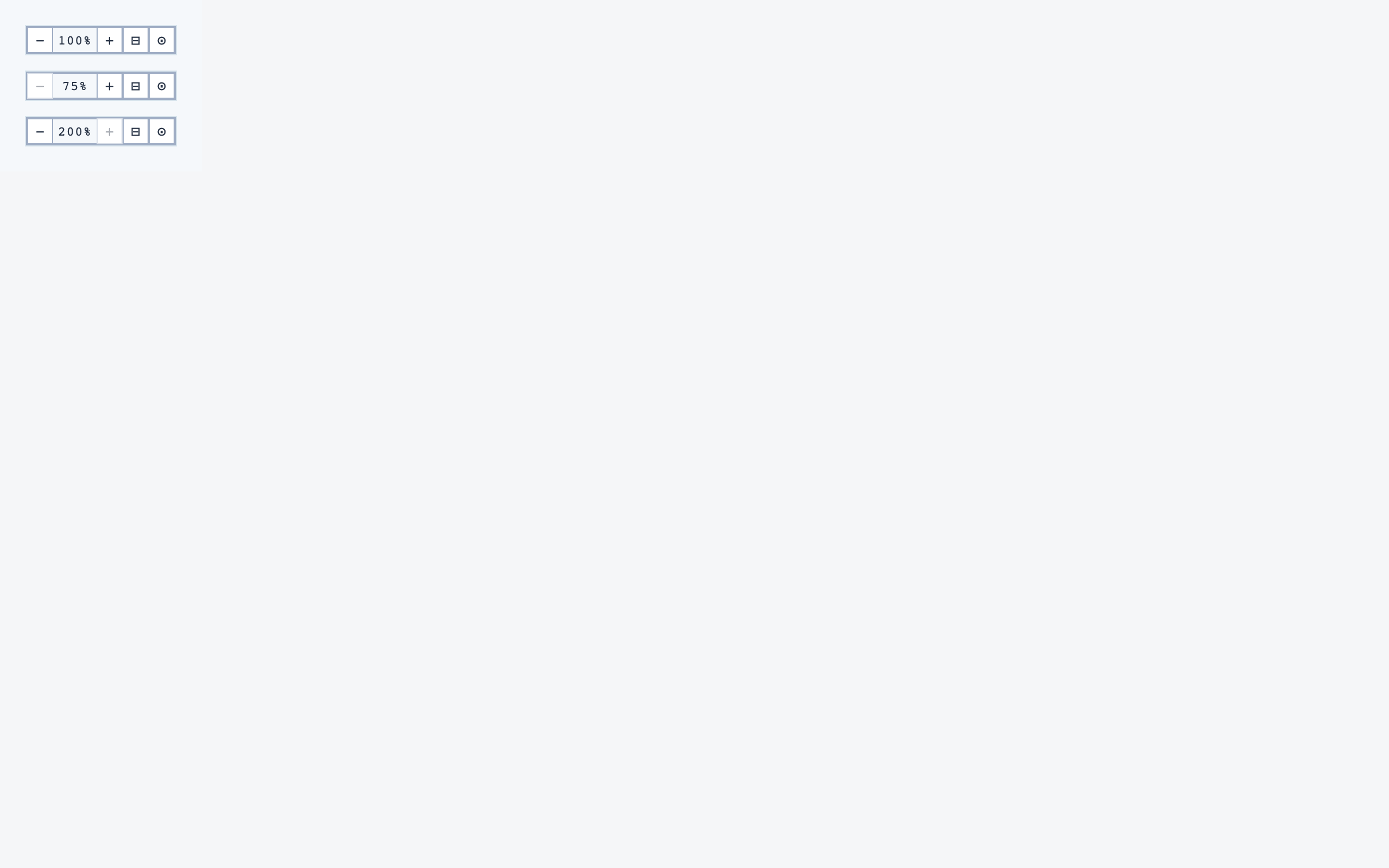
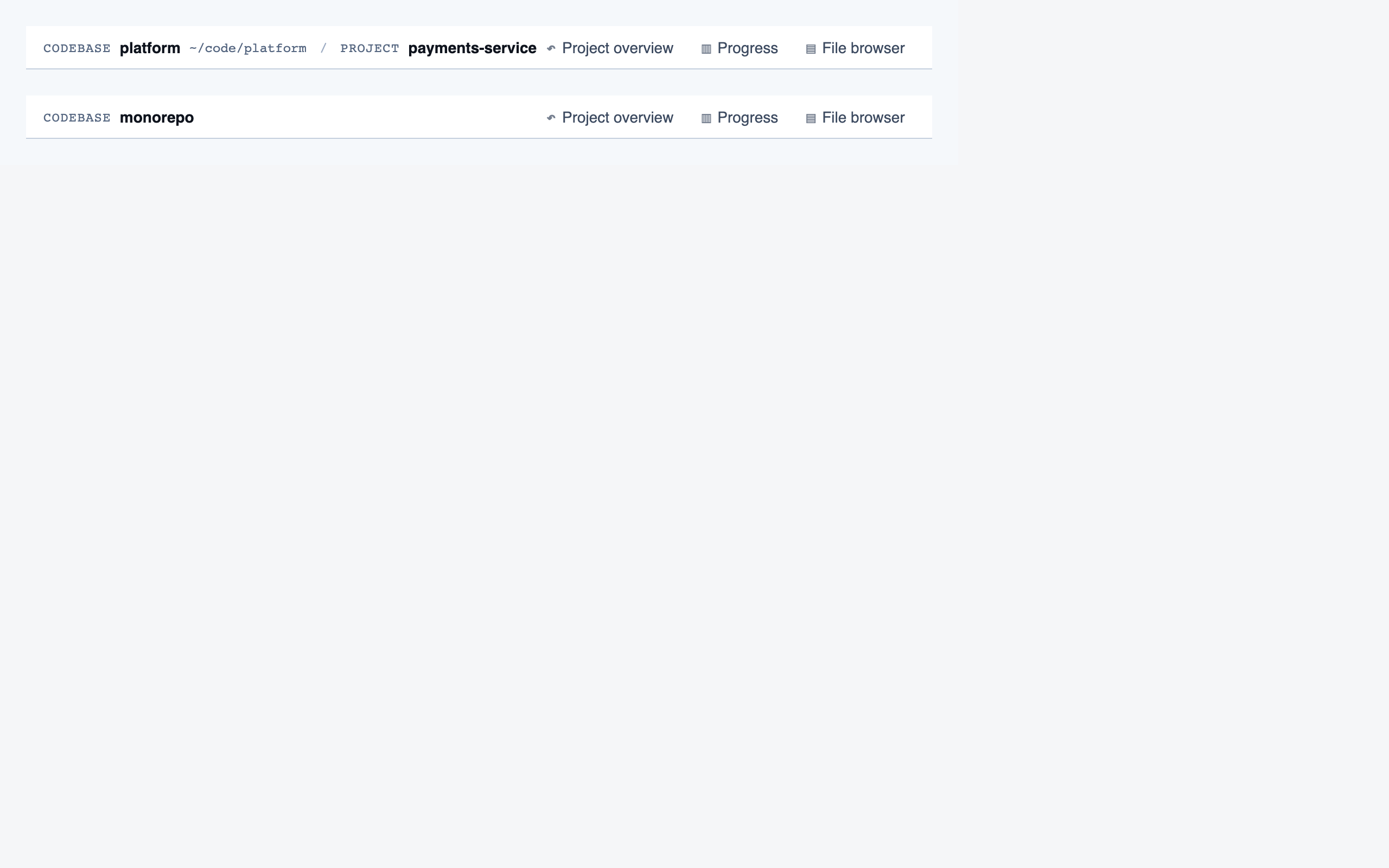
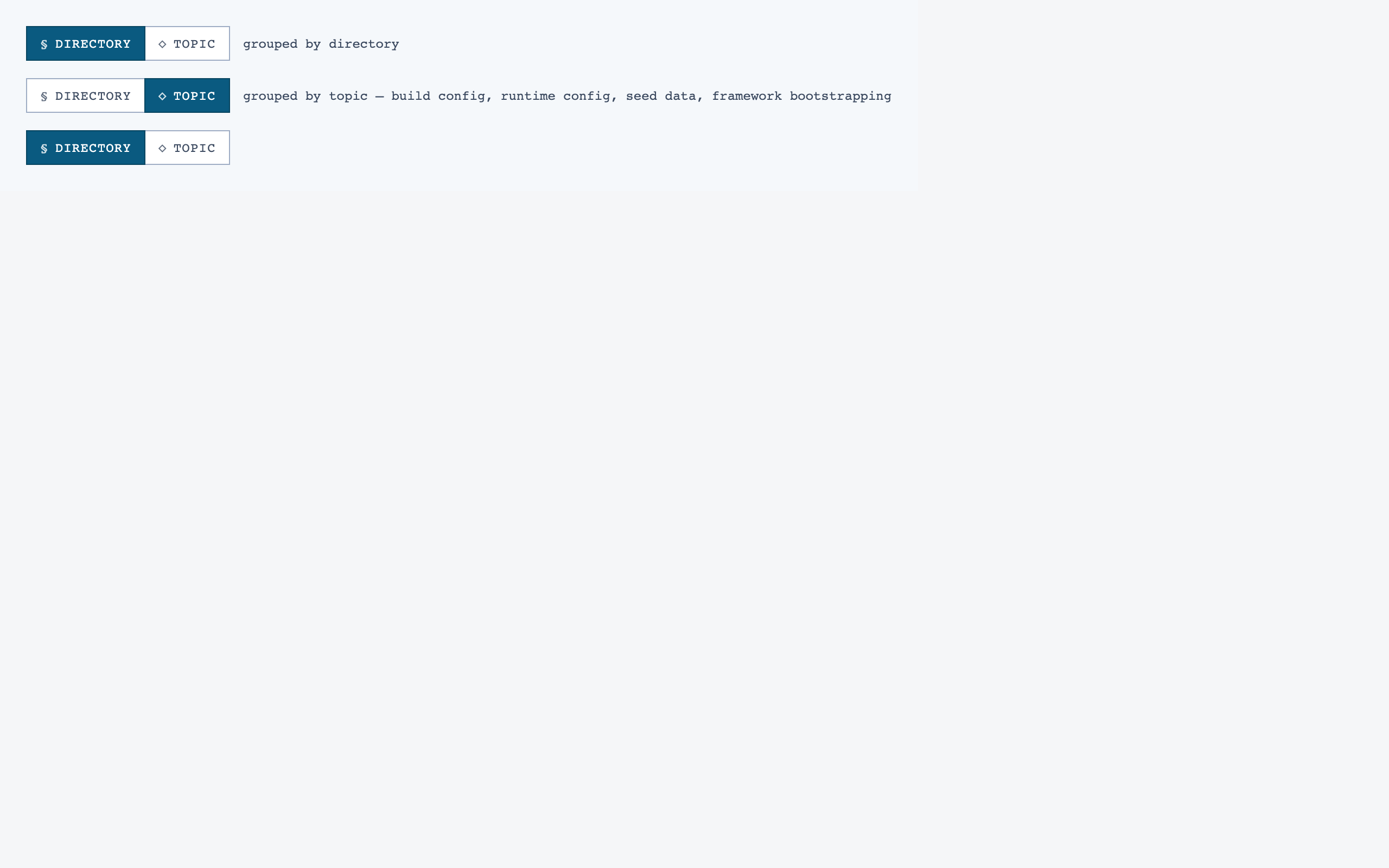
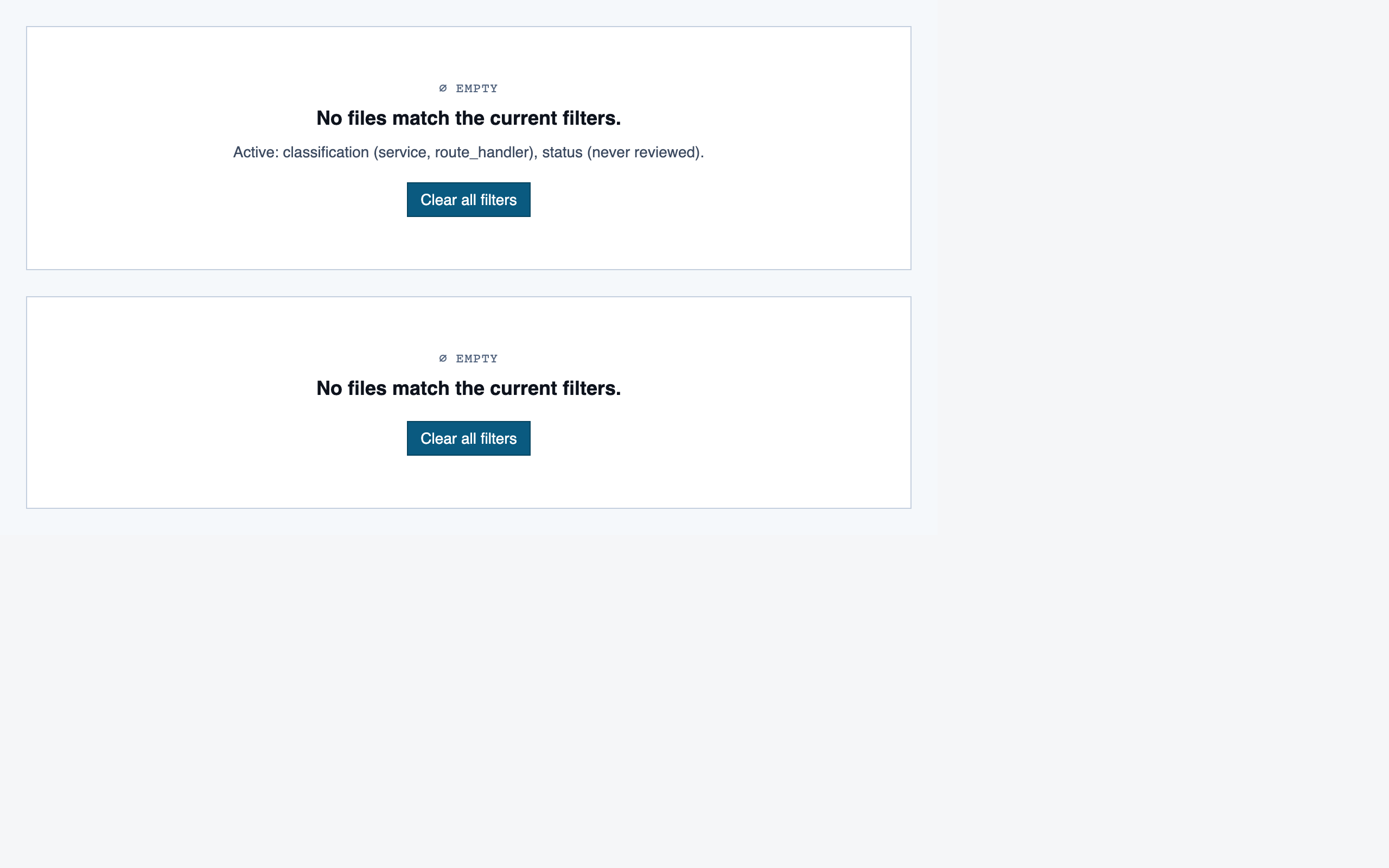
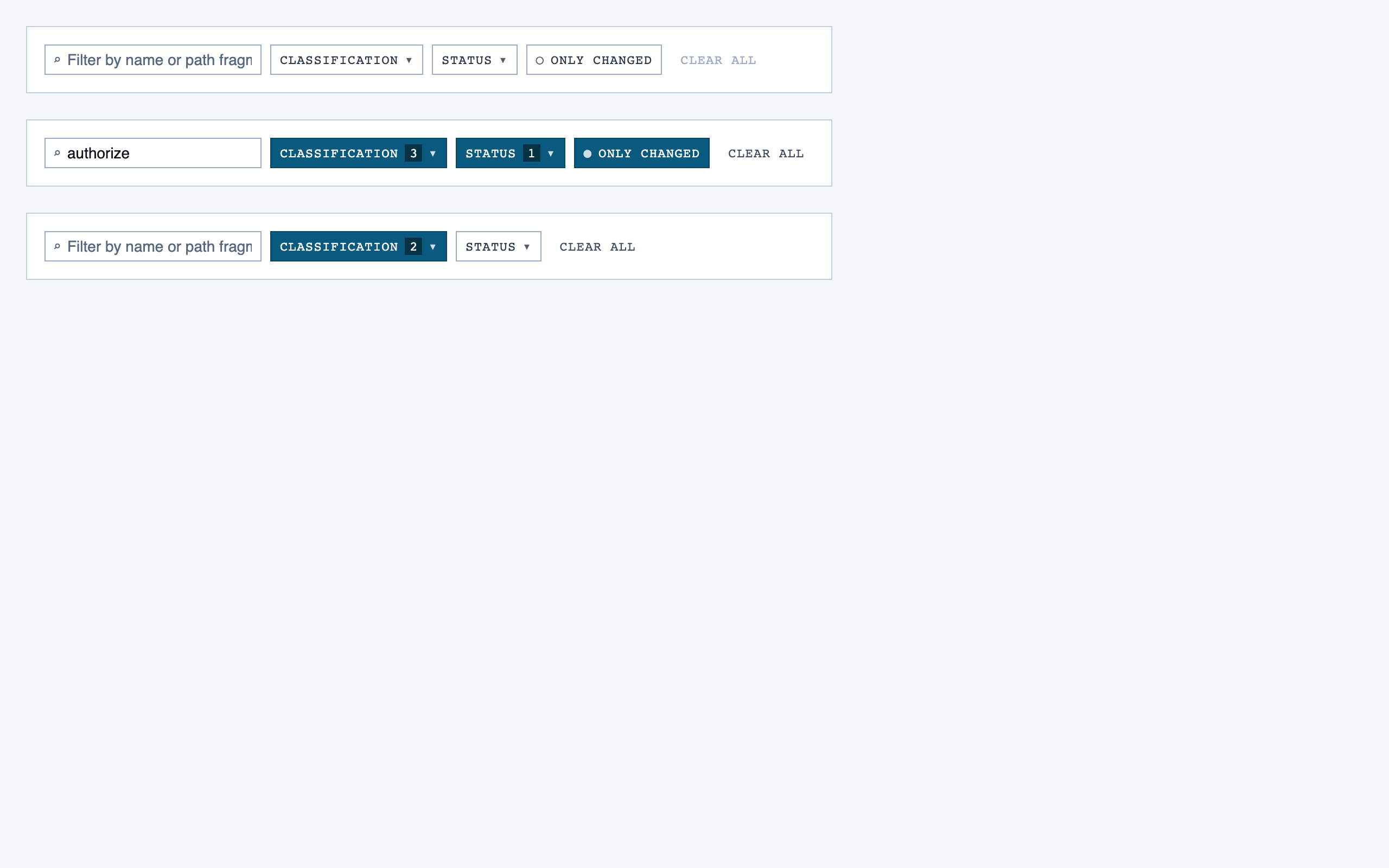
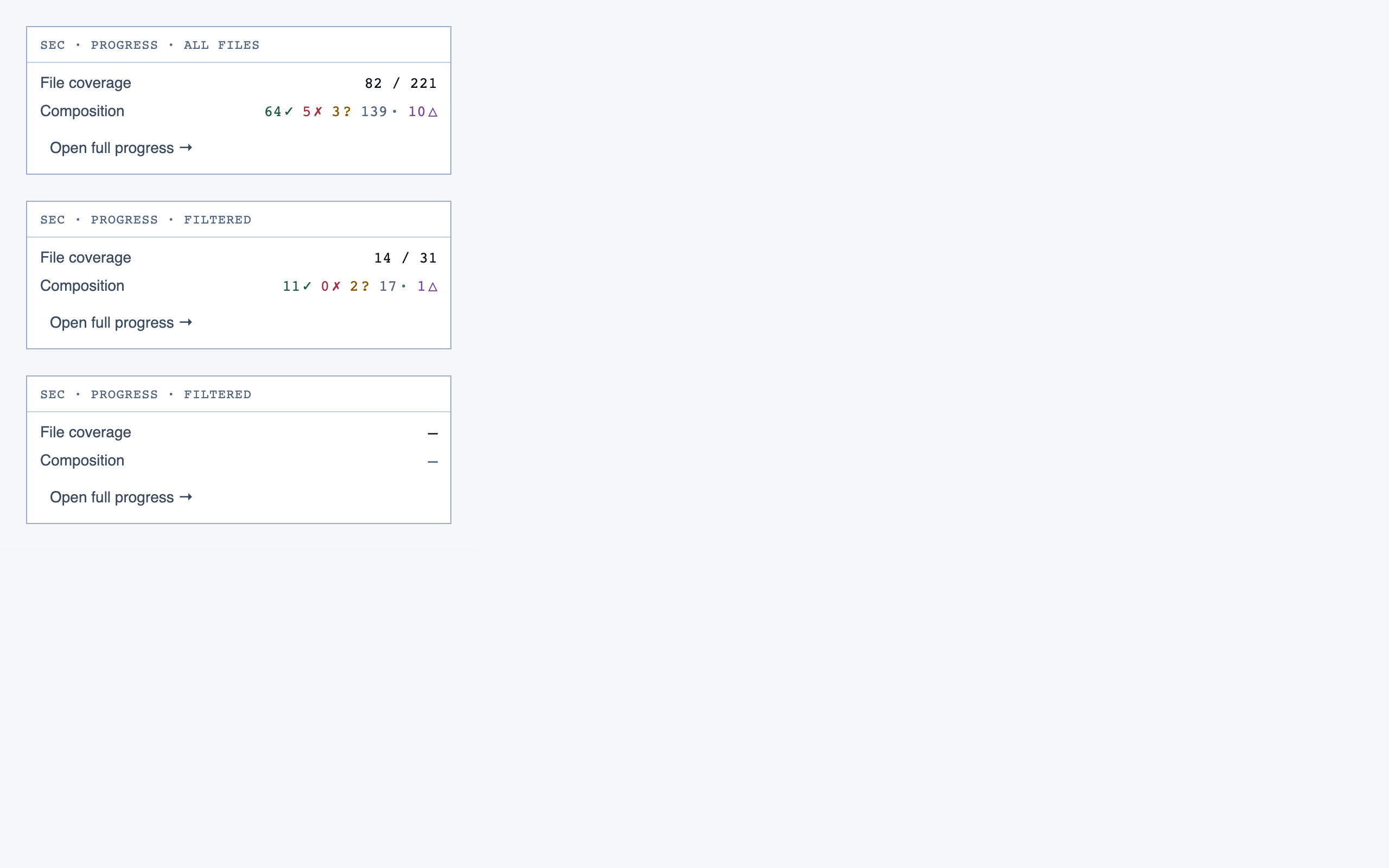
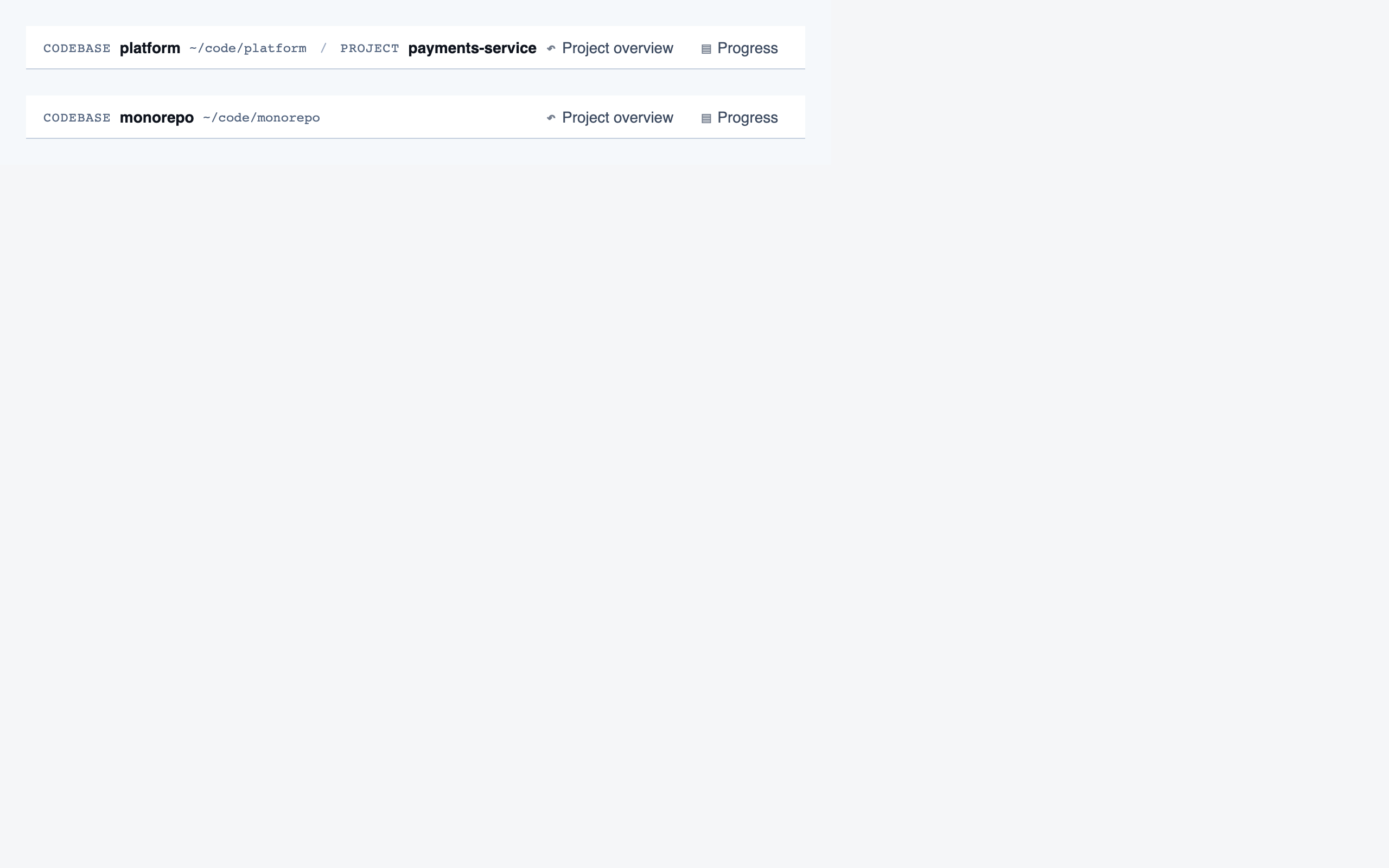
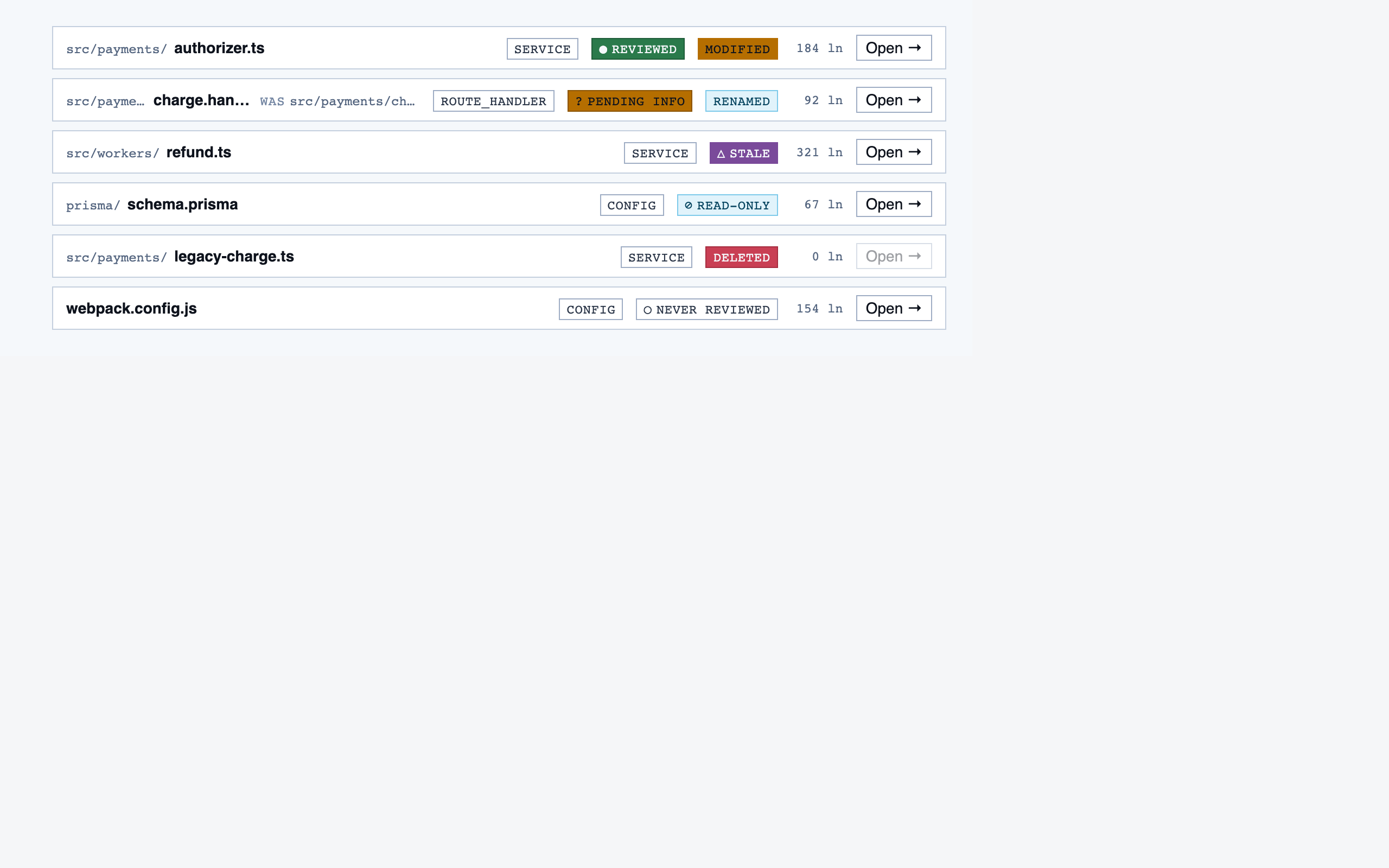
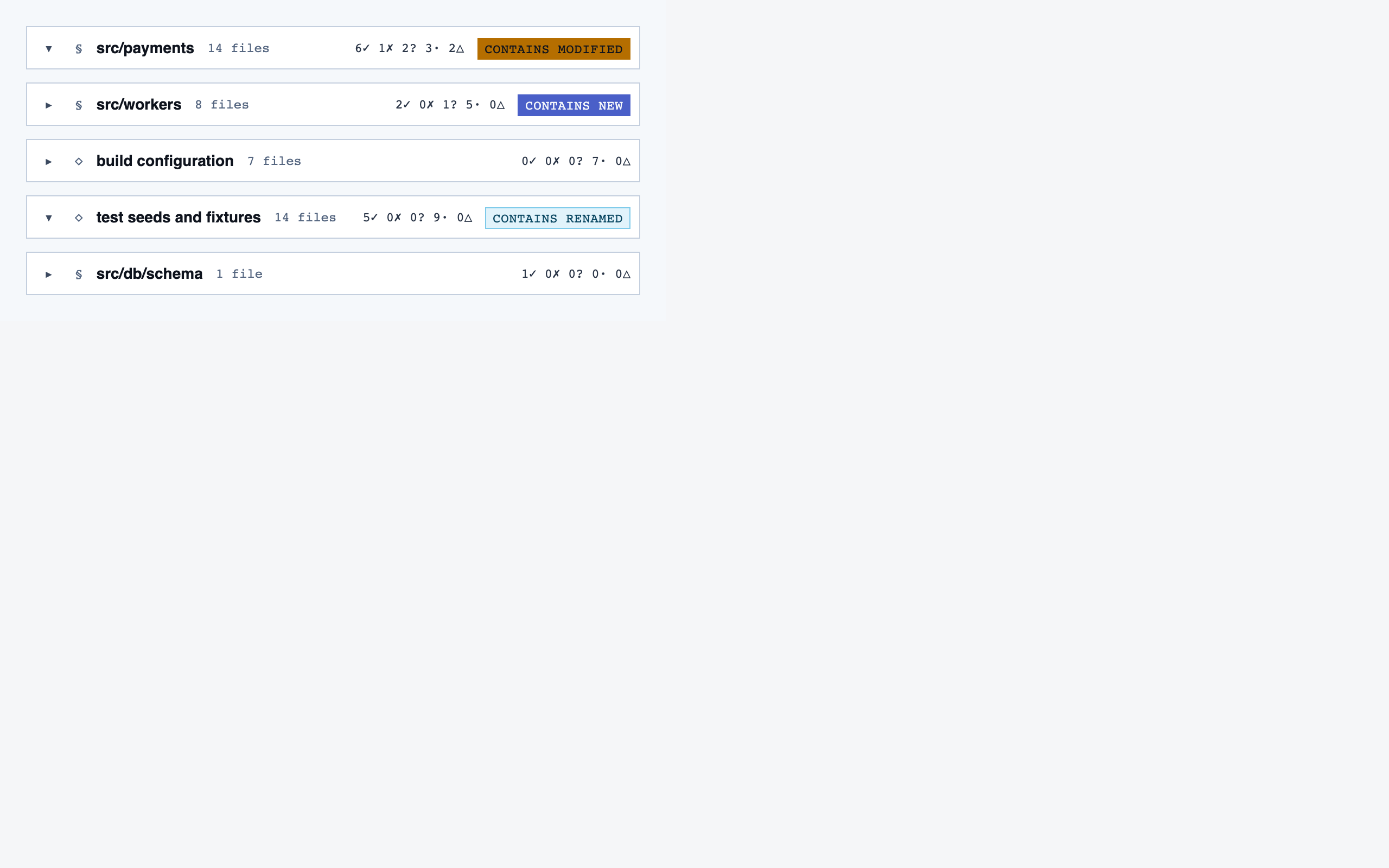
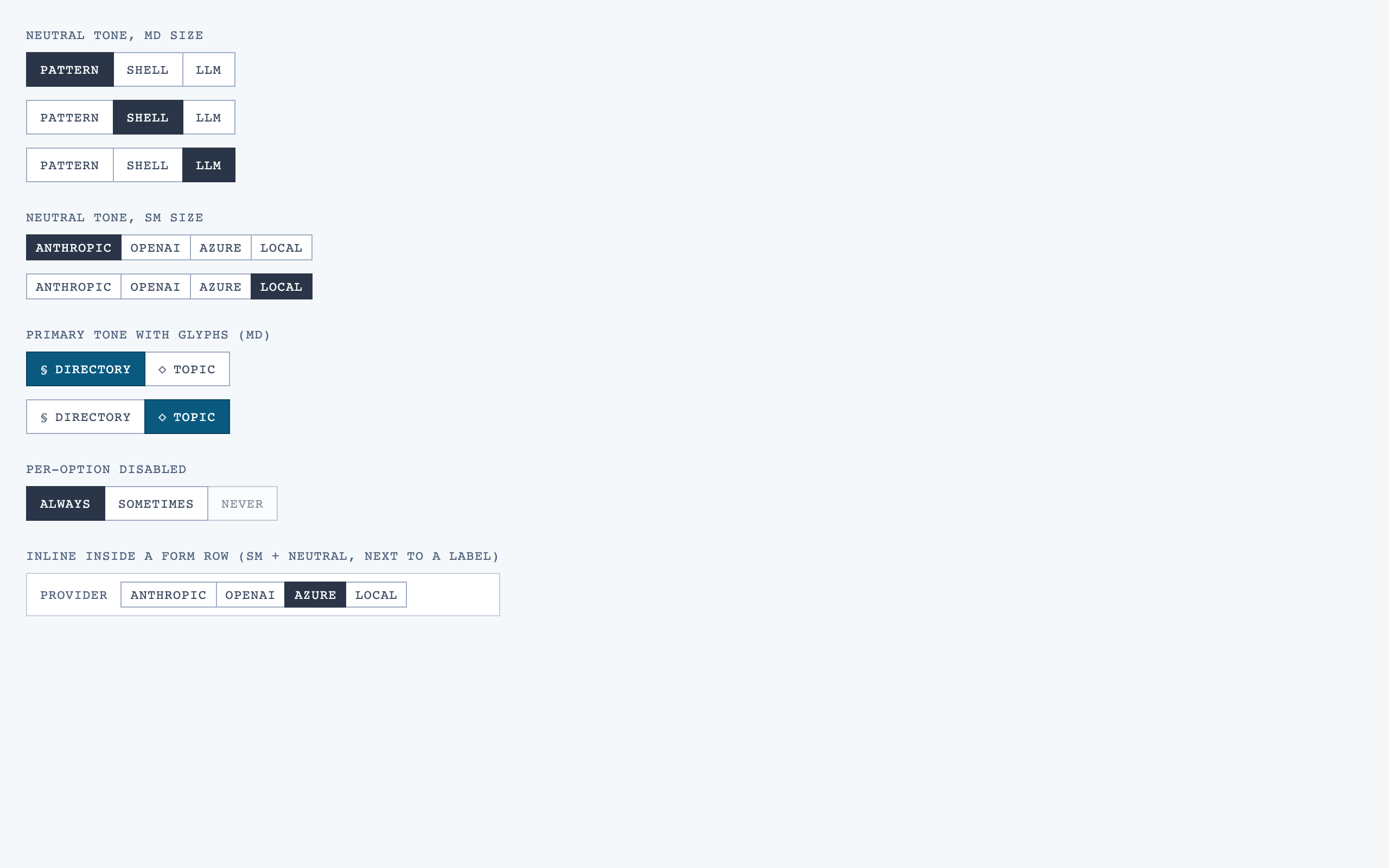
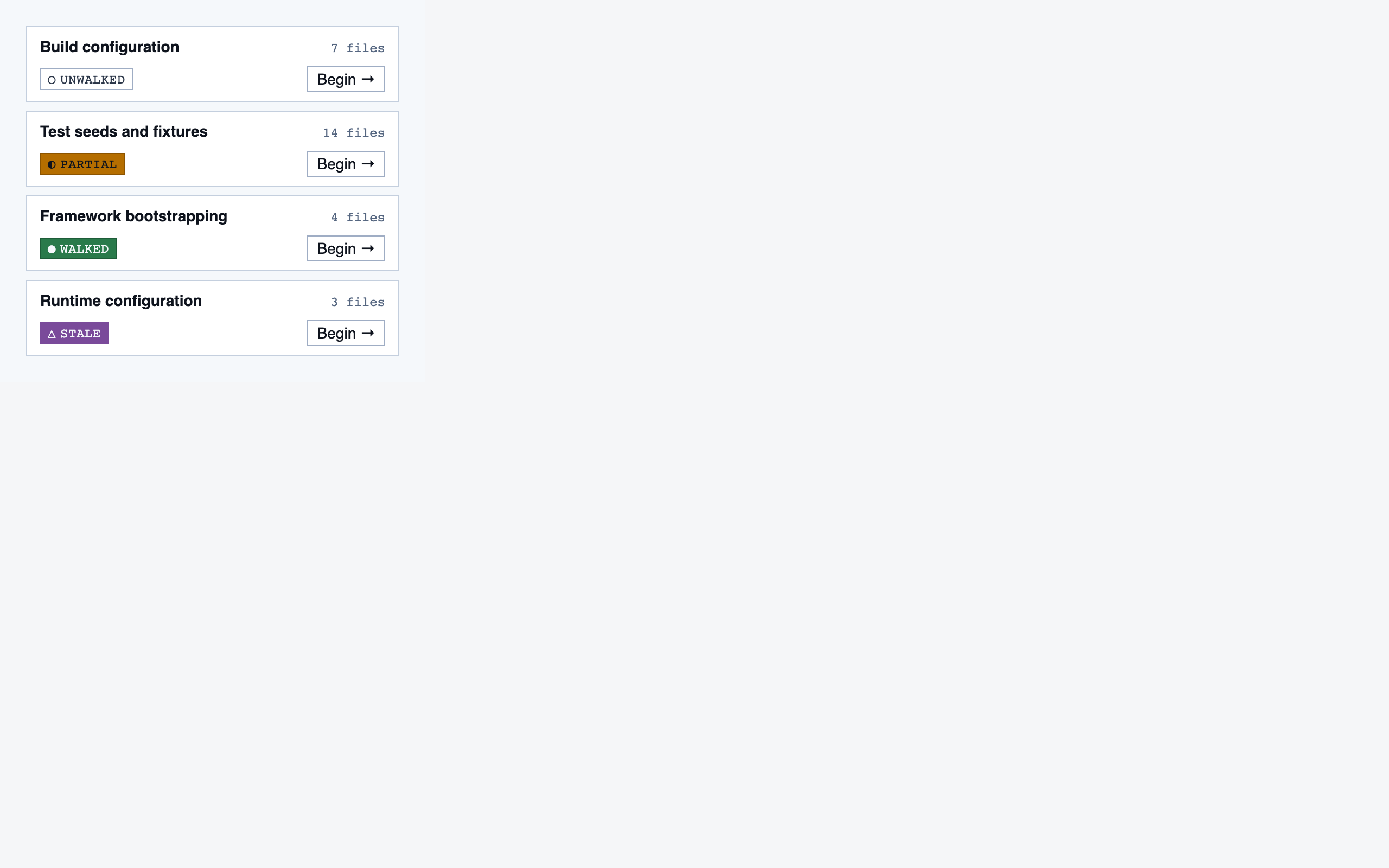
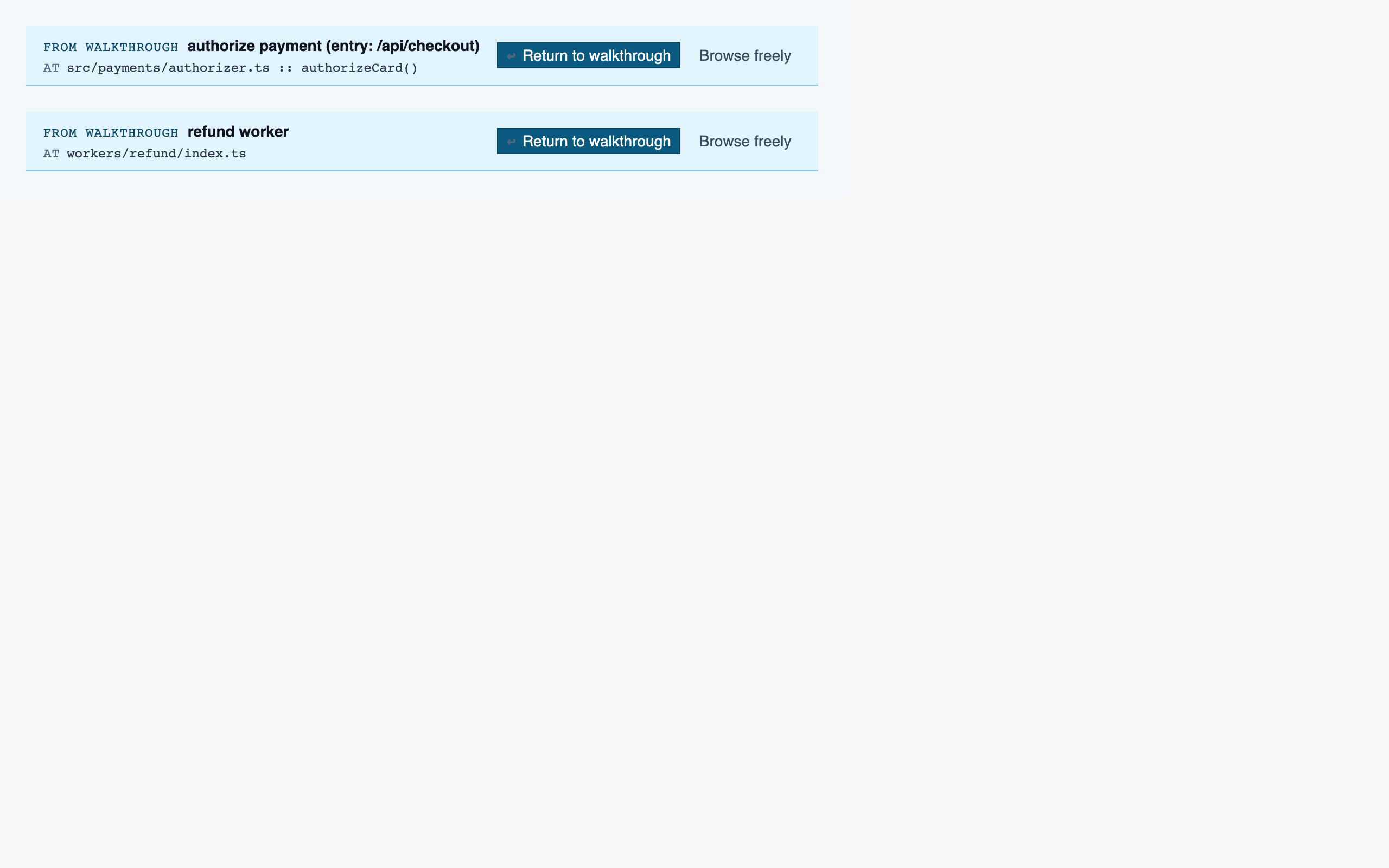
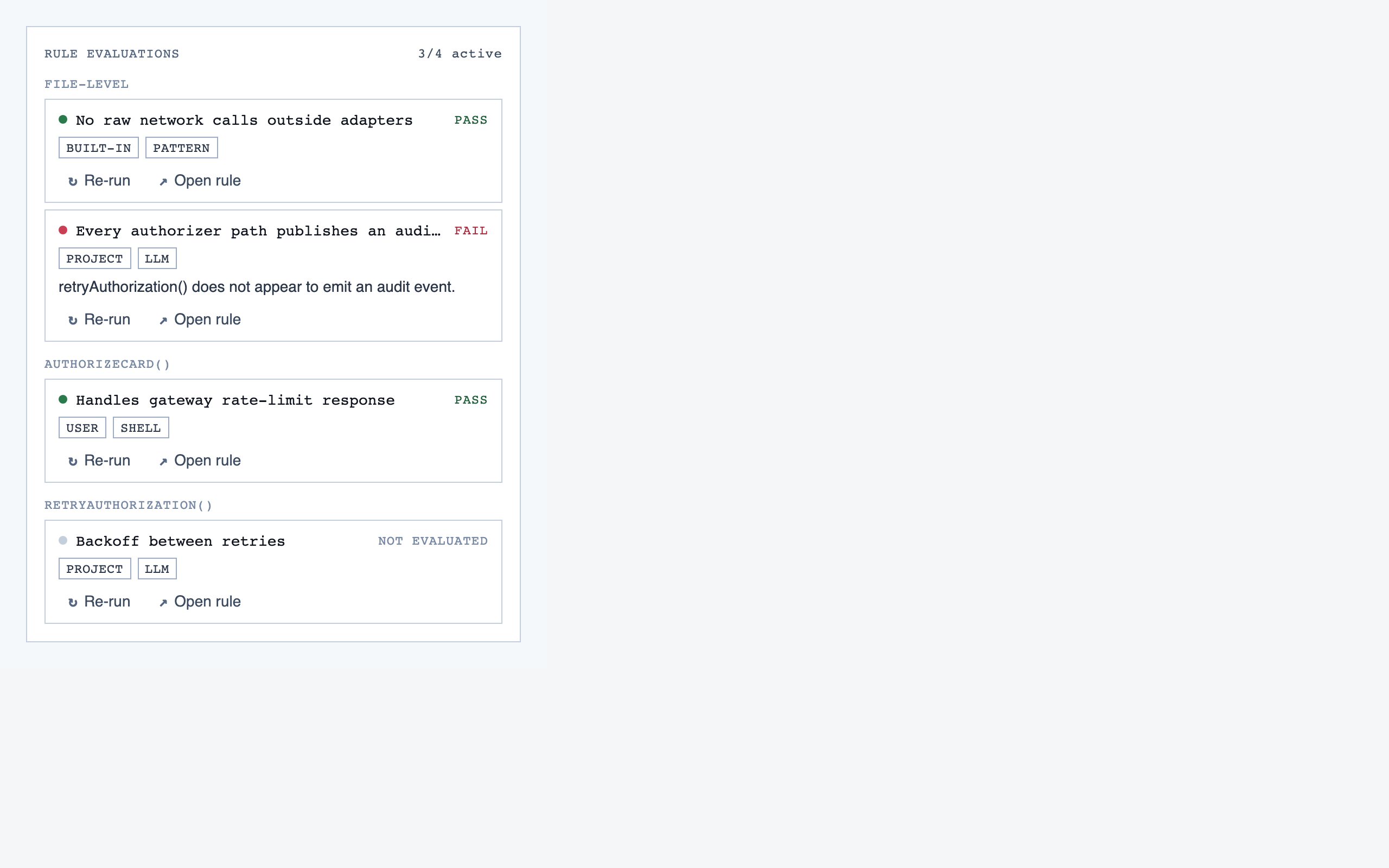
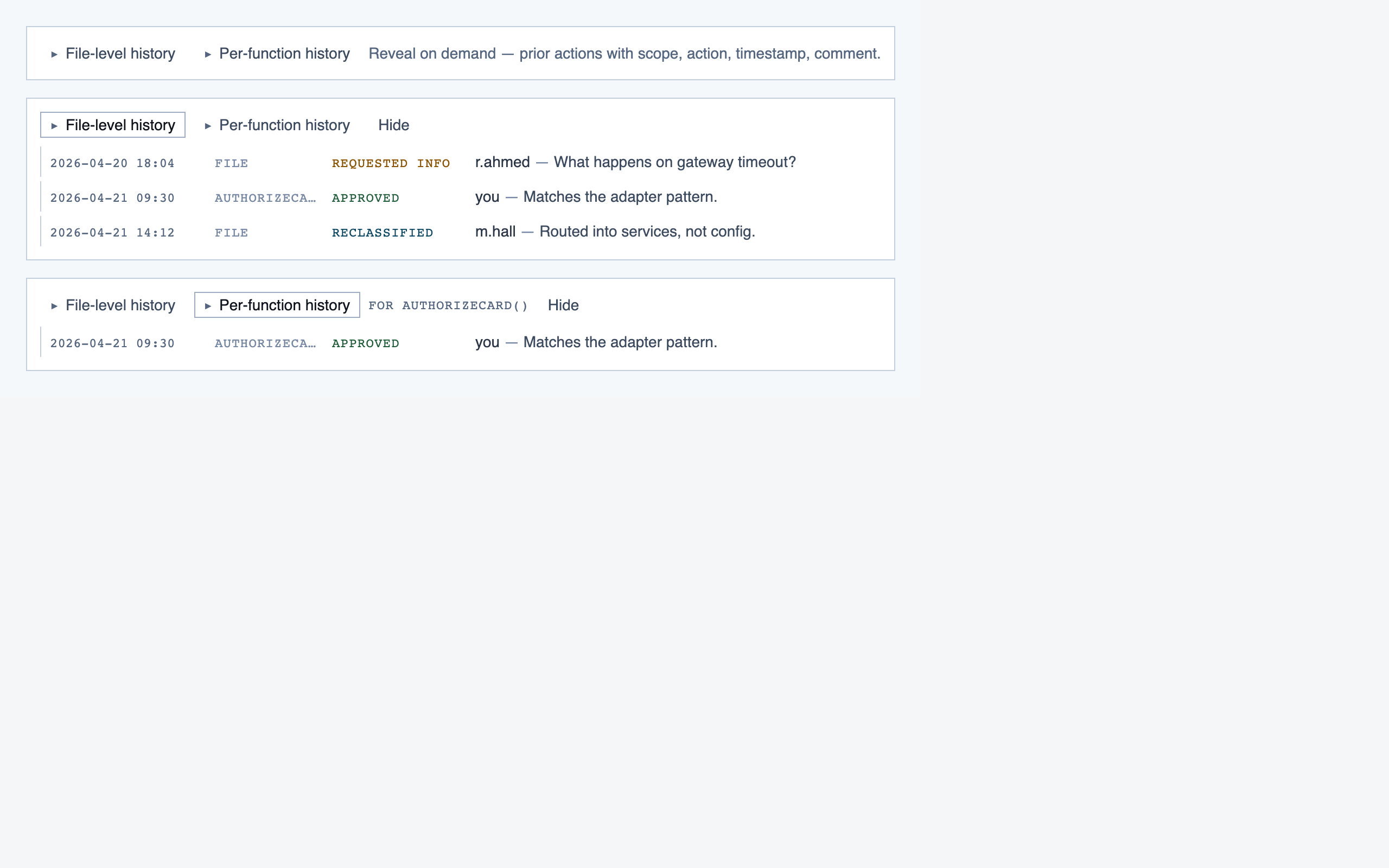
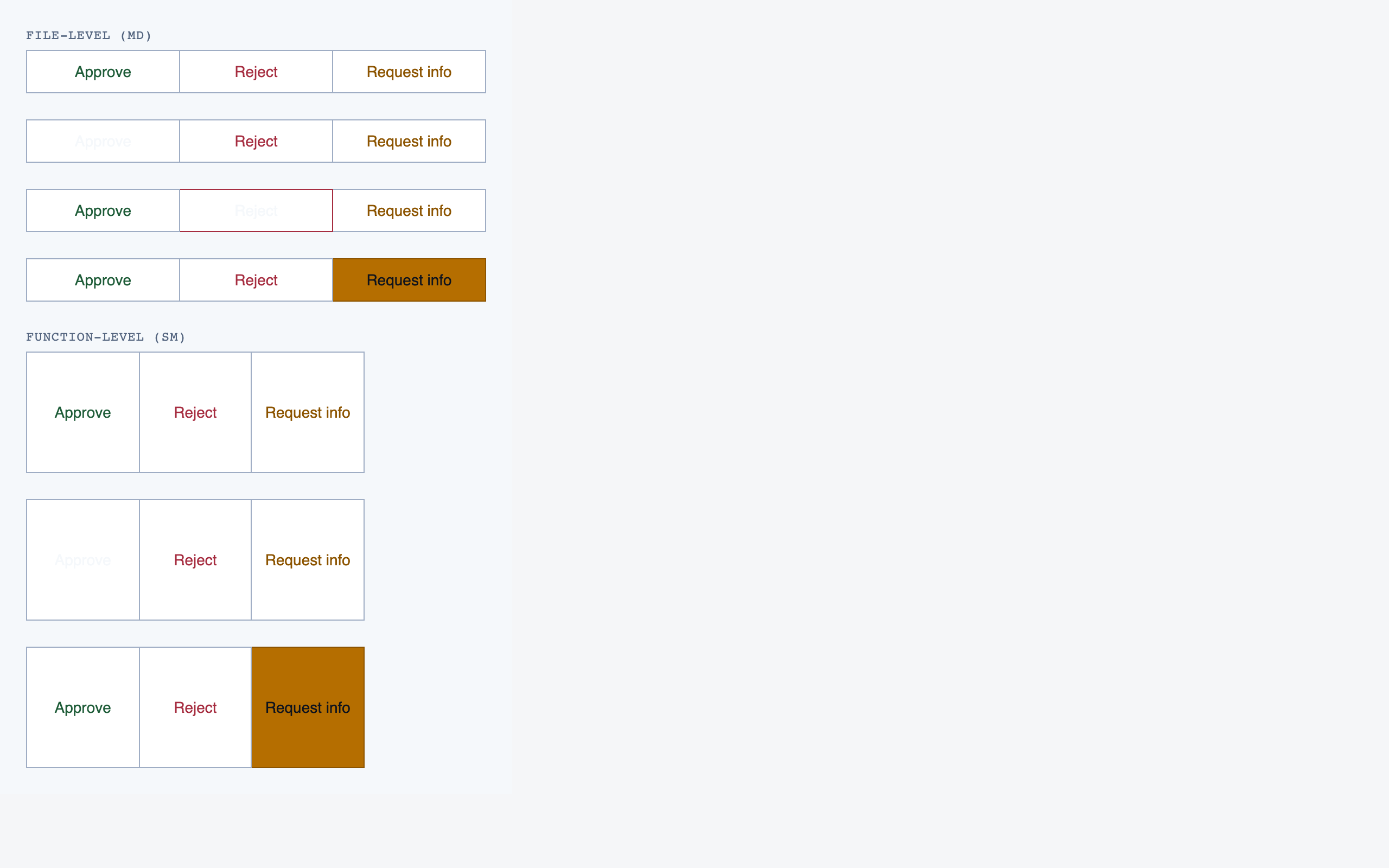
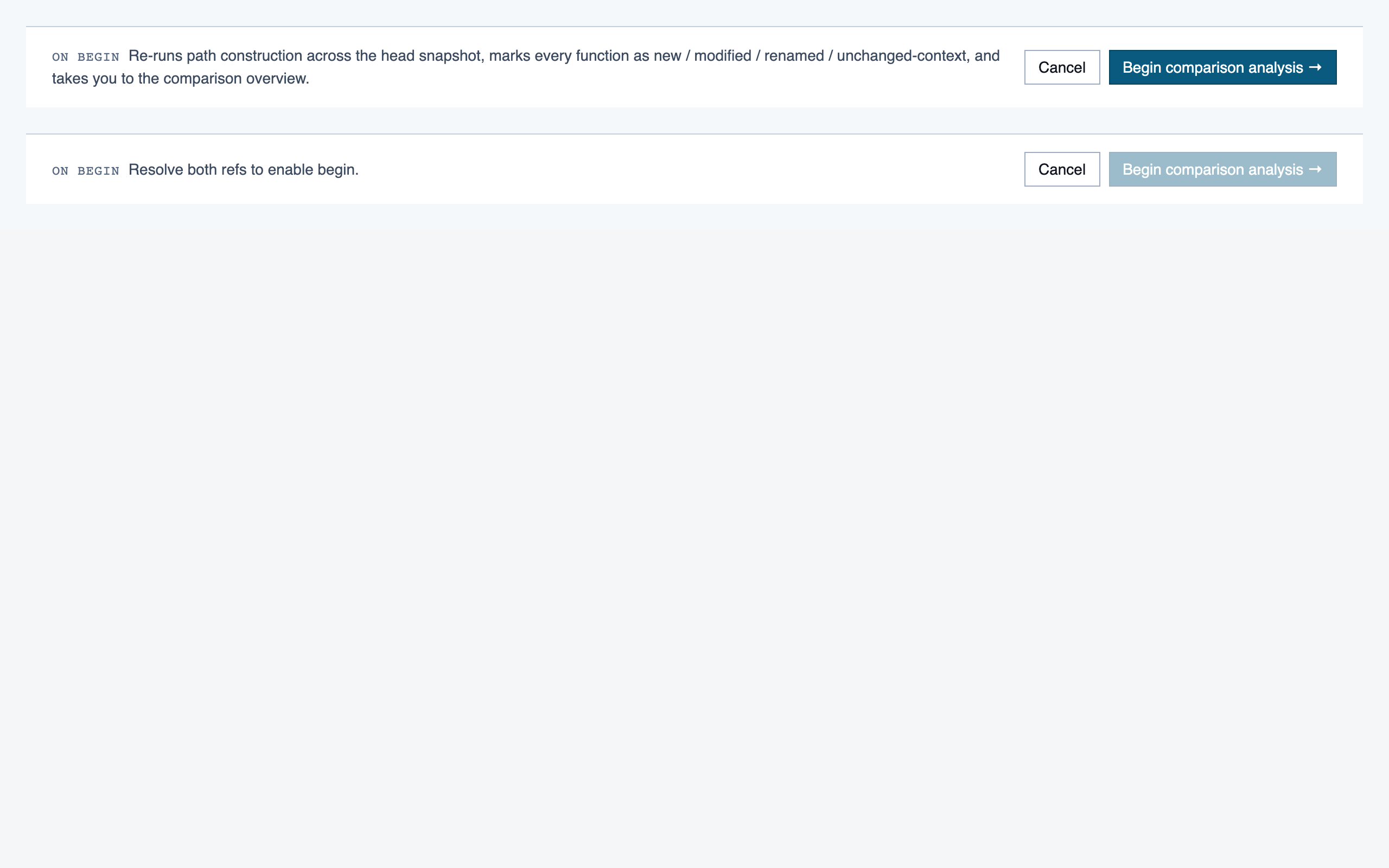
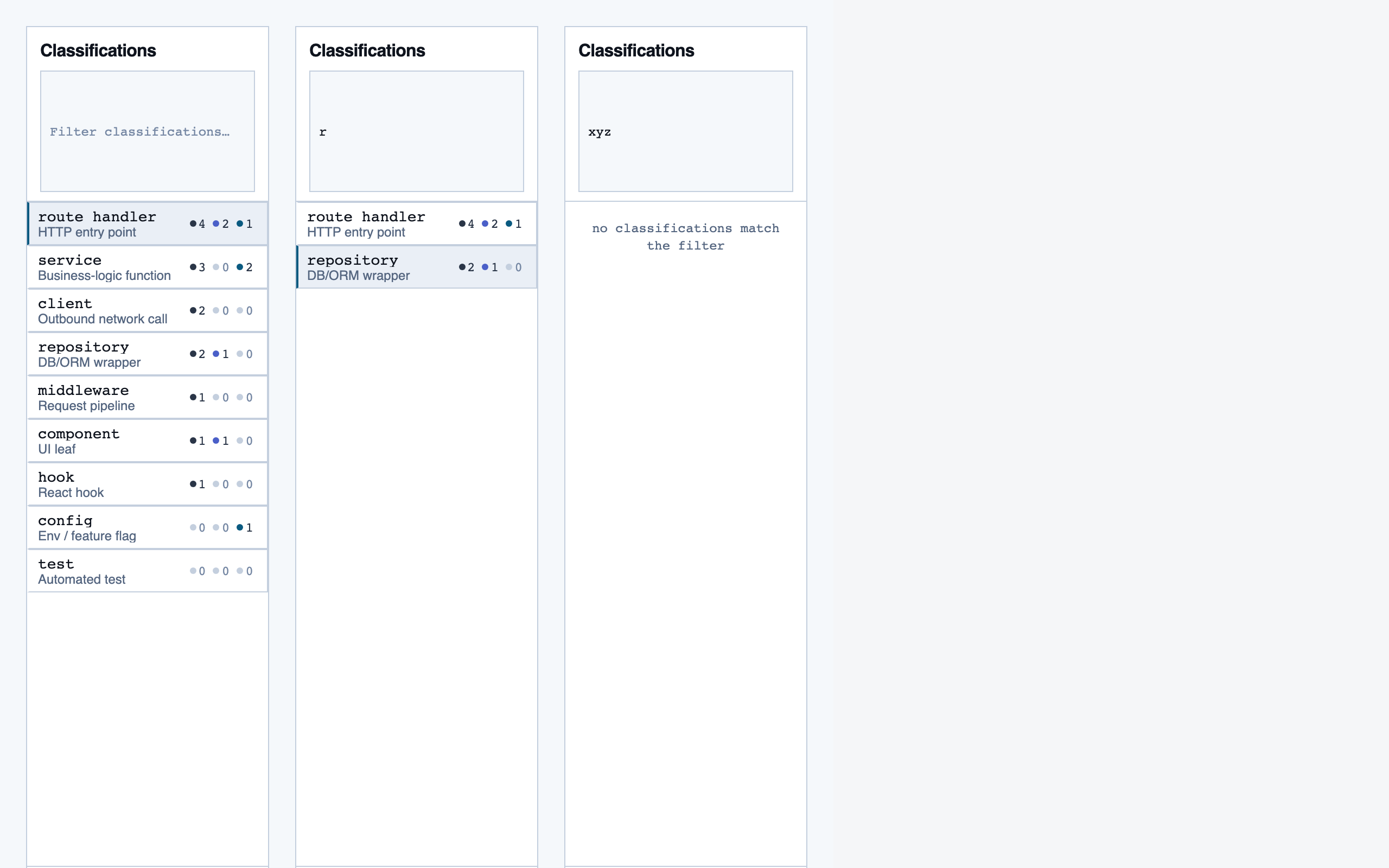
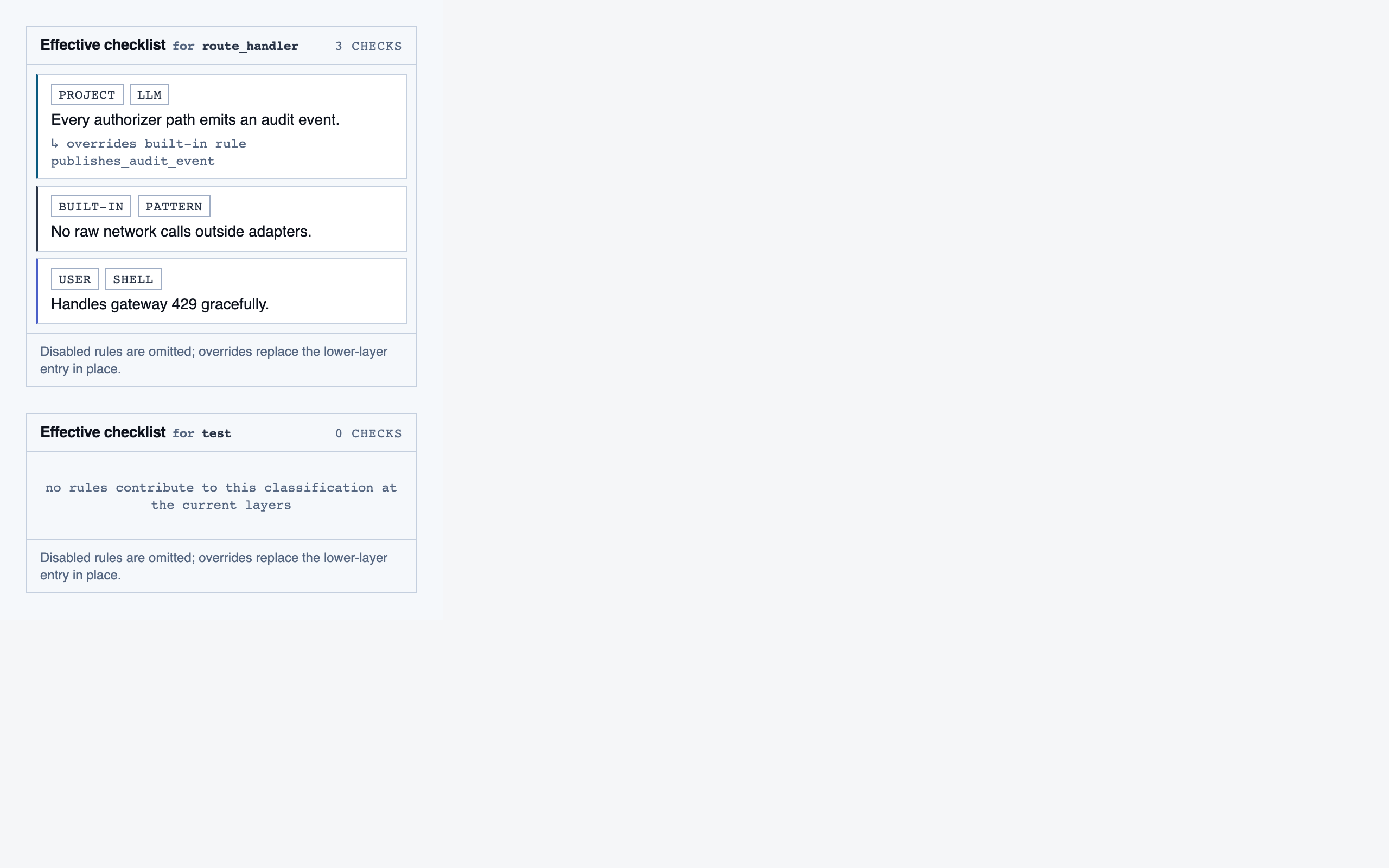
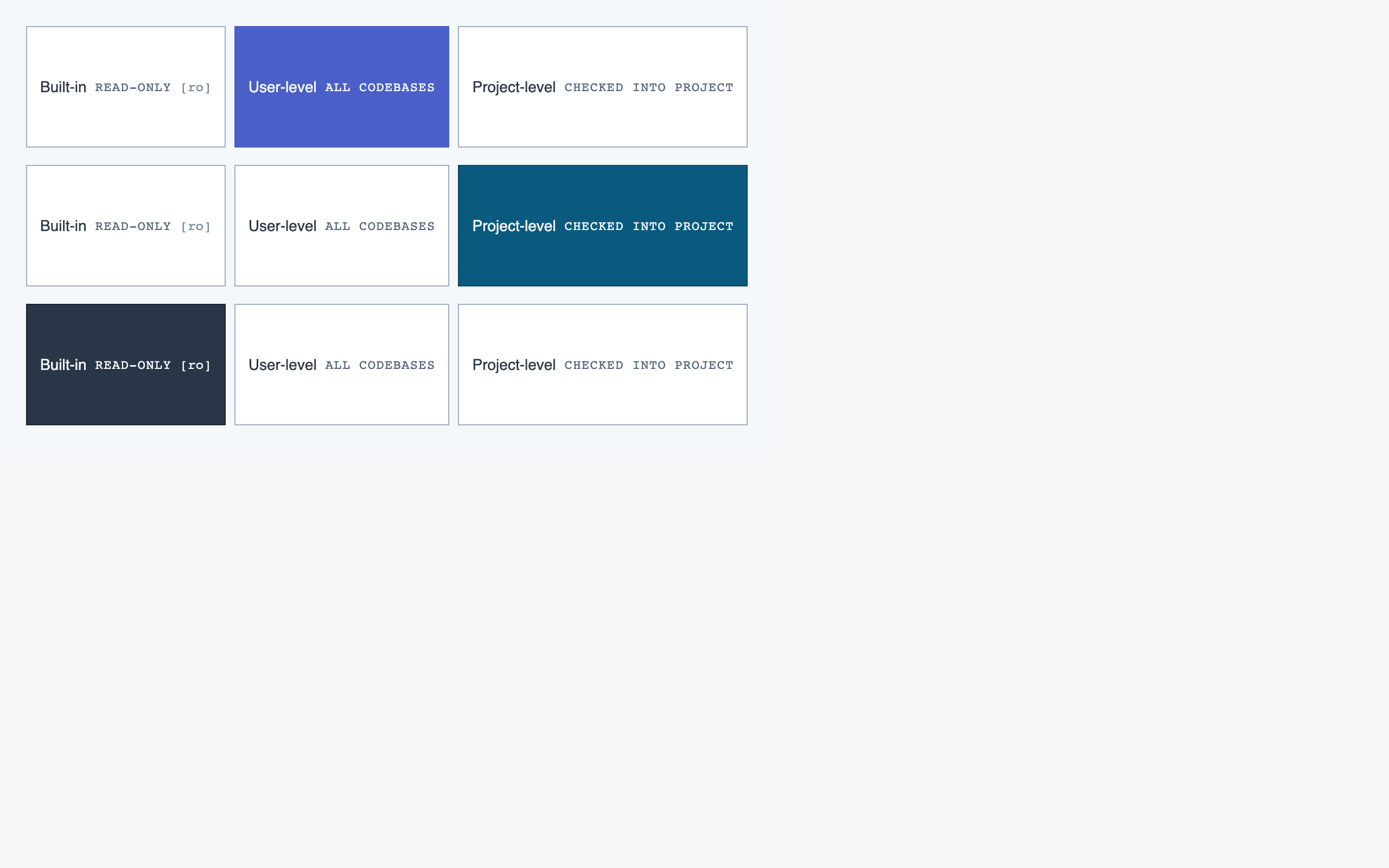
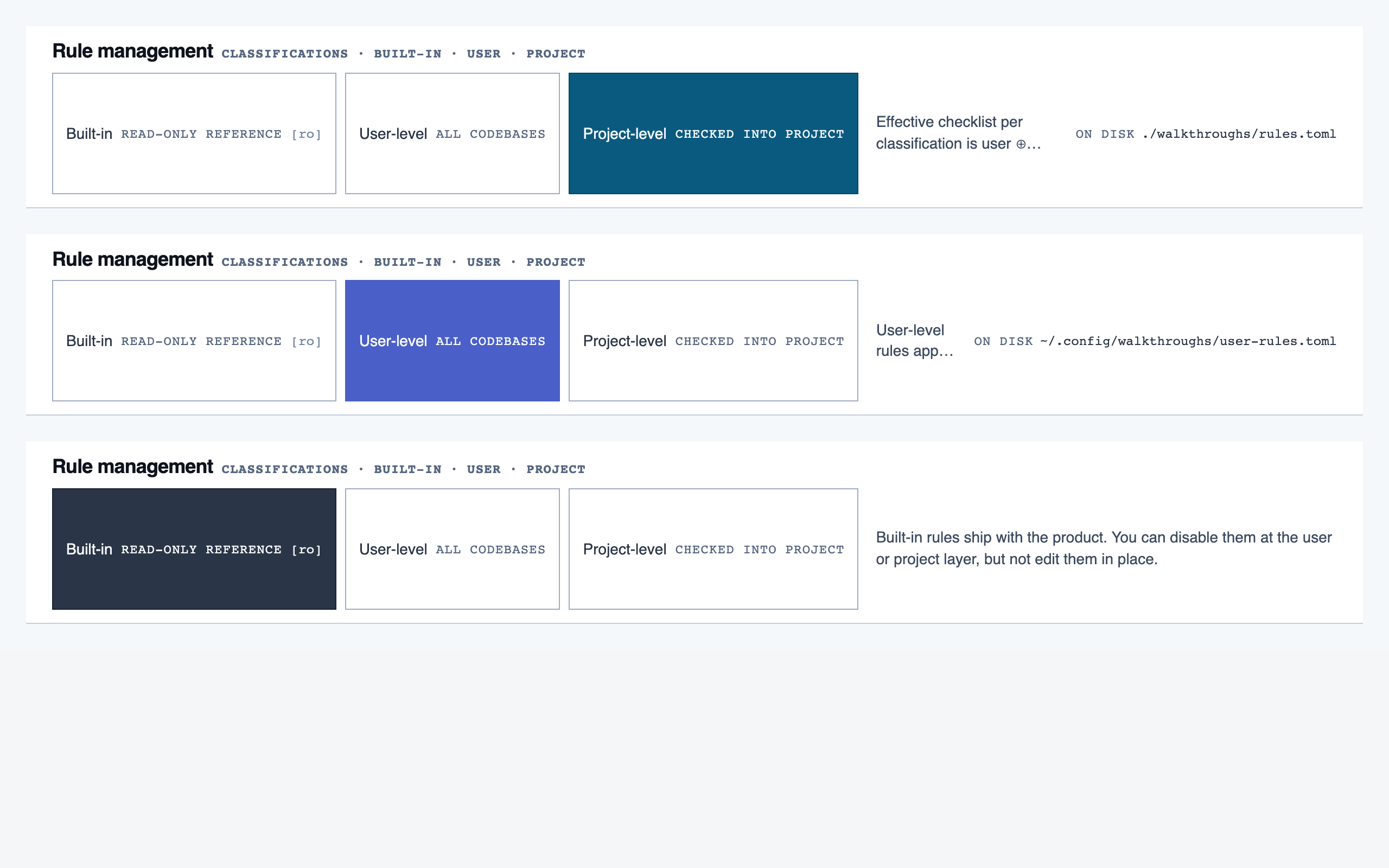
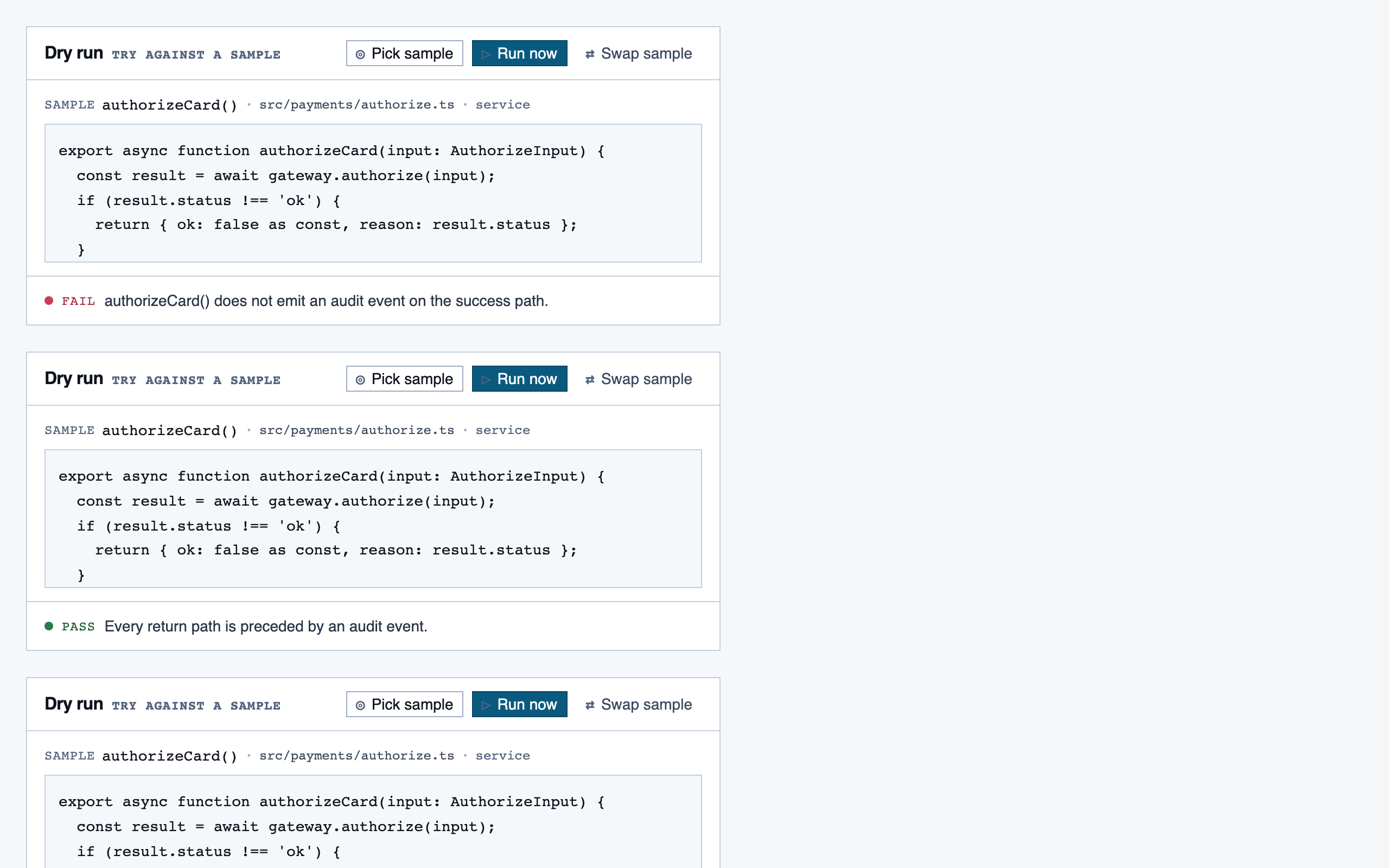
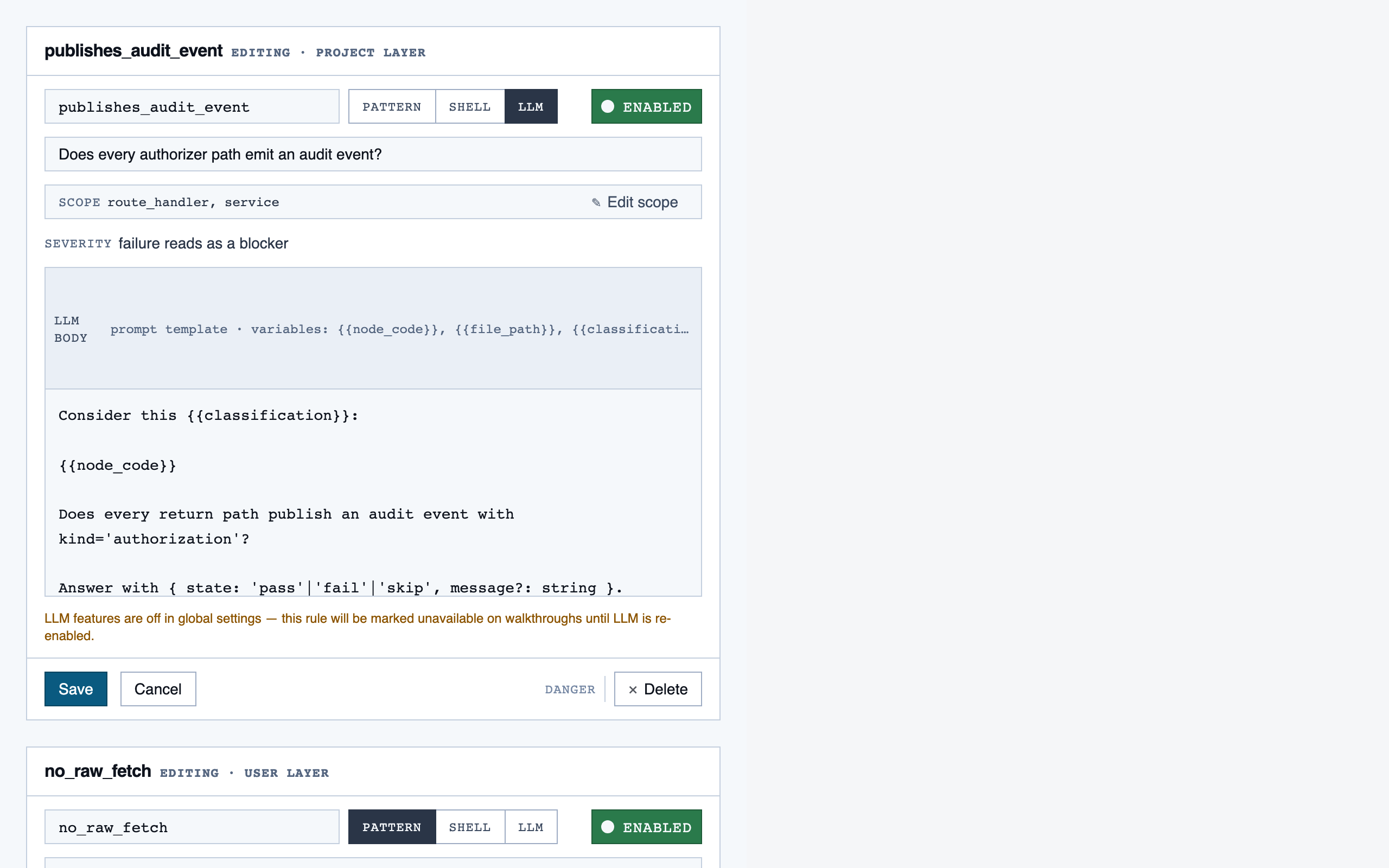
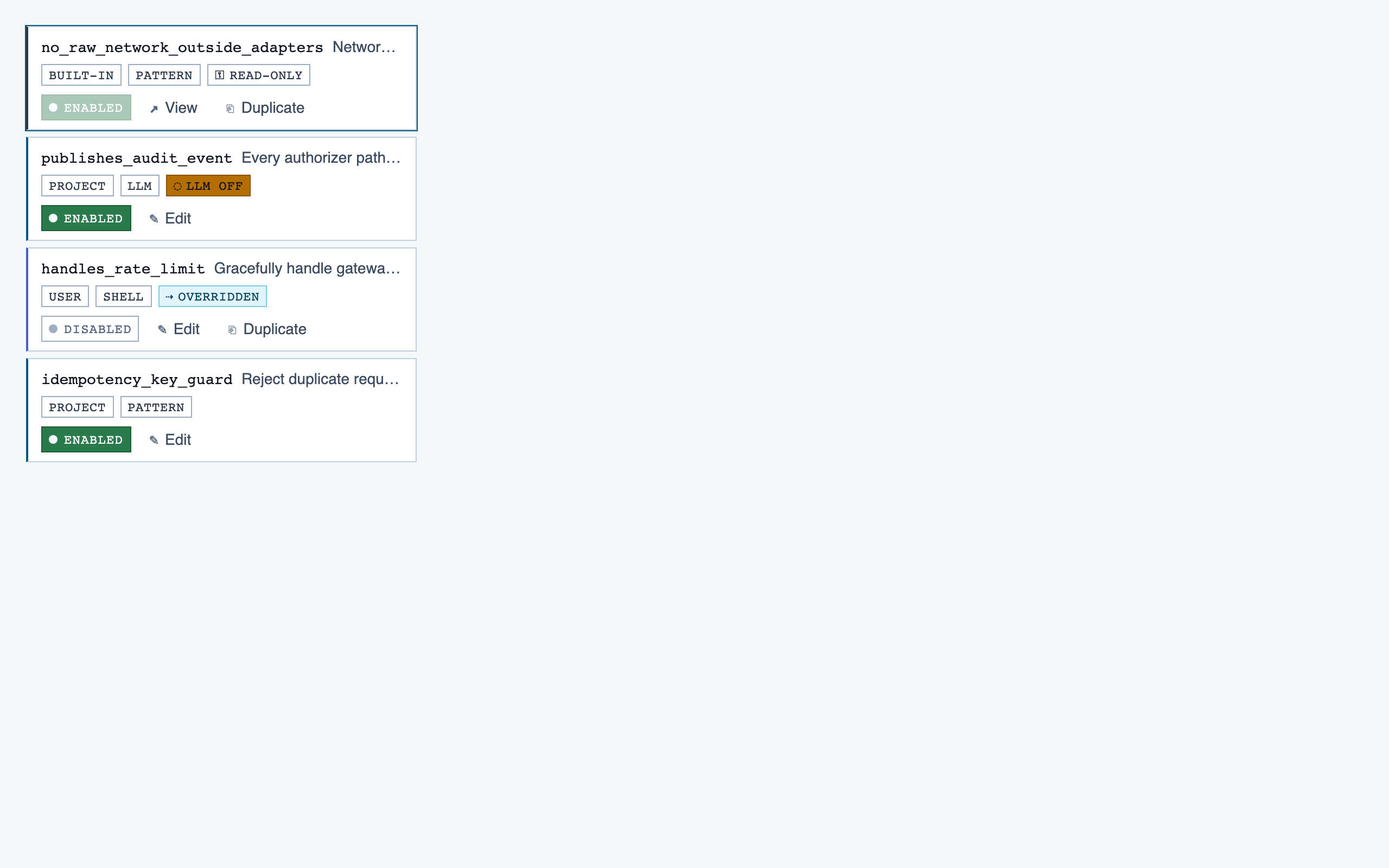
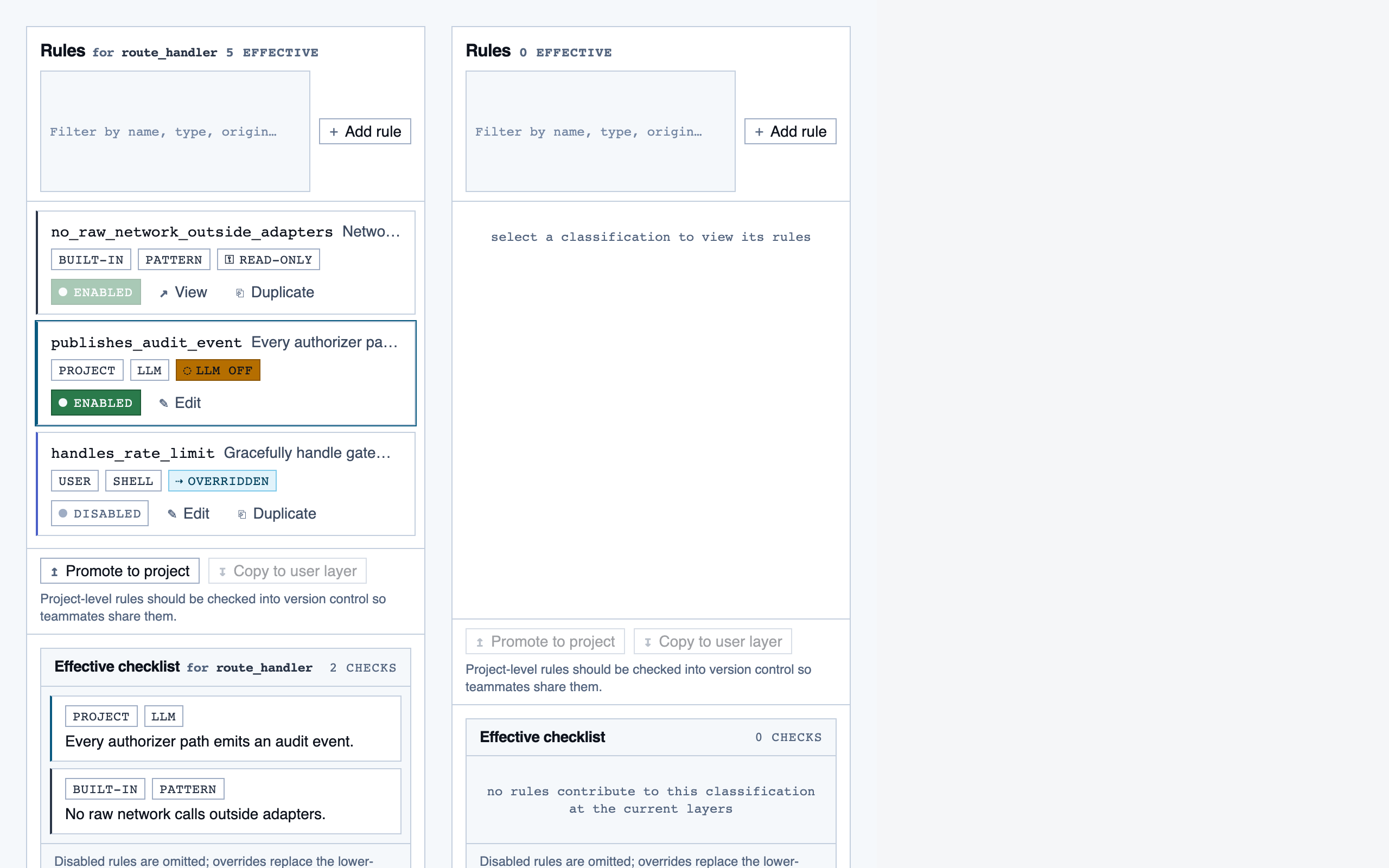
Components are generated one at a time, each with a Preview
export that exercises a realistic state. Every component runs through a
Claude visual eval (the rendered PNG plus the JSX plus the project tokens)
before it lands in the registry. Failed evals don't get registered.
By default each component is page-scoped — it lives under
pages/<screen>/components/. Promotion to a shared
primitive requires both shared intent and shared structure: not just
"both are buttons," but two near-identical resting-state shapes
that a third caller would plausibly want without opt-out props. For
Code Walkthroughs the promotion pass produced four shared primitives
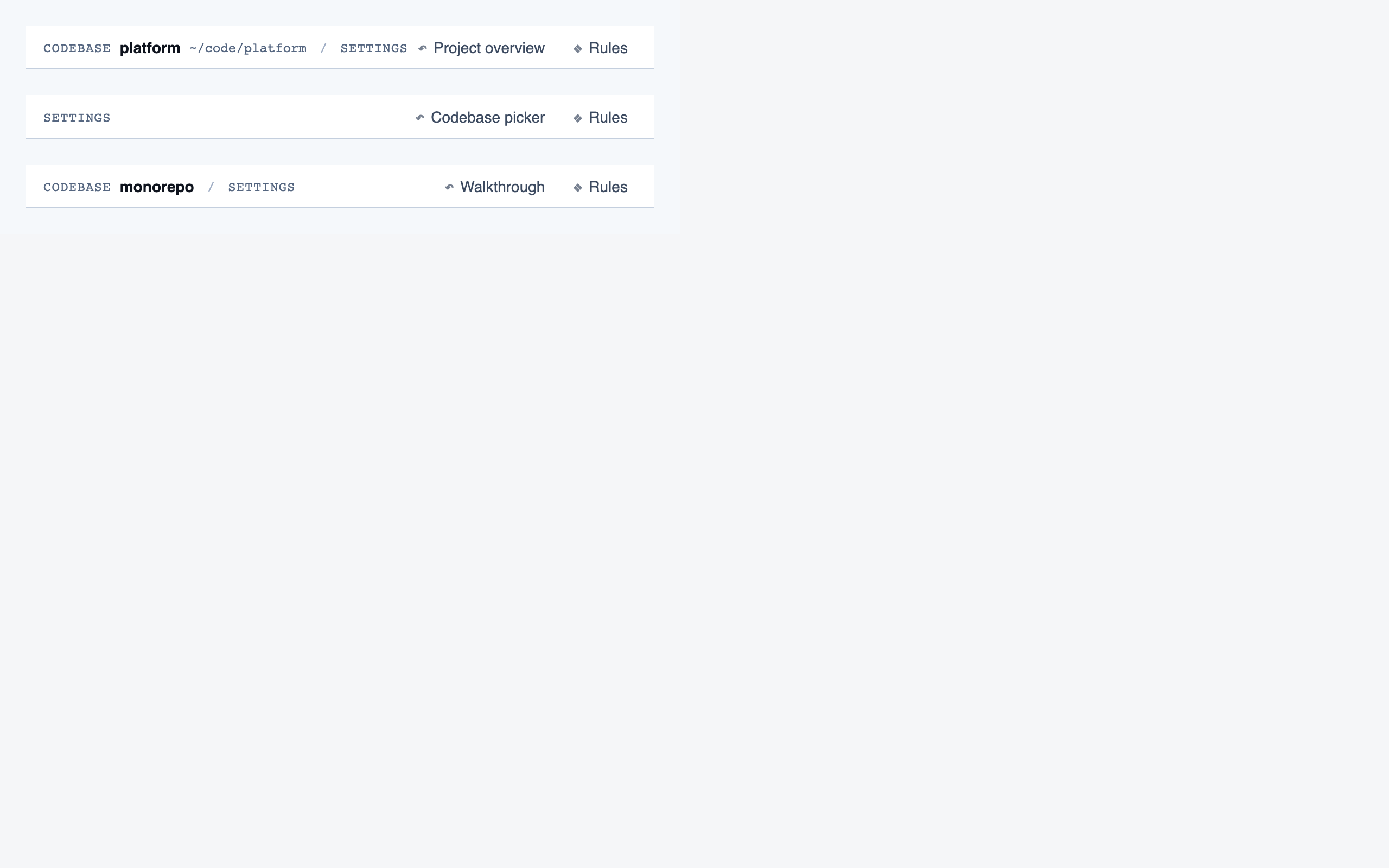
(Button, Toggle, SegmentedControl, WorkspaceTopBar) and consciously left mismatches alone (a multi-select
chip with counts and an independently-toggled chip kept different
state semantics).
The component sandbox bundles local imports with IIFE-wrapped
dependencies so private helpers (const sizeClasses = …)
can't collide across files. Visual evals leave their PNGs on disk
by default for review.
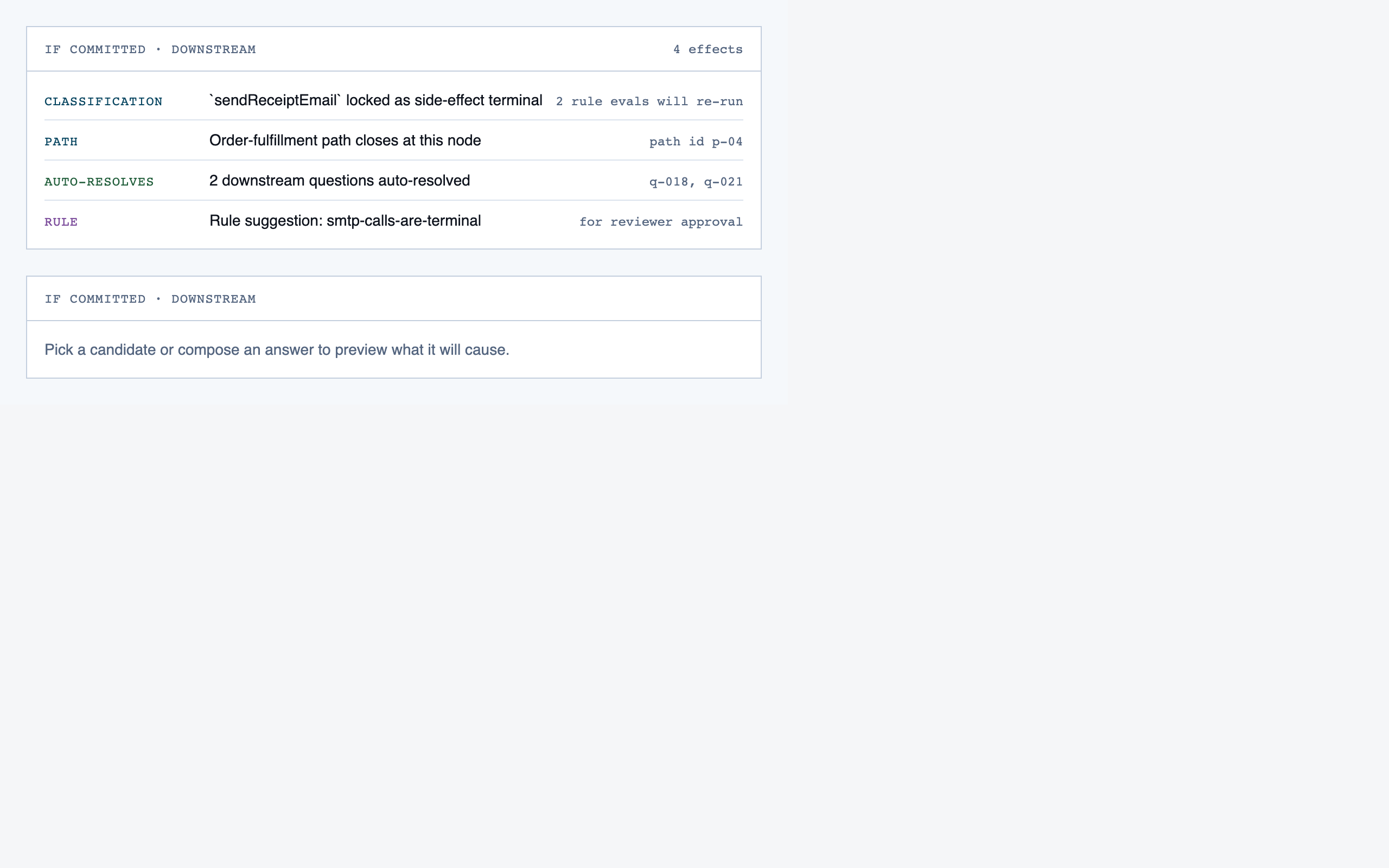
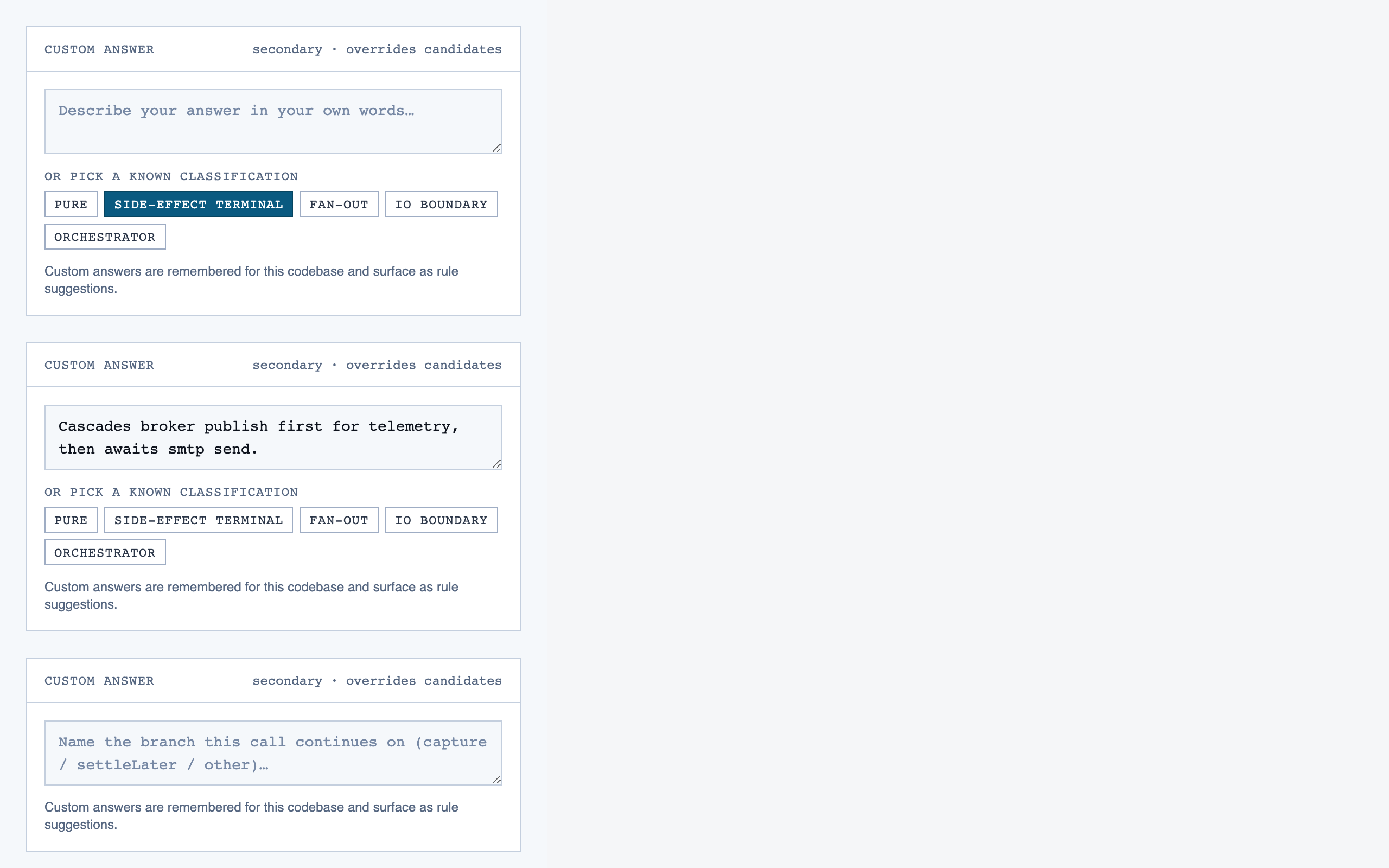
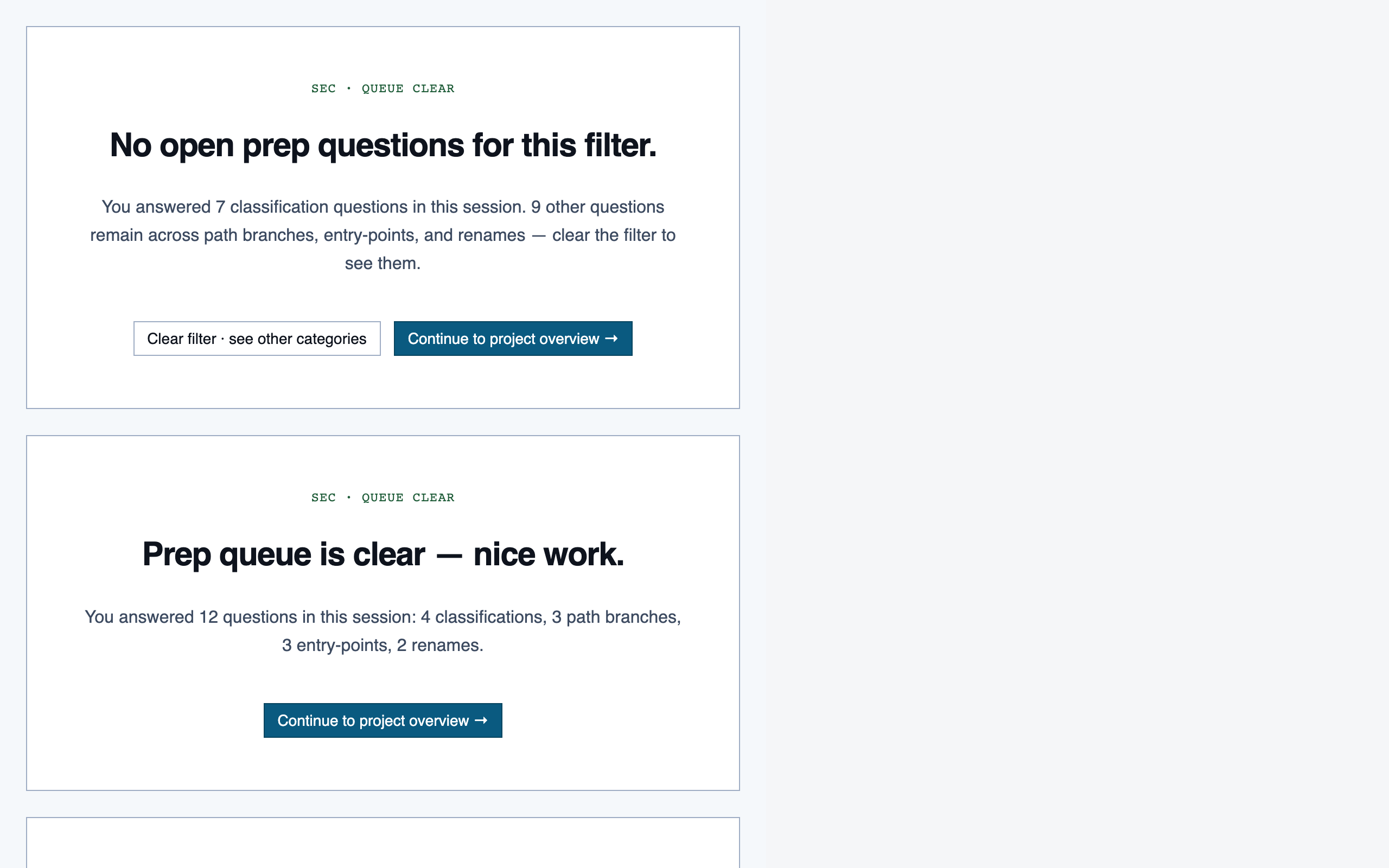
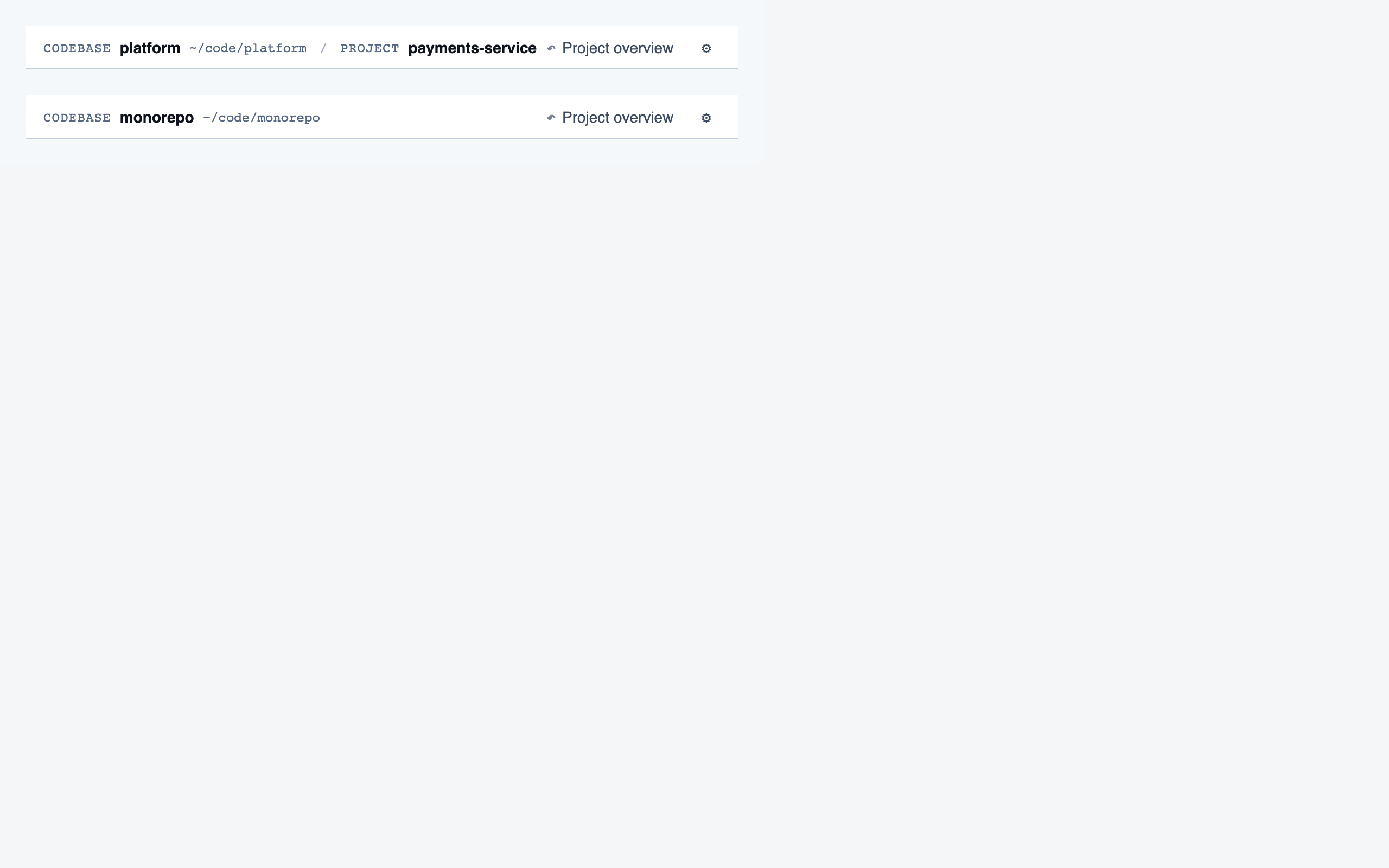
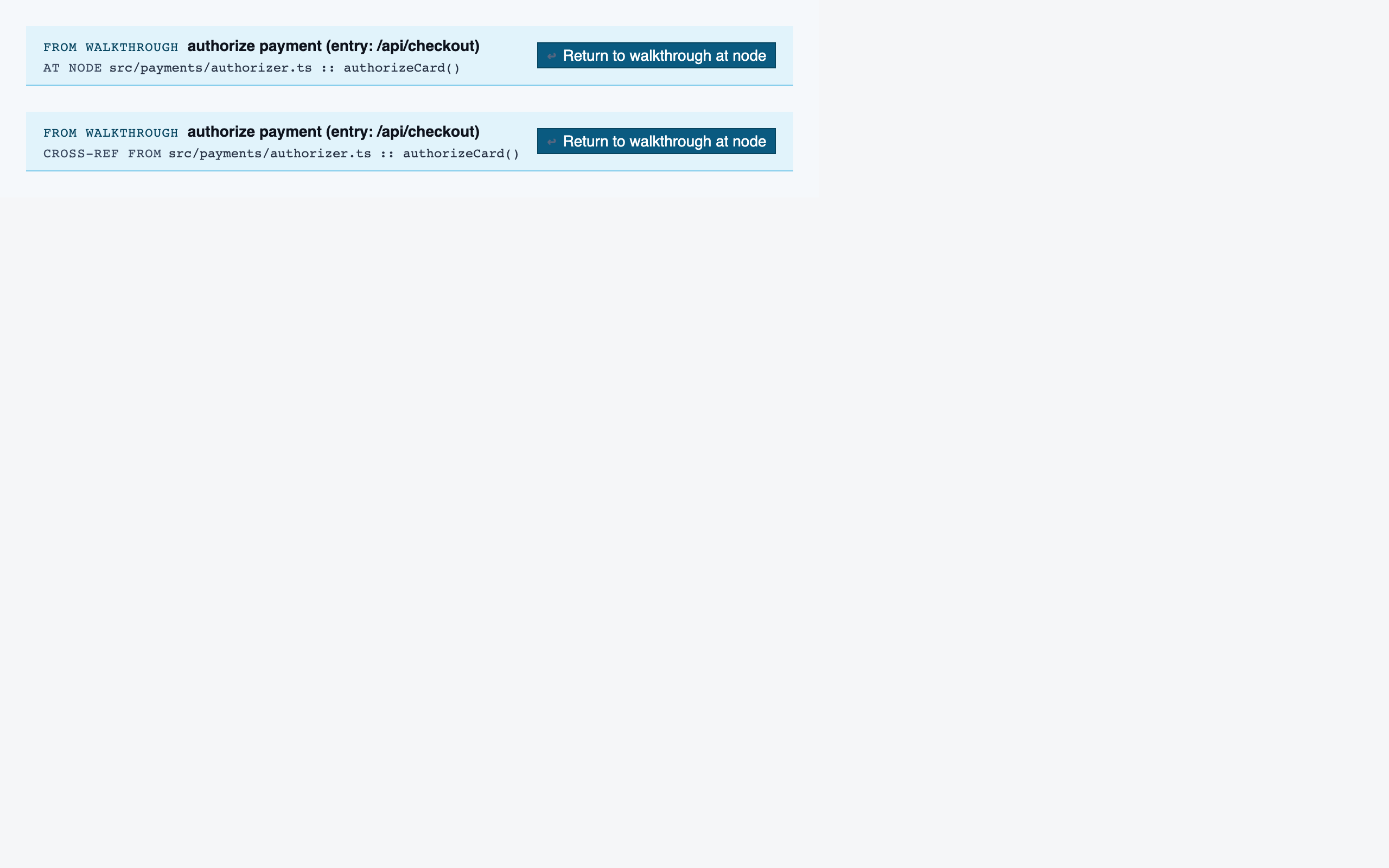
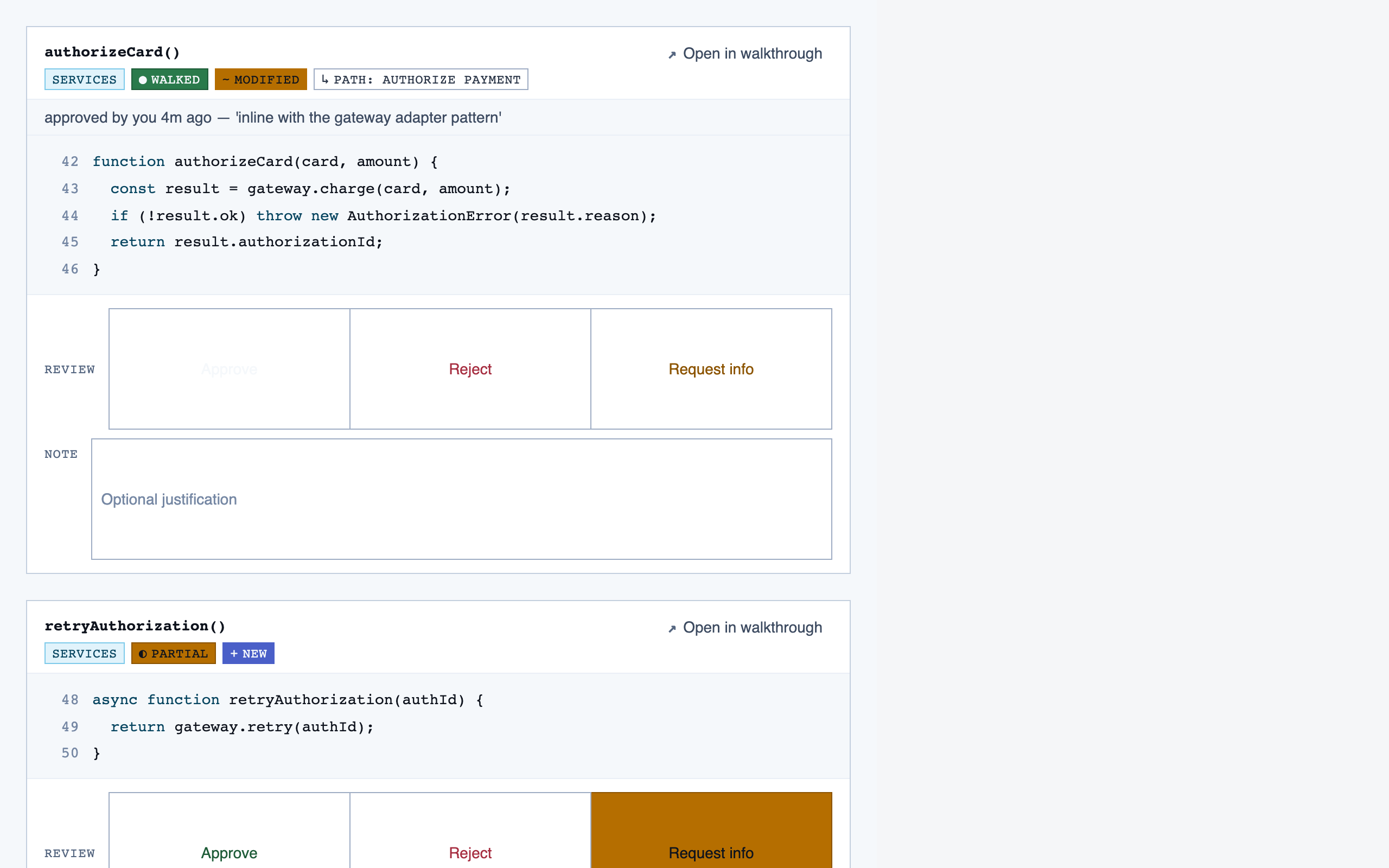
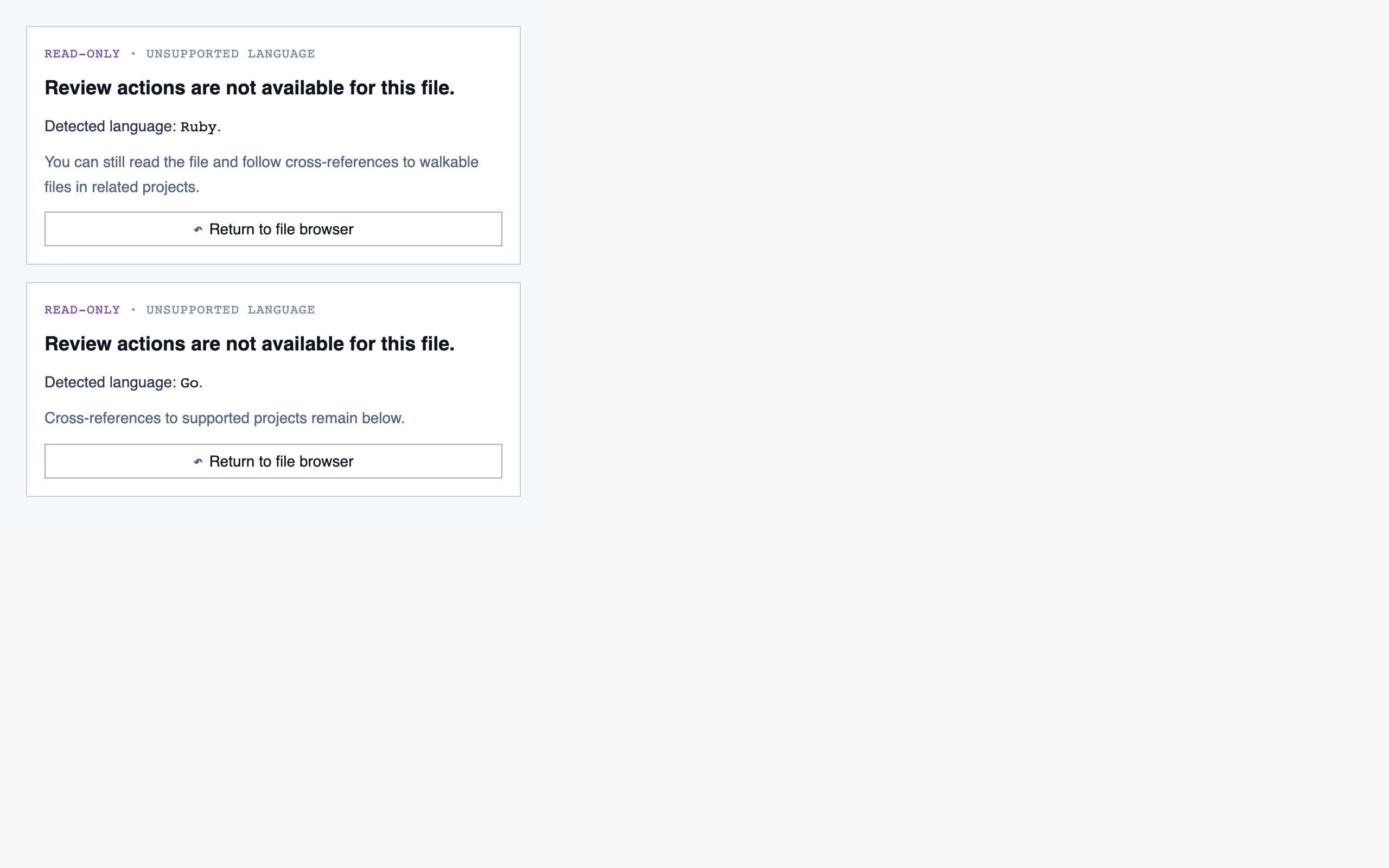
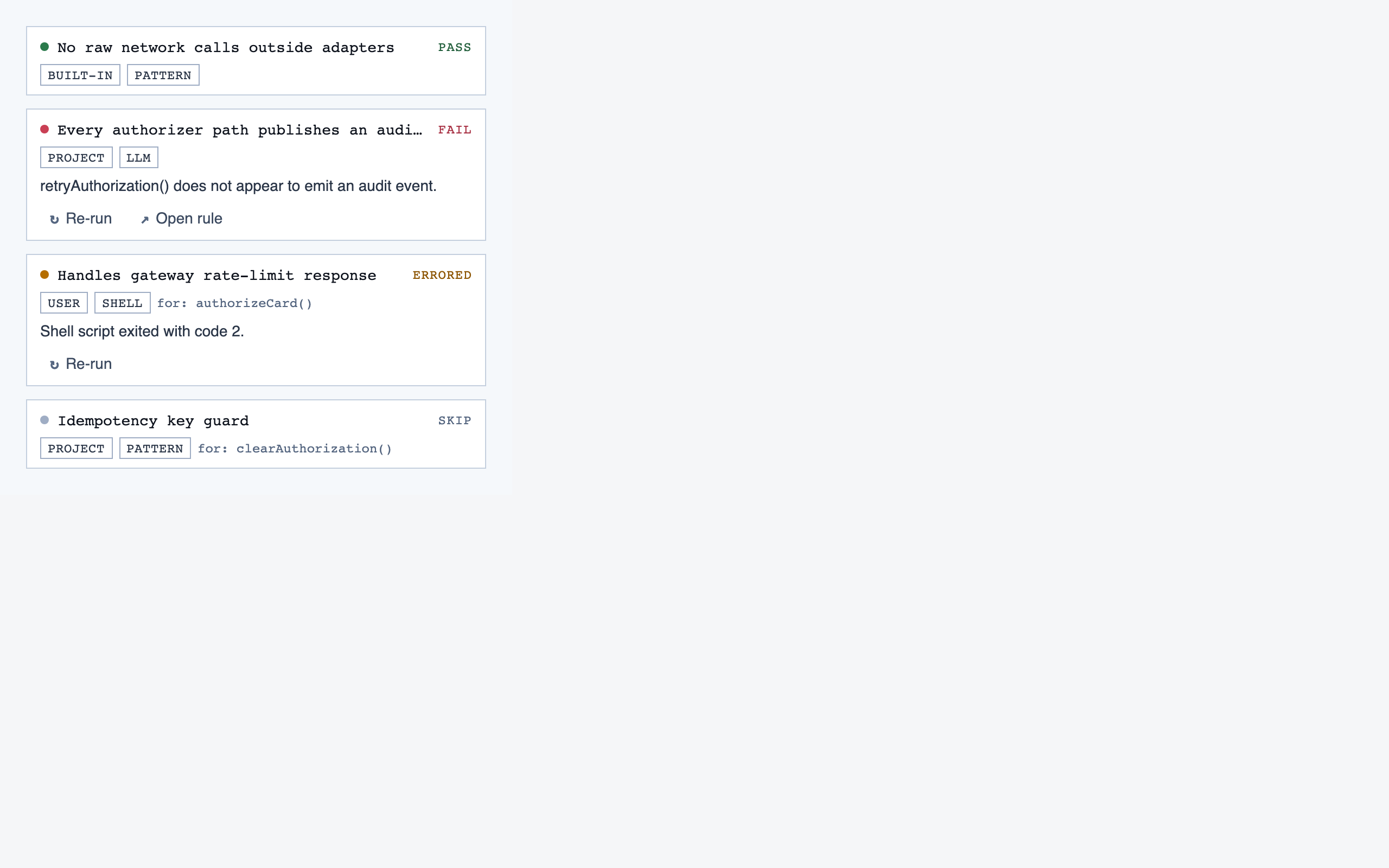
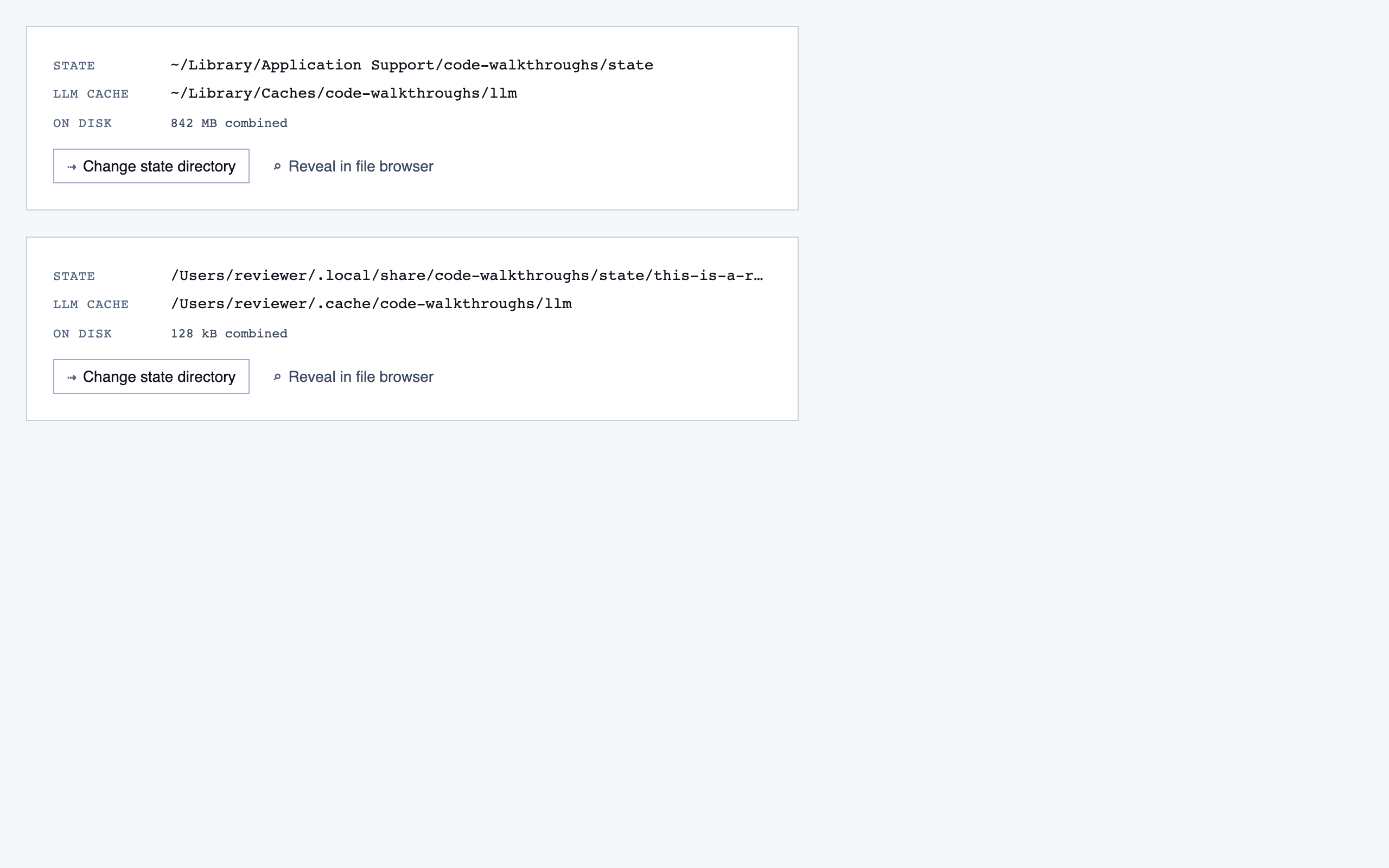
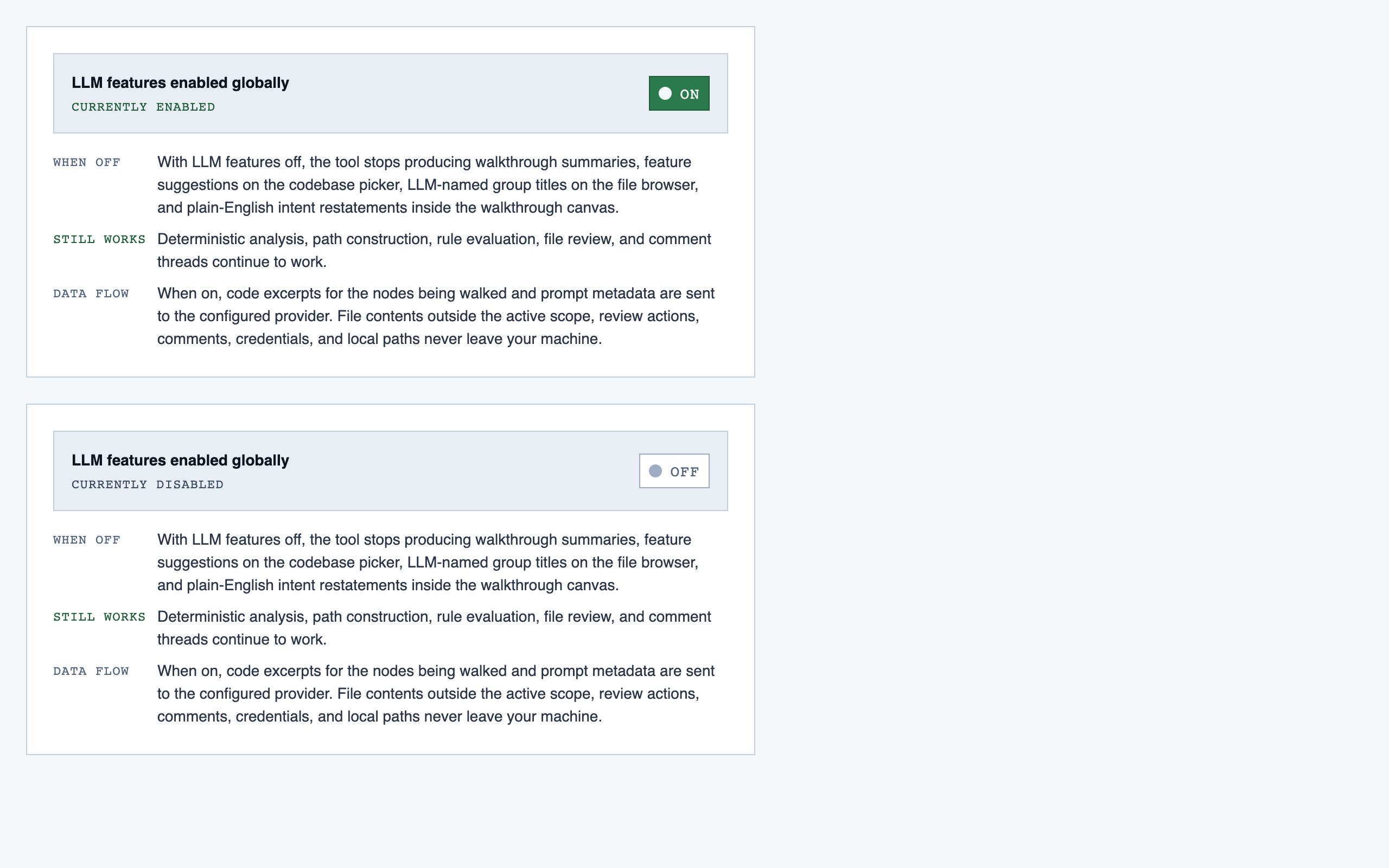
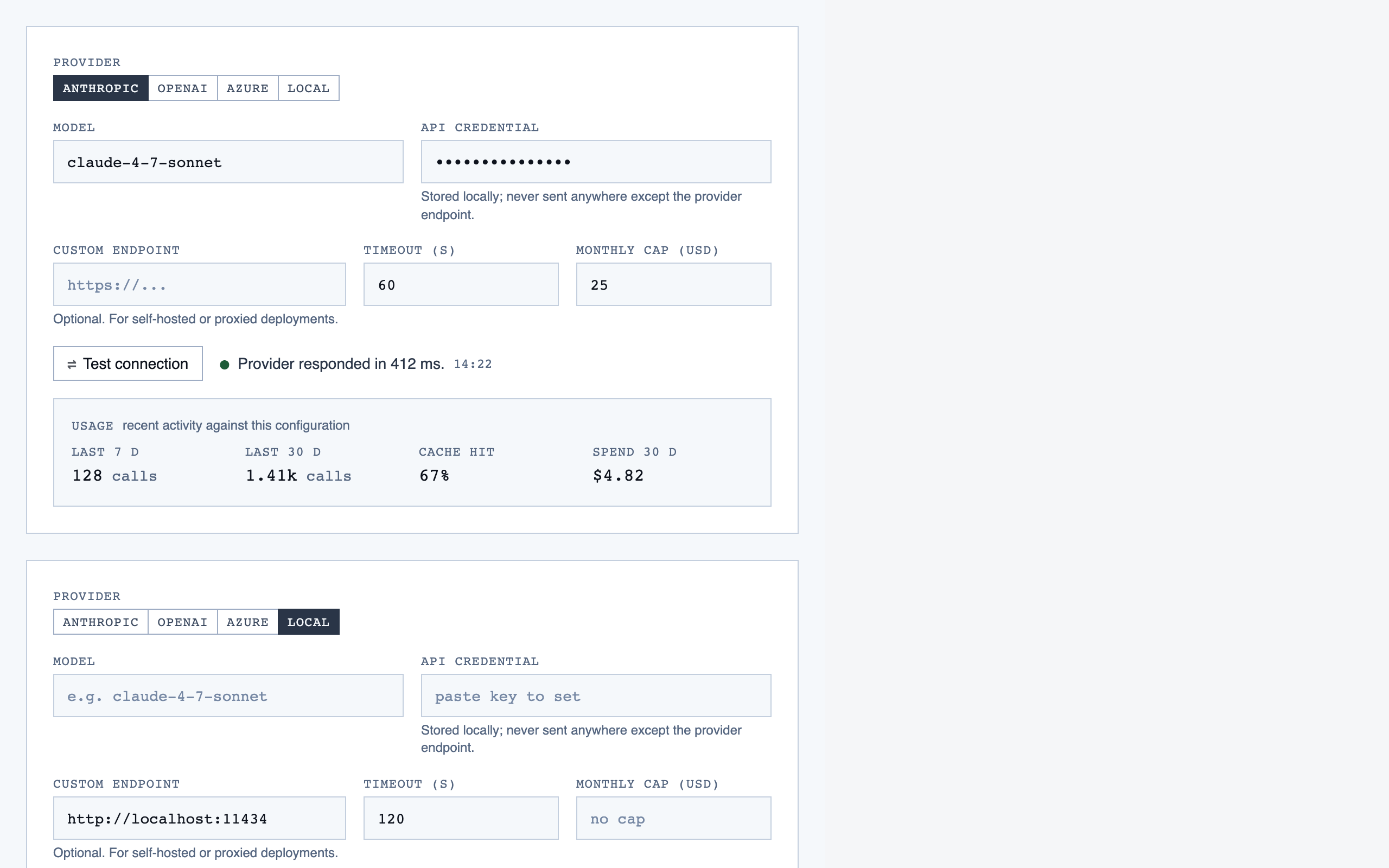
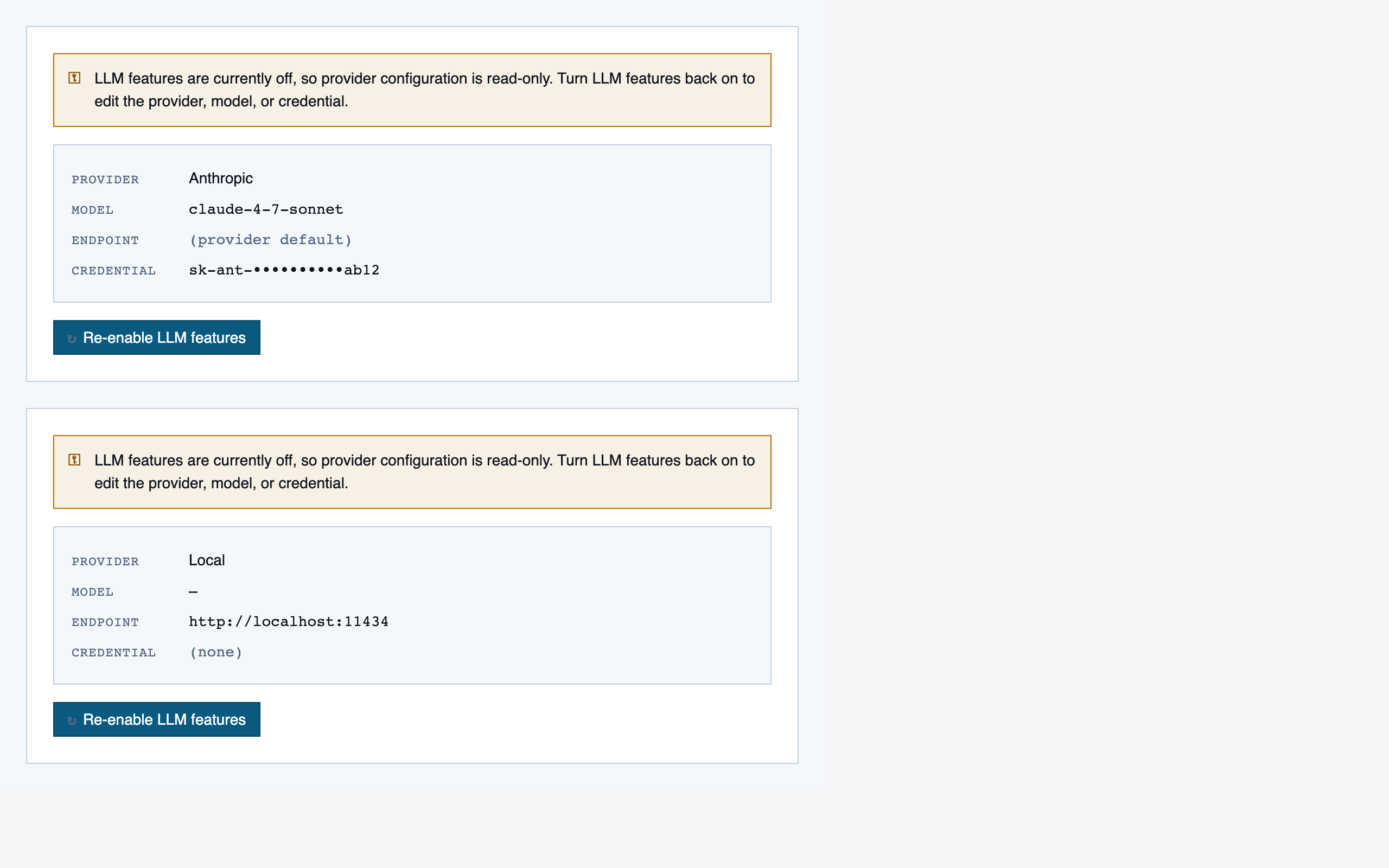
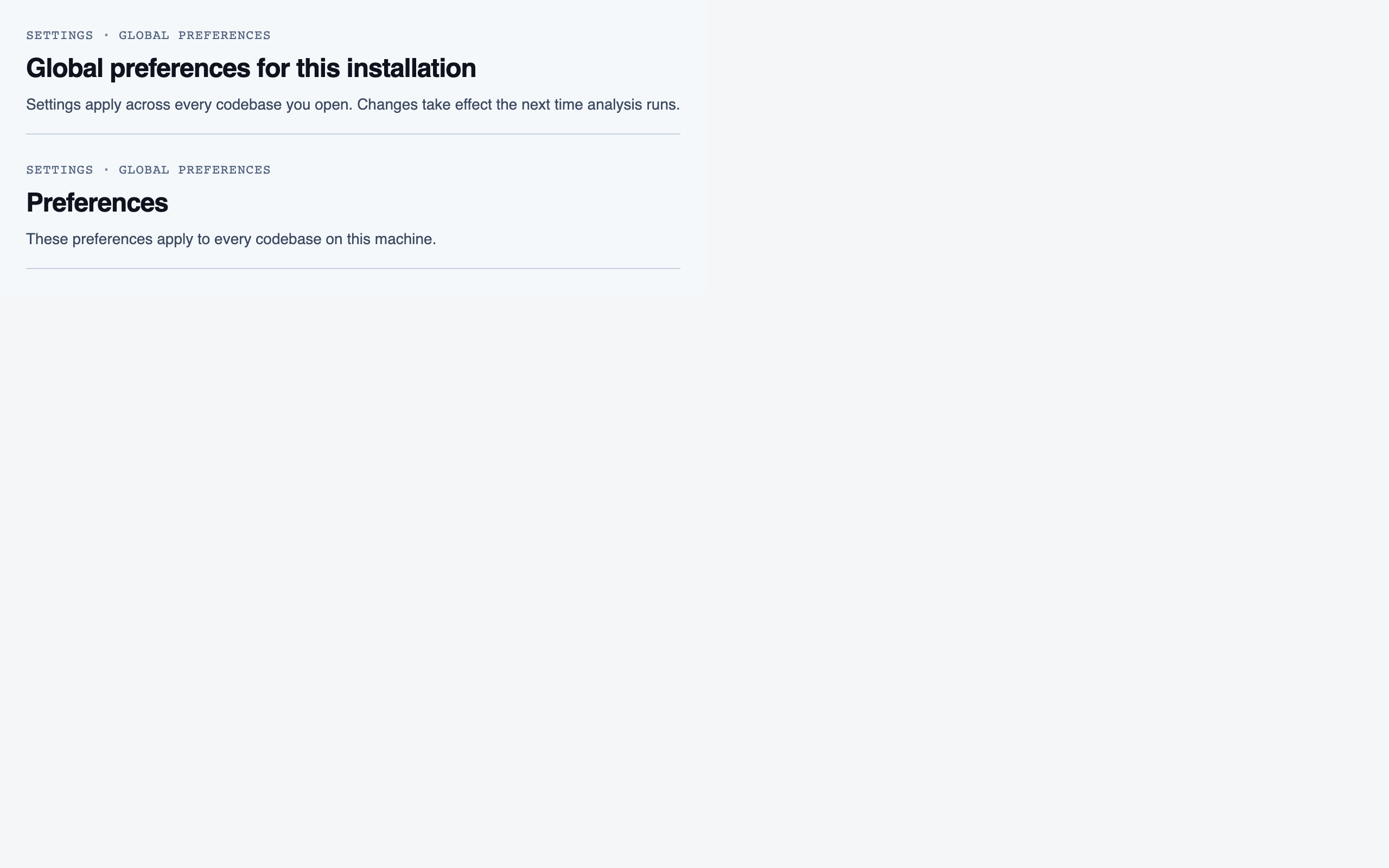
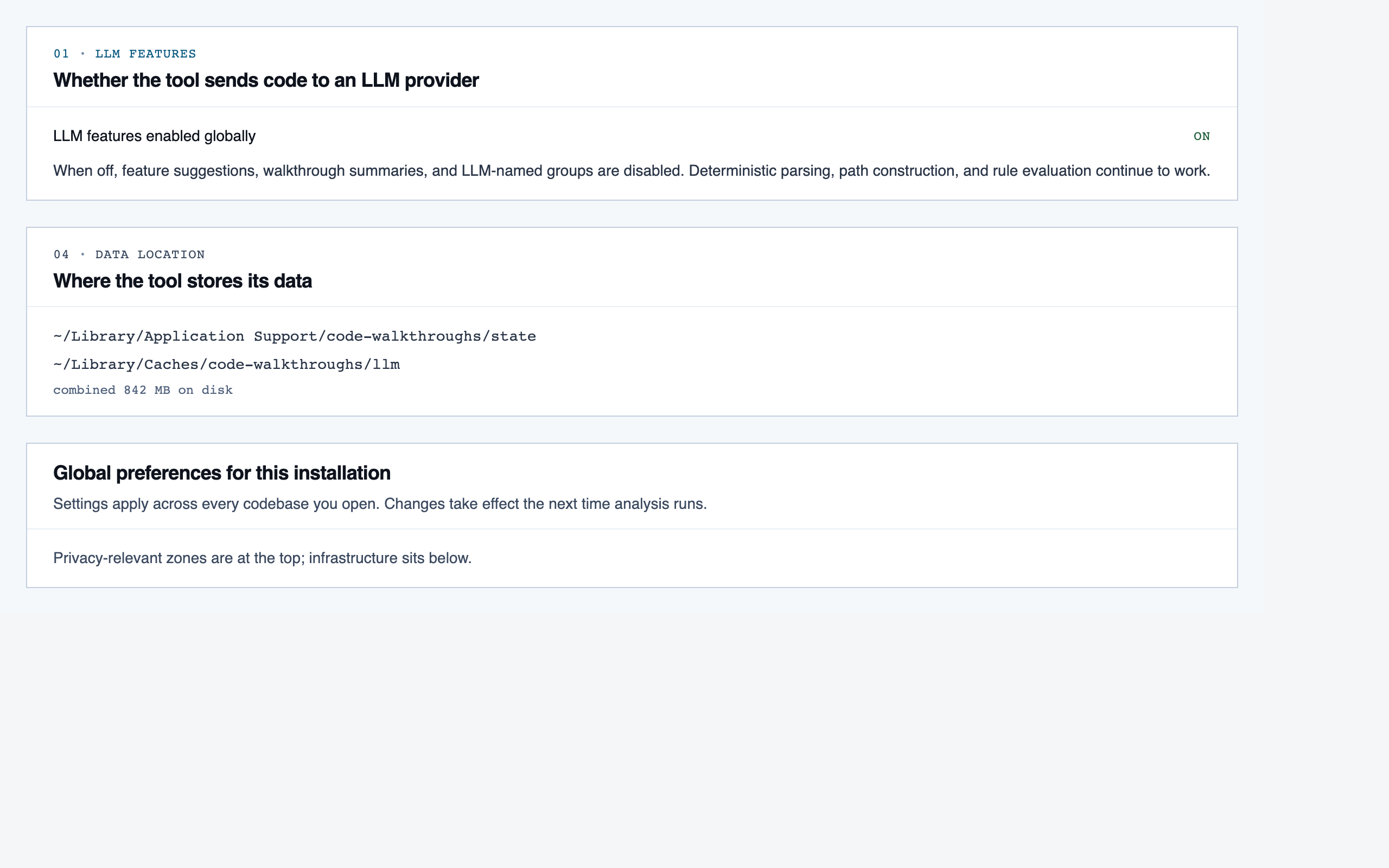
All components — 128 total, grouped by primary screen
Codebase Picker — 4 components
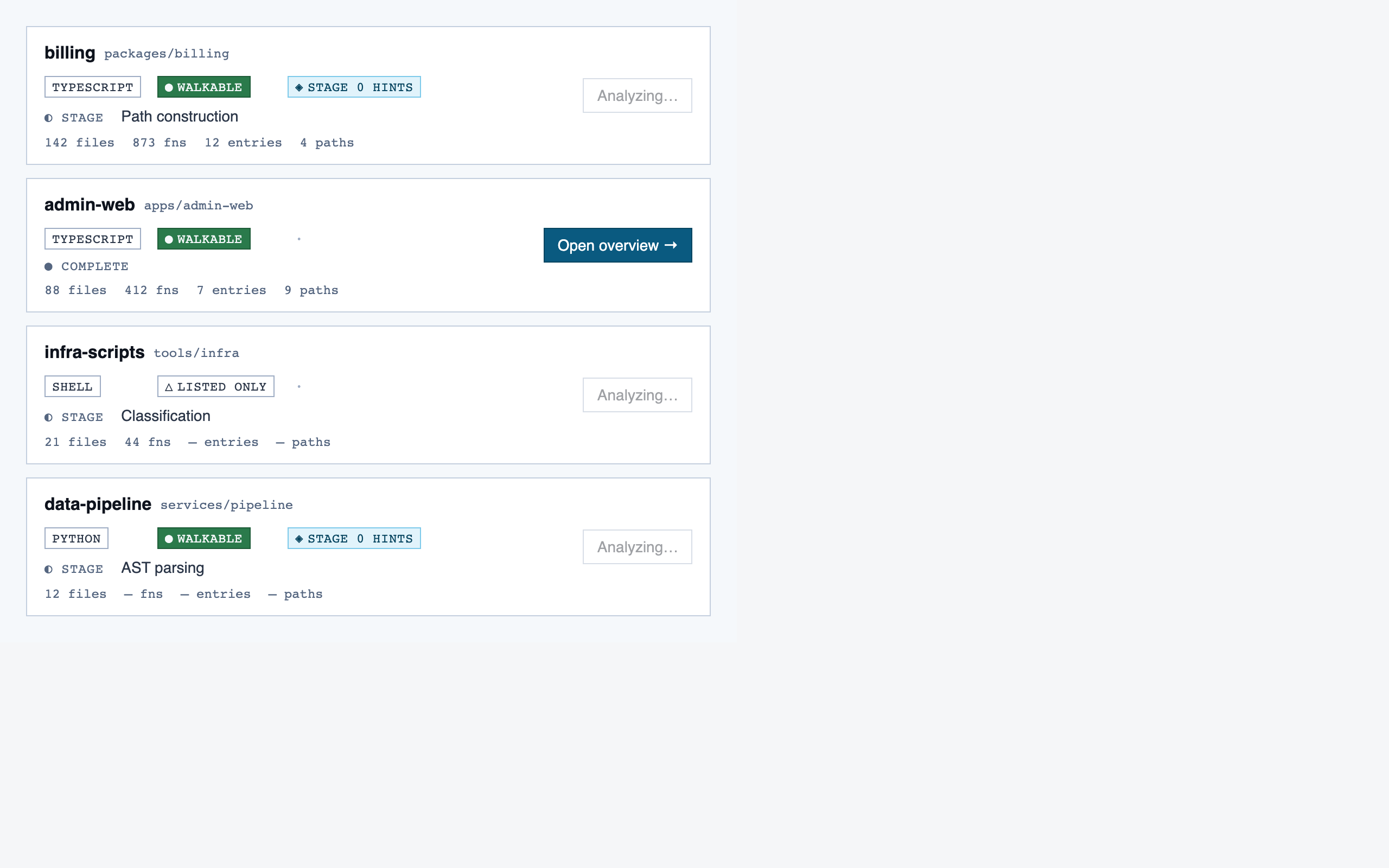
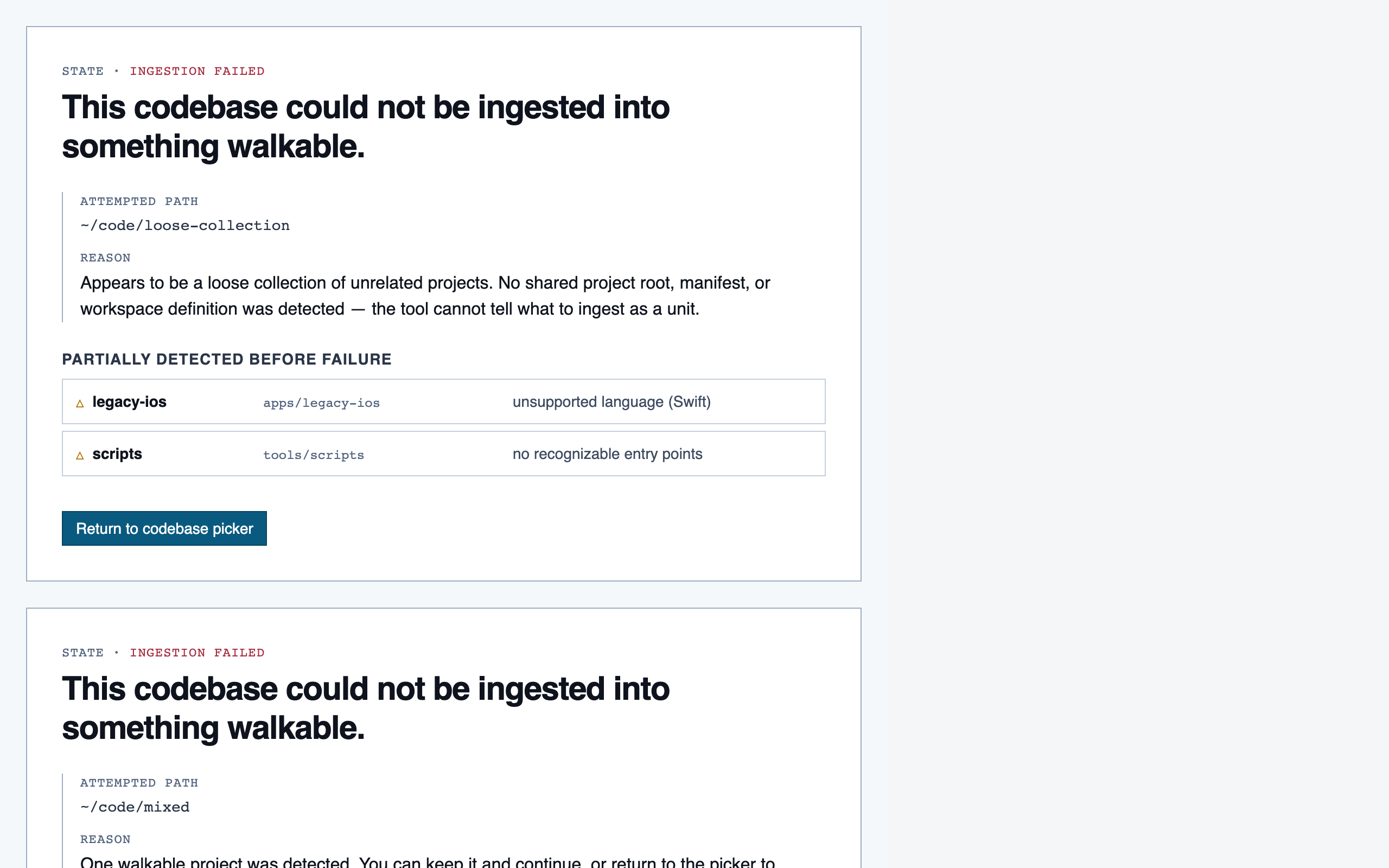
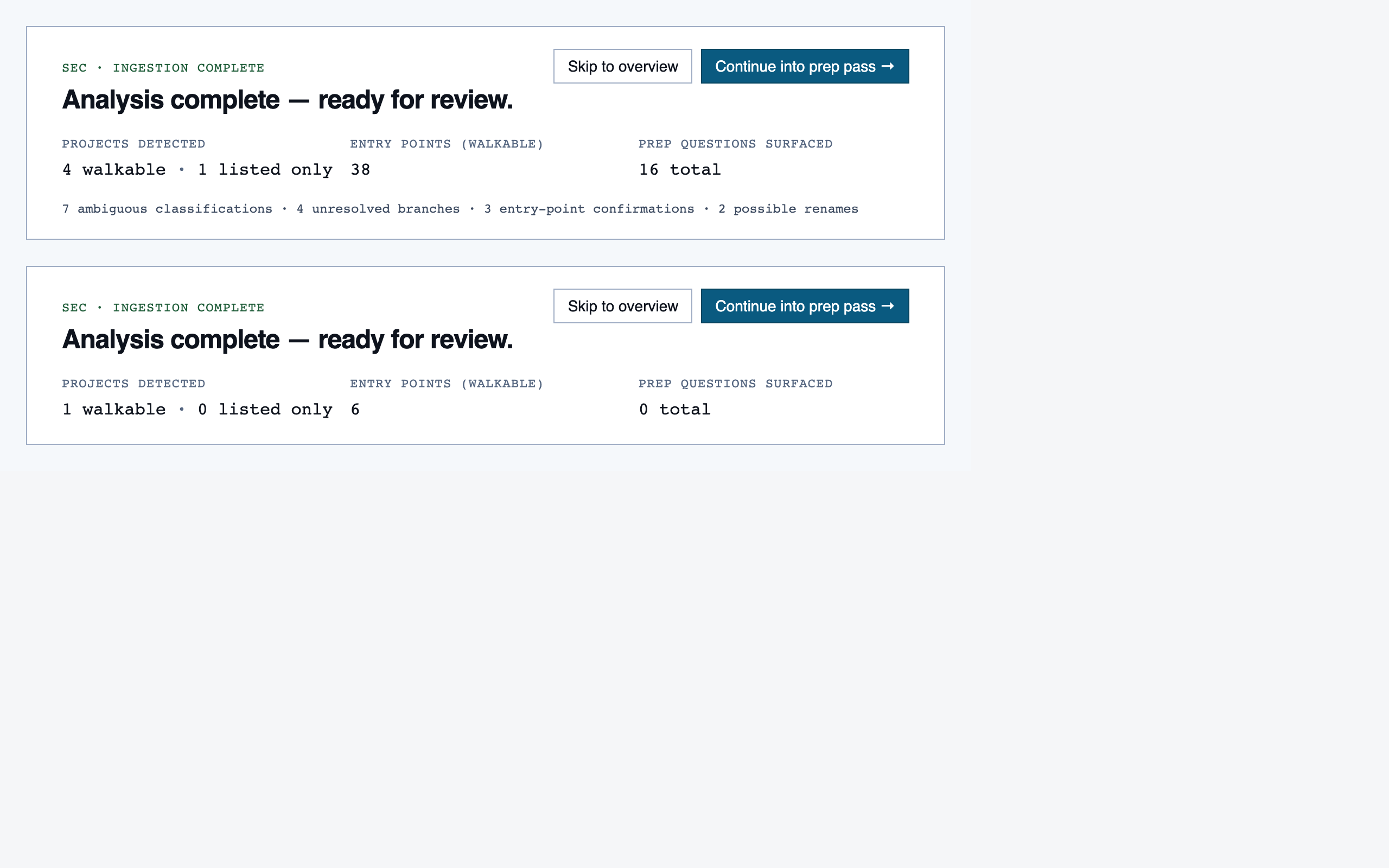
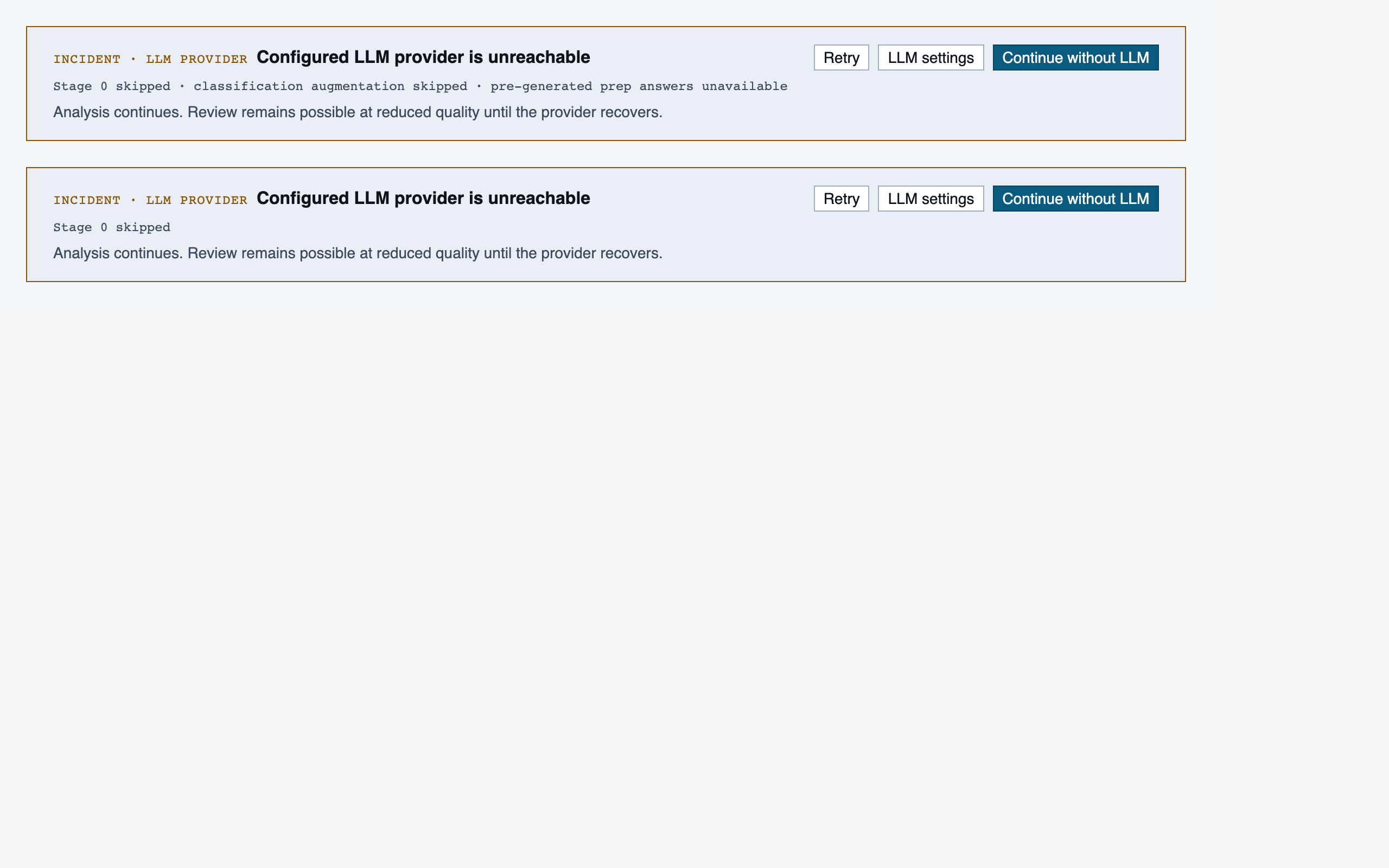
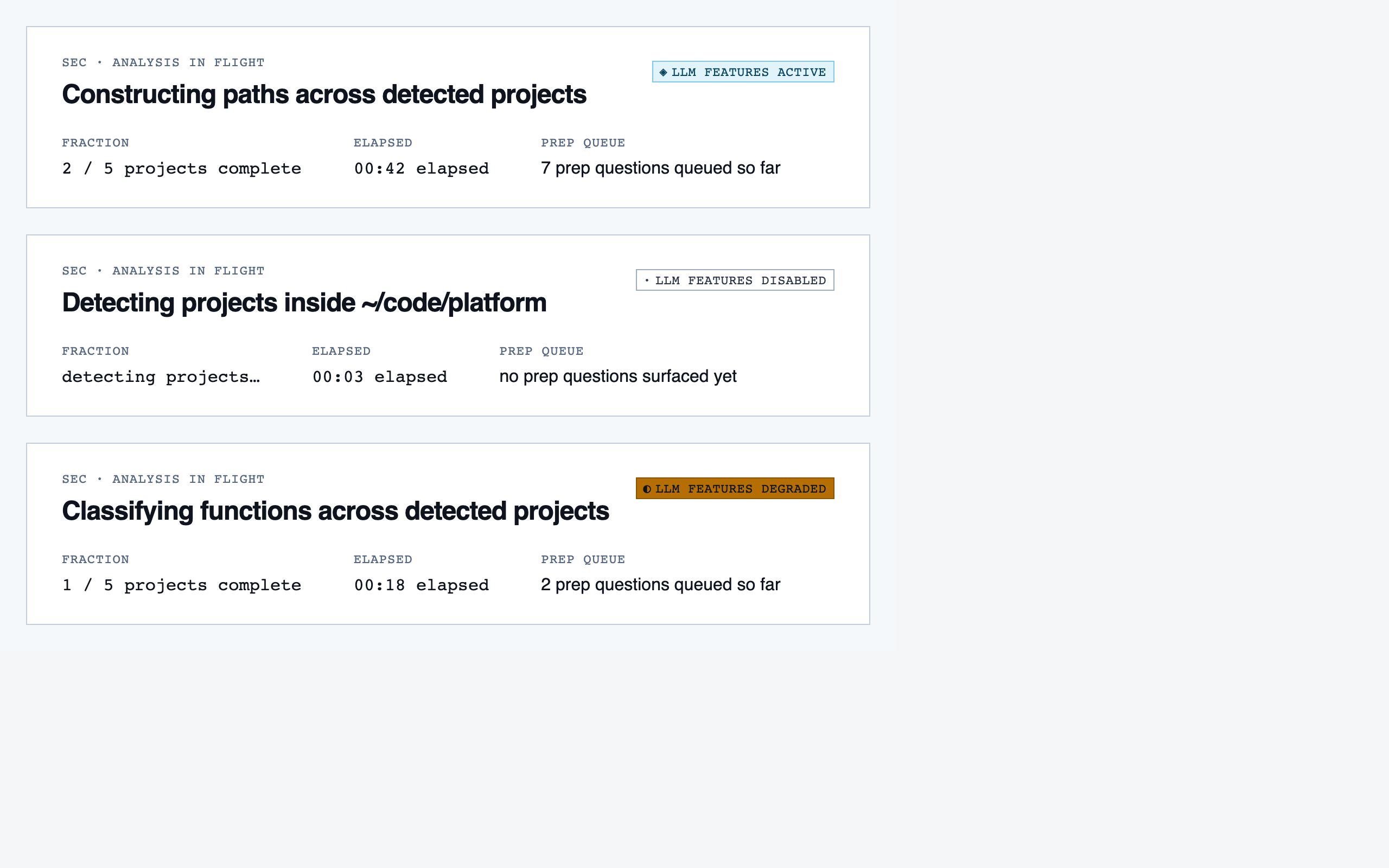
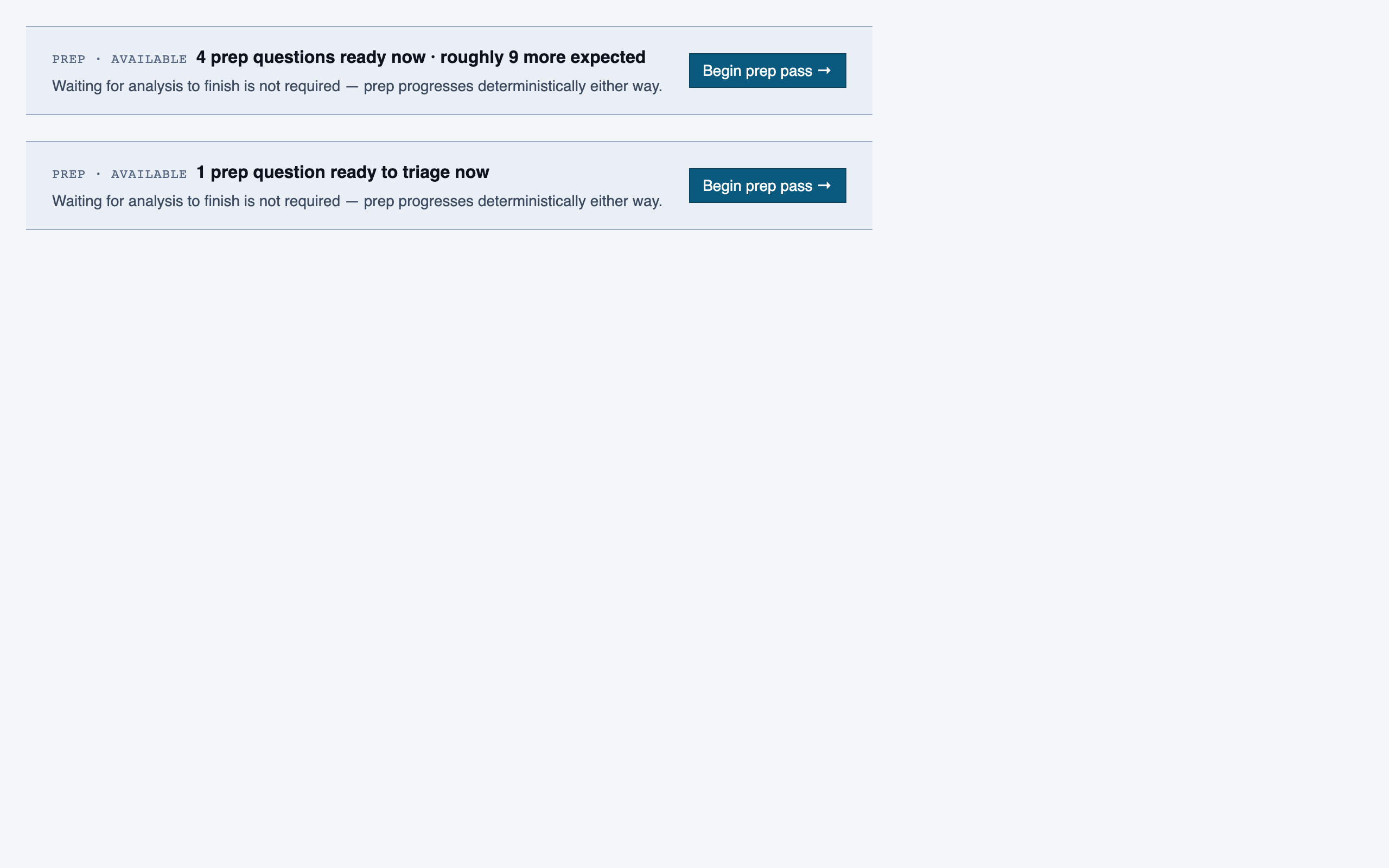
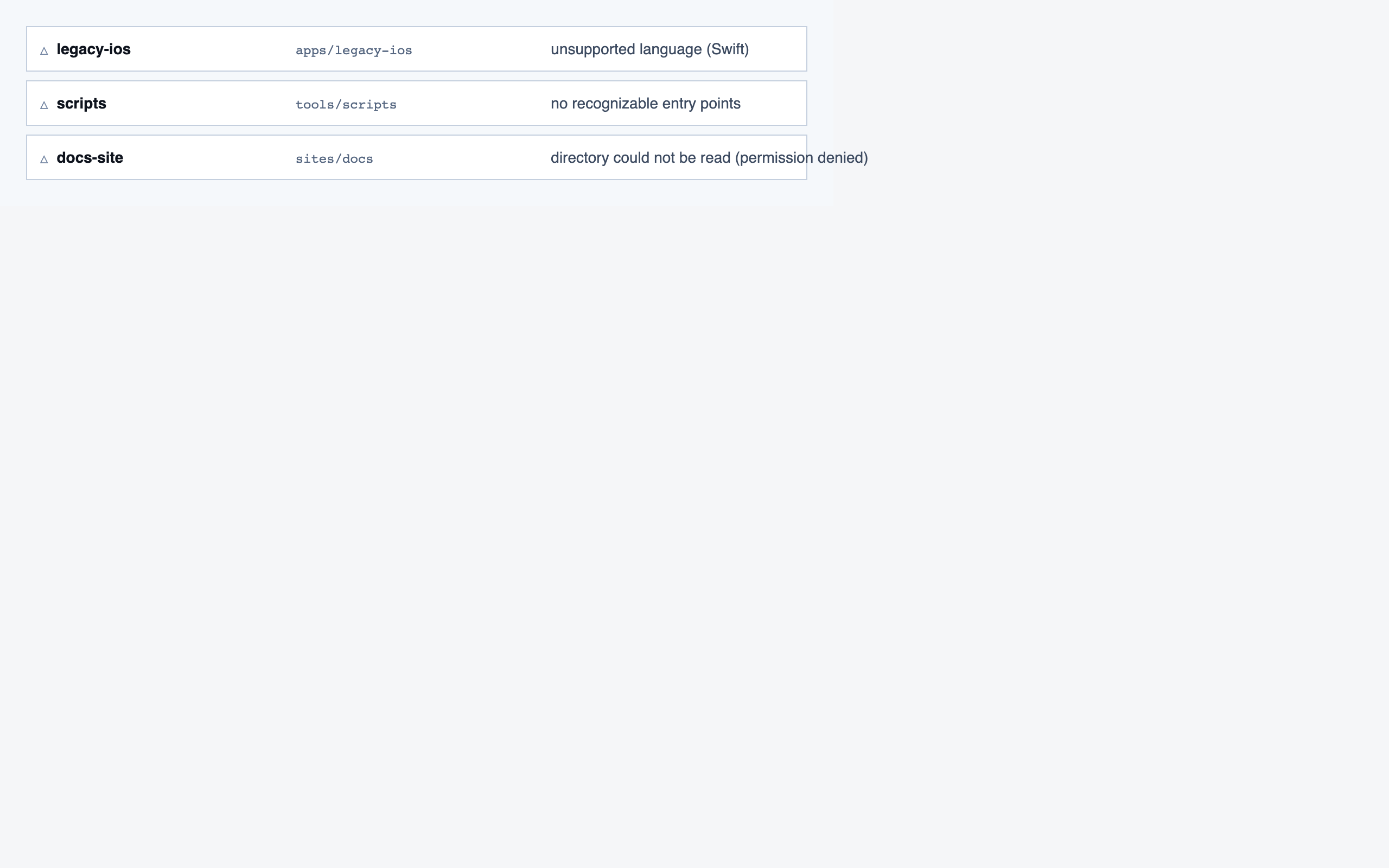
Analysis Progress — 7 components
Prep Pass — 11 components
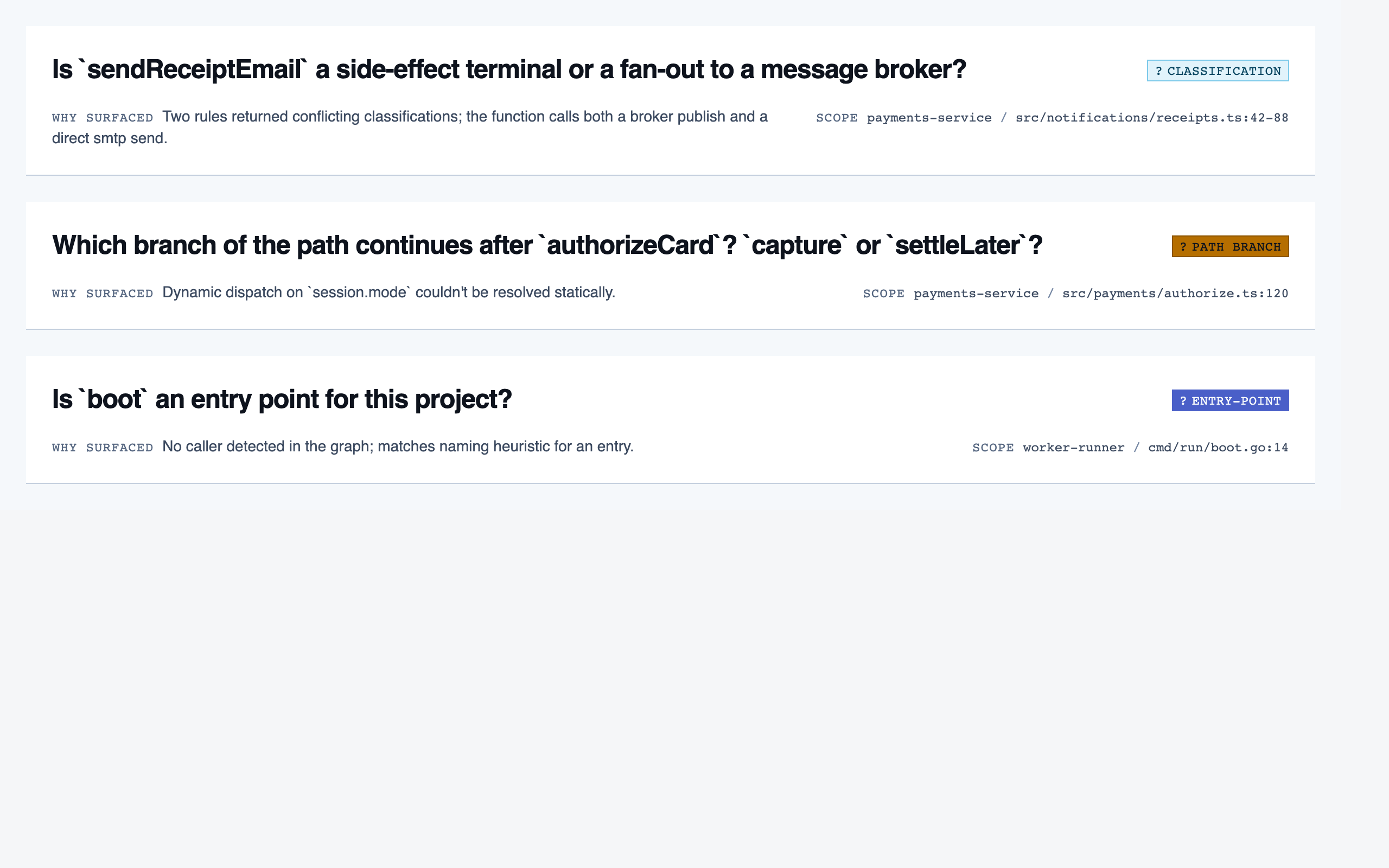
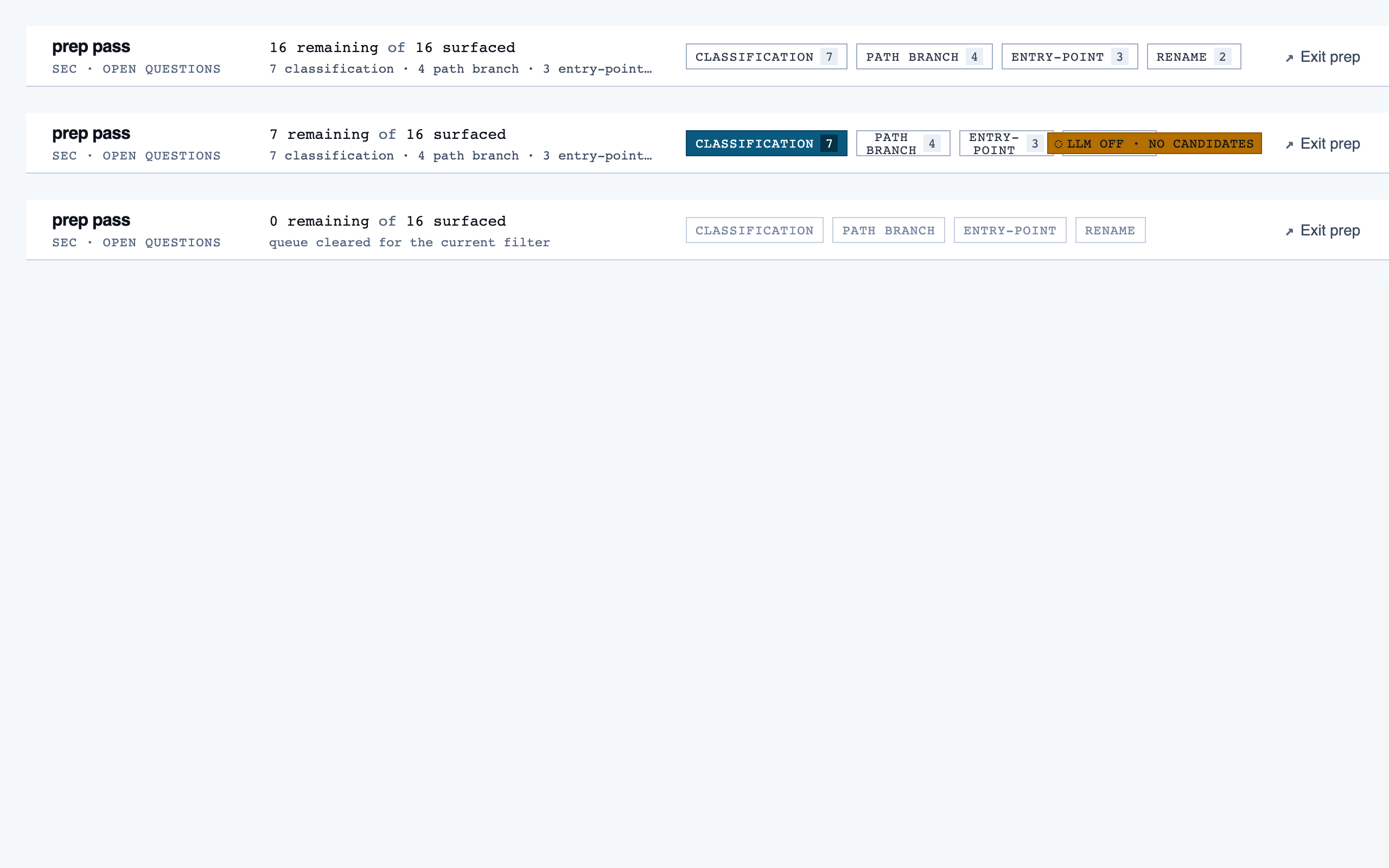
Project Overview — 15 components
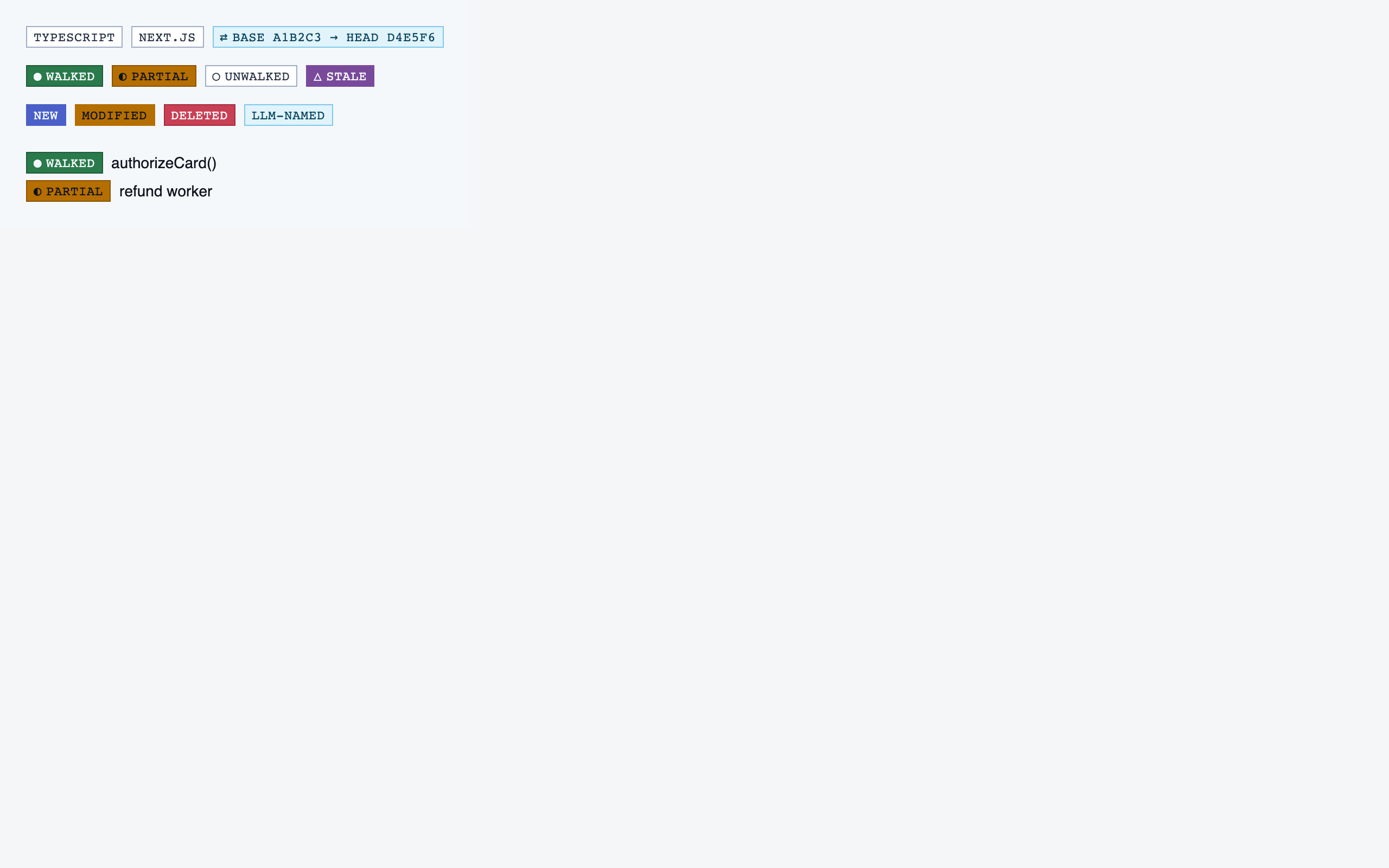
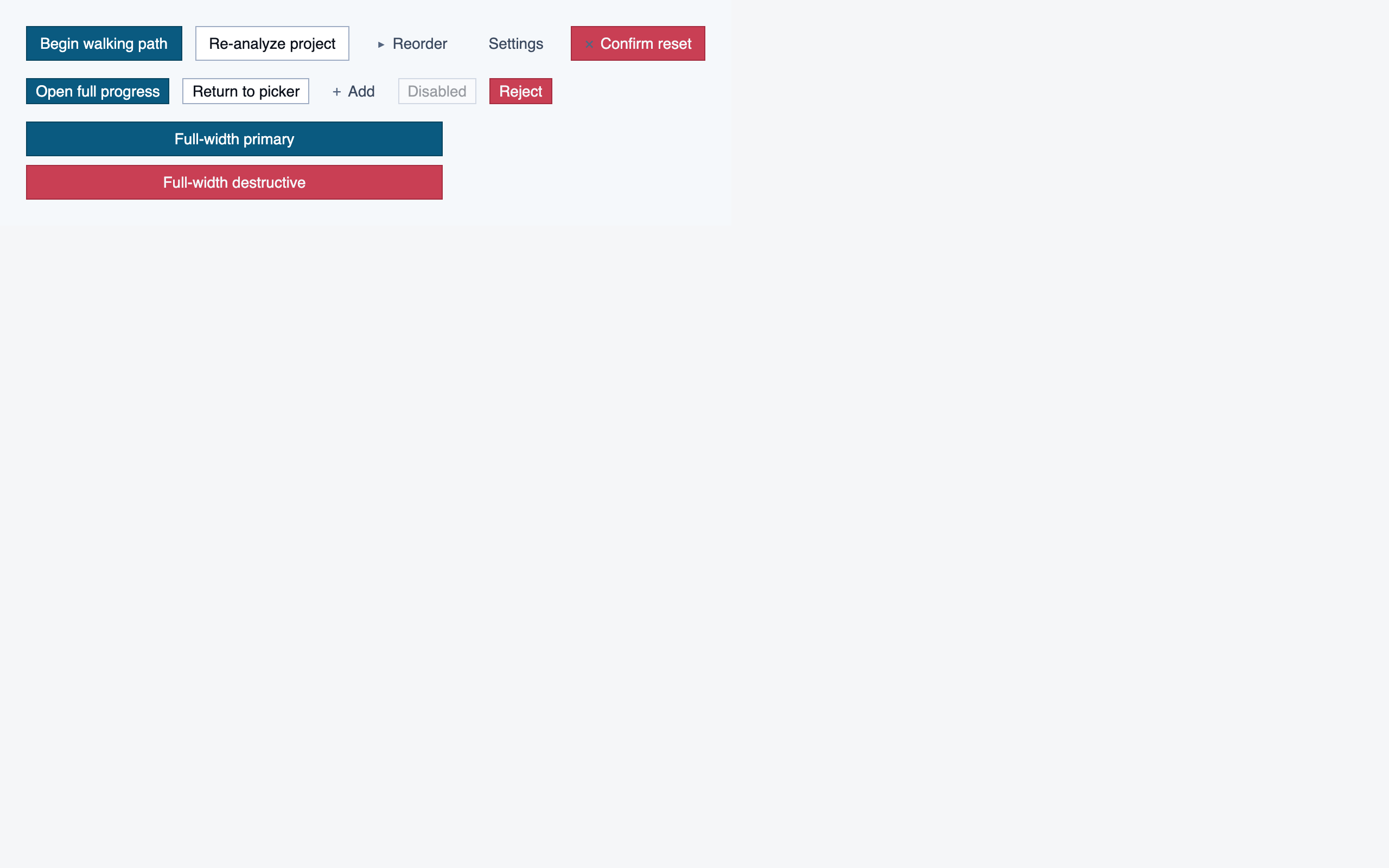
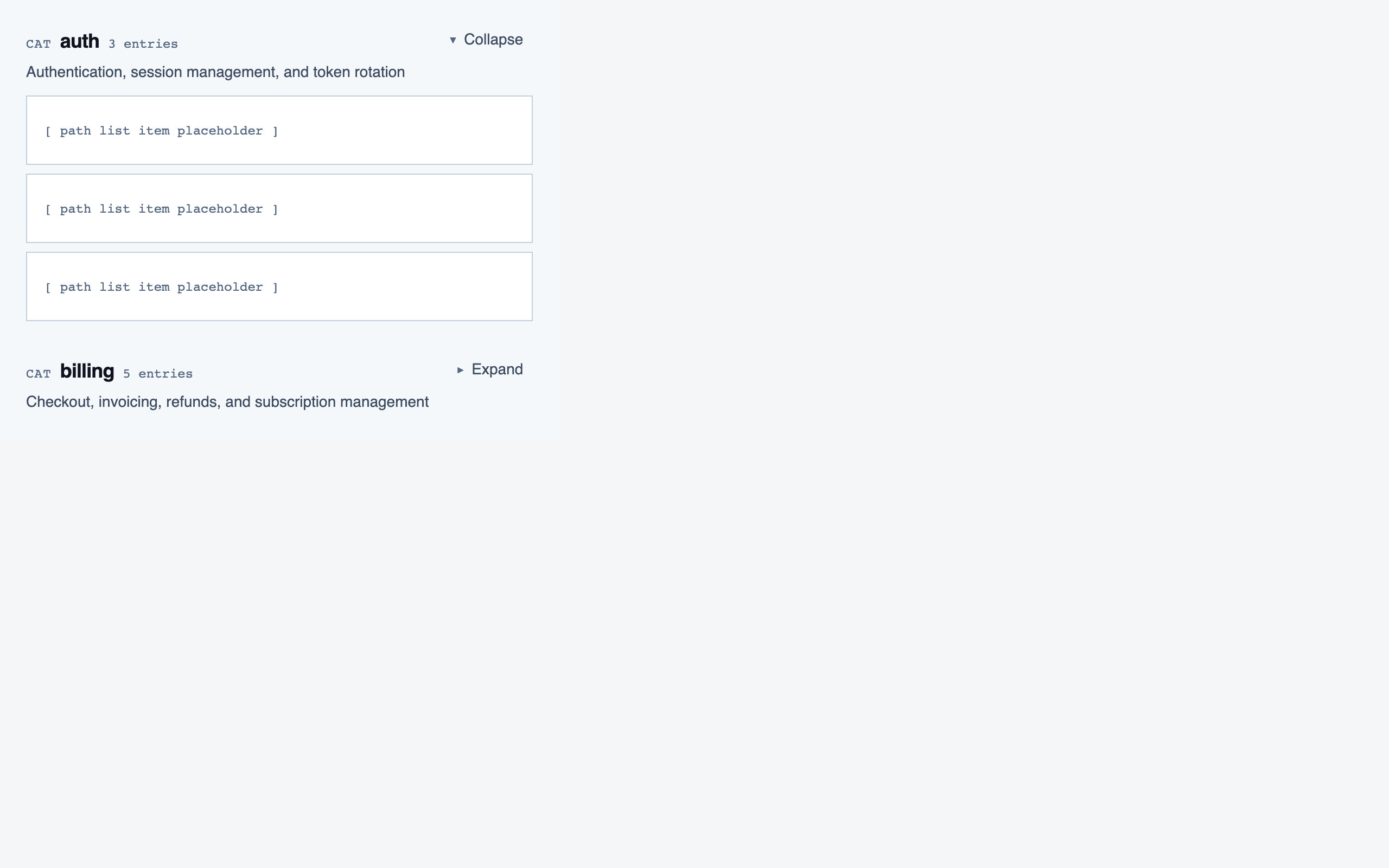
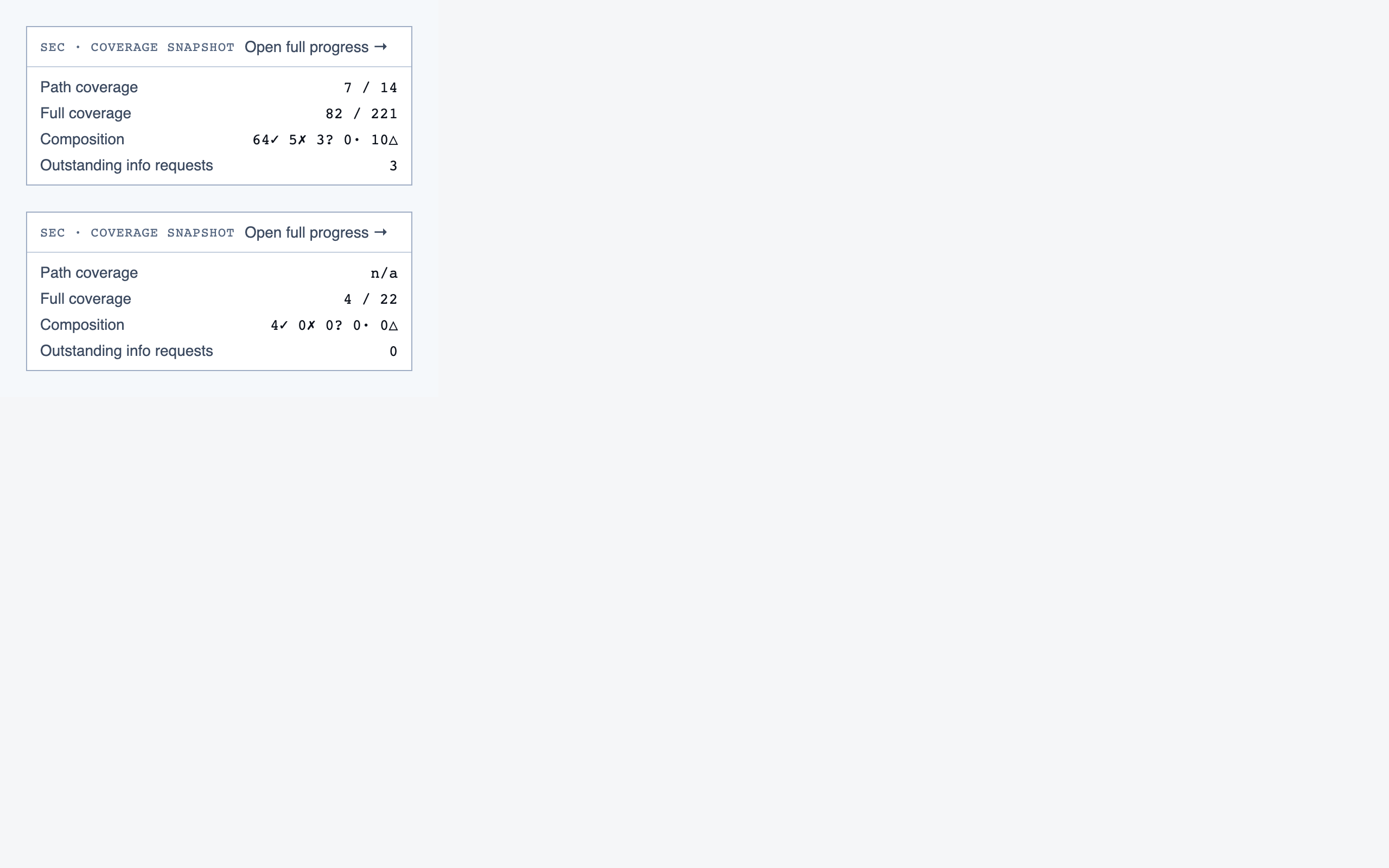
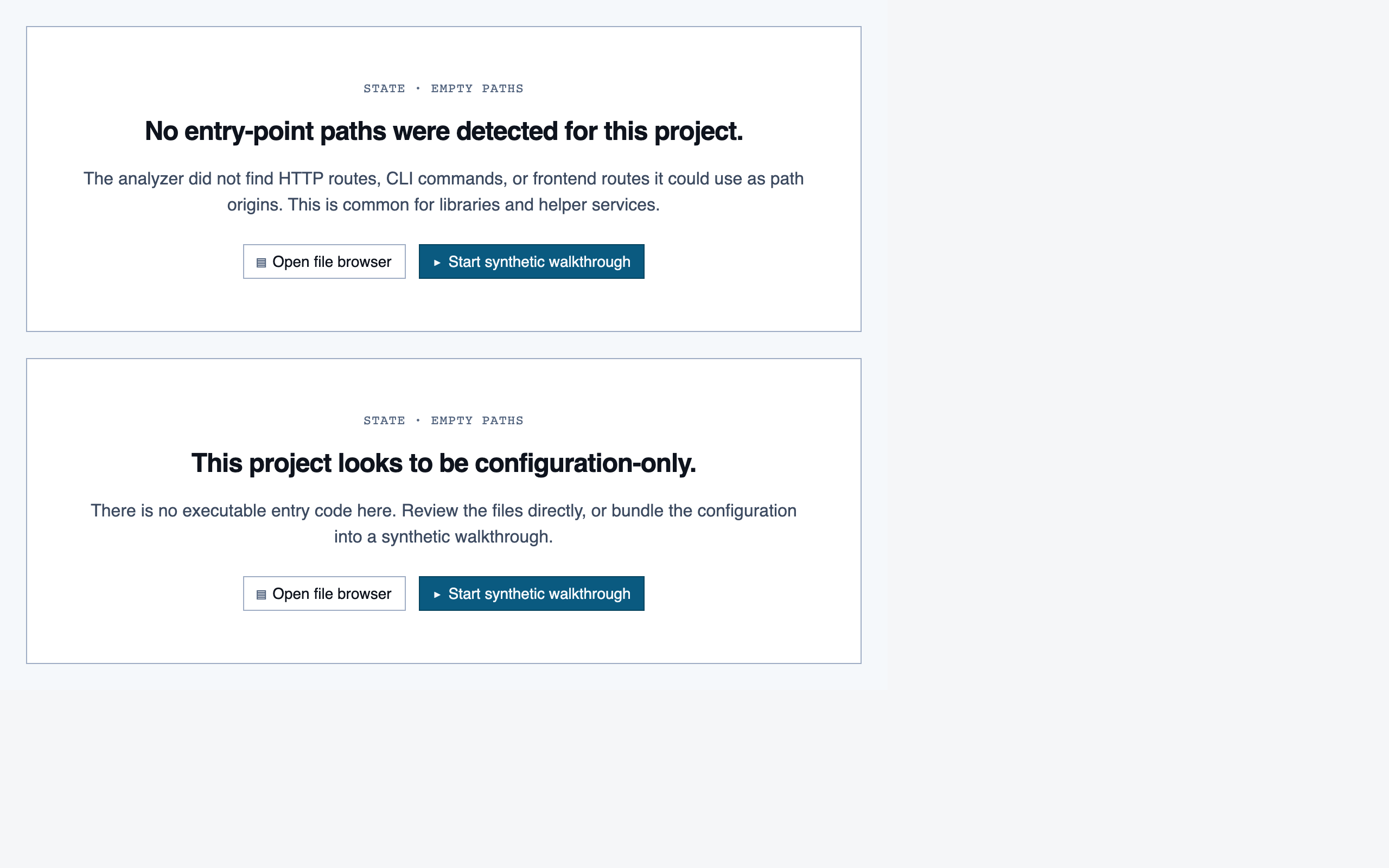
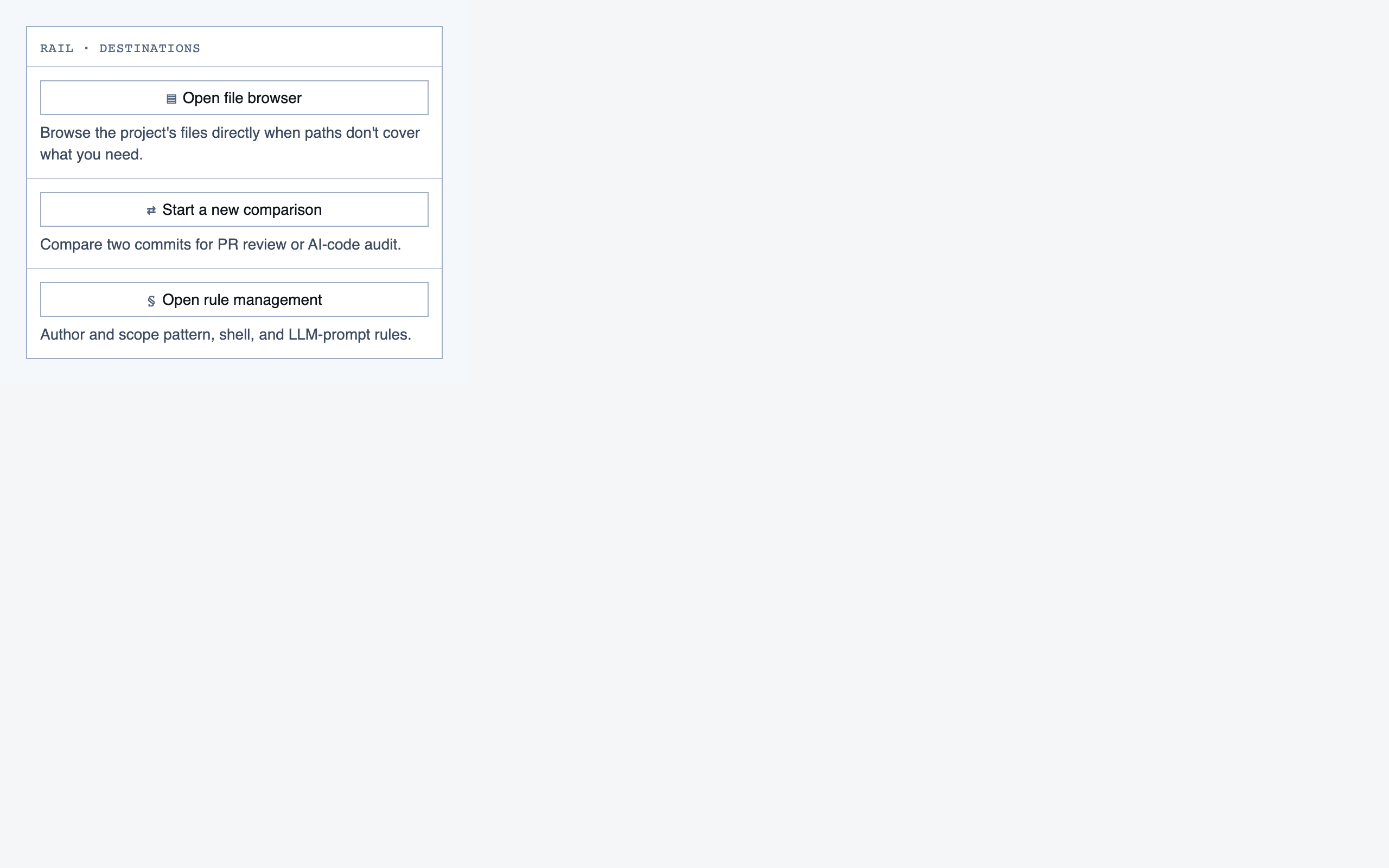
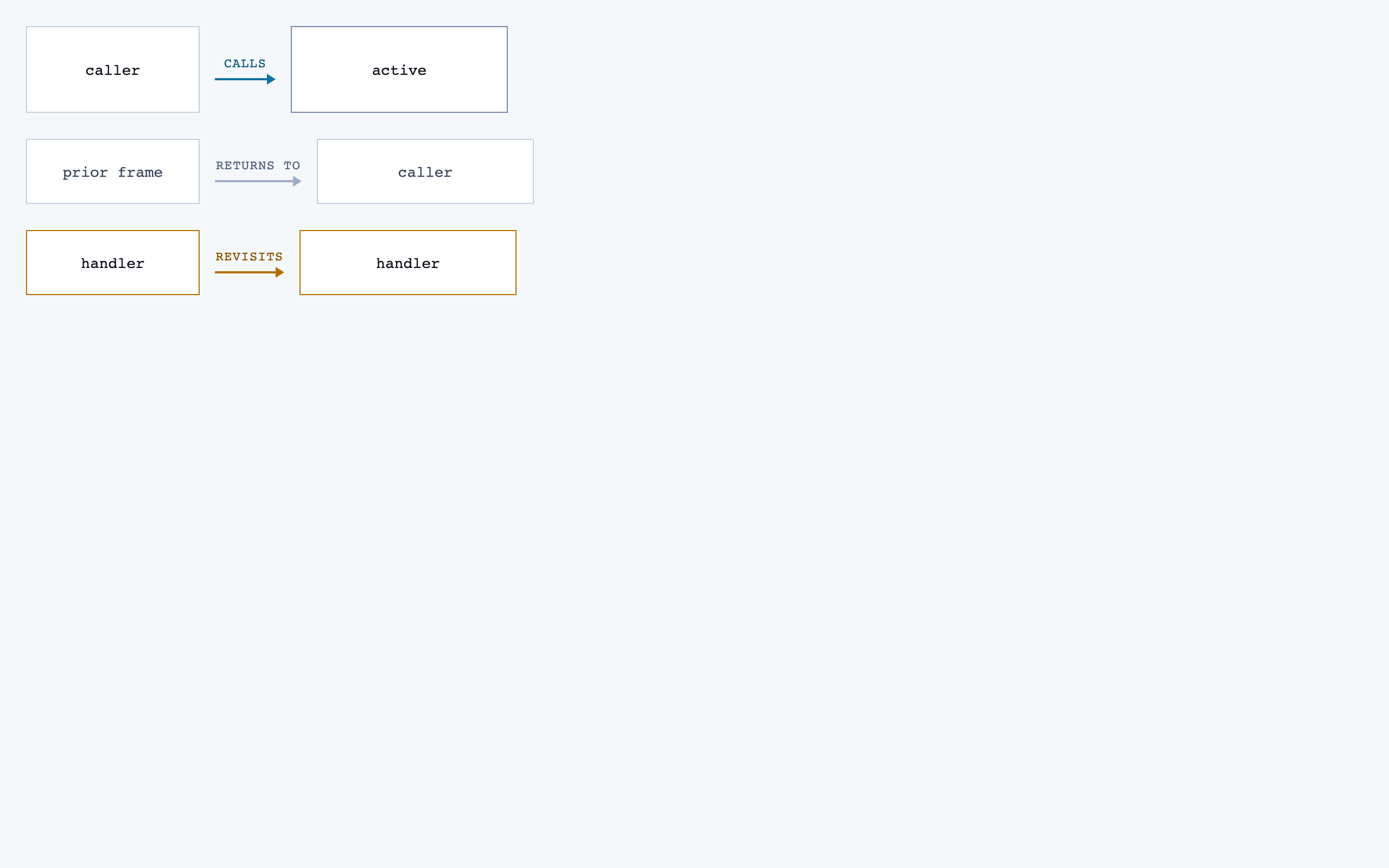
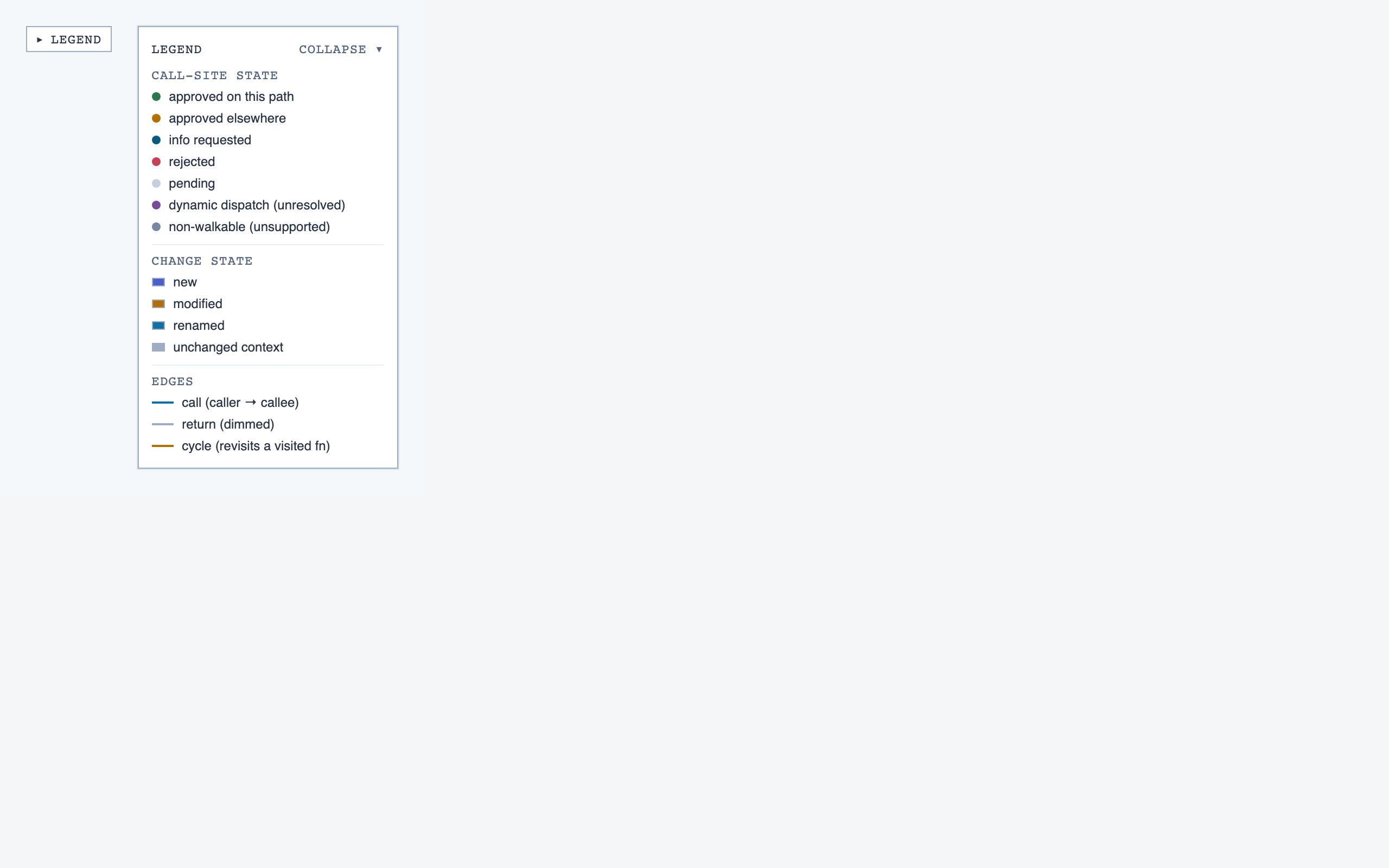
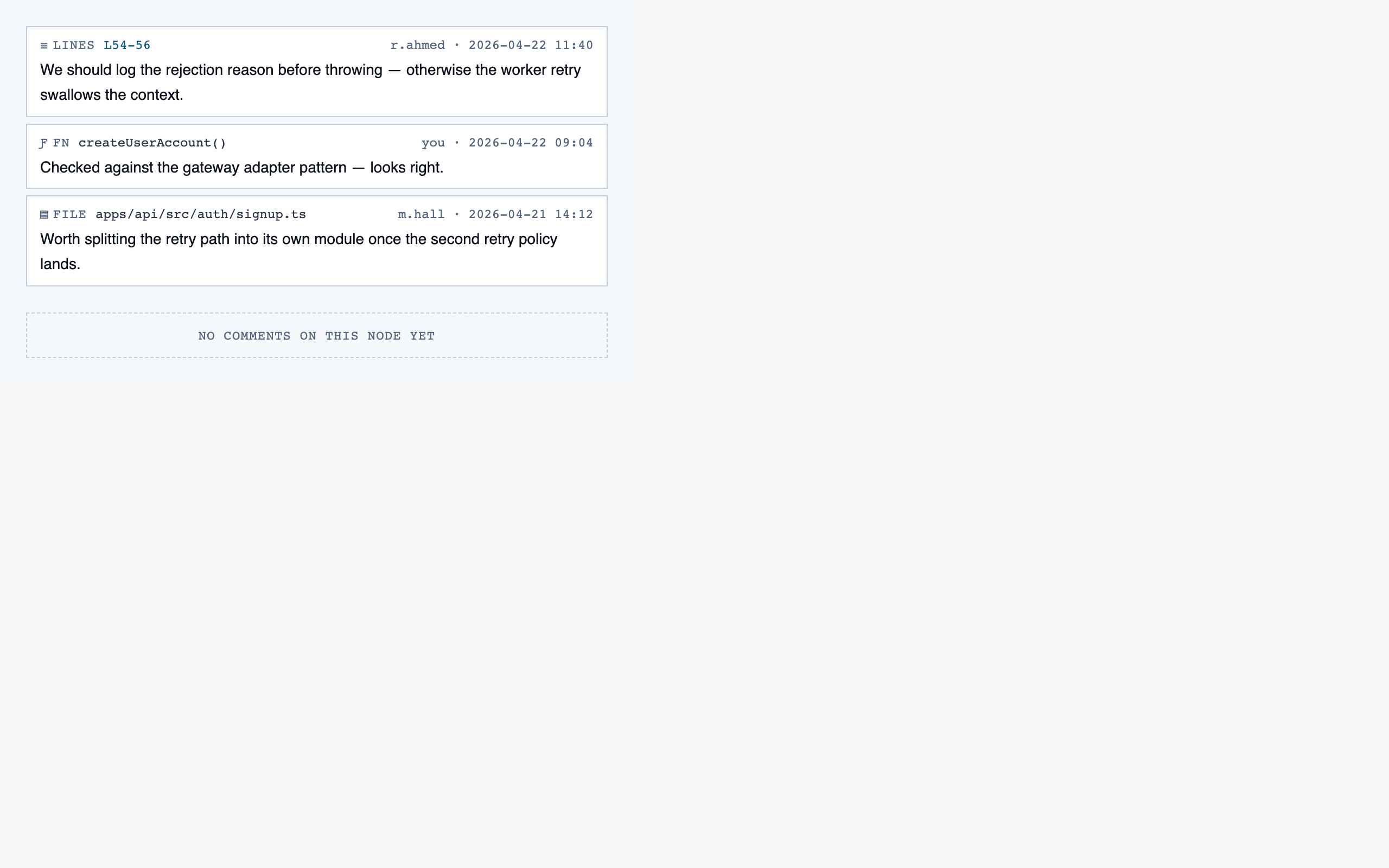
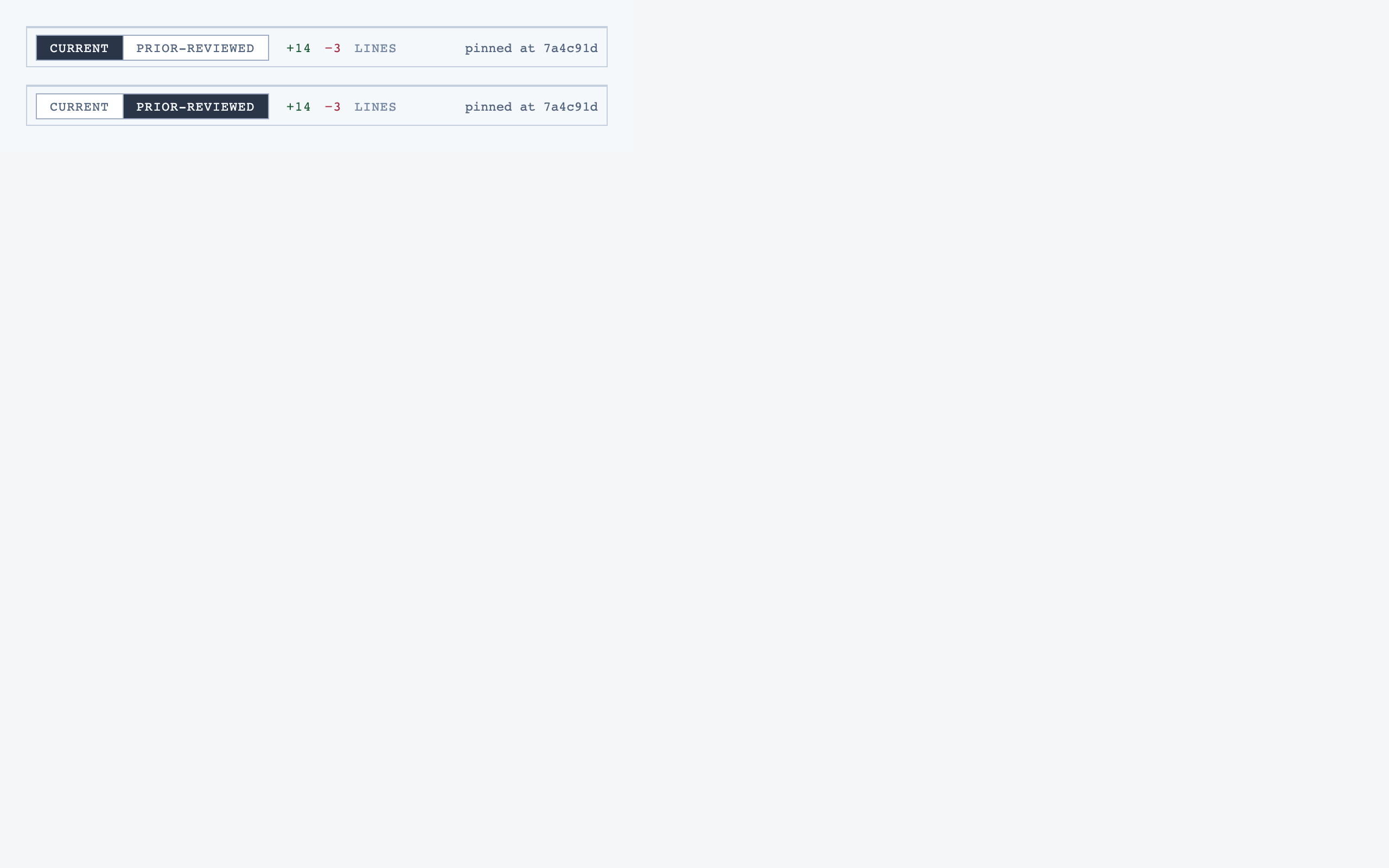
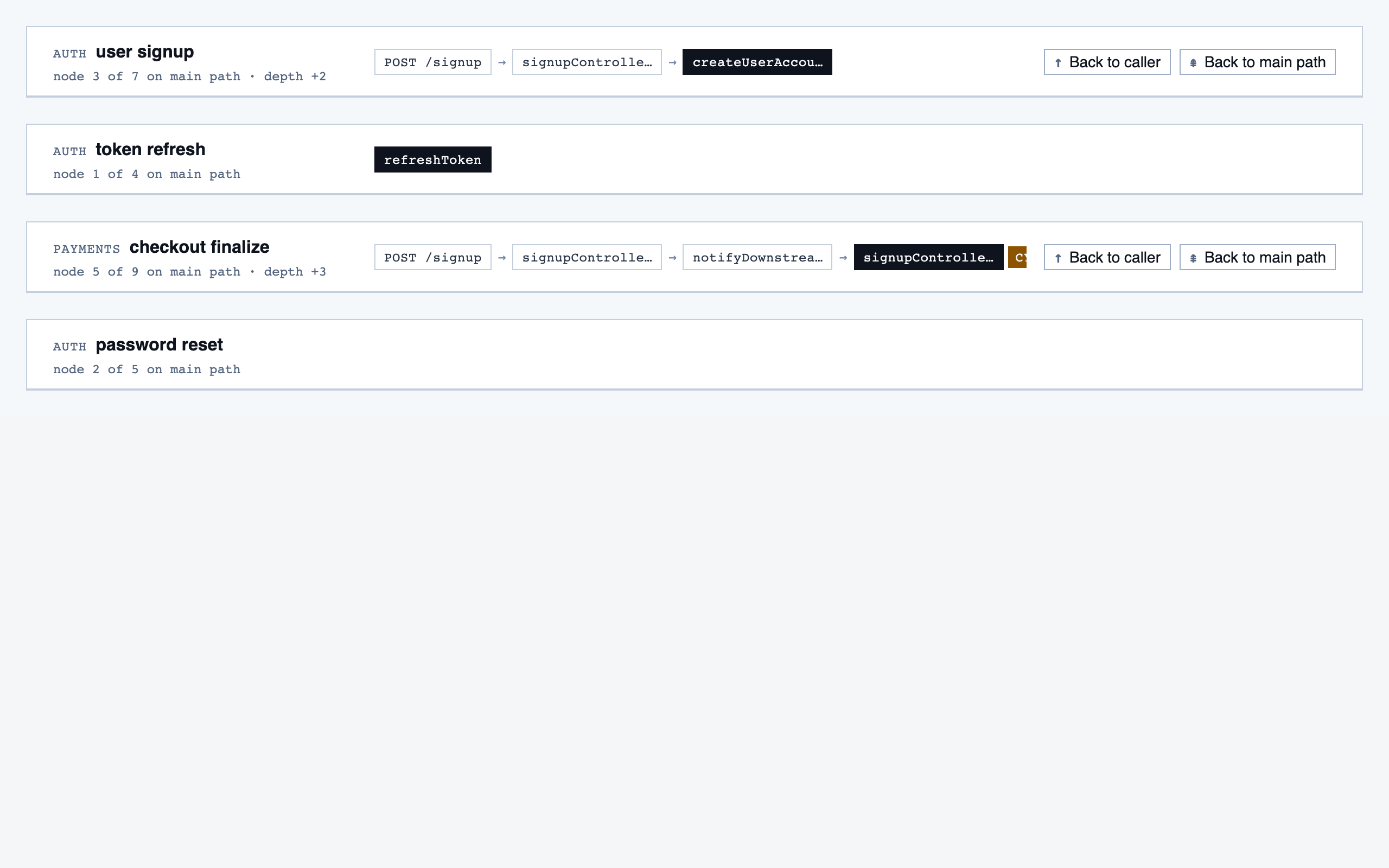
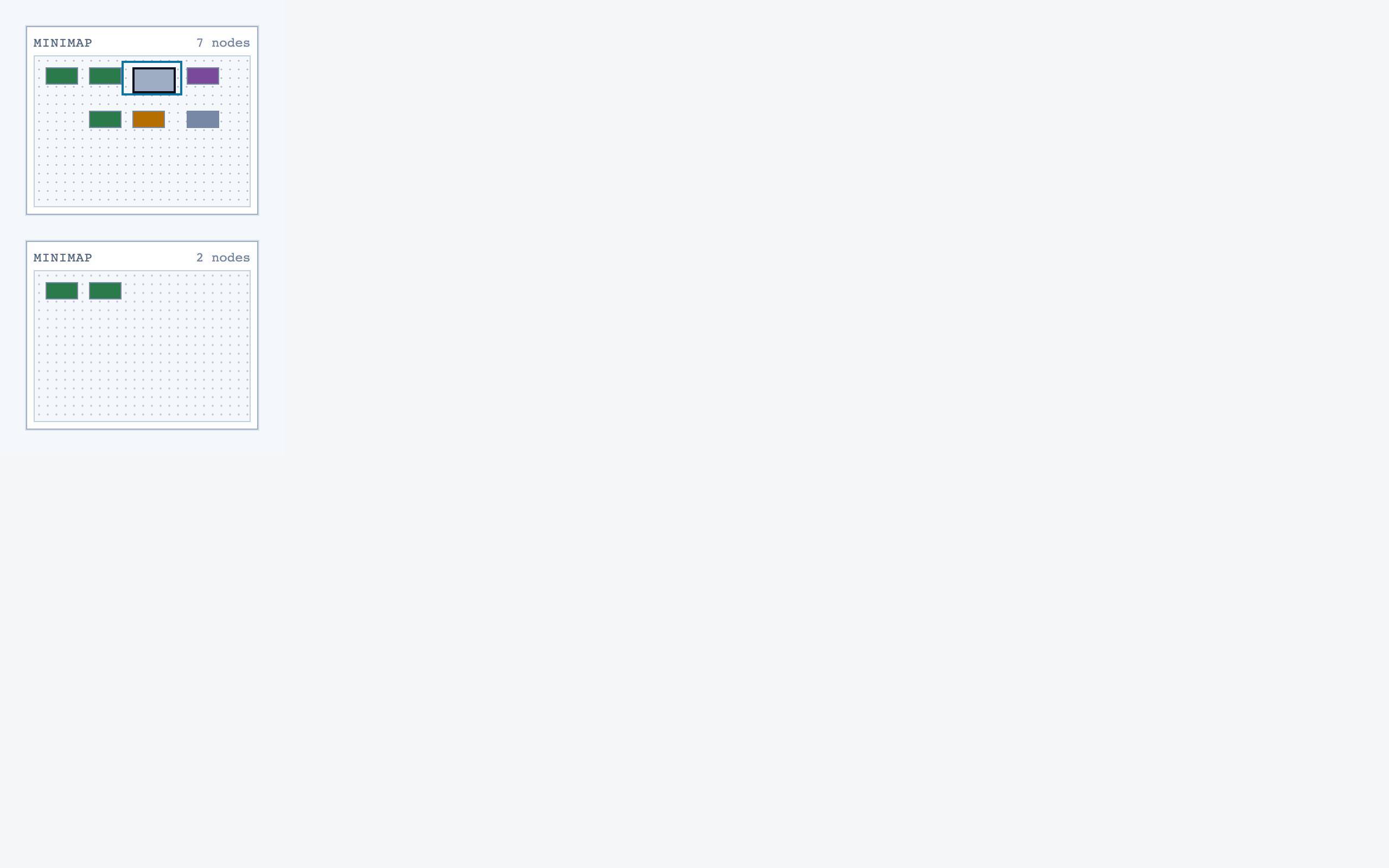
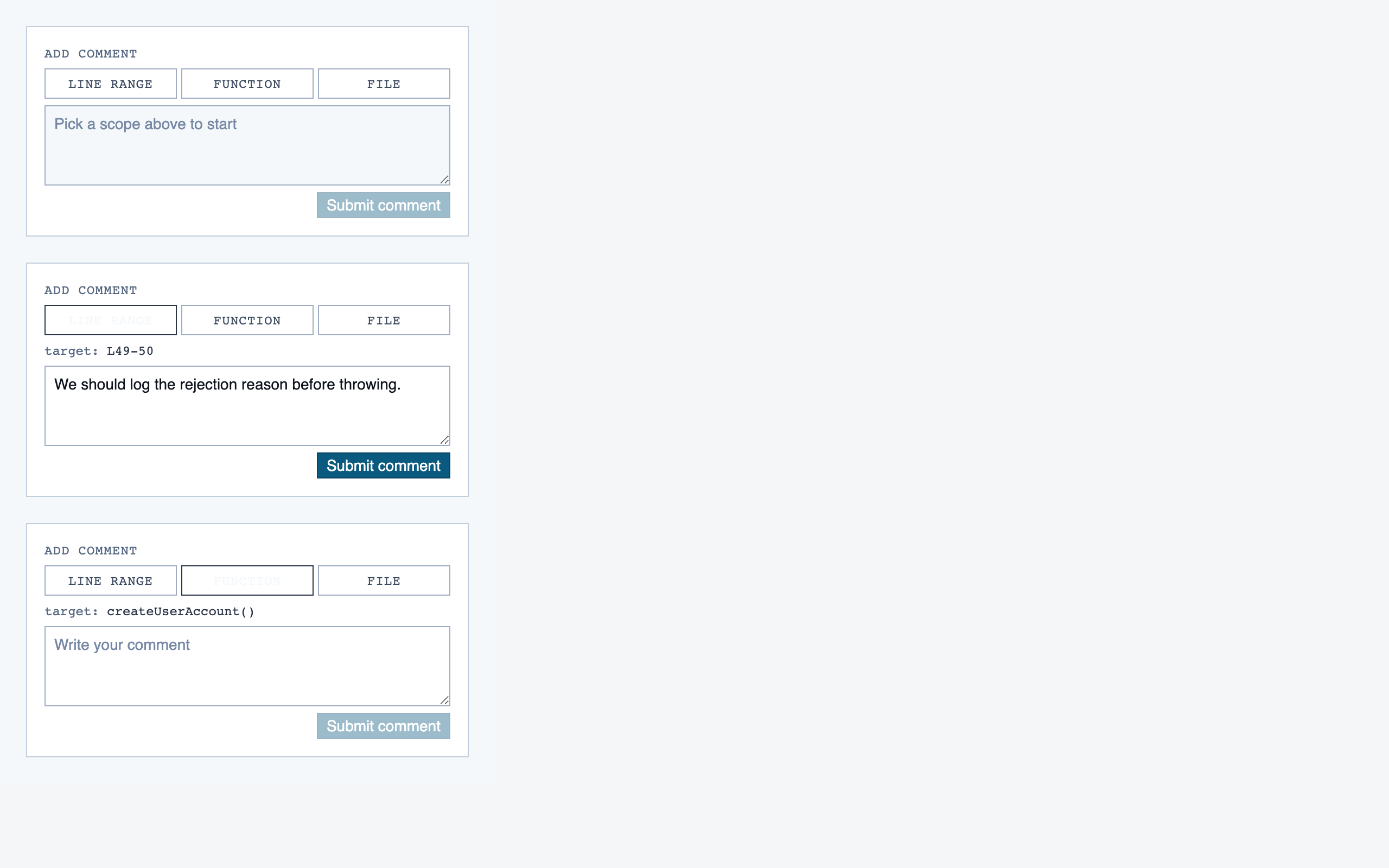
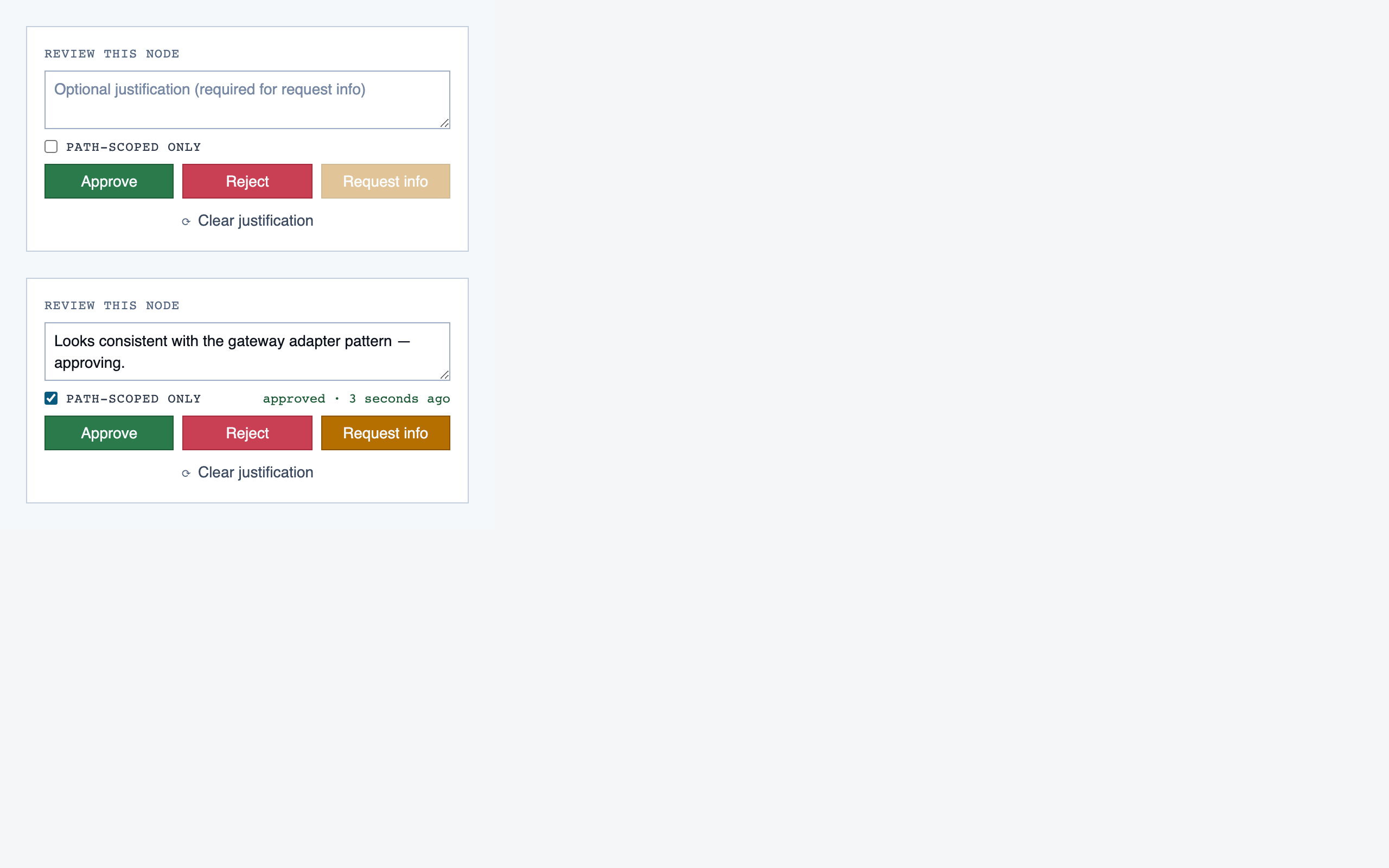
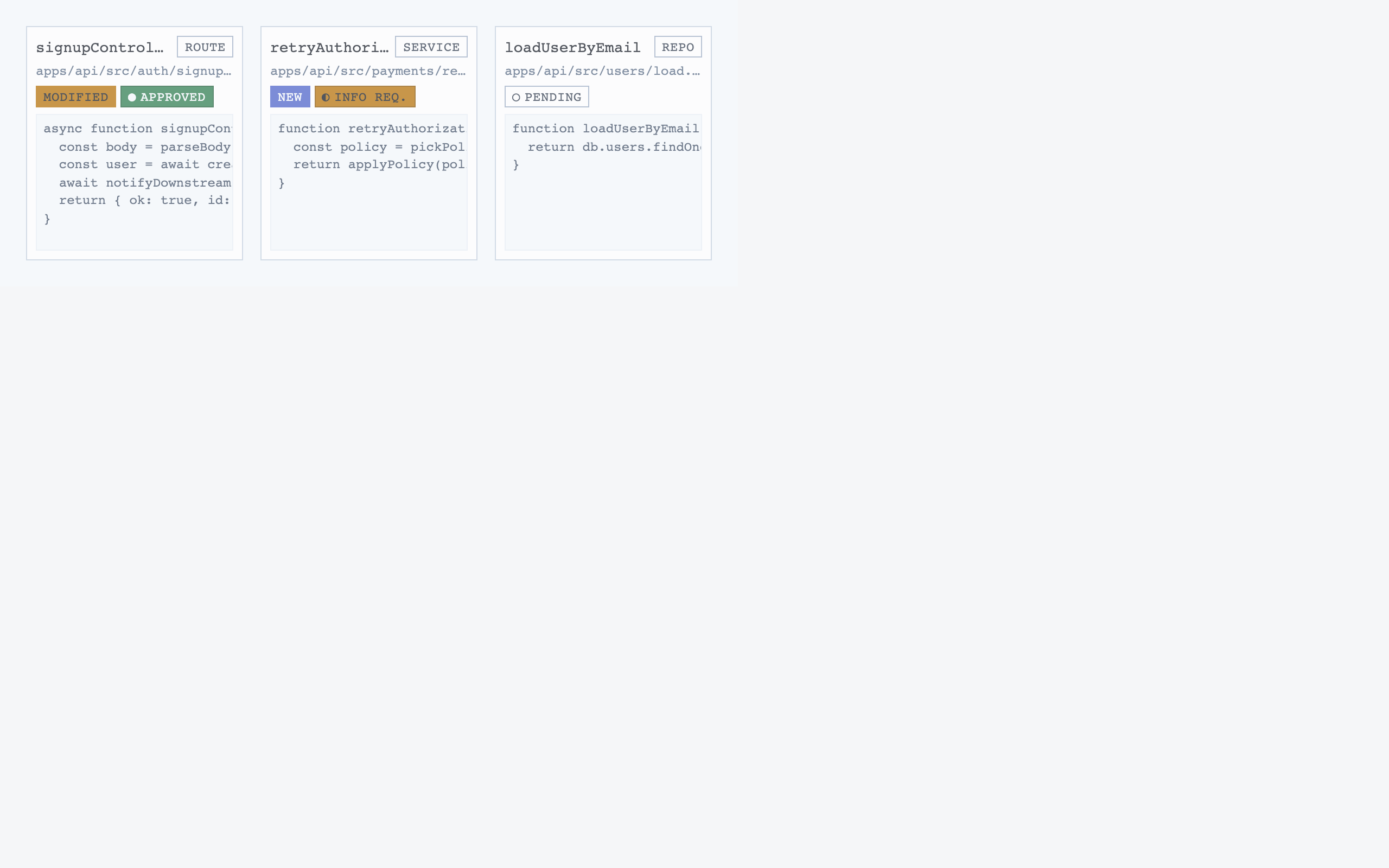
Walkthrough Node — 17 components
File Browser — 10 components
File View — 15 components
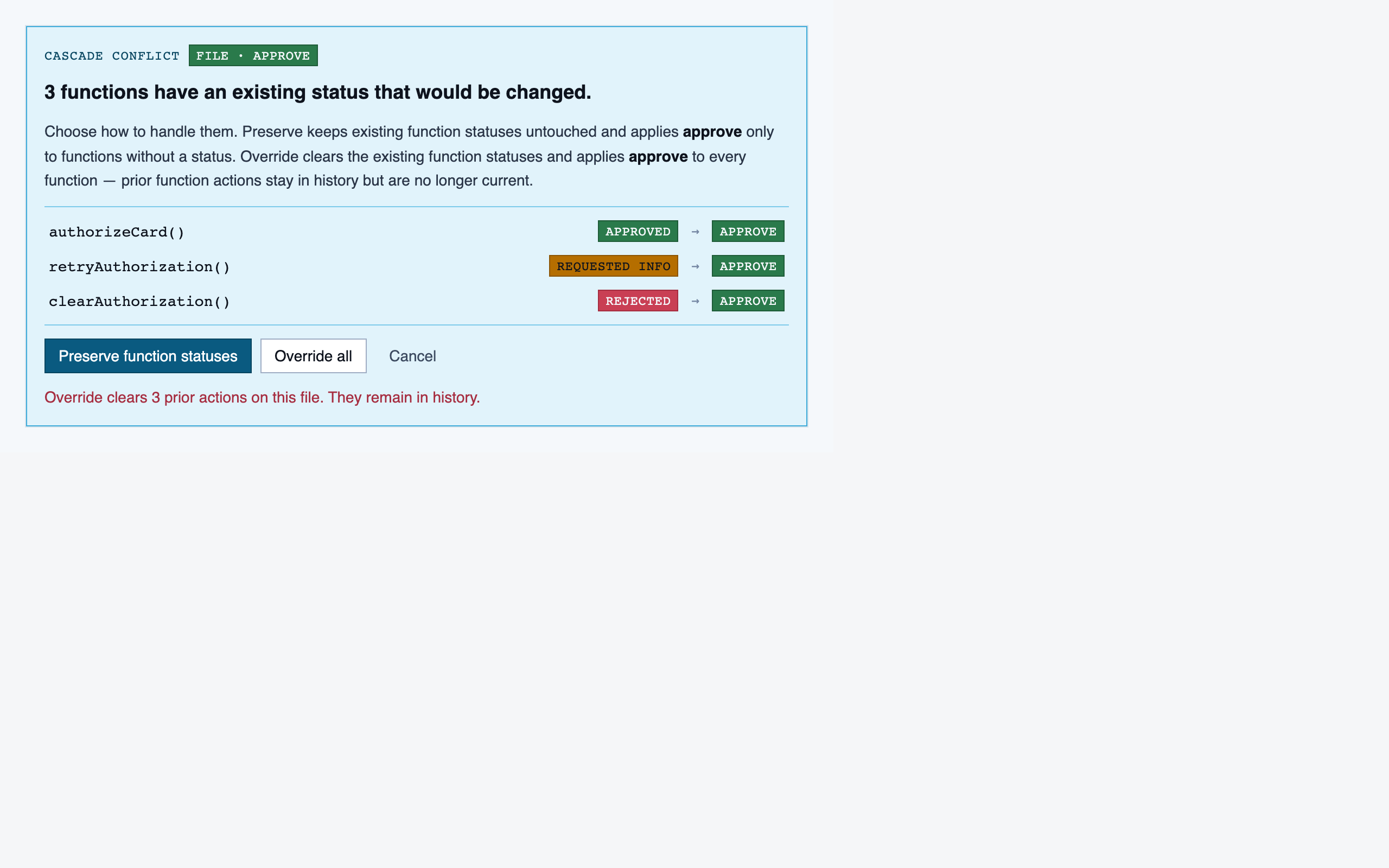
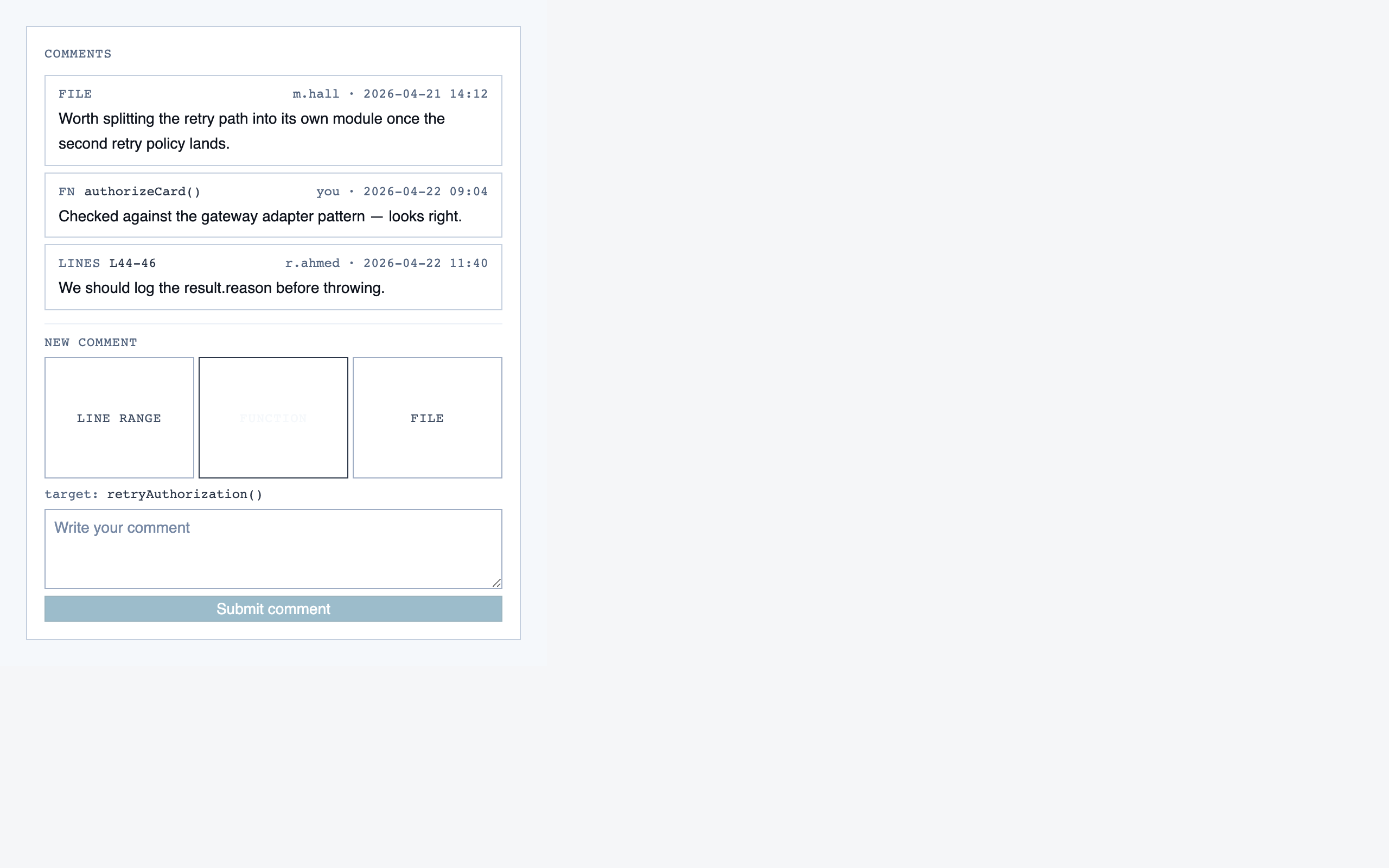
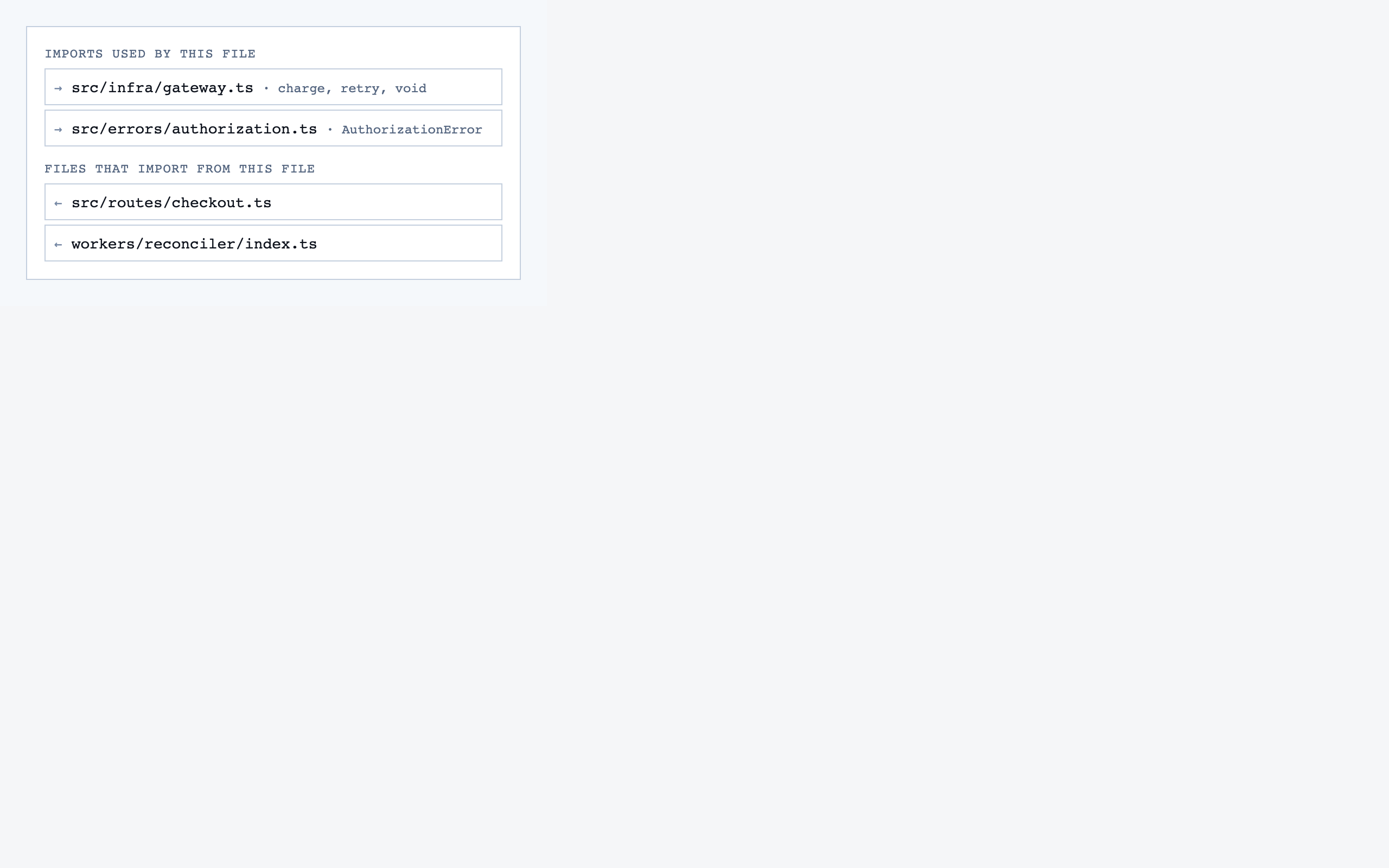
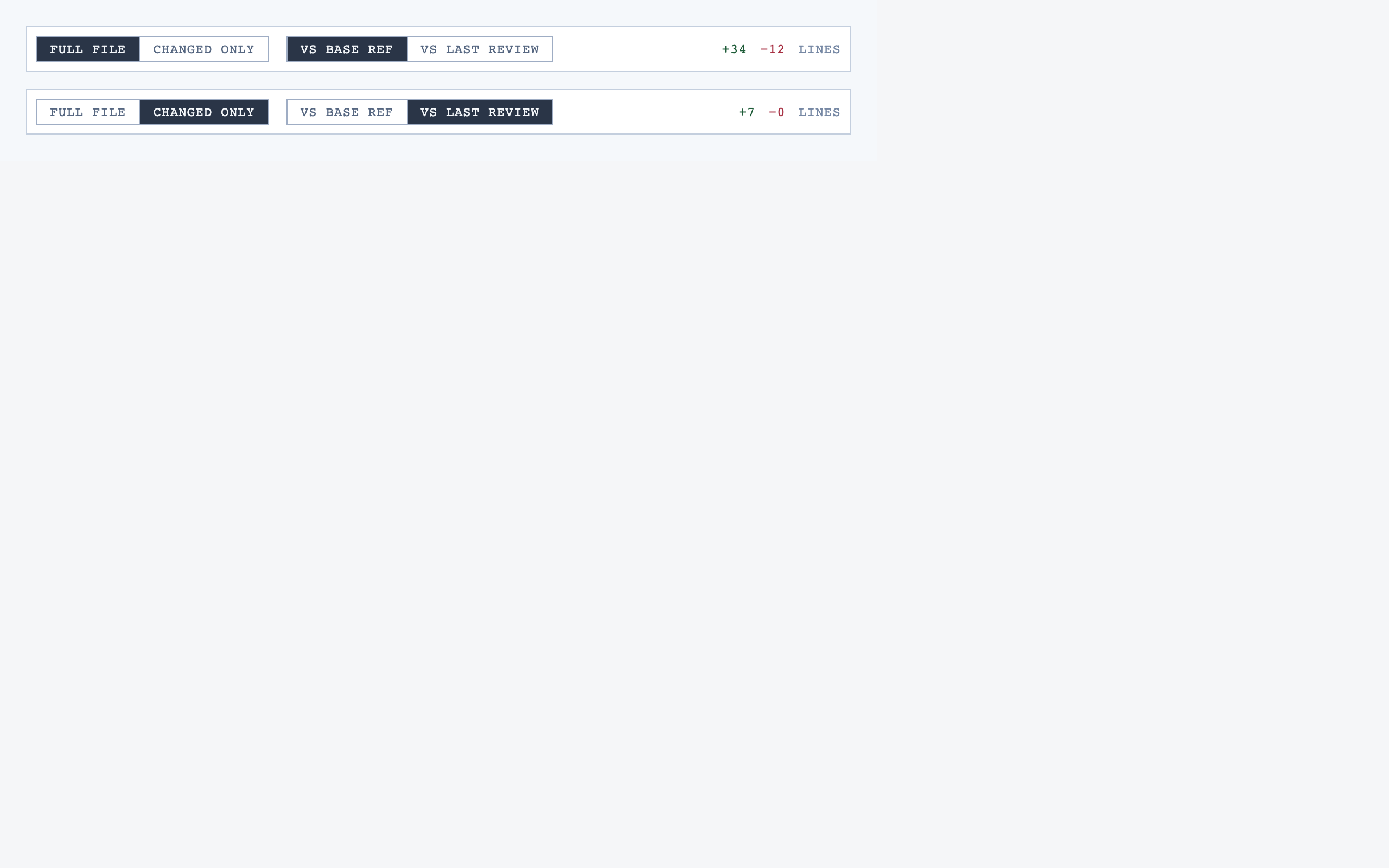
Comparison Setup — 7 components
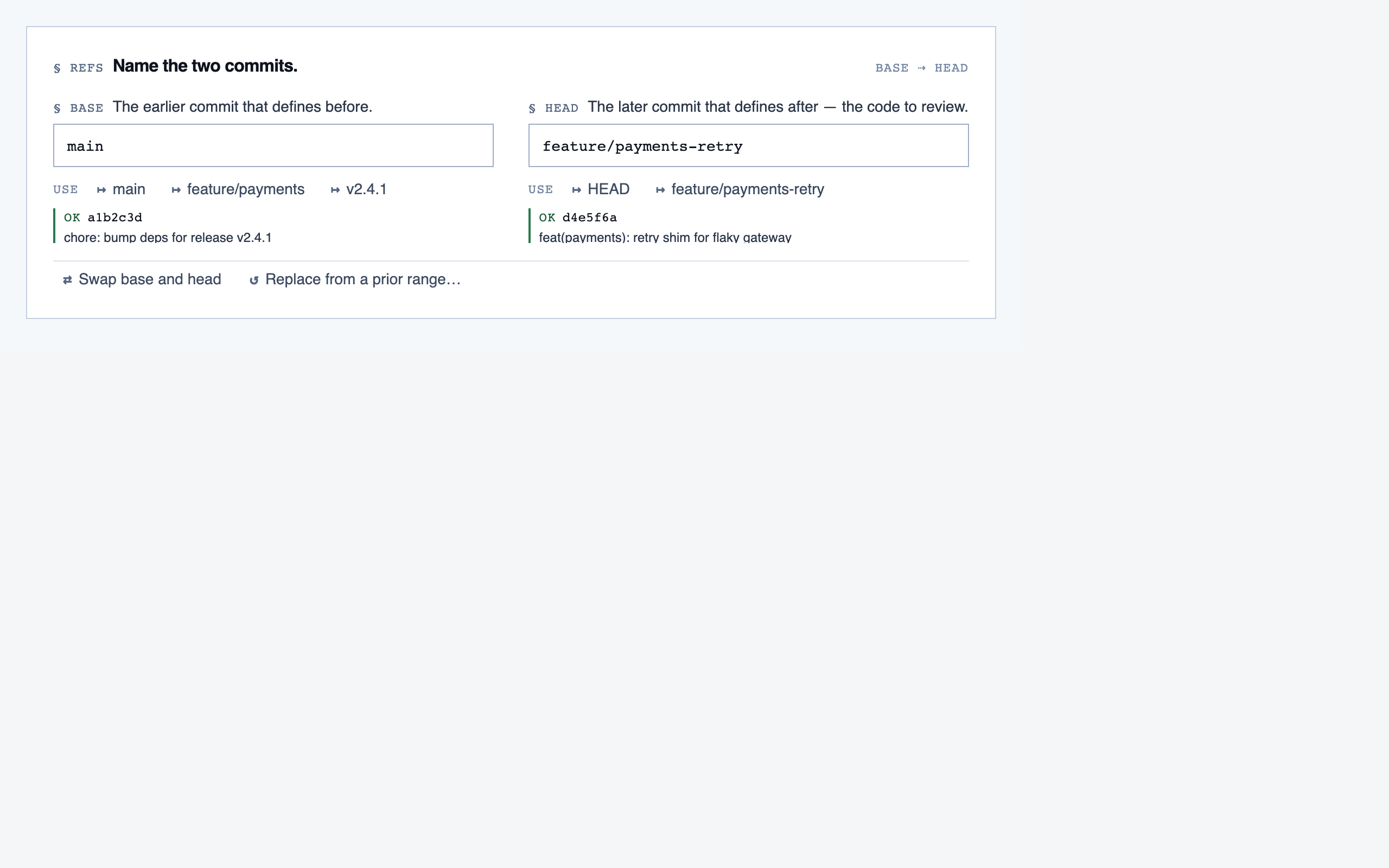
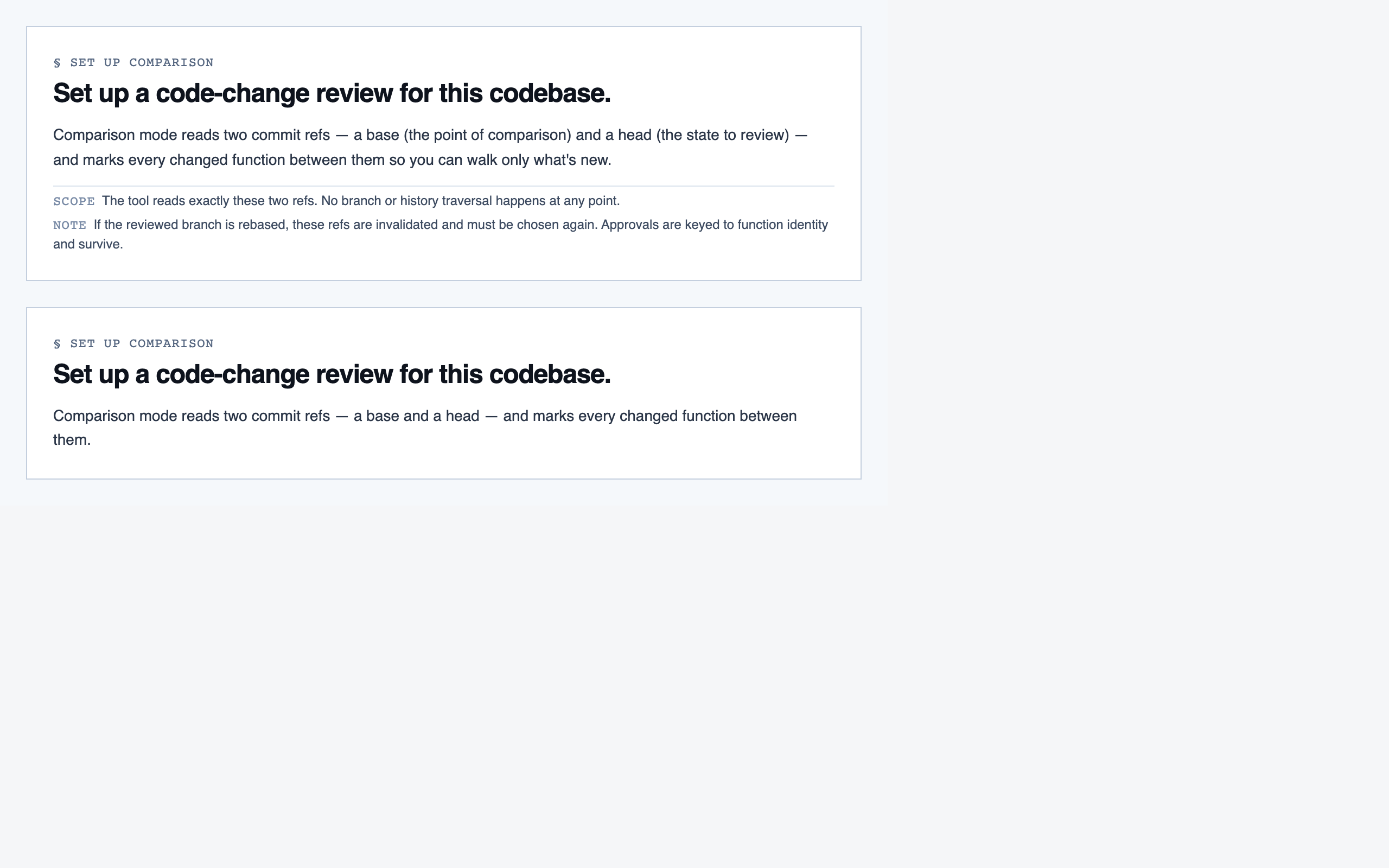
Comparison Overview — 10 components
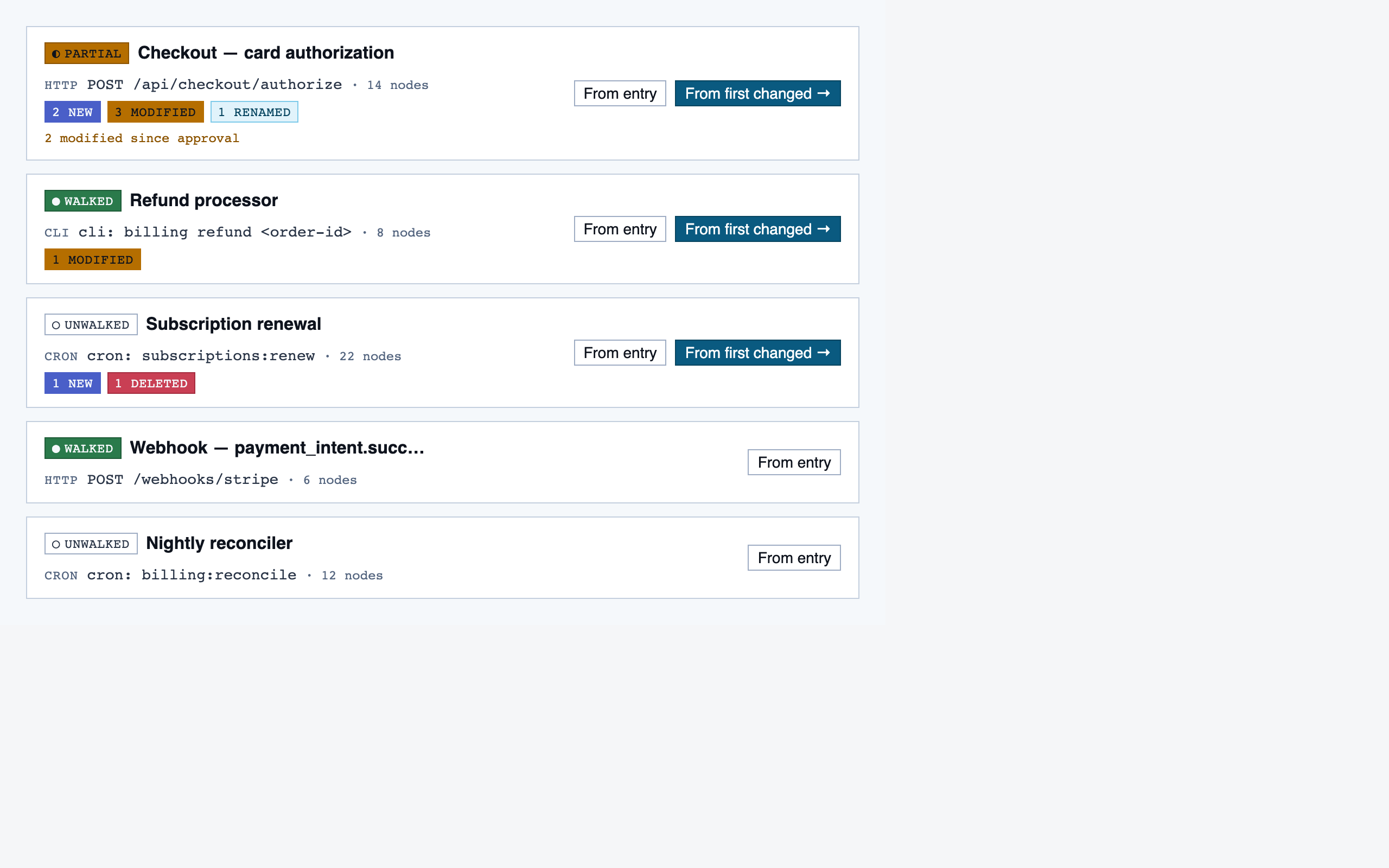
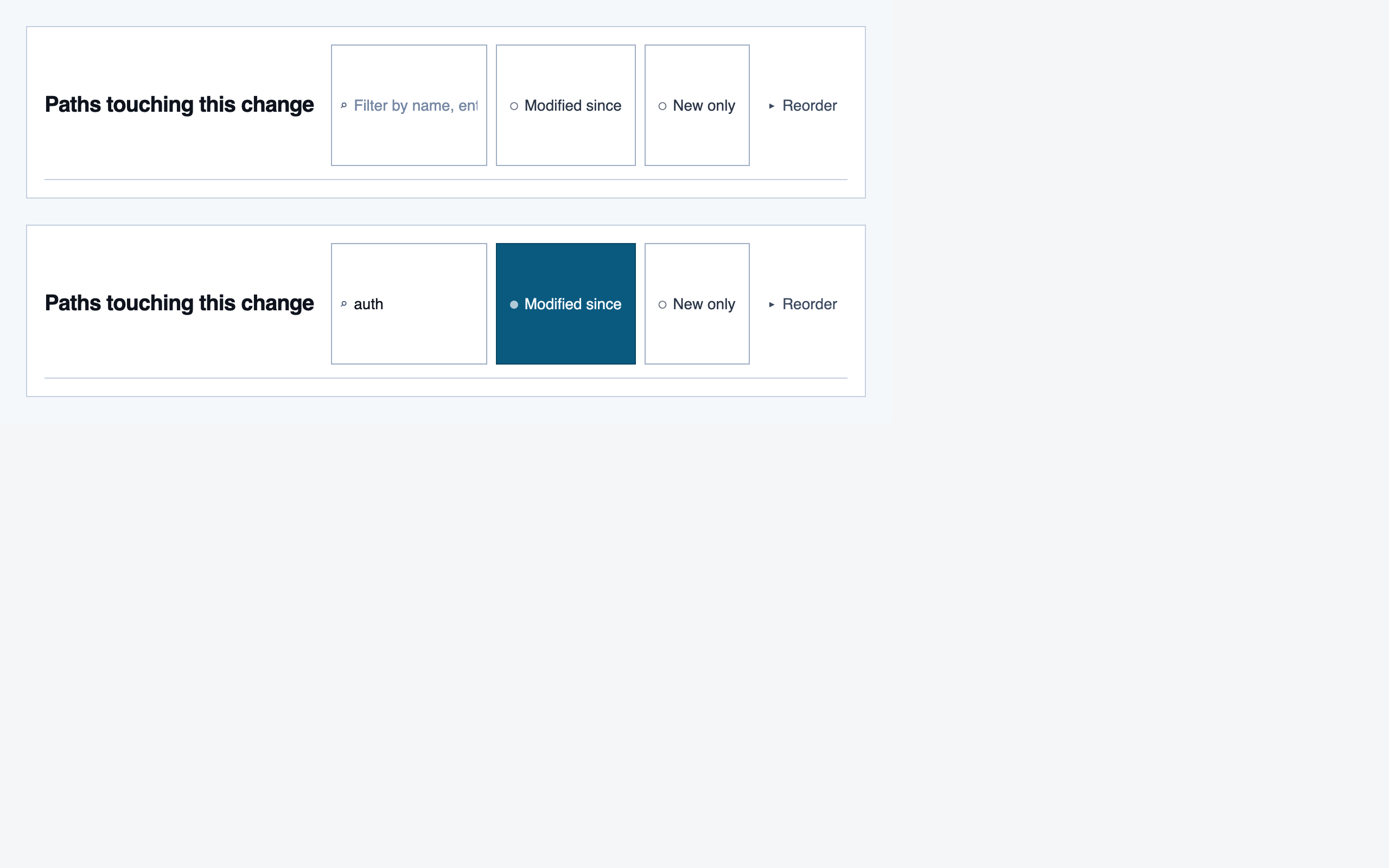
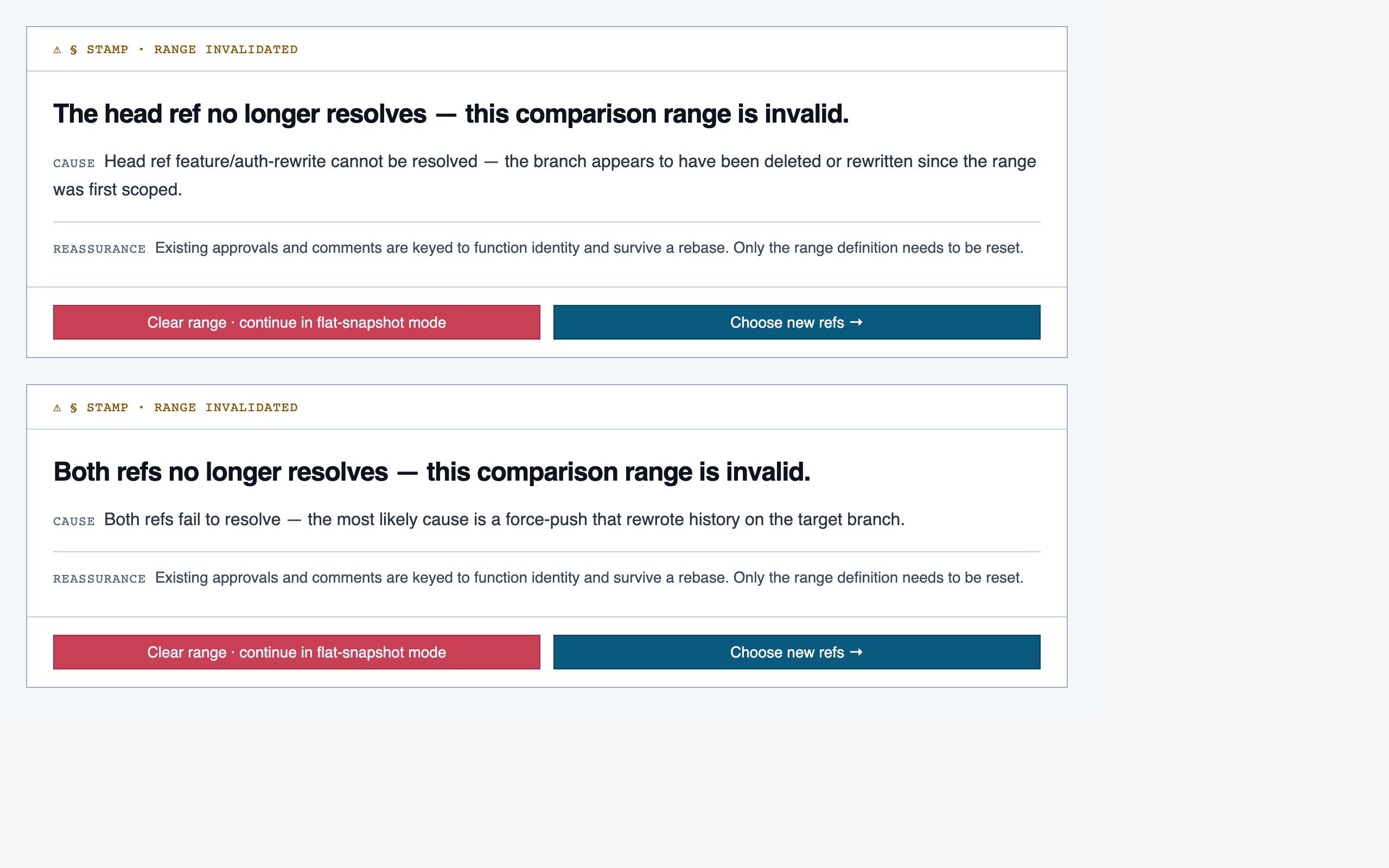
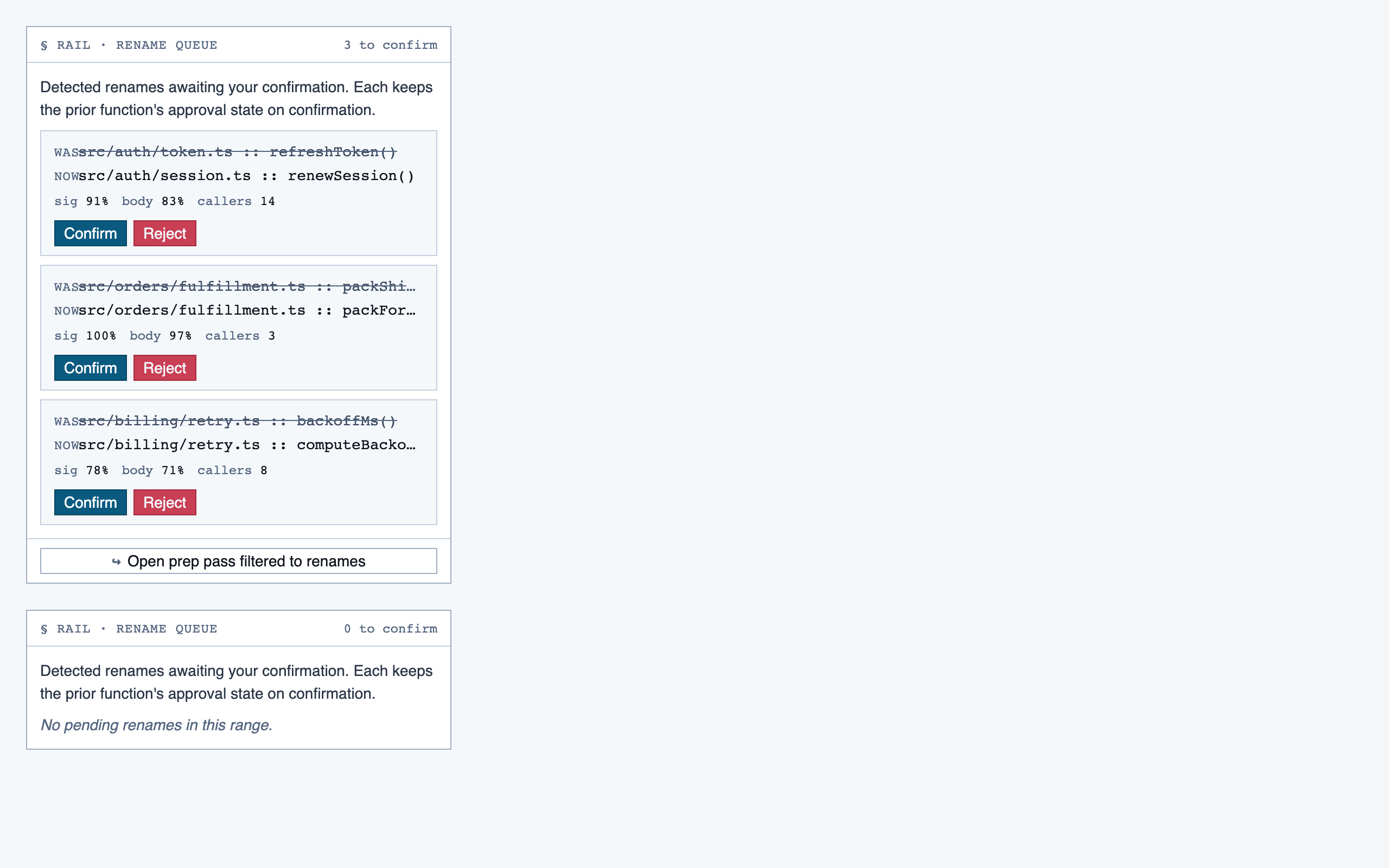
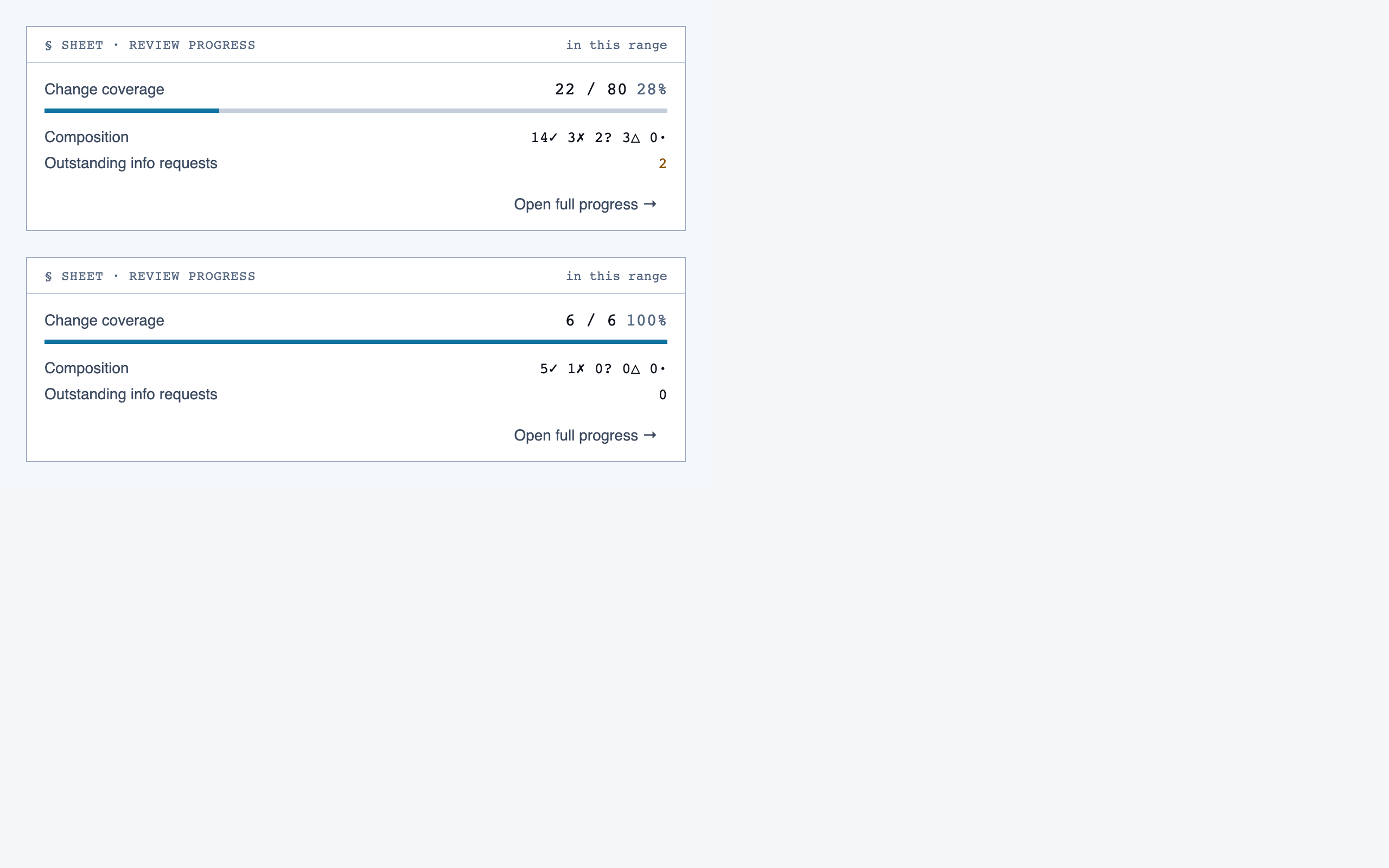
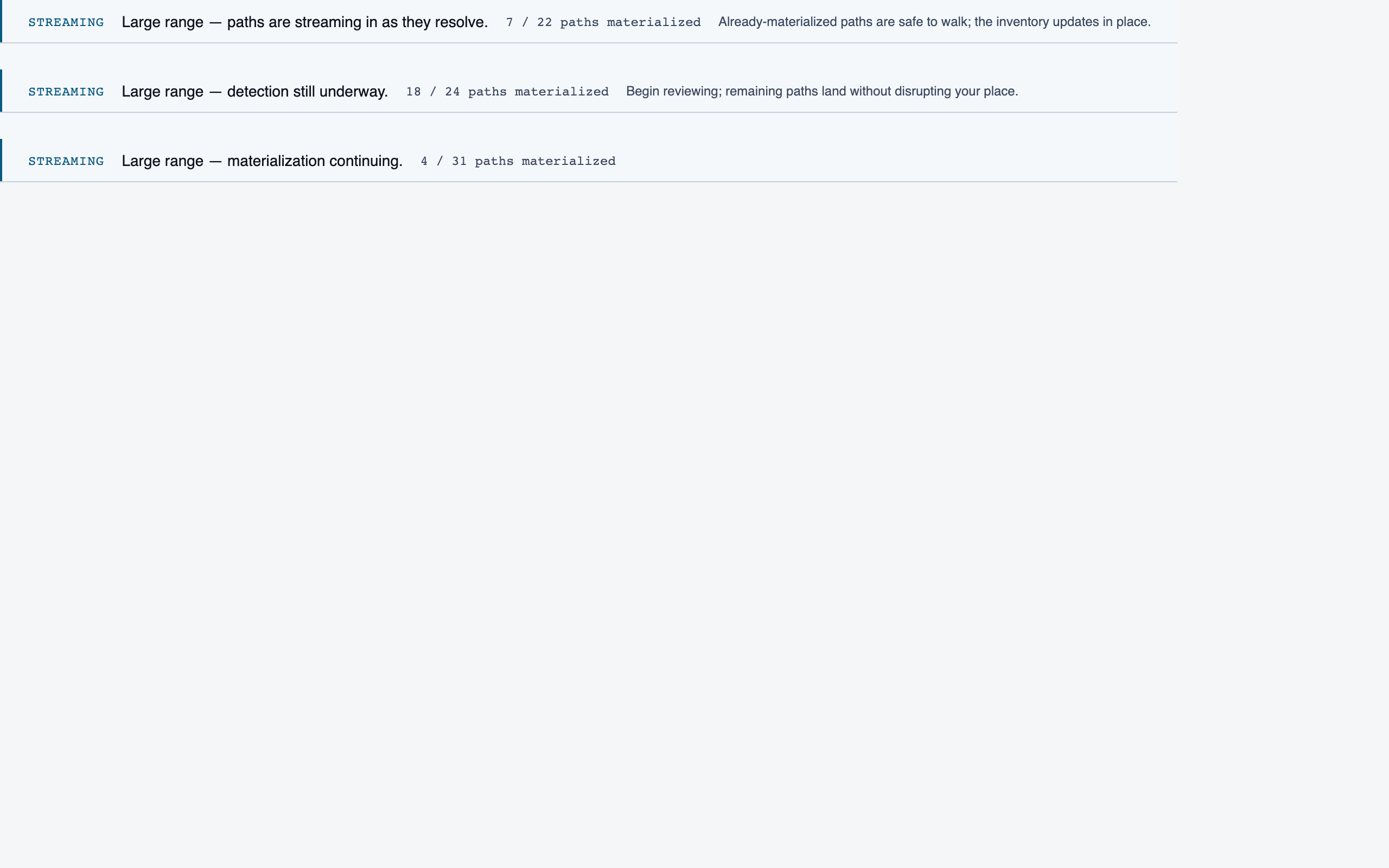
Progress Dashboard — 11 components
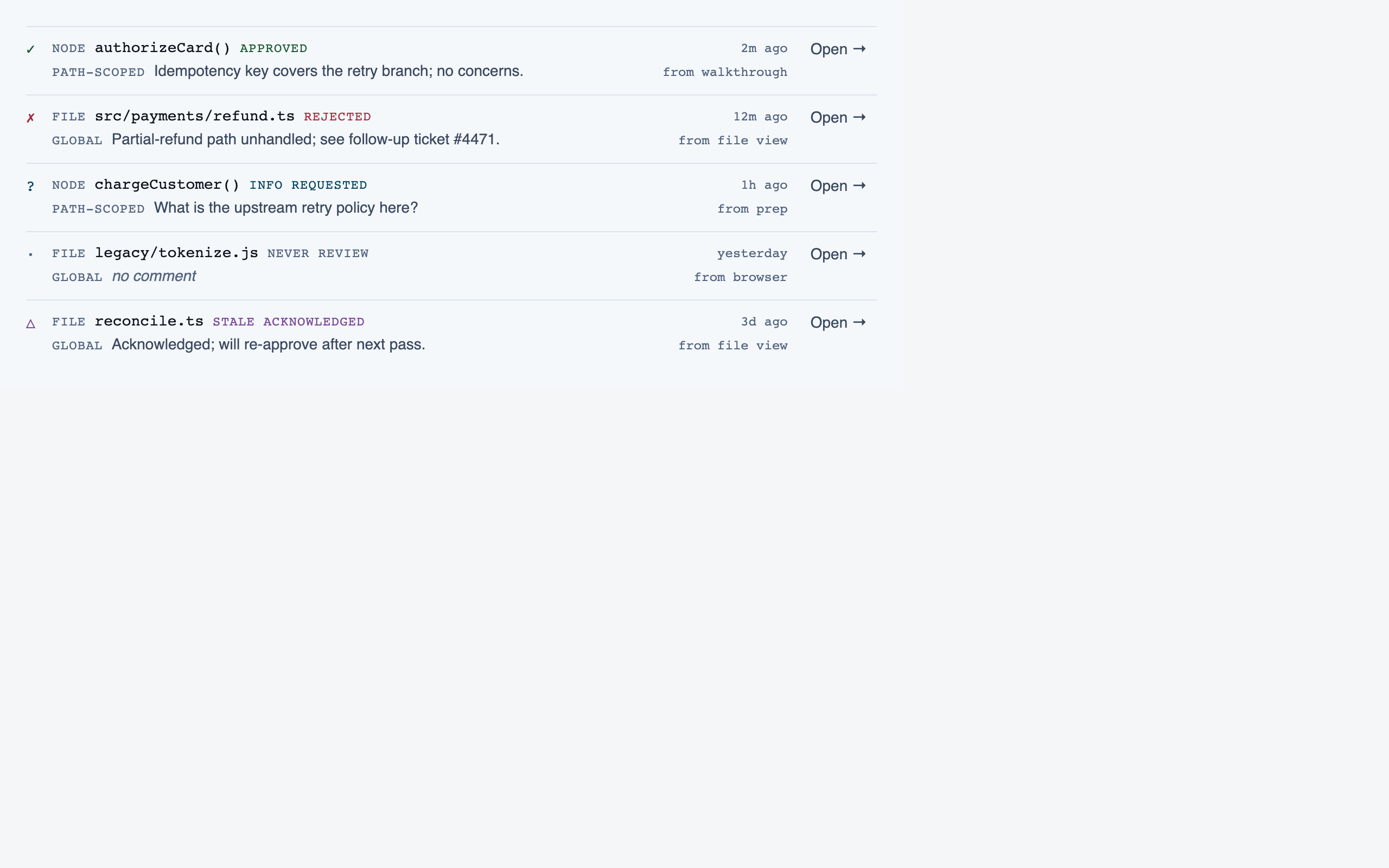
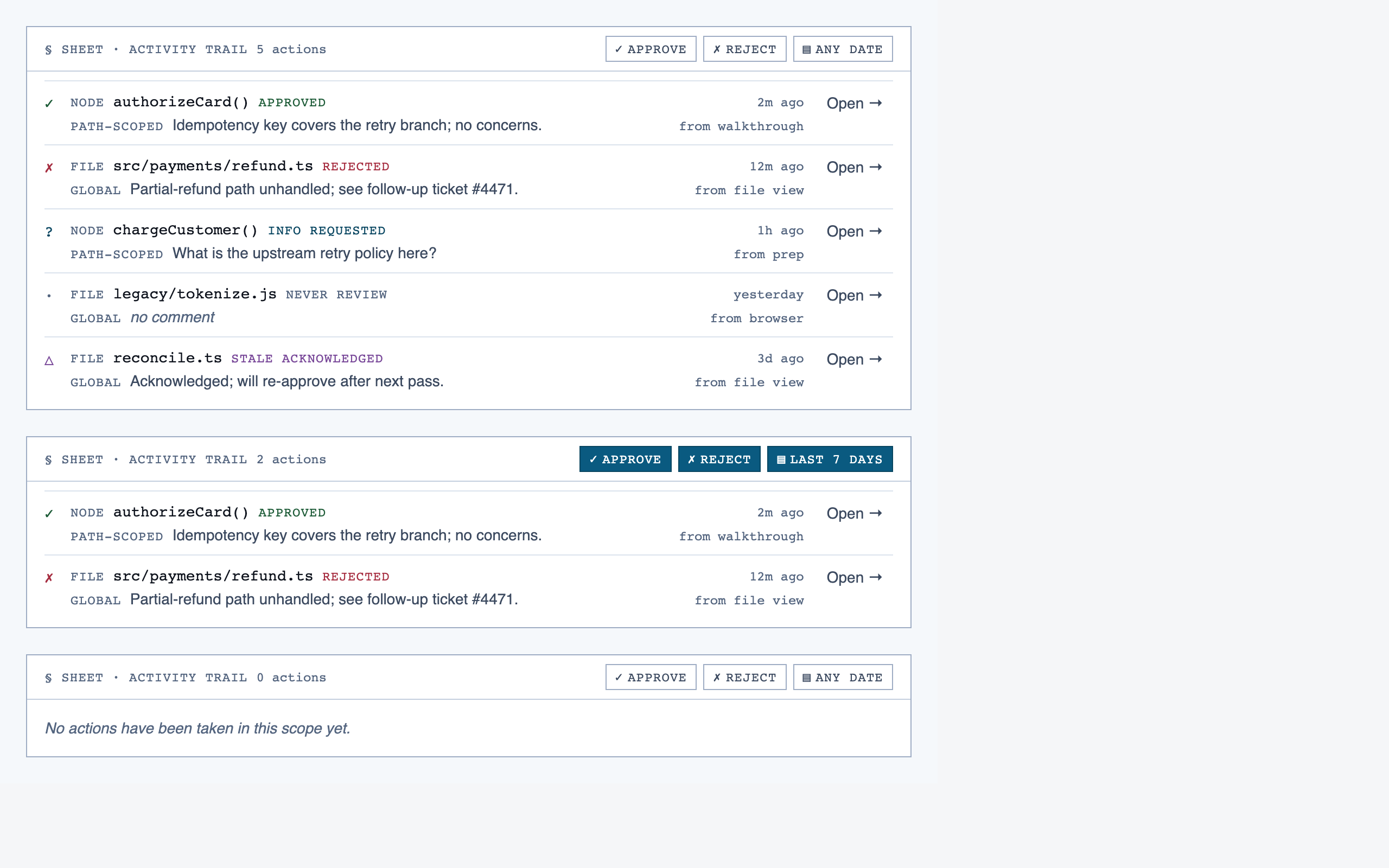
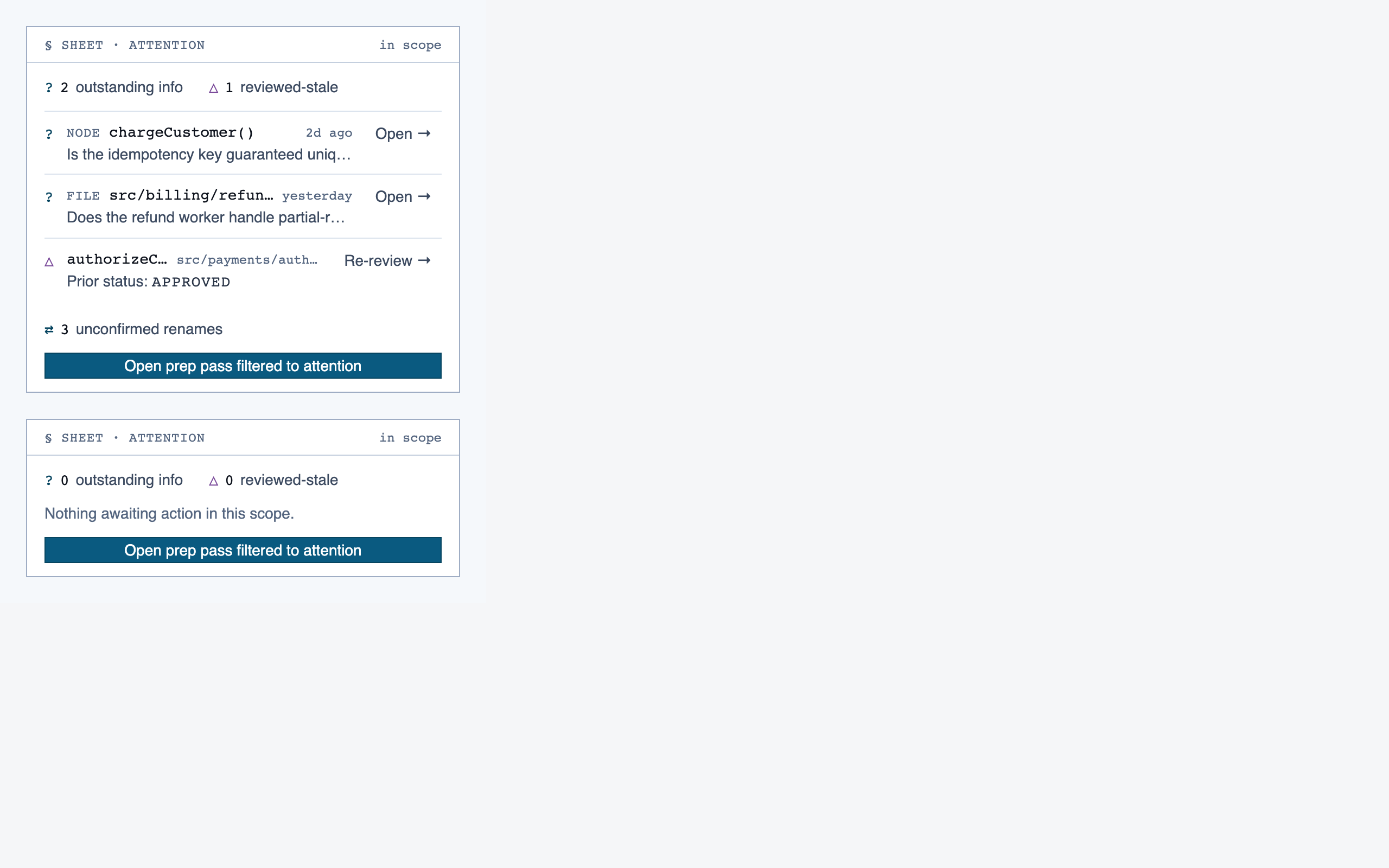
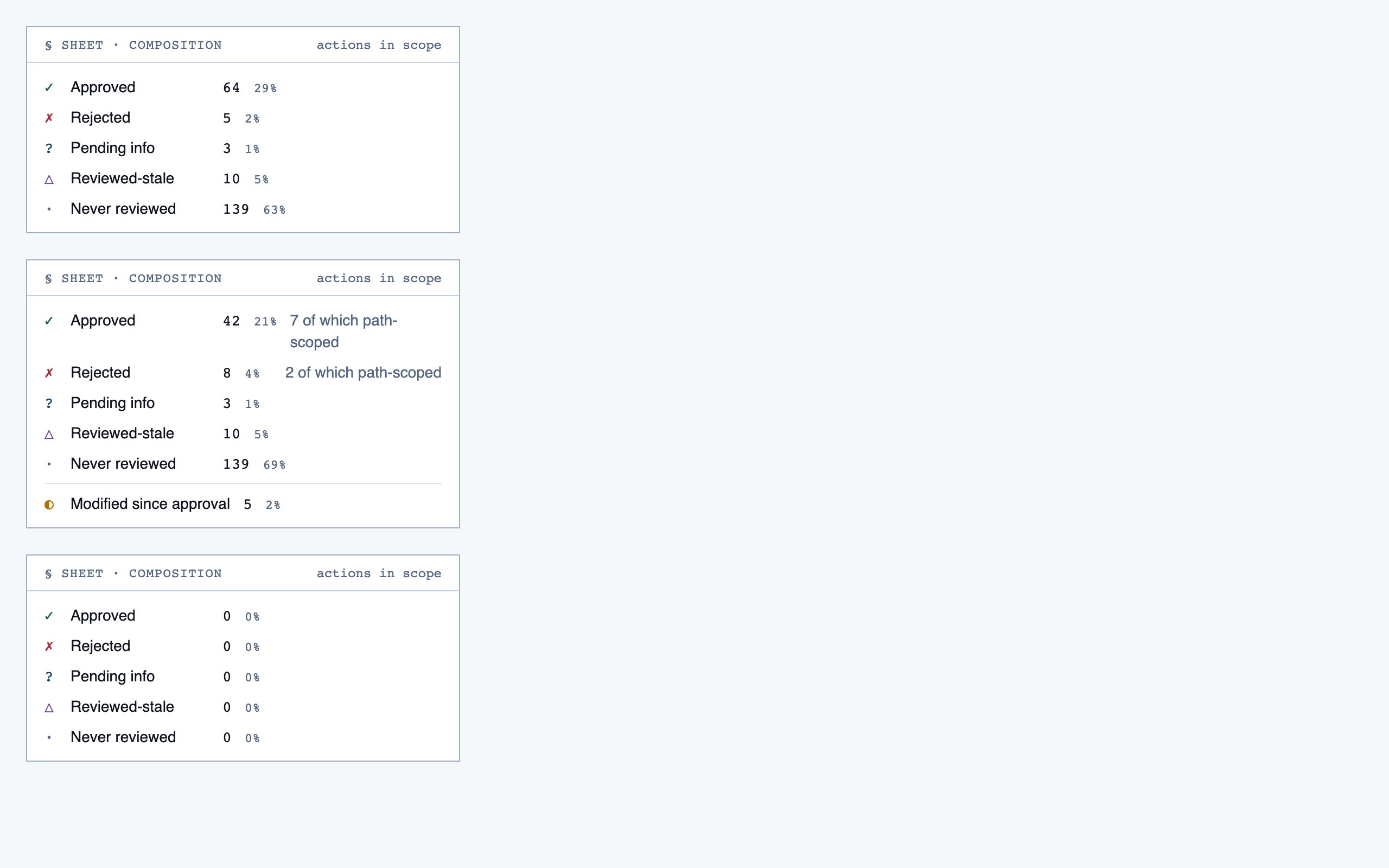
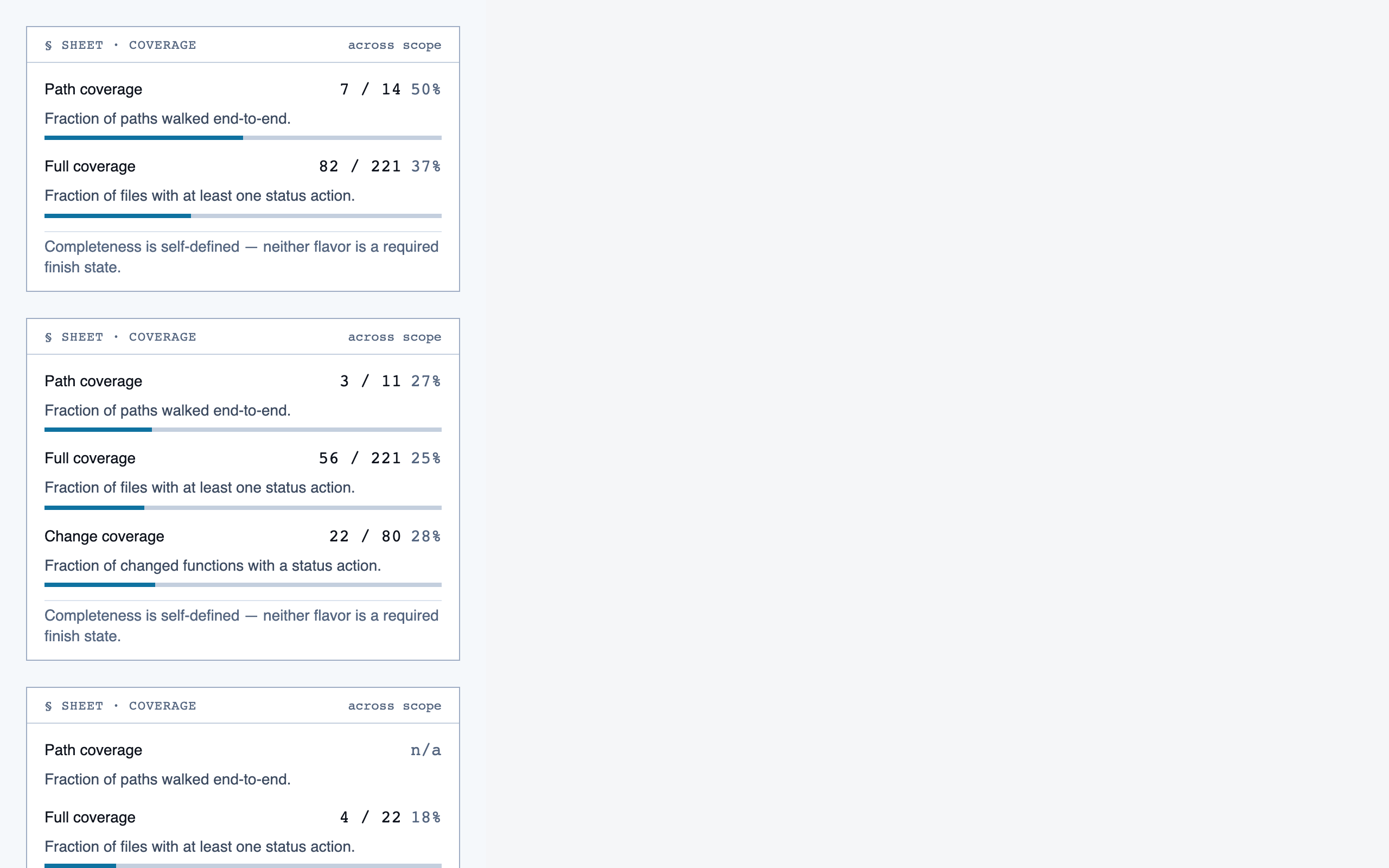
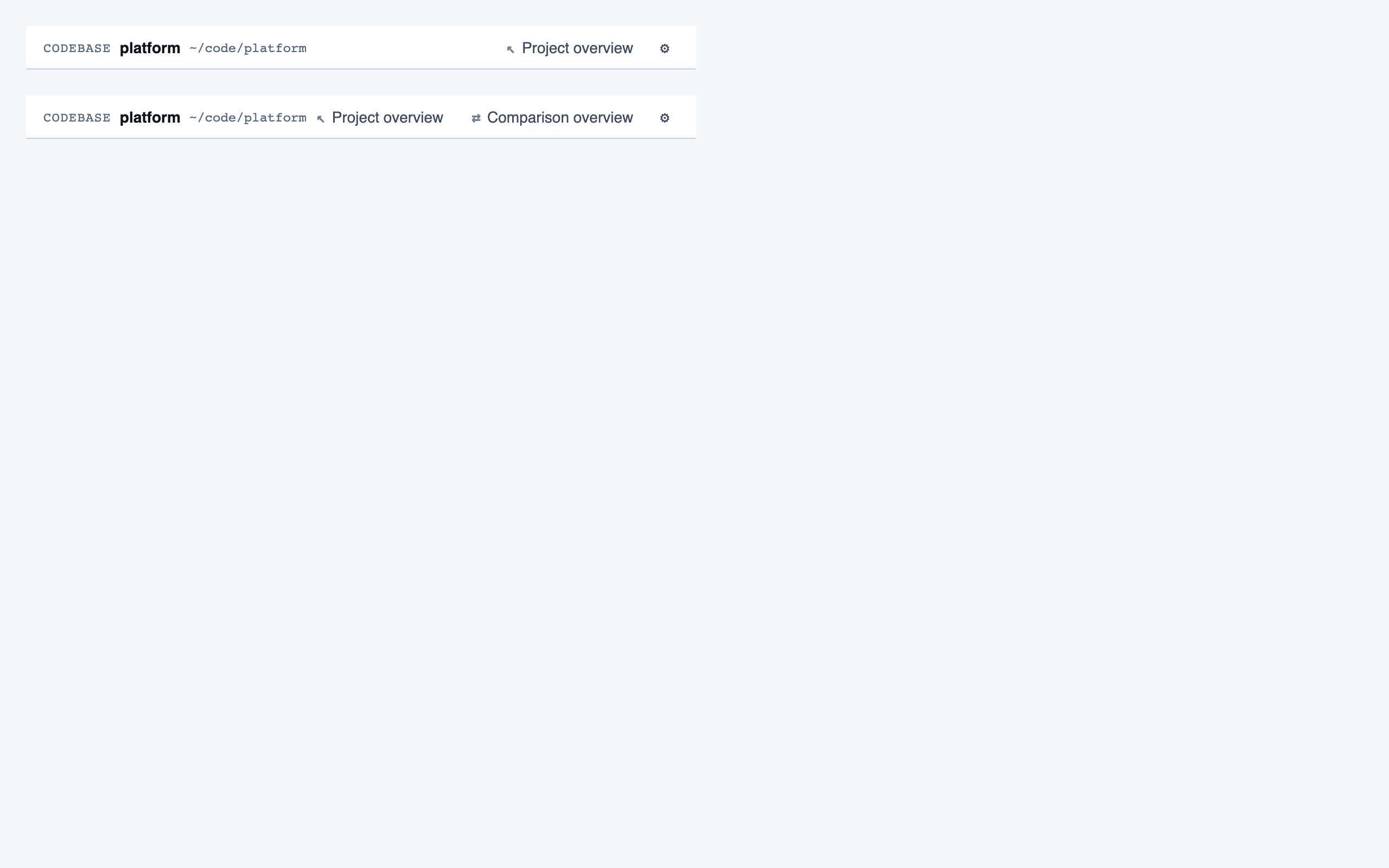
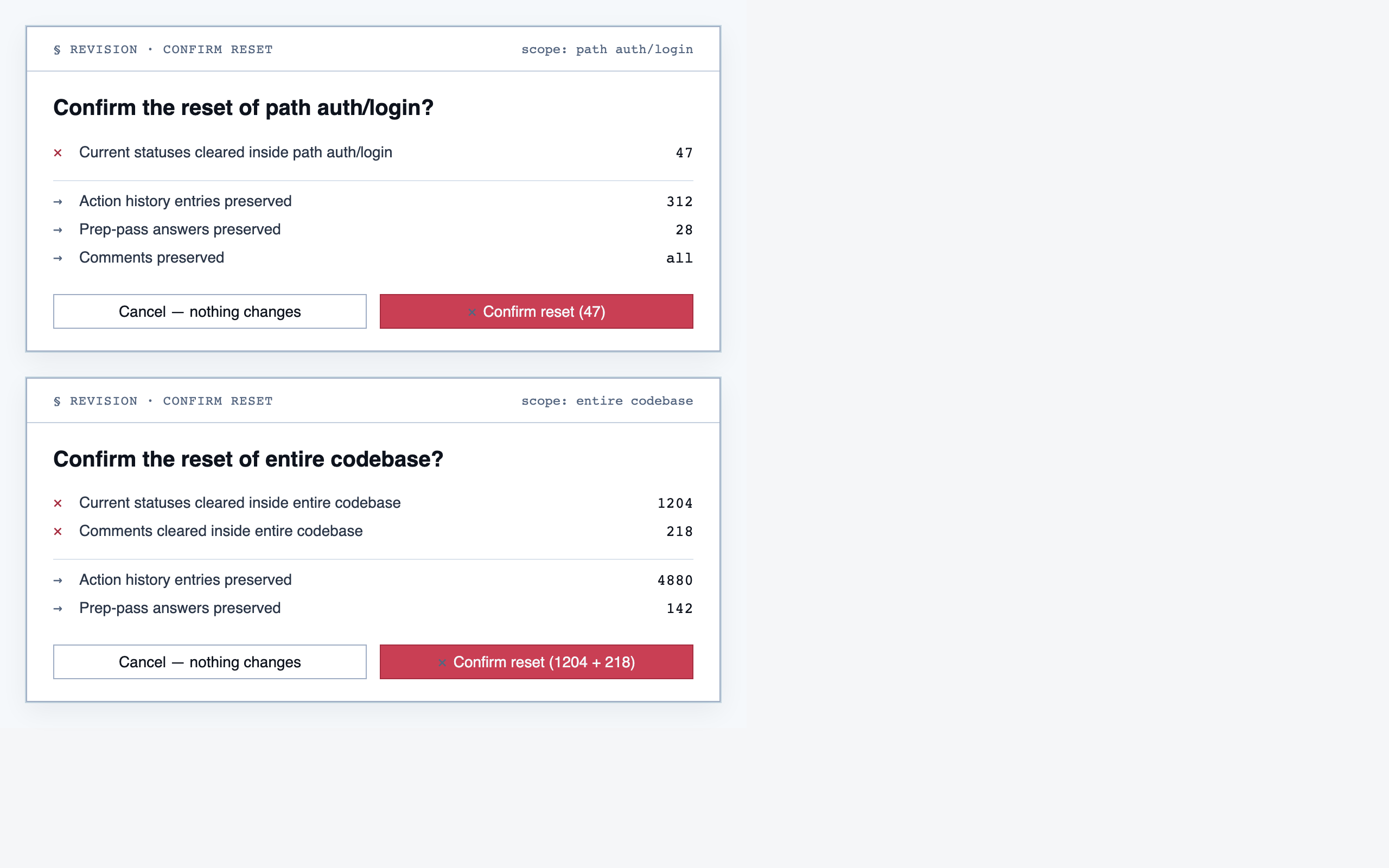
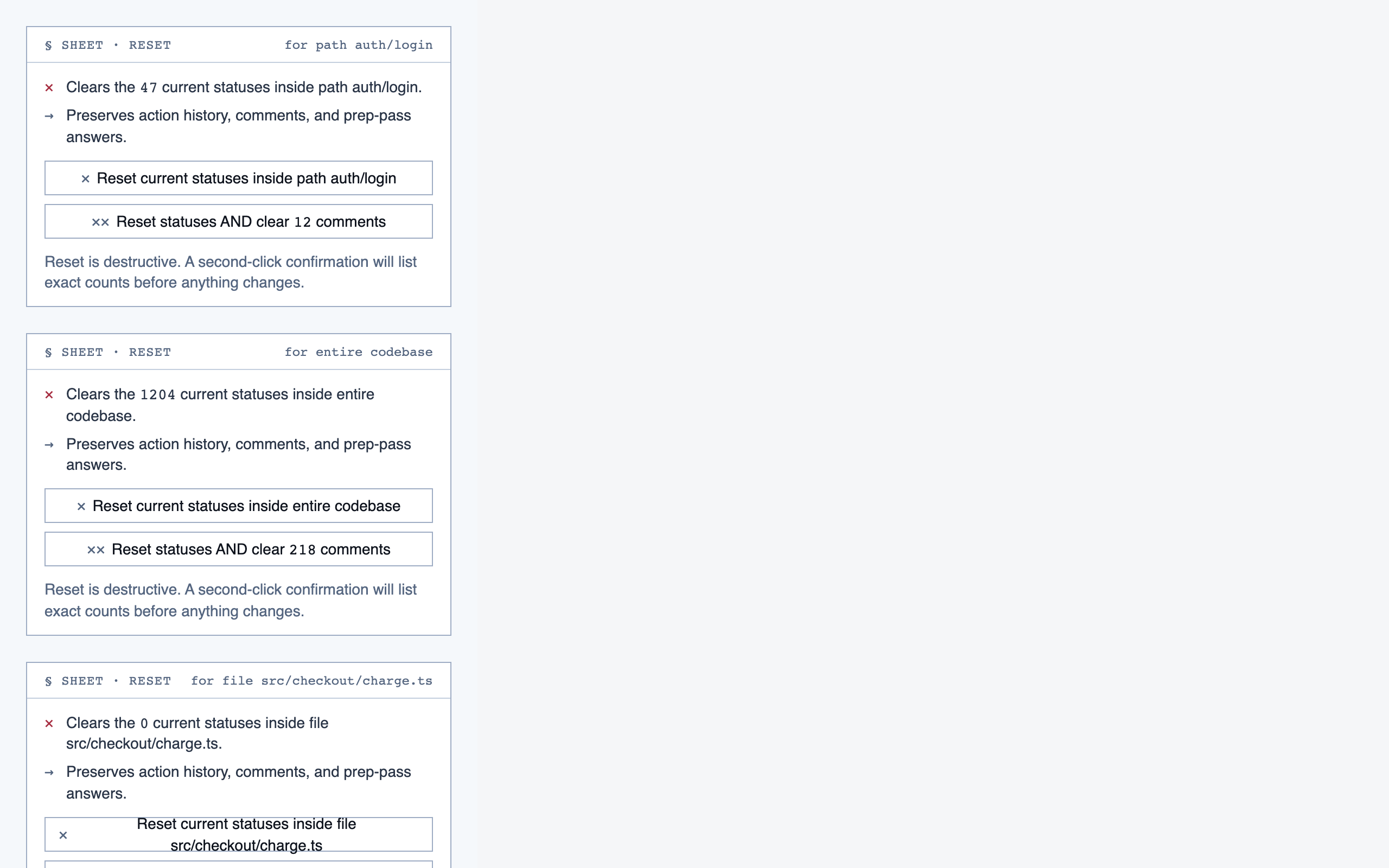
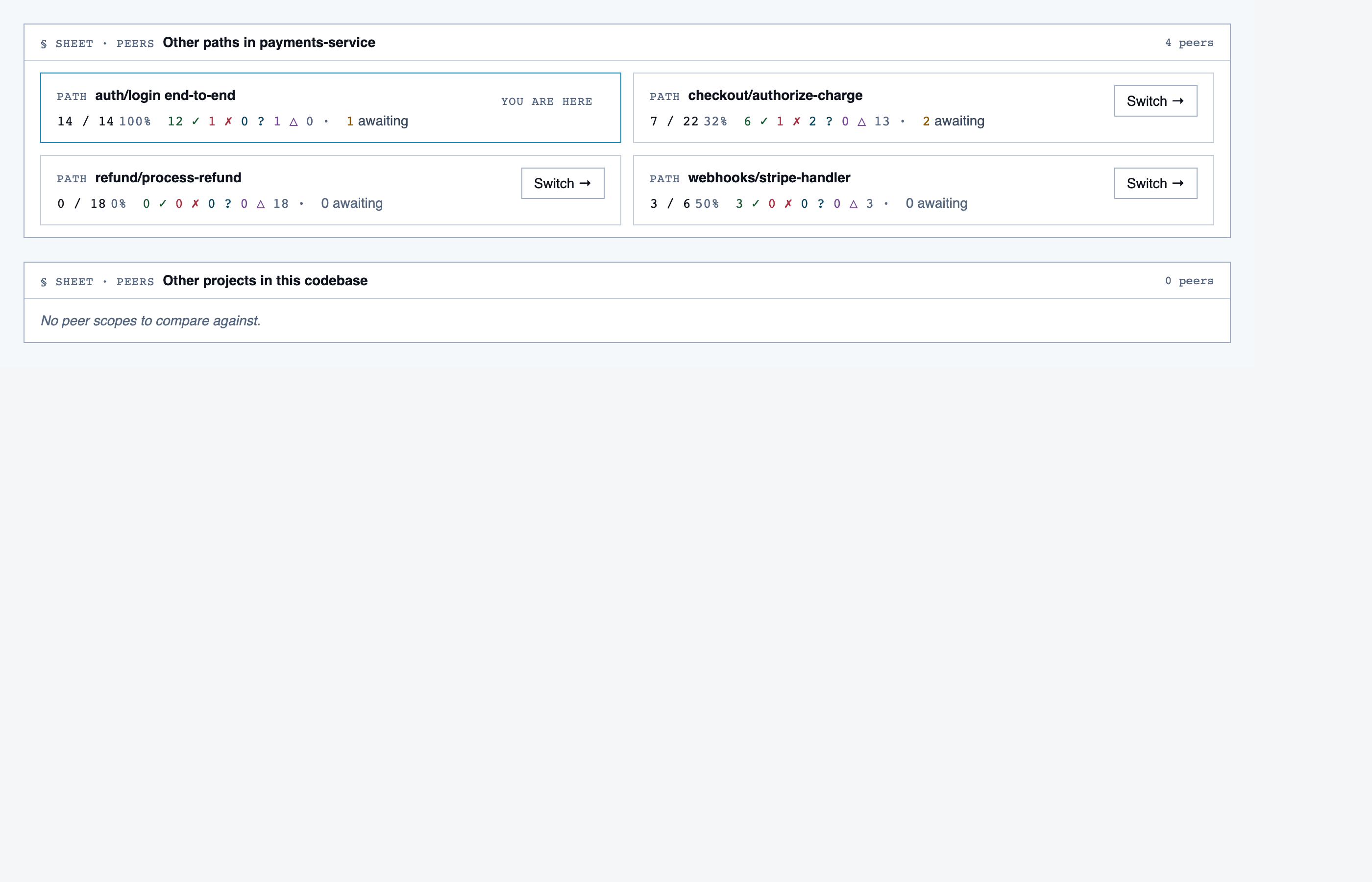
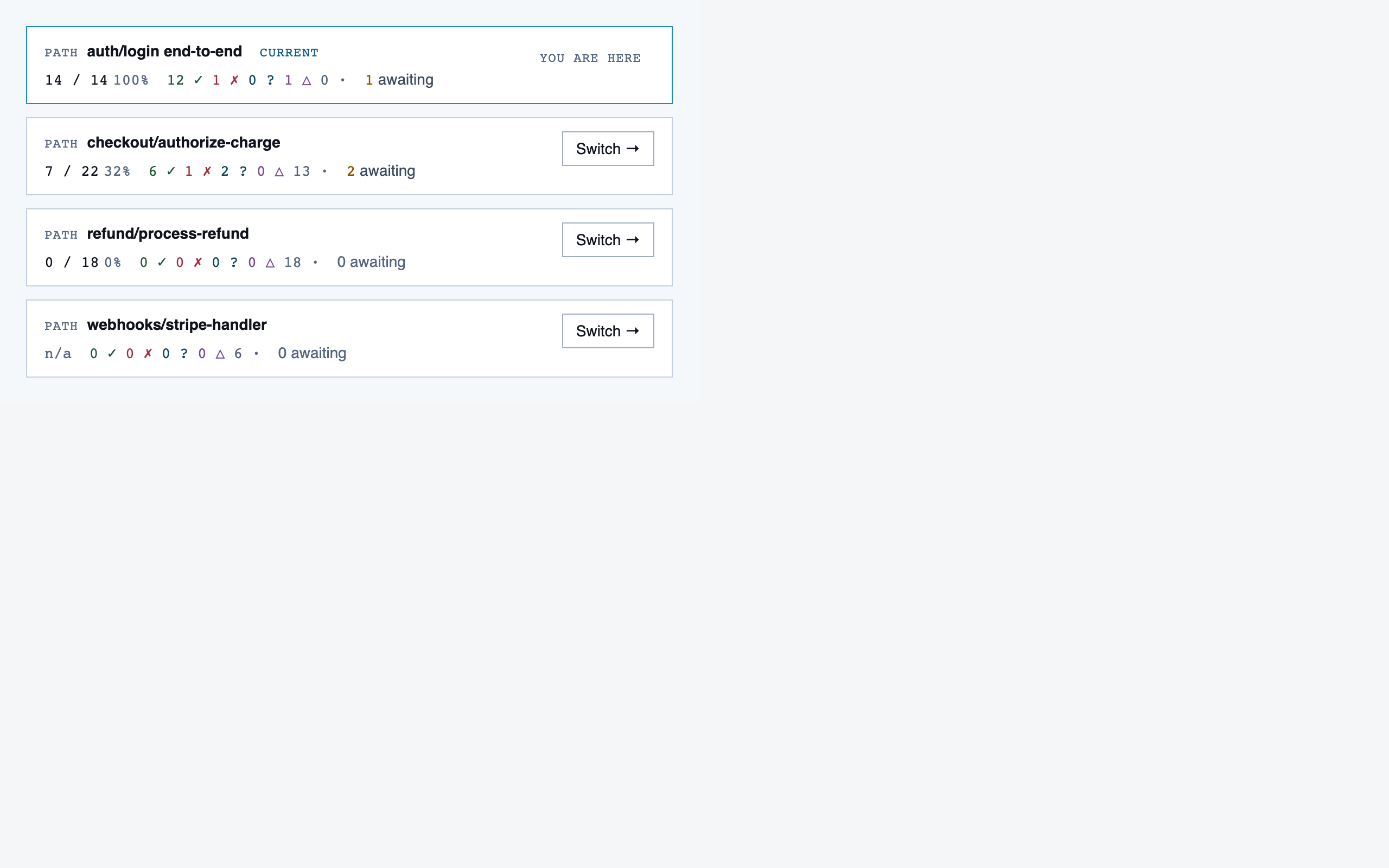
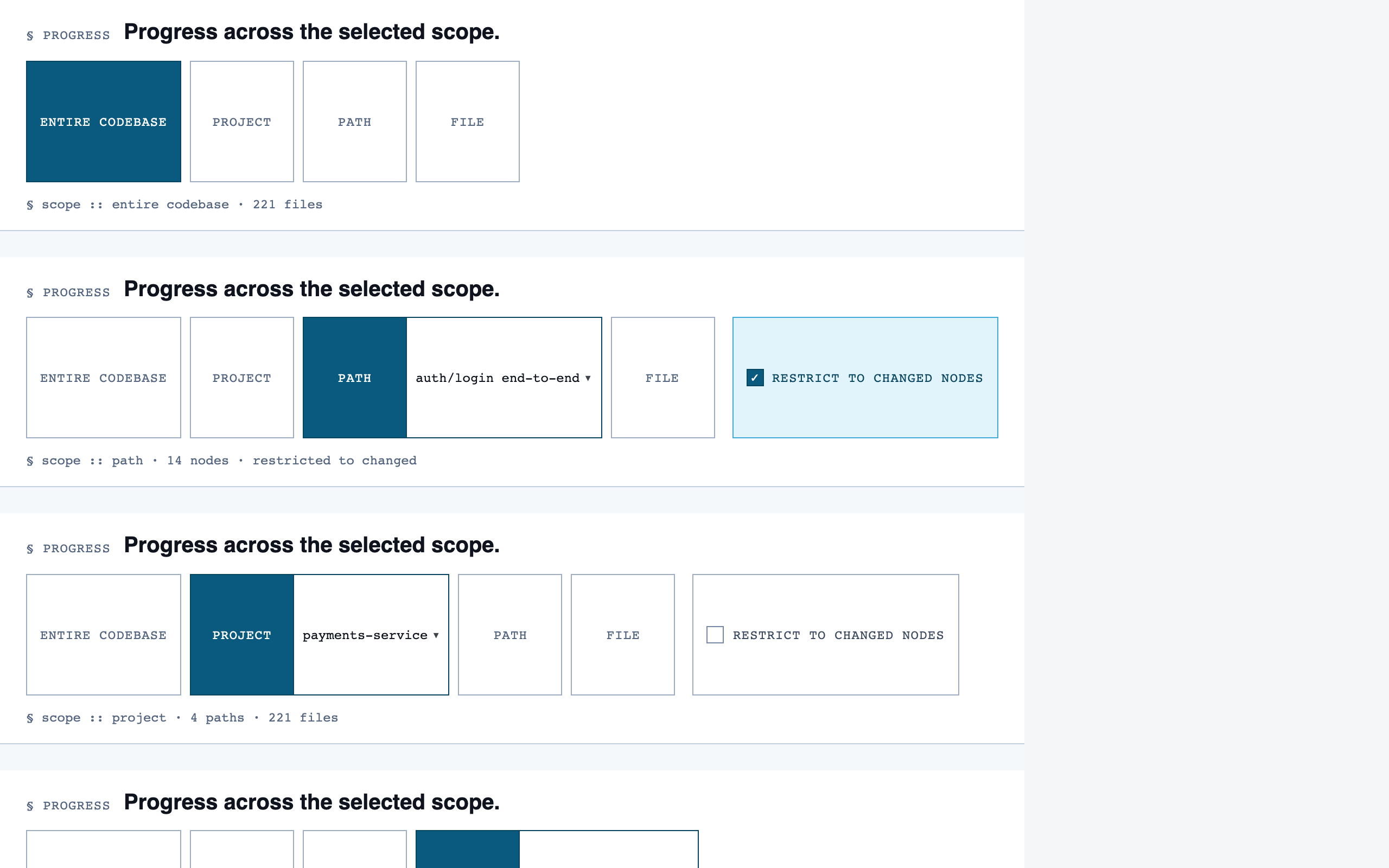
Rule Management — 11 components
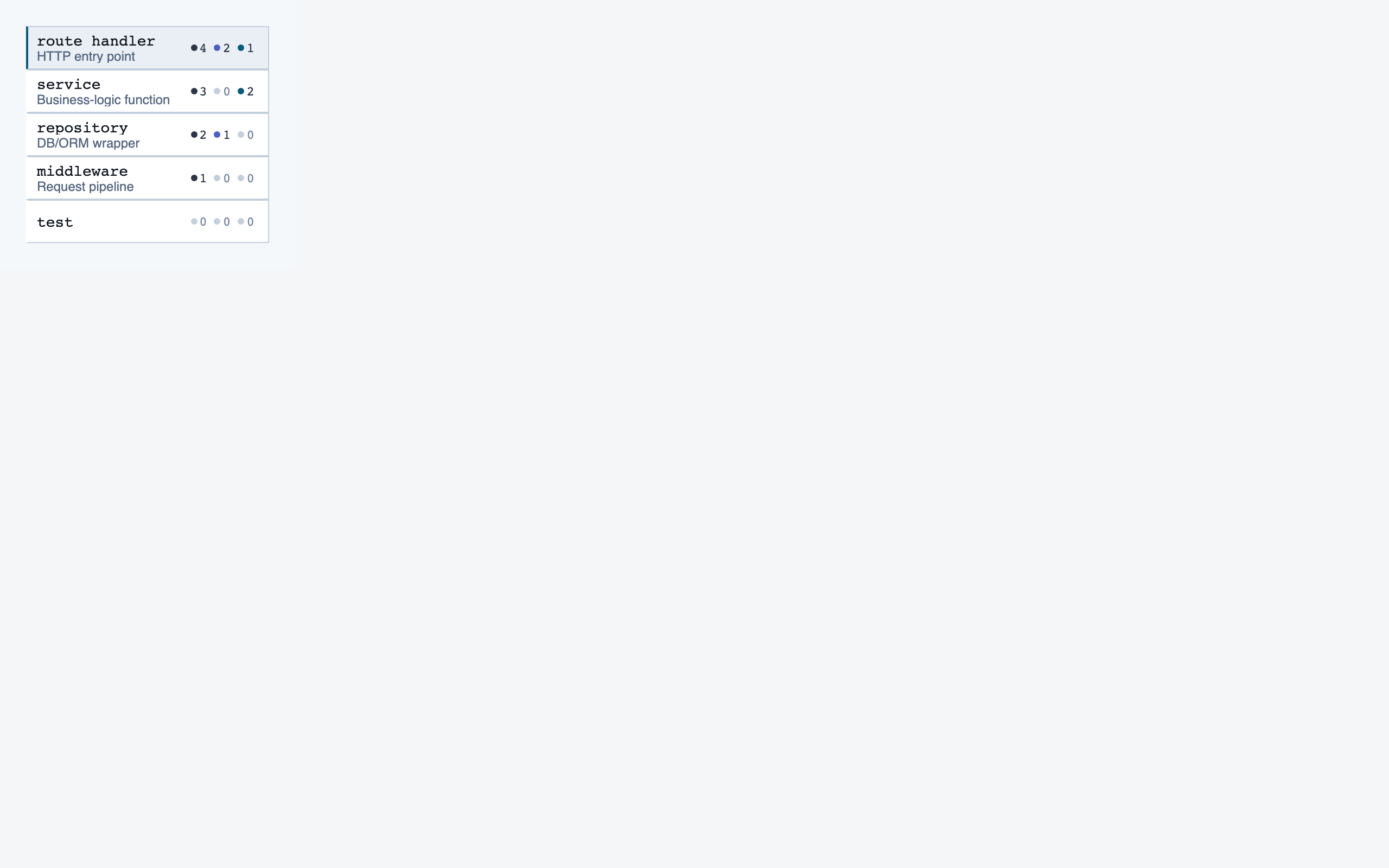
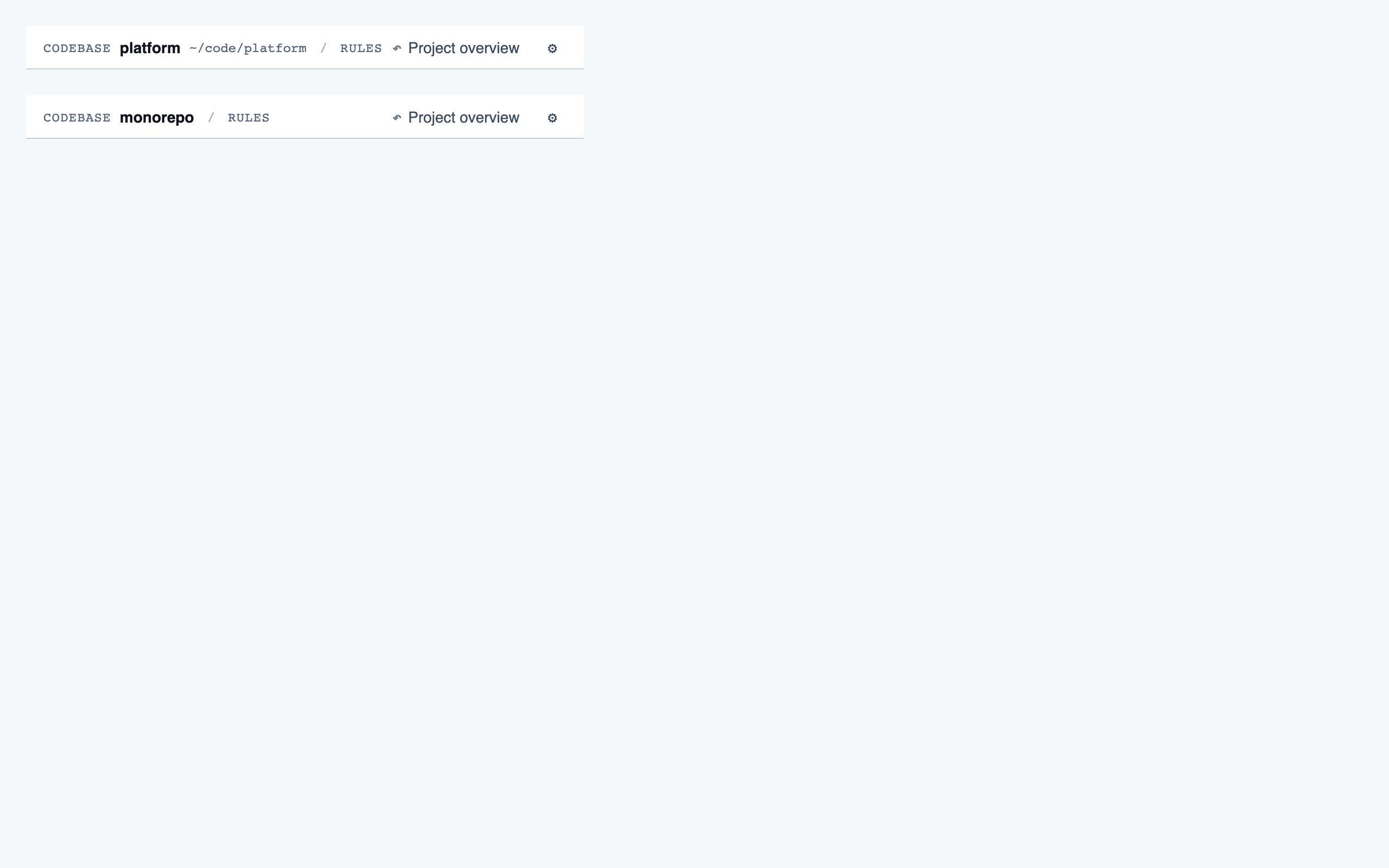
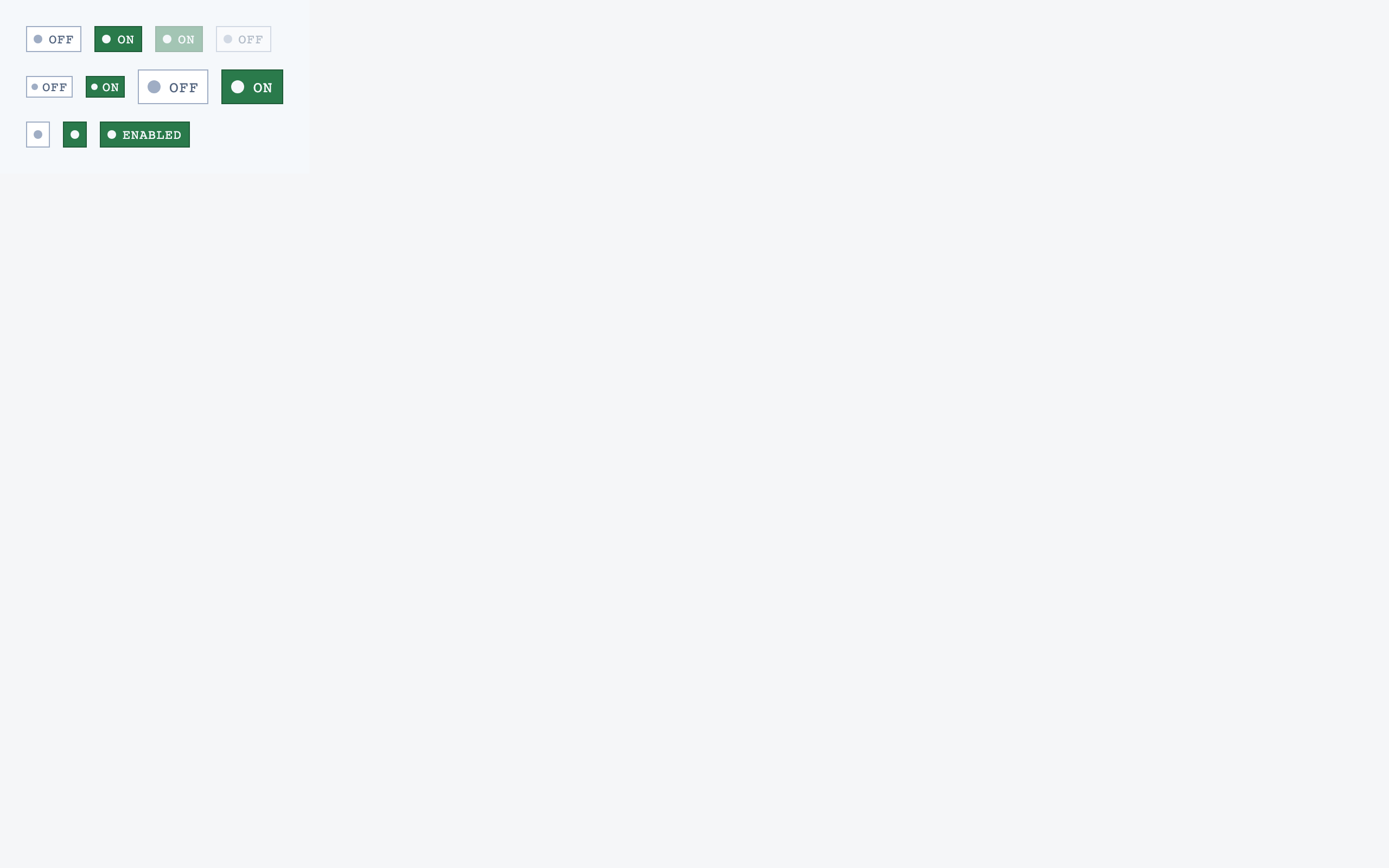
Settings — 10 components
§ Stage 6 — Assembly
Full pages composed from the registered components.
Assembly composes the registered components into full pages, matching the element maps and the selected tokens. It's the final stage and the only one whose output looks like "a product".
For Code Walkthroughs the assembly produced 12 pages. Eight rendered cleanly on first try; four hit real composition bugs (one missing import, three filler-data shape mismatches against component prop contracts) that the static page eval missed because it checks tokens and registry resolution but doesn't actually render. Surfacing those was a useful accidental side-effect of building this docs site.
Assembled pages — click to expand
Codebase Picker — Select a local directory to ingest, or resume a previously-ingested codebase from a list of known codebases (serves as w…
Analysis Progress — Show per-project analysis progress (AST parse, classification, entry-point detection, path construction) while the revie…
Prep Pass — Triage unresolved questions from analysis — ambiguous classifications, unresolved path branches, entry-point confirmatio…
Project Overview — The project's home base — detected paths (optionally categorized by theme), synthetic walkthroughs for non-path code, en…
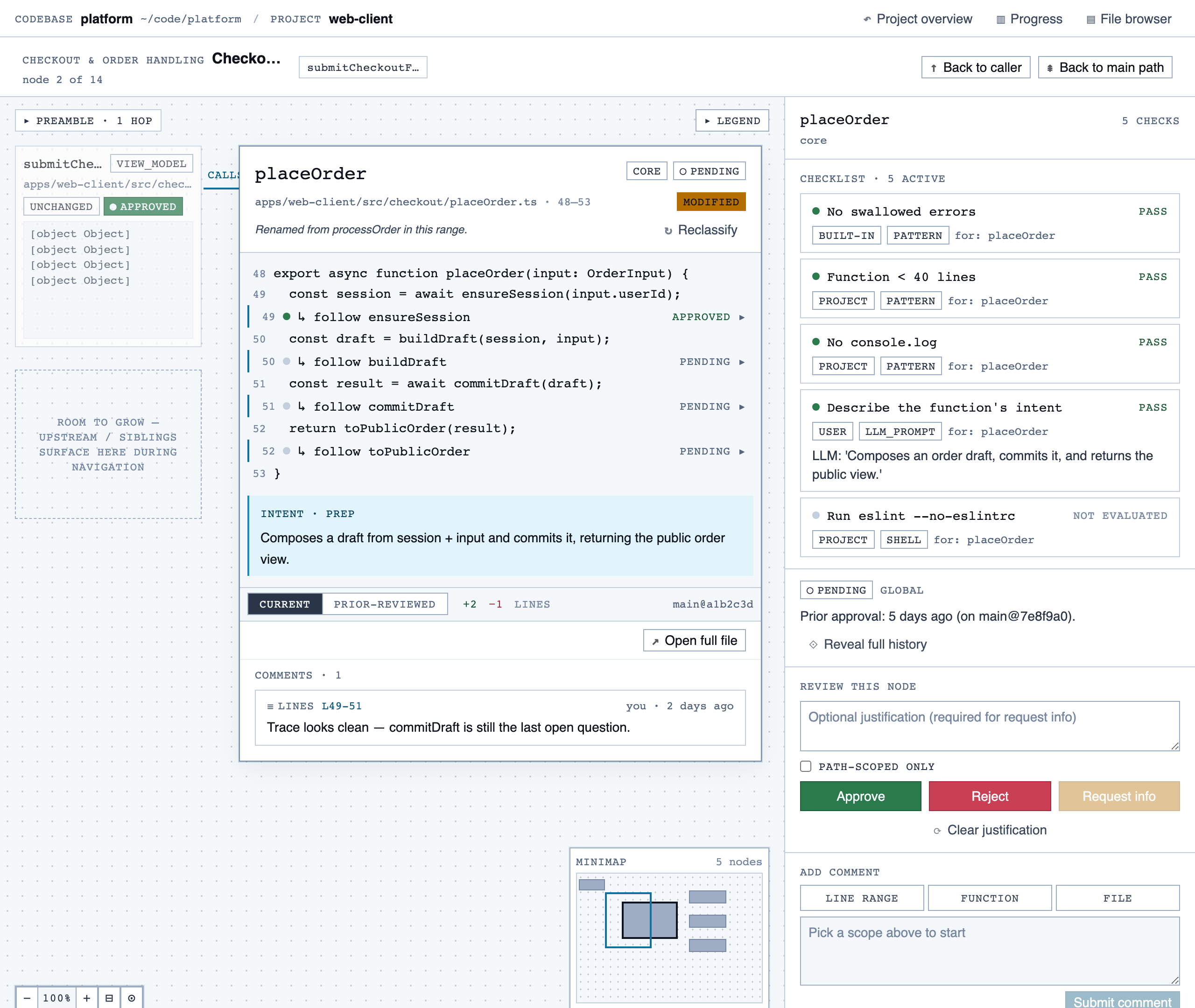
Walkthrough Node — The core review surface — one node at a time with syntax-highlighted code, classification, checklist (built-in + user + …
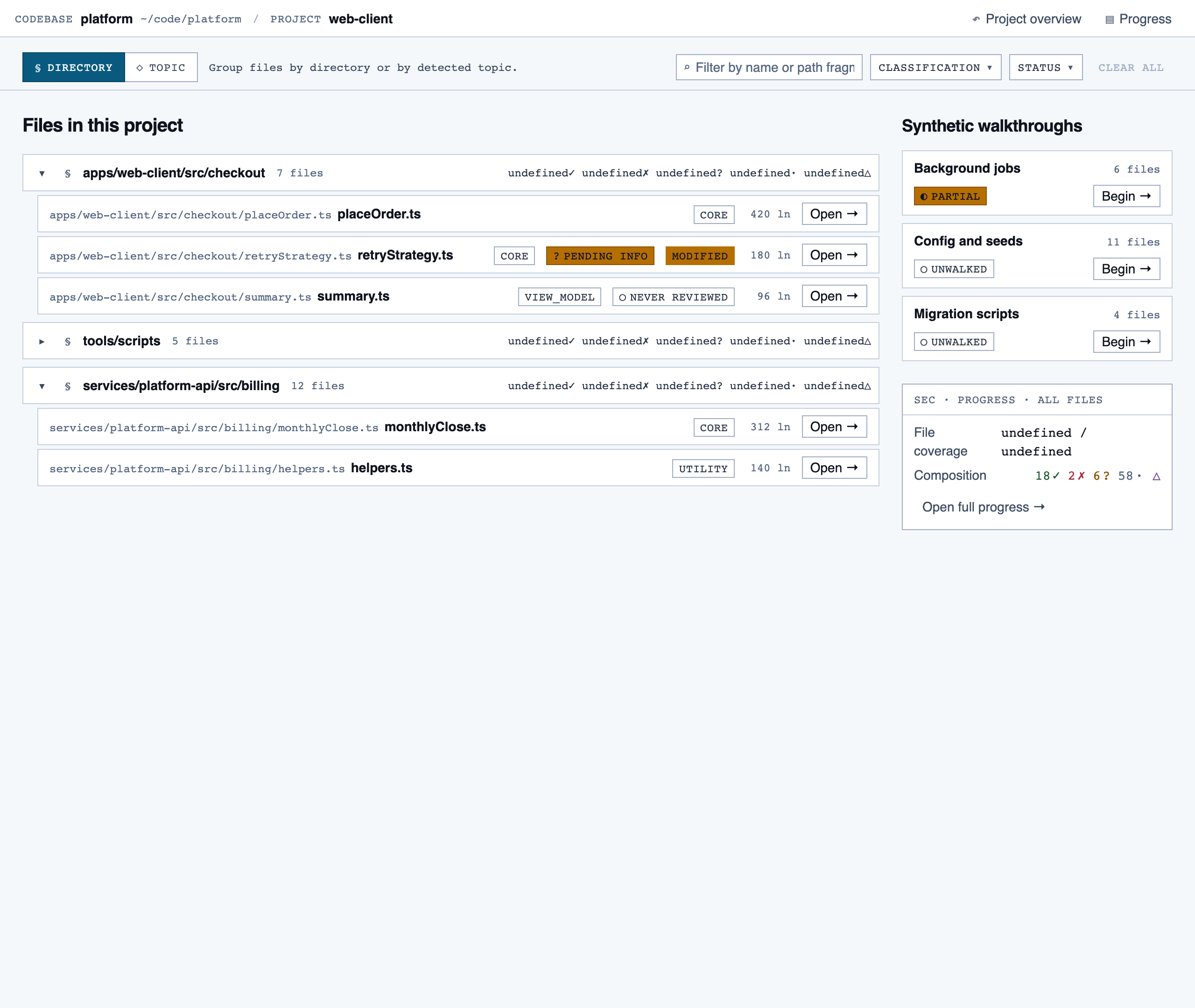
File Browser — Navigable view of the project's files with per-file classification and four-state status; fallback for non-path code (co…
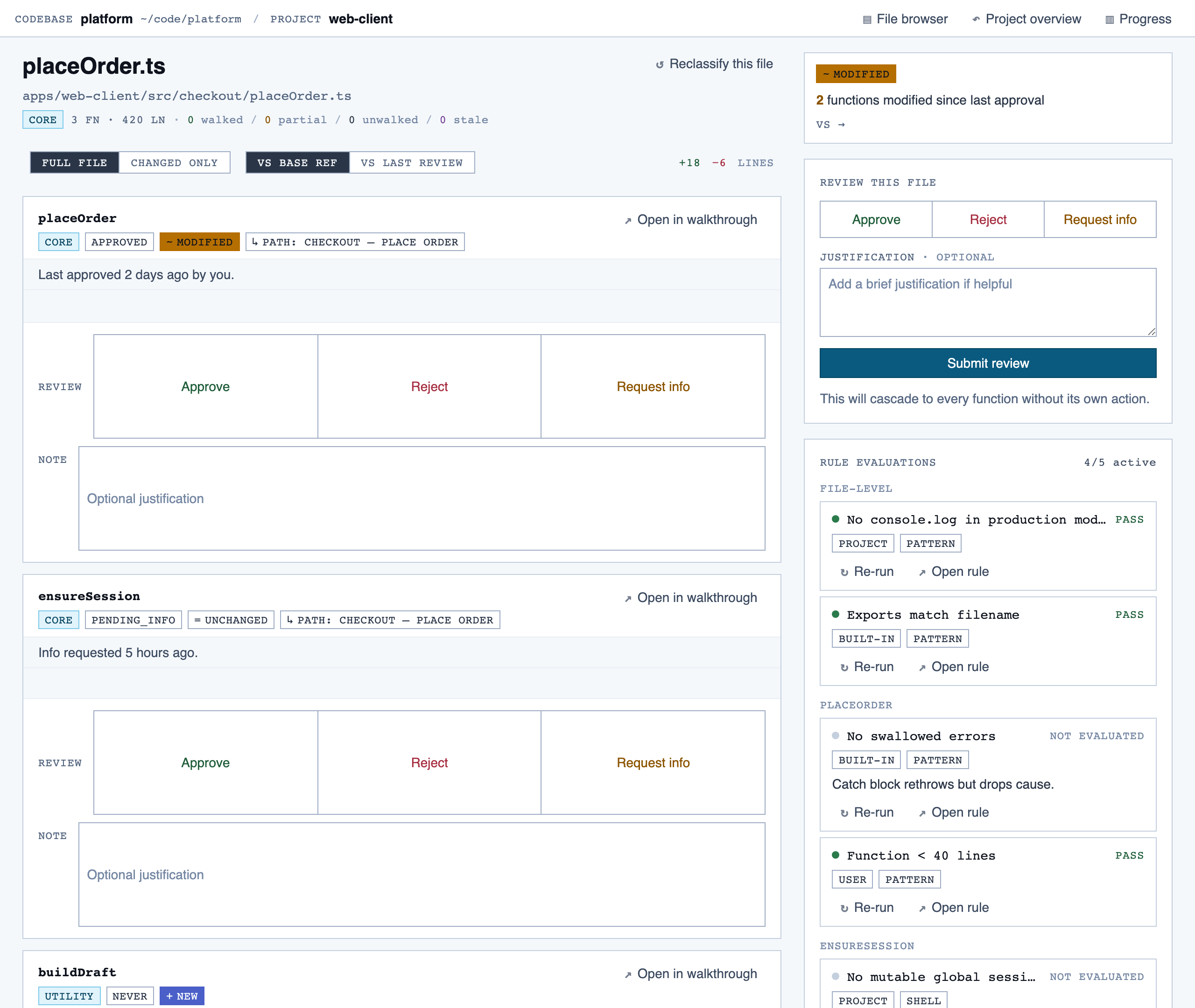
File View — Holistic file review — full file with syntax highlighting, file-level classification, per-function status indicators, fi…
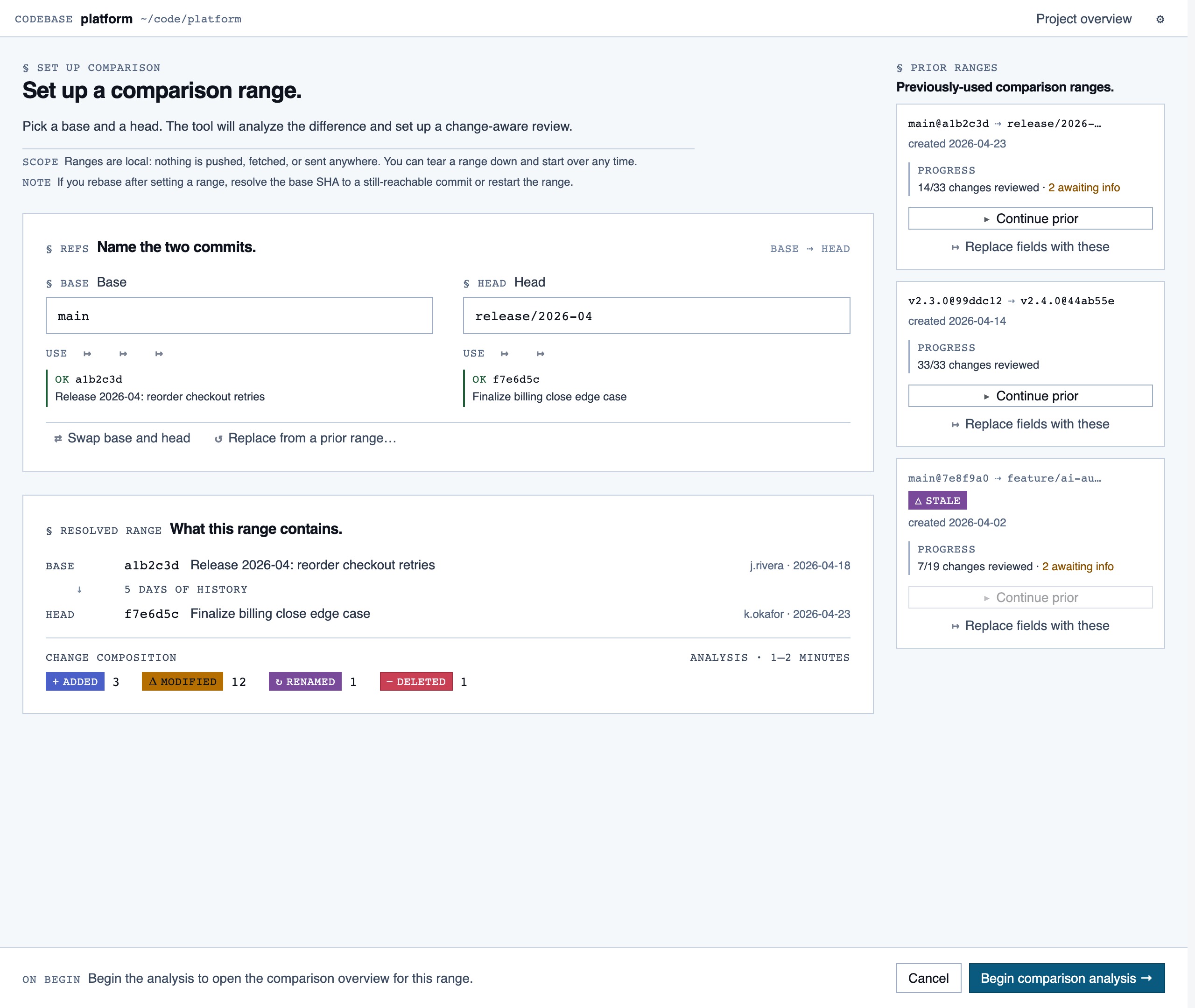
Comparison Setup — Supply two commit refs (base and head), confirm the comparison range, and kick off a comparison-mode analysis for PR rev…
Comparison Overview — Change summary for PR / AI-code audit — counts of new/modified/renamed/deleted functions and files, detected paths with …
Progress Dashboard — Coverage and composition view — path coverage vs full coverage, approve/reject/info breakdown, per-project / per-path / …
Rule Management — Author, edit, enable/disable, and scope rules (built-in / user / project) — pattern rules, shell-command rules, and LLM …
Settings — Global preferences — LLM feature opt-in/out, LLM provider configuration, syntax-highlight theme (single default for v1),…
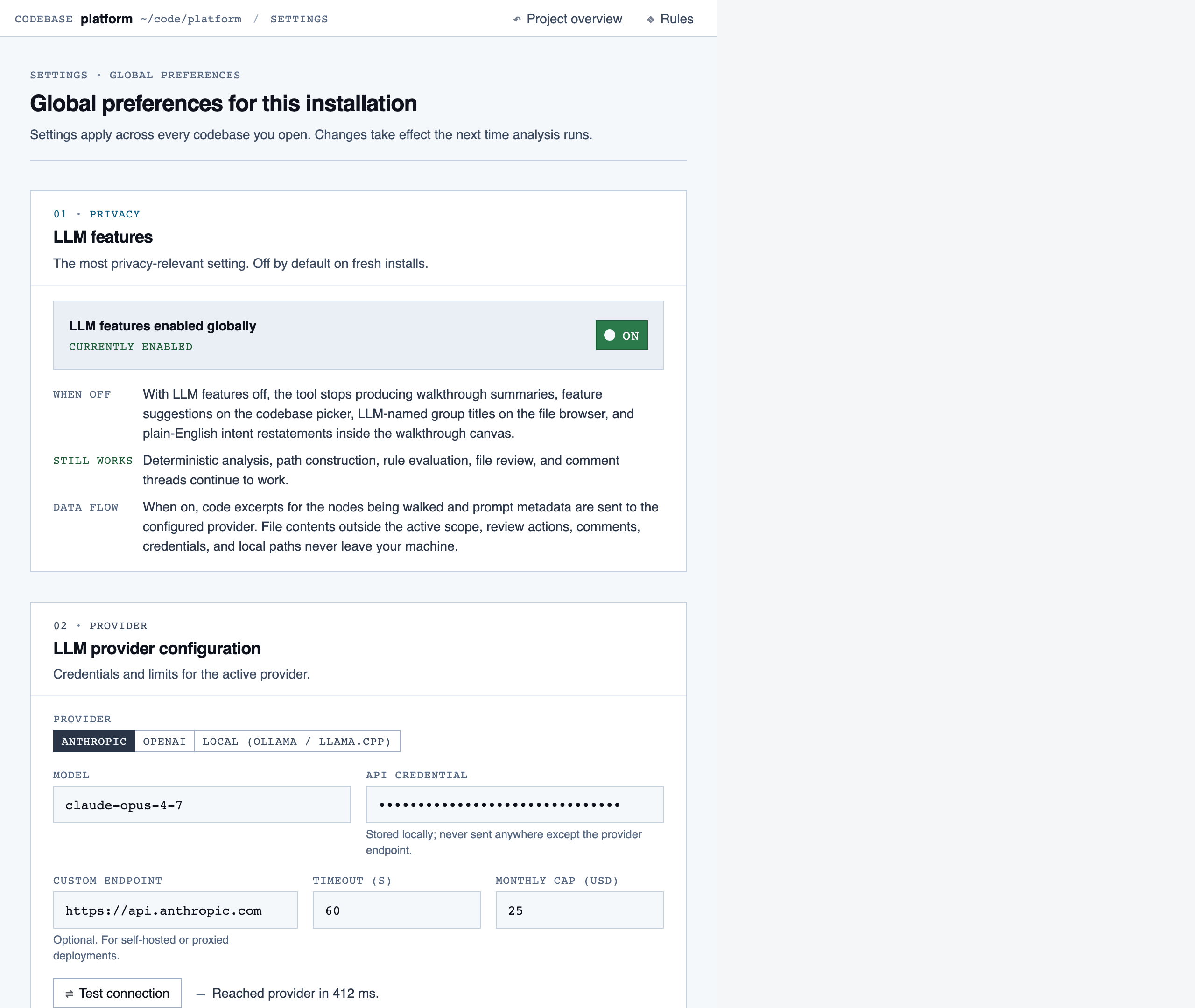
Filler content in each page is illustrative, not wired to any data source. The visuals show information density and composition, not real product state.
§ Known issues & next iteration
What the current pipeline can't express, and what we'd change.
The Code Walkthroughs run shipped on the current pipeline because the product's genre — a document-first dev tool — fits what the pipeline can express. The next iteration should fix the items below before tackling a more imagery- or motion-forward product.
Architectural gaps
- No experiential-concept stage. The pipeline treats visual identity as token sets applied to typed content rectangles. There's no stage for visual metaphor, expressive medium, motion personality, graphic system, or the unit of the product (screen vs view vs state vs canvas). Imagery-forward, motion-forward, or metaphor-driven products can't squeeze through tokens + element maps. The fix is to add an Experiential Concept stage between Discovery and IA.
- IA bakes in screens and rectangular content vocabulary.
Even with a creativity-preserving prompt, the inventory schema reaches
for
text_heading/button/list_itemand the layout schema assumes x/y/w/h on a grid. Layered, asymmetric, or state-based compositions need first-class support. - Tokens can't express imagery, motion, state, or metaphor. The Style stage compresses visual identity to color + typography + spacing + radii. Add illustration direction, motion principles, state model, and imagery samples — passed forward as first-class artifacts, not commentary.
- Stages 4–6 default to even-weight, data-dense compositions. Tokens picked at stage 3 don't carry the taste signal forward on their own. The dispatching prompts for layout / components / assembly need to require a declared focal point and a density strategy per screen — and treat "everything has equal weight" as an eval finding, not a virtue.
Process & tooling gaps
- Page eval doesn't render.
eval_page.pyverifies token usage and registry-id resolution but never mounts the page. Missing imports and prop-contract mismatches slip through. A static AST check (comparecomponents.jsonids to JSX imports/usages) plus a render-smoke-test gate would catch the class of bugs we hit during this run. - Subagent invocation hygiene. Tools were called
under several inconsistent forms (
python tool.py,python3 tool.py,./tool.py, absolute vs relative paths) and ad-hocsed/python -csnippets were used for file edits — each variation triggers a fresh approval prompt, and the cumulative friction across a marathon session was the dominant complaint about the pipeline experience. - Review experience: no gallery. The pipeline produces ~140 PNGs per project (component previews + layouts + pages) scattered through the file tree. Reviewing meant opening and closing each file. A static thumbnail gallery should ship as a stage deliverable. (Ironically, this docs page is the first time those screenshots were viewable in one place.)
- Speed. Sequential subagent dispatches plus per-command approval prompts compounded wall-clock time. Batching independent work into parallel Agent calls and reducing approval surface (the rules above) are the two main levers.
What we'd try next
- An Experiential Concept stage with imagery, motion, and metaphor as first-class outputs.
- A layout schema that accepts non-rectangular and layered compositions.
- A focal-point + density-tier requirement baked into stages 4–6.
- A render-smoke-test gate before page eval is allowed to pass.
- A built-in gallery generator at the end of stages 4, 5, and 6 — so design review doesn't require opening 140 individual files.
§ About
The Design Agent runs on Claude
Code using its subagent feature — six specialized agents under
.claude/agents/, each restricted to a small toolset, each
responsible for one pipeline stage. The dispatcher (the user's main
Claude Code session) only routes; no design work happens at that level.
Source is on GitHub. The example project's artifacts live under
projects/code-walkthroughs/; the agent definitions are in
.claude/agents/; the supporting Python tools are in
tools/.
This site itself is generated by
tools/build_docs.py walking the example project's artifacts.
Re-run after regenerating the example to refresh the gallery.